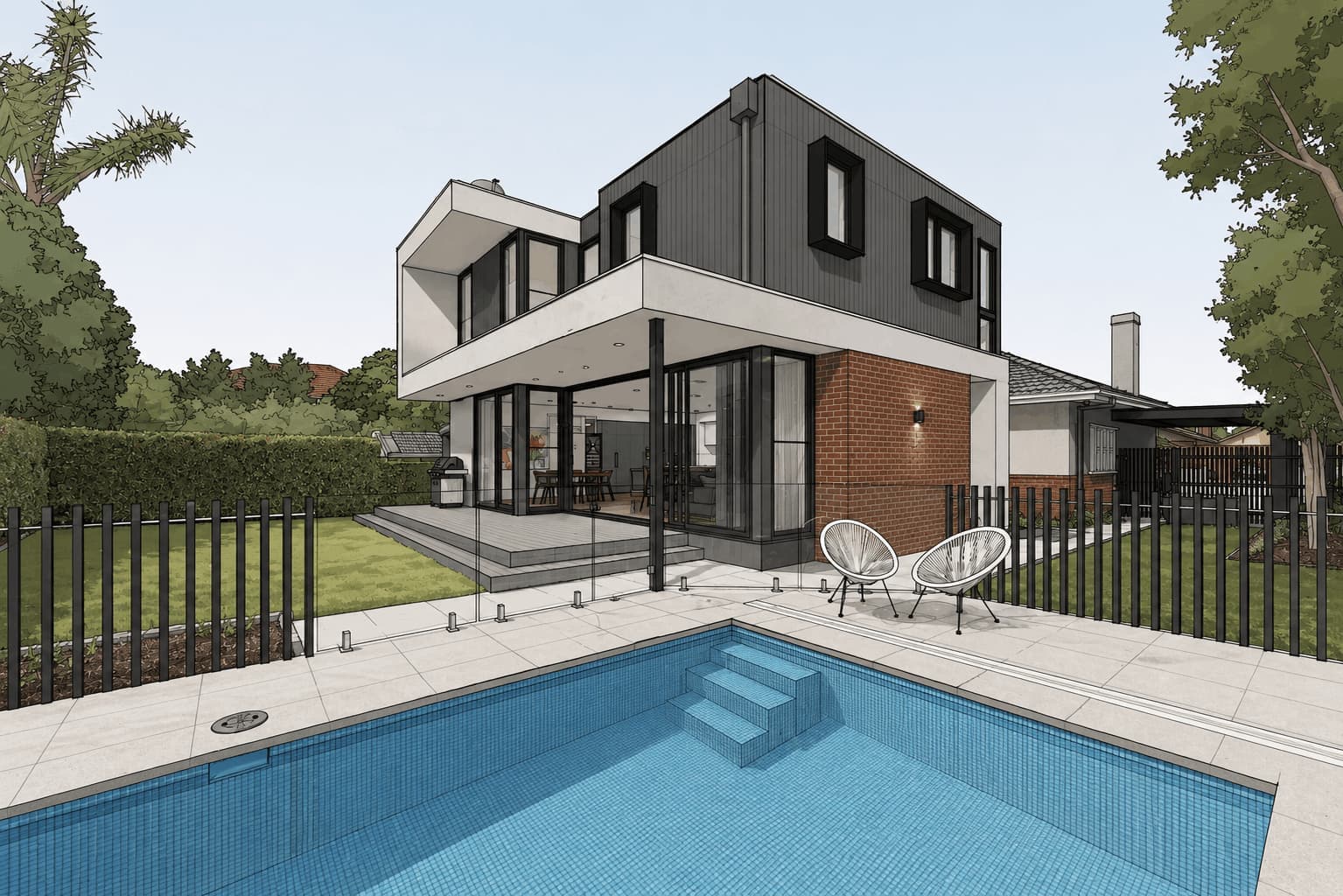
AI SketchUp Rendering Software
For Faster, Realistic Render
Turn any SketchUp model into a photorealistic render in seconds, with your geometry and materials kept exactly as you drew them.
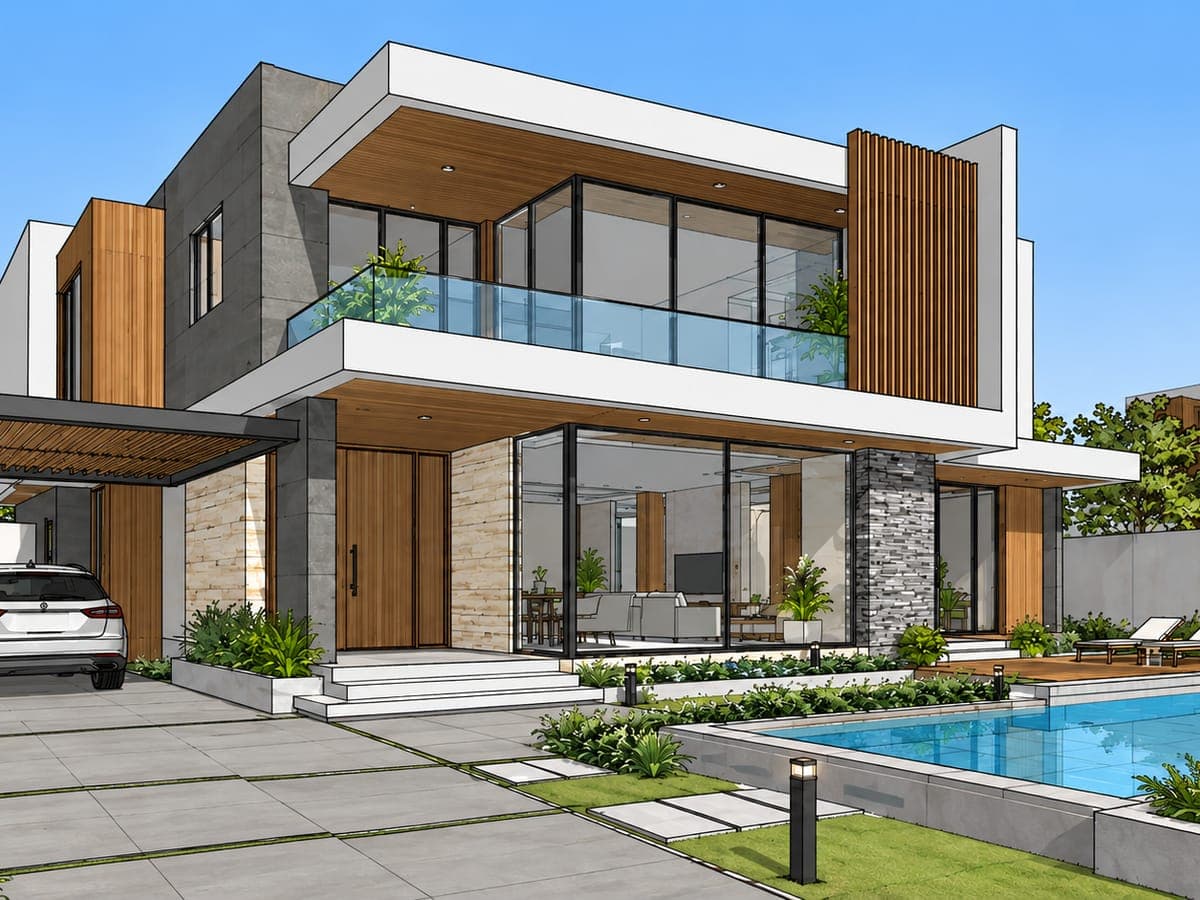
From SketchUp view to photorealistic render
Bring your design closer to the finished vision with realistic materials, lighting, and depth.
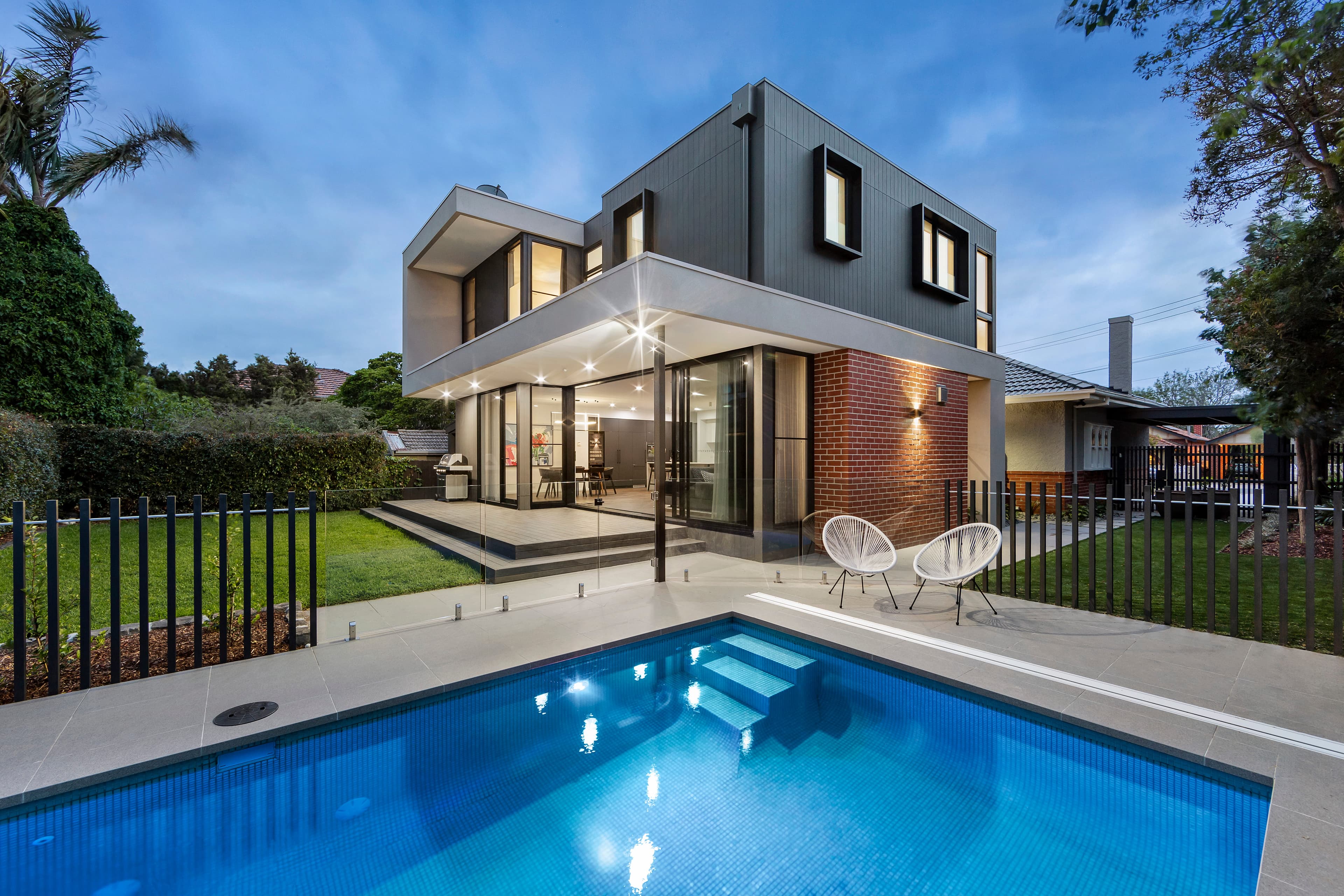
Photoreal light, materials and depth, generated in one pass
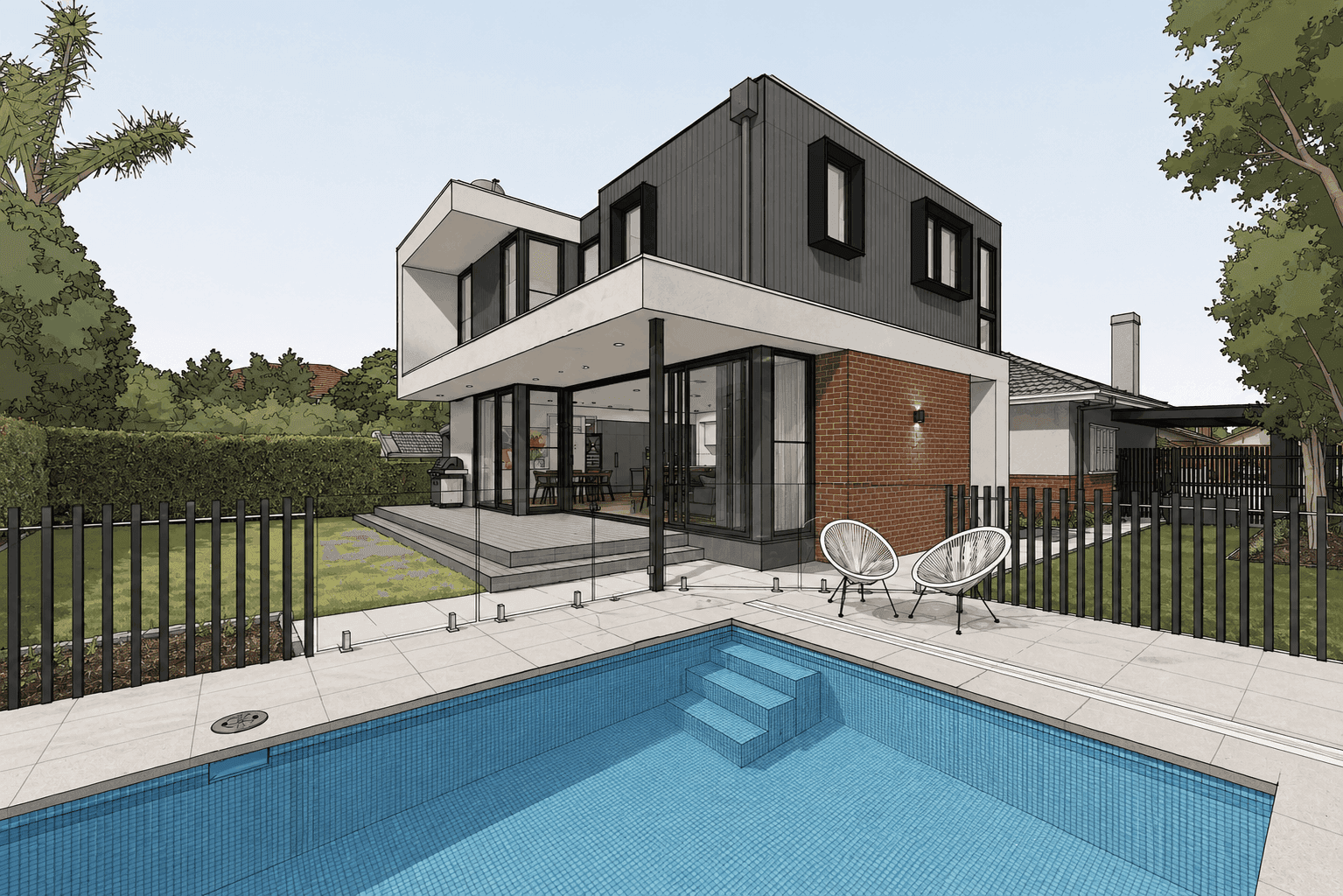
Flat faces, default shadows, placeholder materials
Works with








Lightning-fast AI SketchUp rendering
Upload your SketchUp view and get a finished visual in seconds, without slowing down your workflow.
Photorealistic results, straight from SketchUp
Photorealistic materials, shadows, and lighting, handled automatically. Your SketchUp view becomes a client-ready image with a single upload.
Explore more design directions, faster
Create multiple visual variations from the same SketchUp view. Try different materials, styles, lighting, and moods without rebuilding your scene or starting over.
Turn renders into architectural animations
Take your architectural visuals further with short animations that show clients how a space feels, not just how it looks.
What is SketchUp Rendering?
SketchUp rendering turns a rough model into a realistic render of how your design could look when built. It adds depth, lighting, shadows, textures, and material detail to your SketchUp model, helping you evaluate design ideas and present them more clearly.
With Intker, you can render directly from your SketchUp view without rebuilding your scene. Upload a screenshot or exported view, and Intker preserves the geometry, proportions, and key design details while adding realistic materials, lighting, and atmosphere. Get a polished 3D render in seconds, ready for presentations, client reviews, or design exploration.
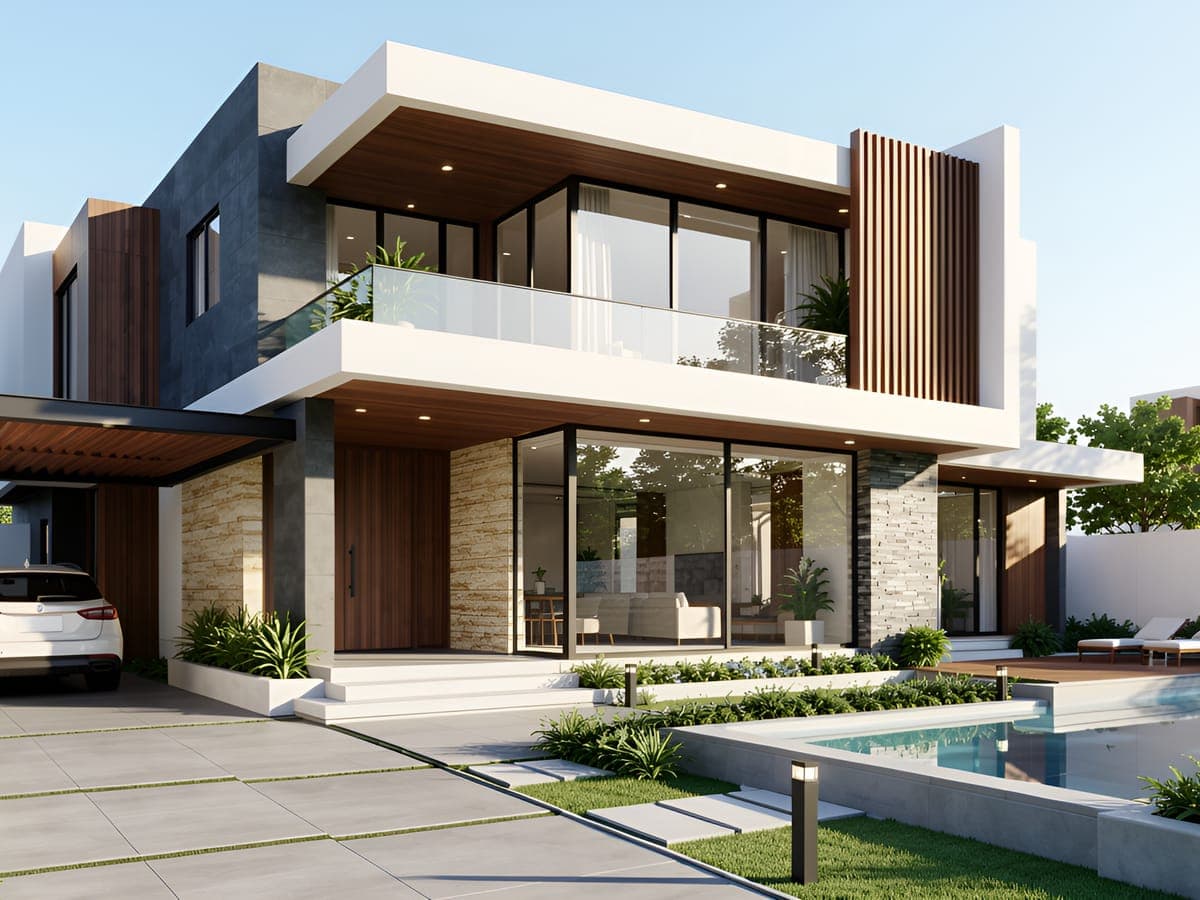
The 2026 Chaos and Architizer survey of nearly 800 professionals shows that AI is delivering meaningful time savings across architectural workflows. Intker brings that speed to SketchUp rendering, turning your model into a realistic visual in seconds while keeping your design intact.
Source: How AI is reshaping architectural design & visualization in 2026.
Made for the way you use SketchUp
Here's how Intker helps you in different situations. Your SketchUp model becomes a render, whatever you use it for.
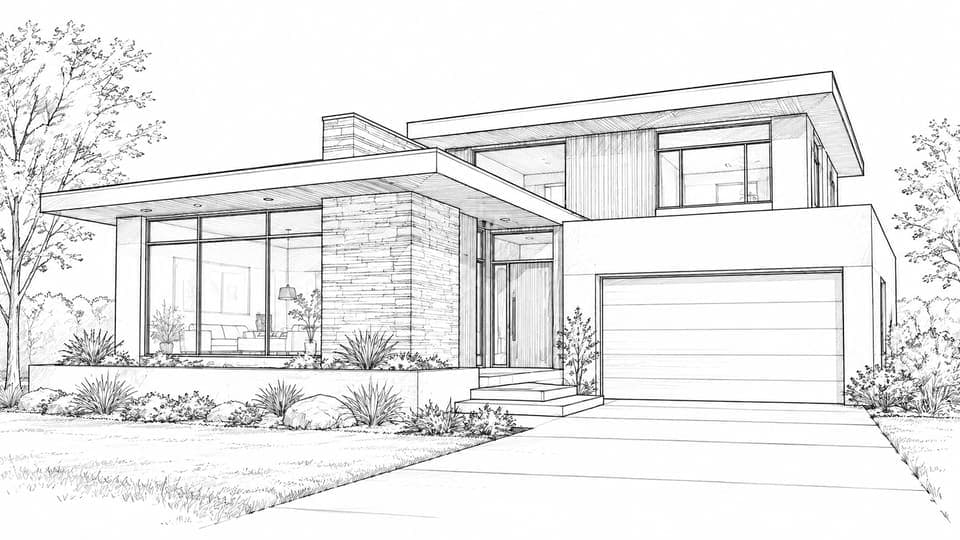
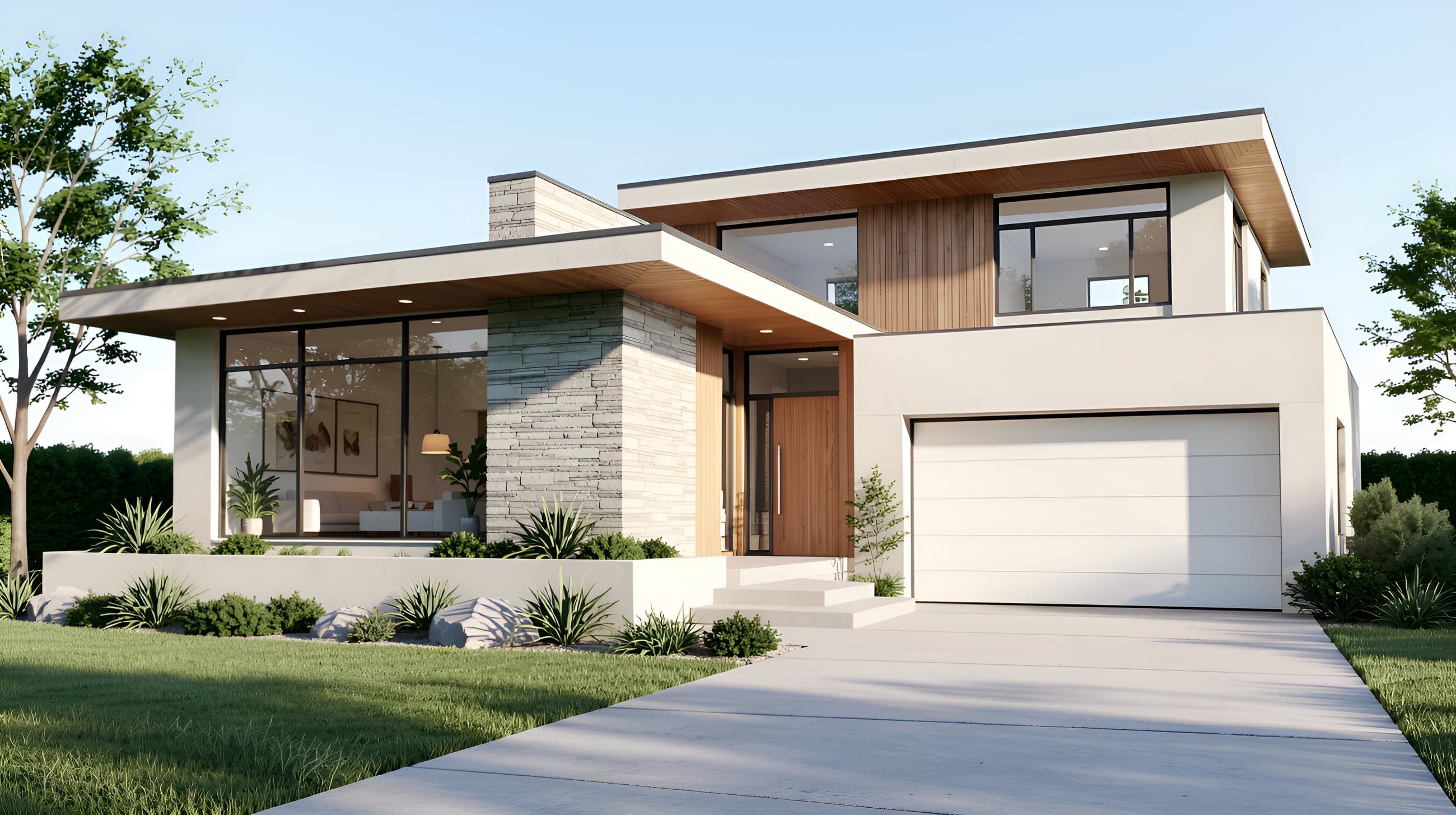
Architects
Turn a rough massing model into something clients can see, understand, and react to, before the design is locked in.
Interior Designers
Finishes never sell from a flat view. Render the same room in different material options and let clients choose what they can actually see.

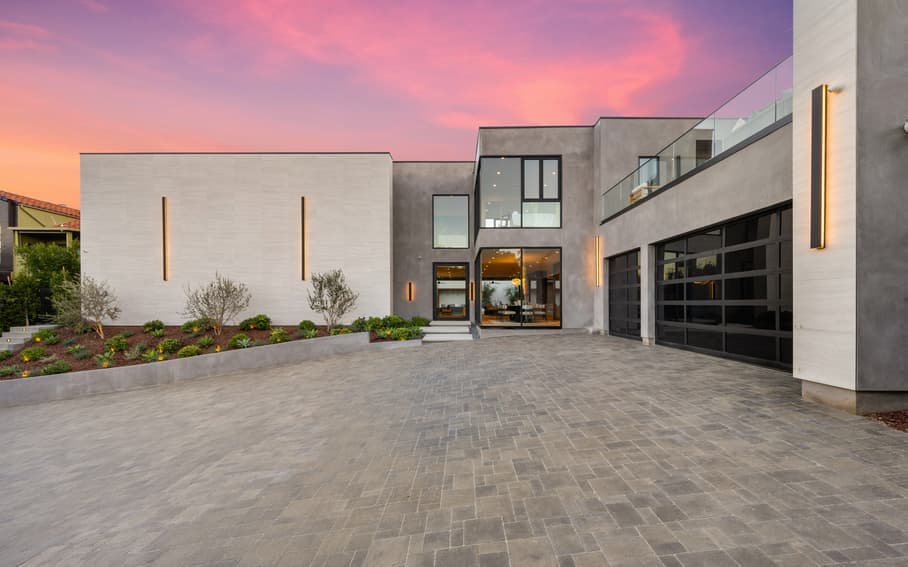
Landscape Architects
Planting and grade changes can look like grey blocks in a raw model. Render the site to show how the space will feel at ground level.
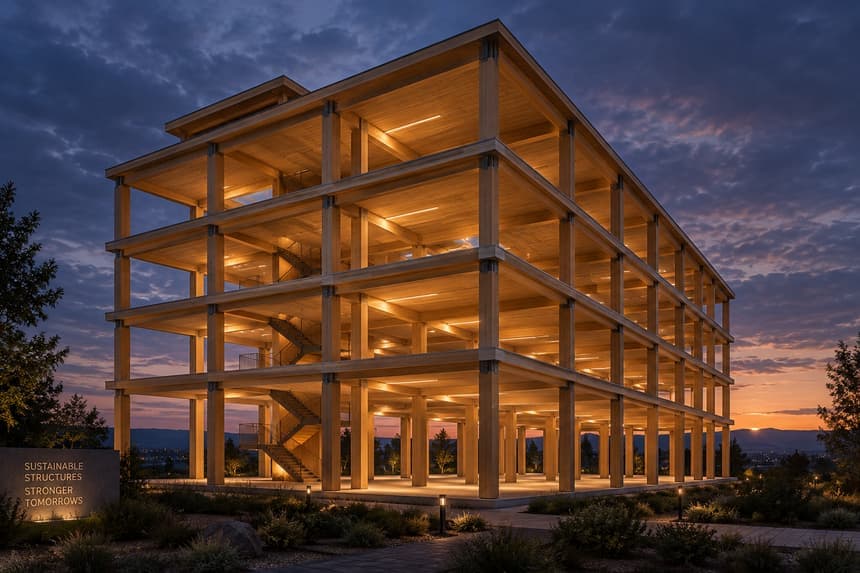
Architectural Teams
Standardize how your firm presents work. Give every project the same photorealistic finish, whether it's an early concept or a final client deck.
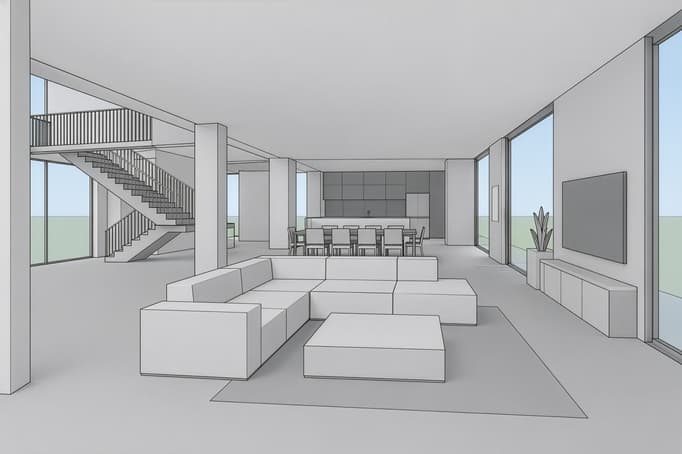
Design Teams
Keep everyone working from the same picture. Turn shared SketchUp models into renders that make design reviews faster and feedback clearer.
Complete SketchUp rendering workflow
Rendering software should fit how architects already work, not add a discipline to learn. Intker is three steps, start to finish.
Upload your SketchUp view
Export any view as an image. No plugins, no file prep, no conversion to a render-ready format.
JPG, PNG, WEBP or AVIF, up to 20 MB
Pick an AI render style
Choose from multiple design styles, including photoreal, dusk, Scandinavian, and industrial, or write your own prompt to describe the look you want.
20+ styles
Render & deliver
Get a photorealistic render back in about 30 seconds. Download in 4K, generate variations, or create architectural animations to bring your design to life.
~30 seconds · 4K
See SketchUp AI Rendering in Action
See the finished result as Intker turns a simple SketchUp view into a realistic render, with the right style, materials, and details for presentation.
Render Any SketchUp Design
Whatever you build in SketchUp, Intker turns it into a realistic render.
Architectural renders
Turn elevations and site models into presentation-ready images with detailed facades, glazing, and materials.
Interior design renders
Visualize paint, finishes, furniture layouts, and lighting while keeping your original proportions intact.
Furniture renders
Create polished visuals for individual pieces with realistic materials, clean surfaces, and accurate forms.
Exterior renders
Show facades, materials, landscaping, and surrounding context in a realistic setting.
Explore SketchUp Render Styles
Give your SketchUp view a look that fits the design. Choose from architectural render styles, materials, and color palettes, no model changes needed.
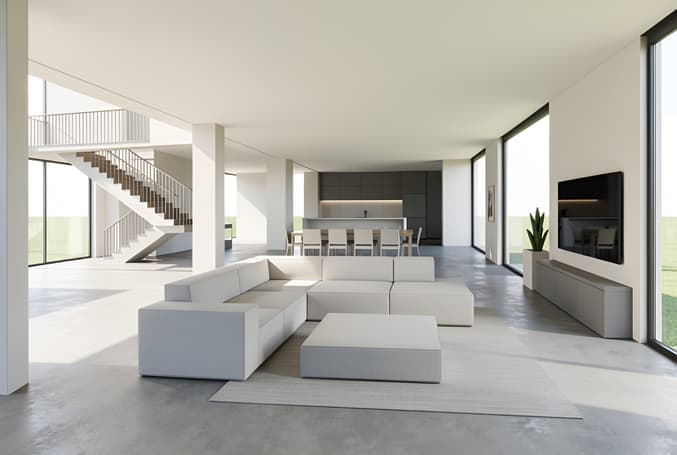
Warm Minimal
Soft neutrals, natural light
Pale plaster, oak and linen under a high, diffuse sun. The default for residential pitches.
Scandinavian Calm
Light wood, muted tones
Cool north light, birch surfaces, low-contrast shadows. Reads calm and unpretentious.
Soft Boho Warmth
Terracotta, textured layers
Clay tones, woven textures and late-afternoon sun. Good for hospitality and retail.
The SketchUp rendering software you'll actually use
How SketchUp Rendering in Intker Feels Different
Fewer decisions between you and the image.
Photorealistic AI renders
Upload a SketchUp view and get back an image that reads as a photograph. Materials, light and reflections resolved in about 30 seconds.
Your design stays your design
Most AI tools redraw your building to fit the picture. Intker holds your geometry, so walls, openings and proportions land exactly where you put them.
Walkthrough animations
Go beyond the still. Turn a rendered view into a short animation that shows clients how a space feels to move through.
Render variations
One view, many directions. Generate alternative styles, materials and times of day without re-uploading or rebuilding anything.
Everything in one place
Renders are stored online, so your whole team works from the same visual. Concepts, revisions and finals stay together, with no file transfers or version confusion.
Intker vs a traditional render workflow
How a browser-based AI workflow compares with setting up and rendering scenes by hand, step by step.
Start from a design you already have and begin exploring right away
Prepare files and set up the scene
Test render styles, materials, furniture, and layouts without extra effort
Make changes manually
Generate 5s or 10s animations for a clear sense of the space
Build and animate scenes manually
Apply different render styles or reference images to explore directions
Adjust materials and styles manually
Add virtual staging, lighting changes, and aerial site views
Use separate tools or workflows for each
Architects and designers, rendering faster
“The best part is how quickly I can test different looks without rebuilding my model.”
“The speed makes a huge difference when clients want to see multiple design directions.”
“It's become my go-to when I need a realistic visual without a complicated setup.”
See What Your SketchUp Design Could Look Like
Go from a SketchUp model to a realistic, presentation-ready render in seconds. Upload a screenshot or exported view and start exploring your design from a whole new perspective.