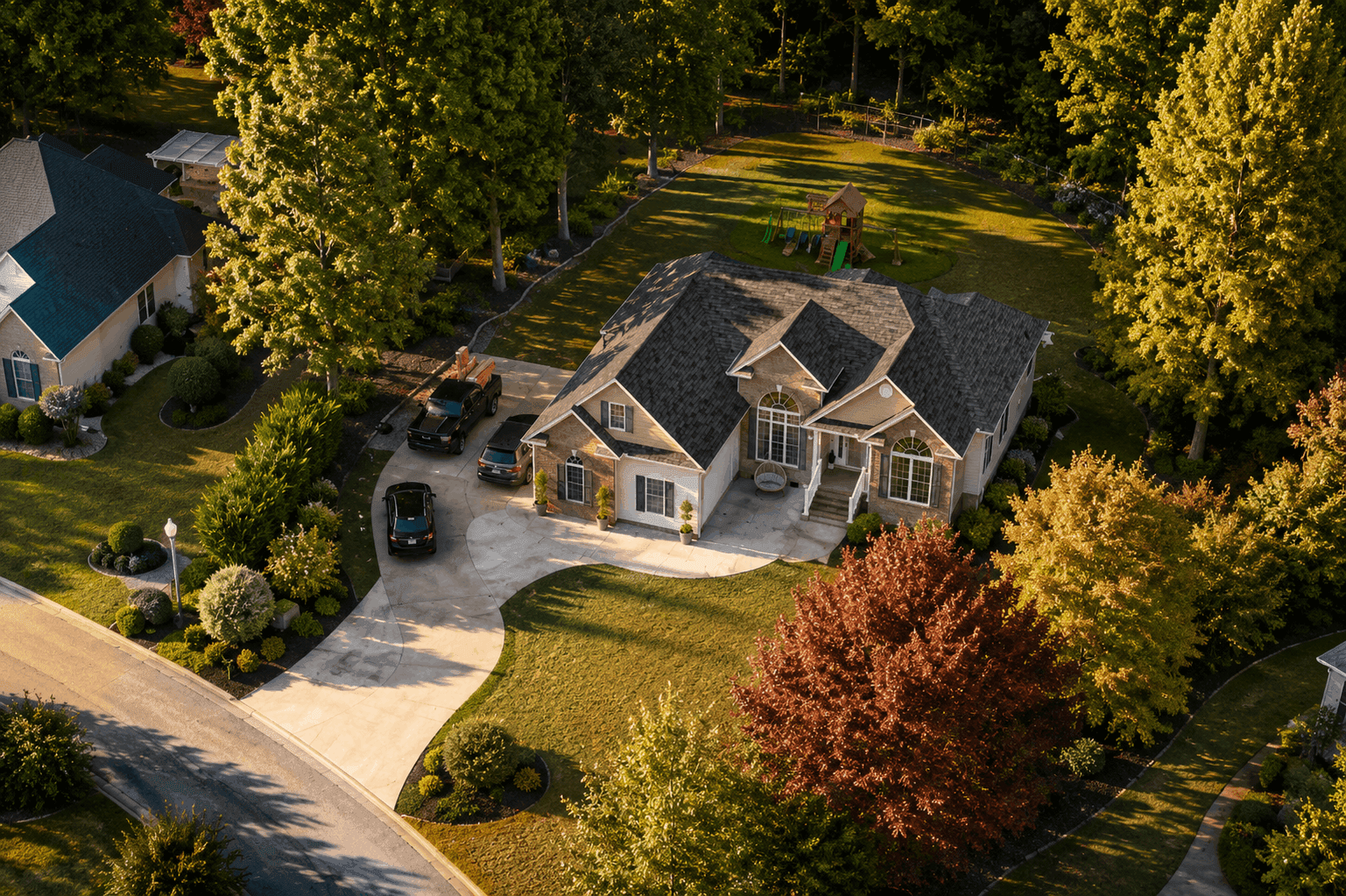
Site Plan Rendering to Visualize Your Design in 3D
Get realistic 3D site plan rendering from your 2D plans with AI, including detailed landscaping, architecture, materials, and site context.
Works with








See the difference
See What Your Site Could Look Like
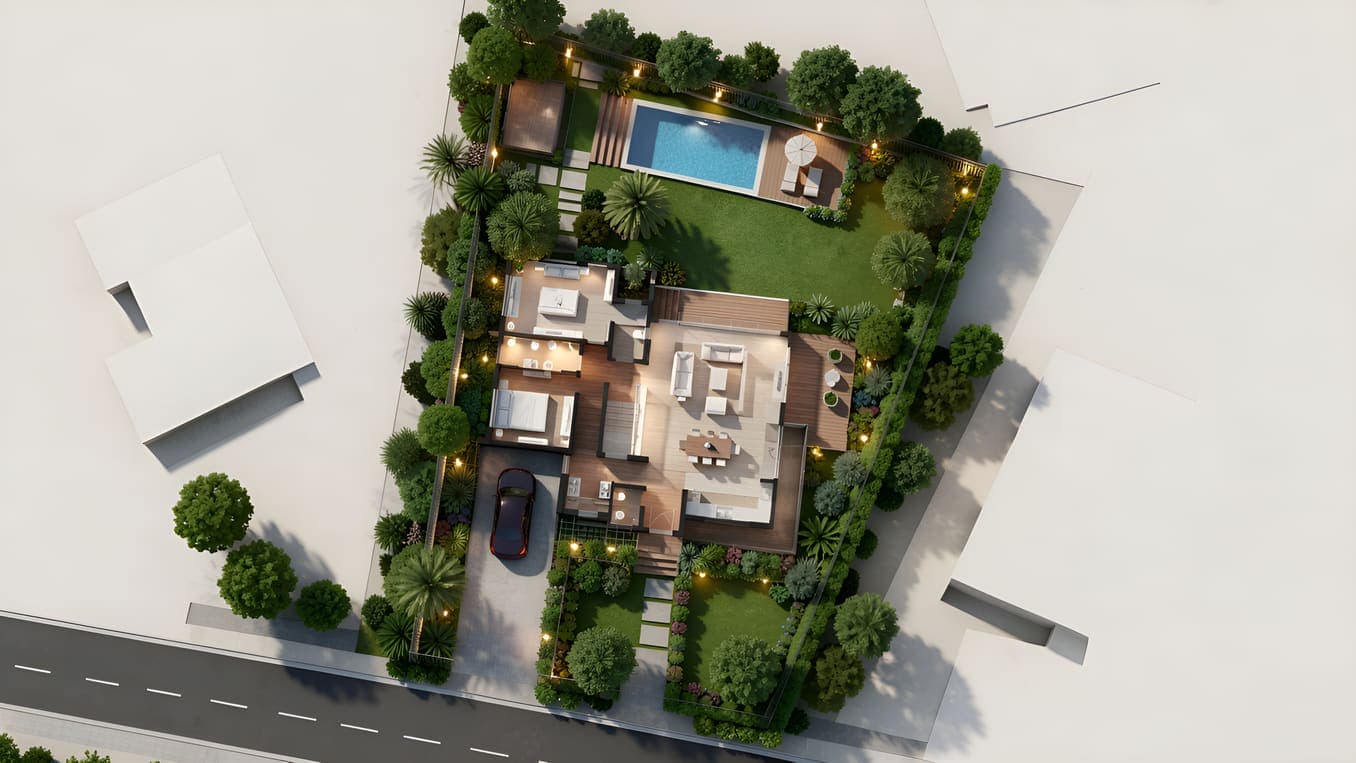
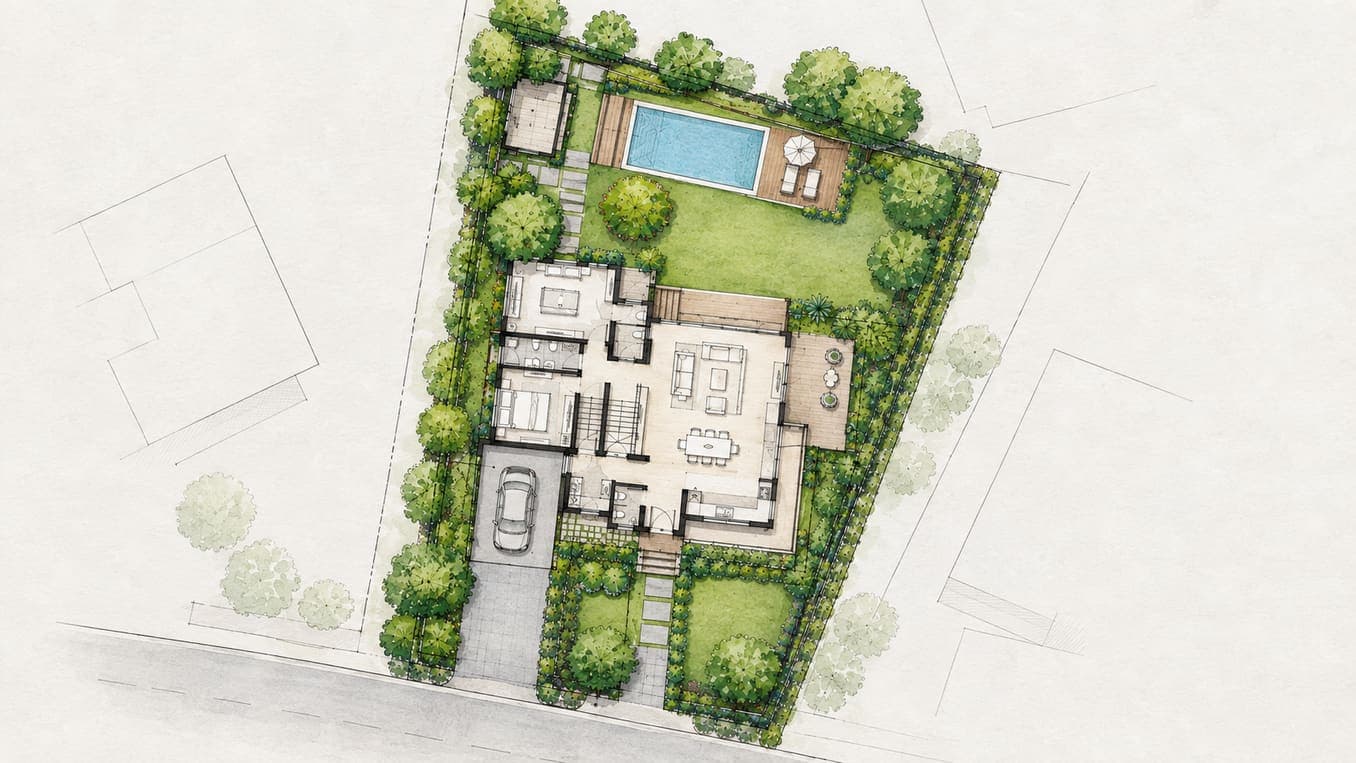
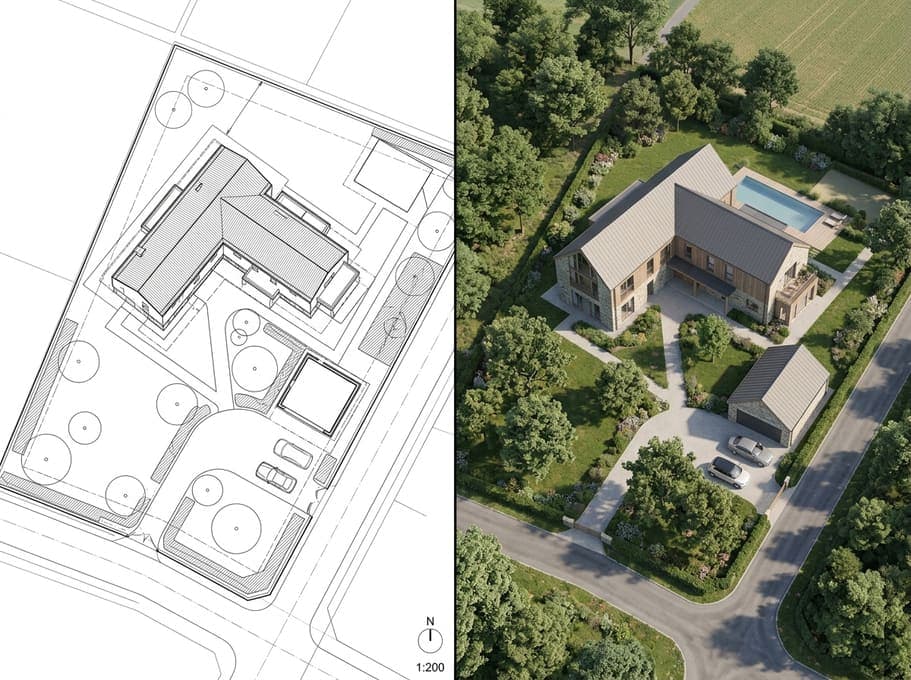
See how AI rendering adds realistic architecture, landscaping, materials, lighting, and site context to a simple 2D site plan.
Explainer
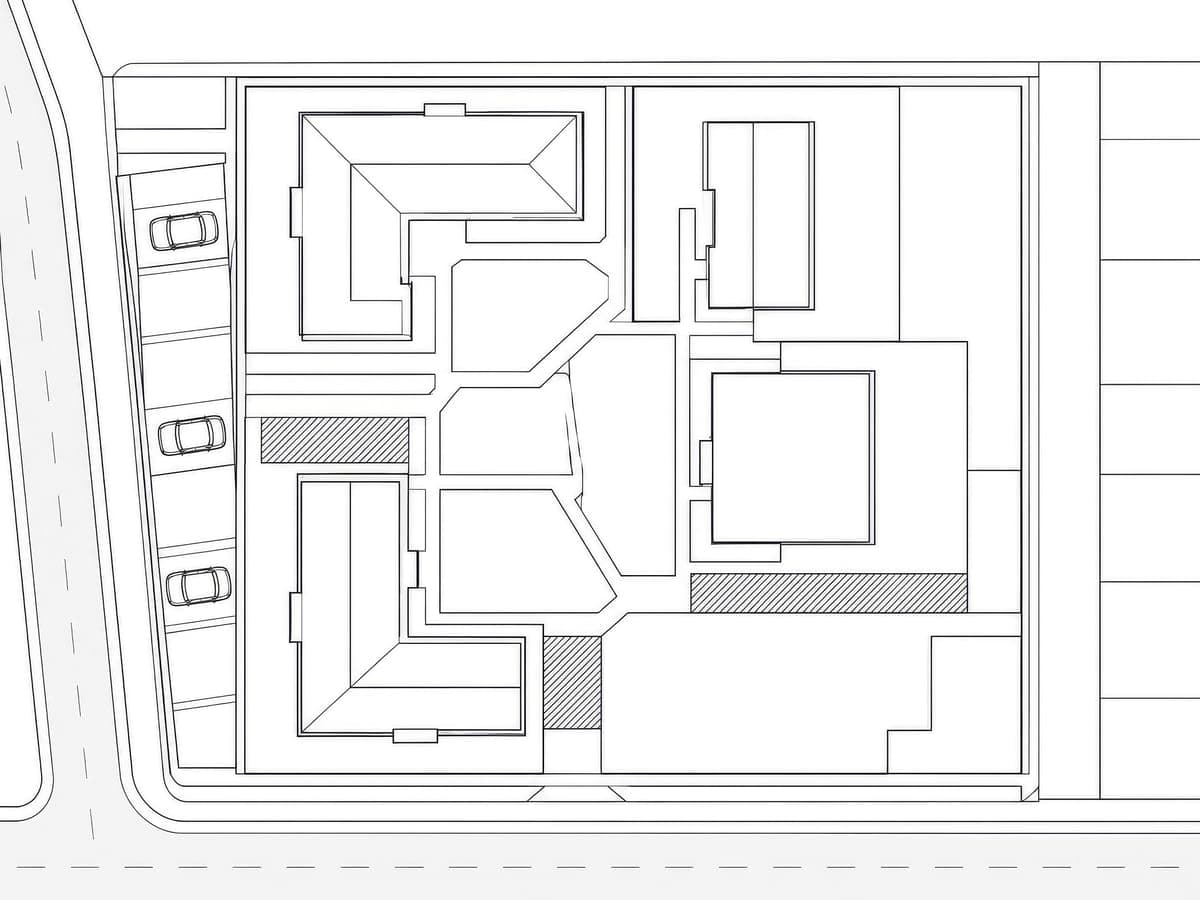
What is Site Plan Rendering?
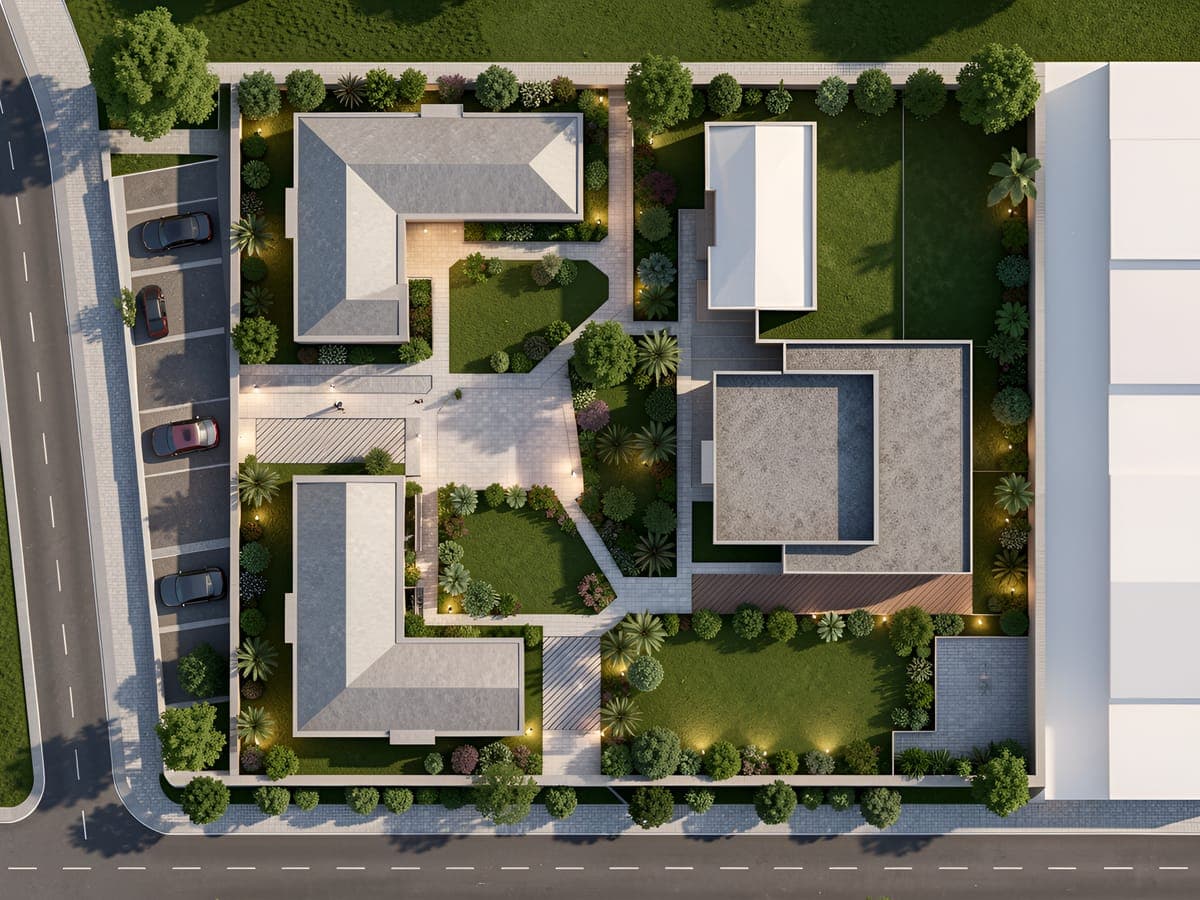
Site plan rendering turns a 2D site plan into a realistic visual of how the complete space could look. It adds depth to buildings, landscaping, pathways, materials, lighting, and surrounding context.
With Intker, upload your 2D site plan and let AI generate a detailed 3D site visualization in seconds. Explore different render styles, materials, and site details while keeping your original layout and design intent intact.
Features
More Control Over Every Site Plan Rendering
Go beyond basic AI rendering. Intker gives you the tools to shape your 3D site visualization with greater control.
Site Plan Options
Choose the right site setup to visualize different project types with greater context.
Design Styles
Shape the look and feel of your site to match your design direction.
Lock Scale & Dimensions
Keeps your site's layout and proportions close to the original plan while you explore styles.
Lighting Options
Set the right lighting and atmosphere to see how your site changes throughout the day.
Ready to See Your Site in 3D?
76% of homeowners say their professional's use of AI helped them visualize their project (Source). Upload your exported view and give clients that clarity with Intker.
- No installs needed
- No learning curve
- Renders in seconds
Gallery
See Your Site From a Whole New Perspective
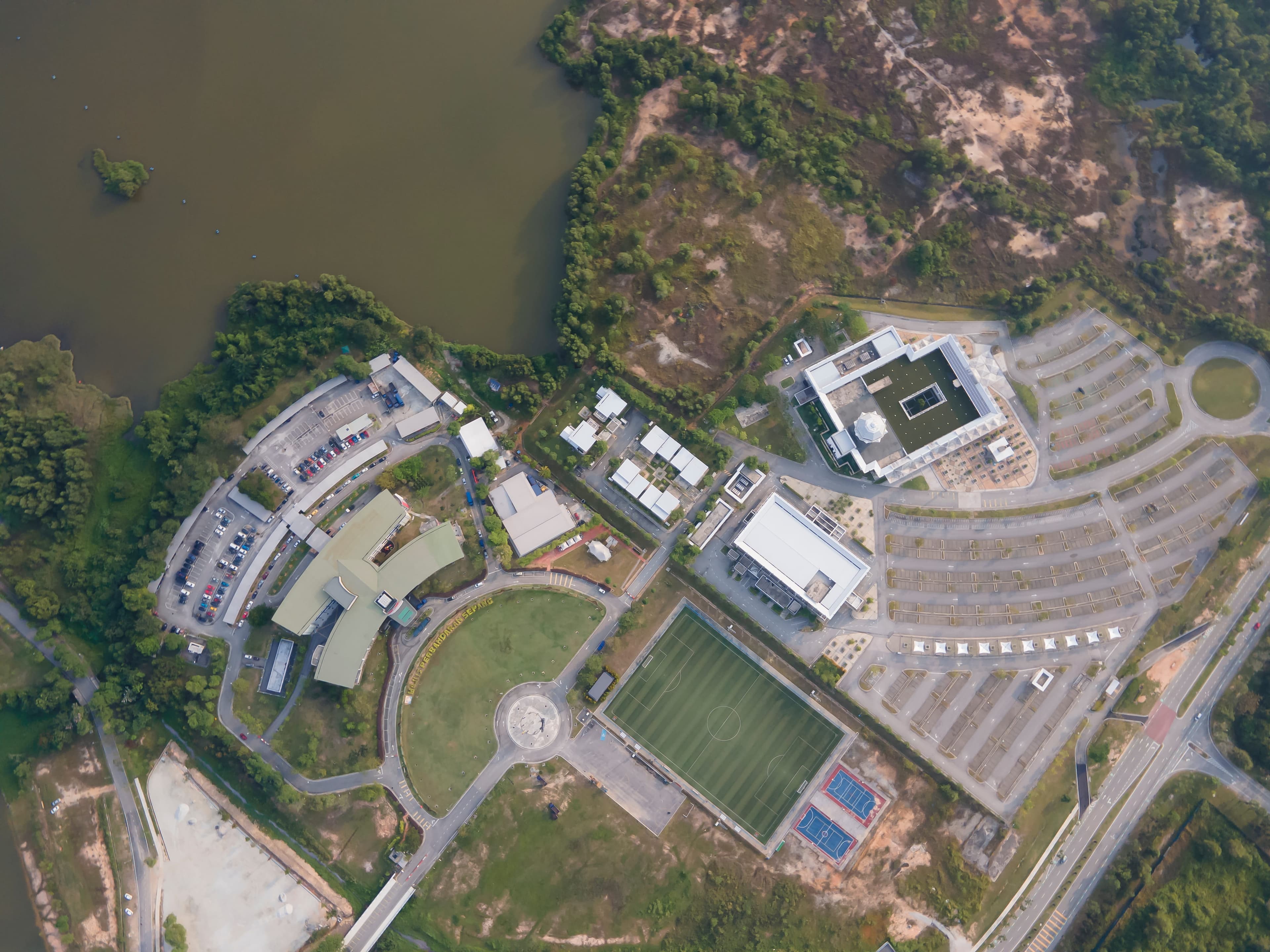
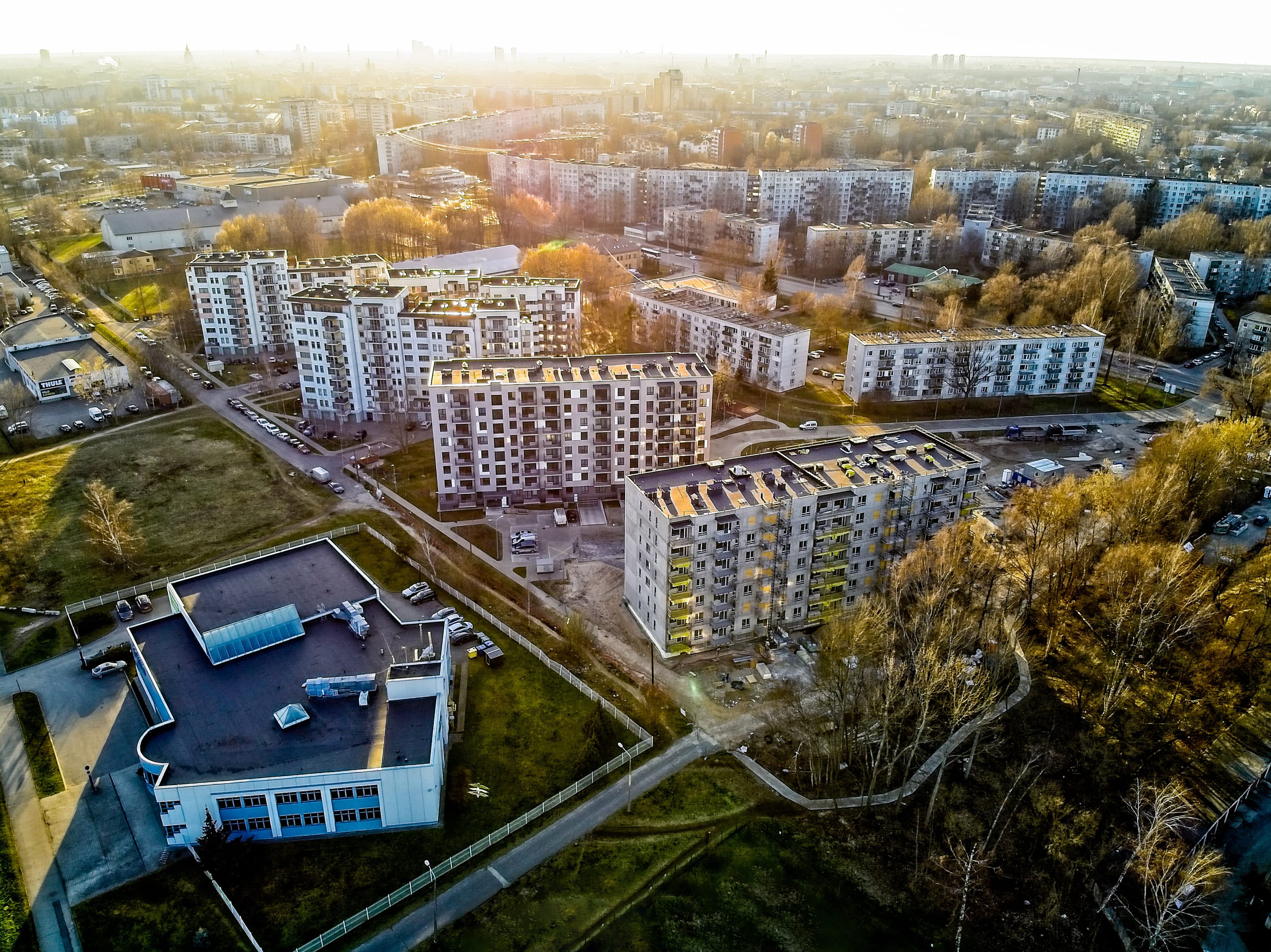
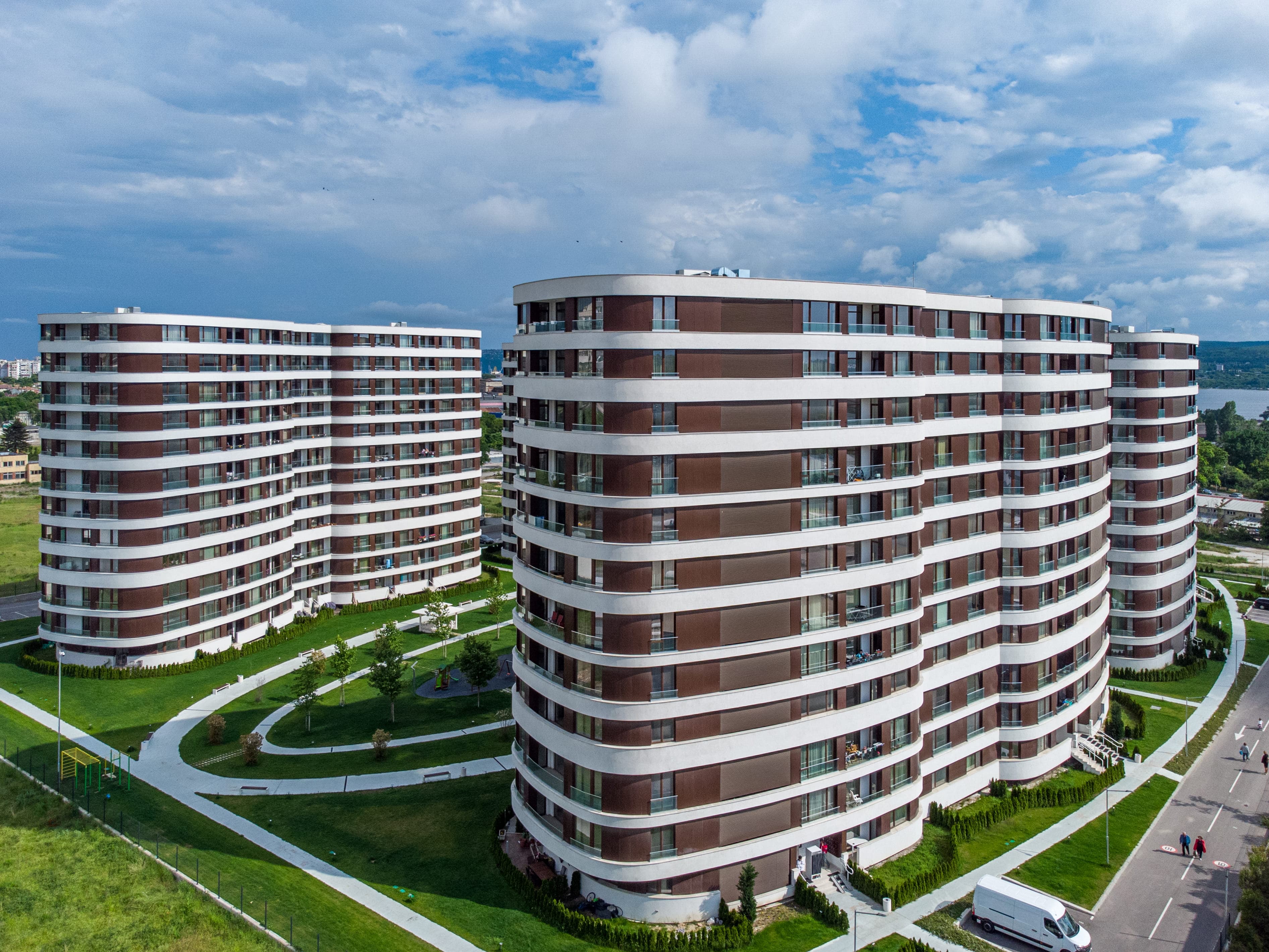
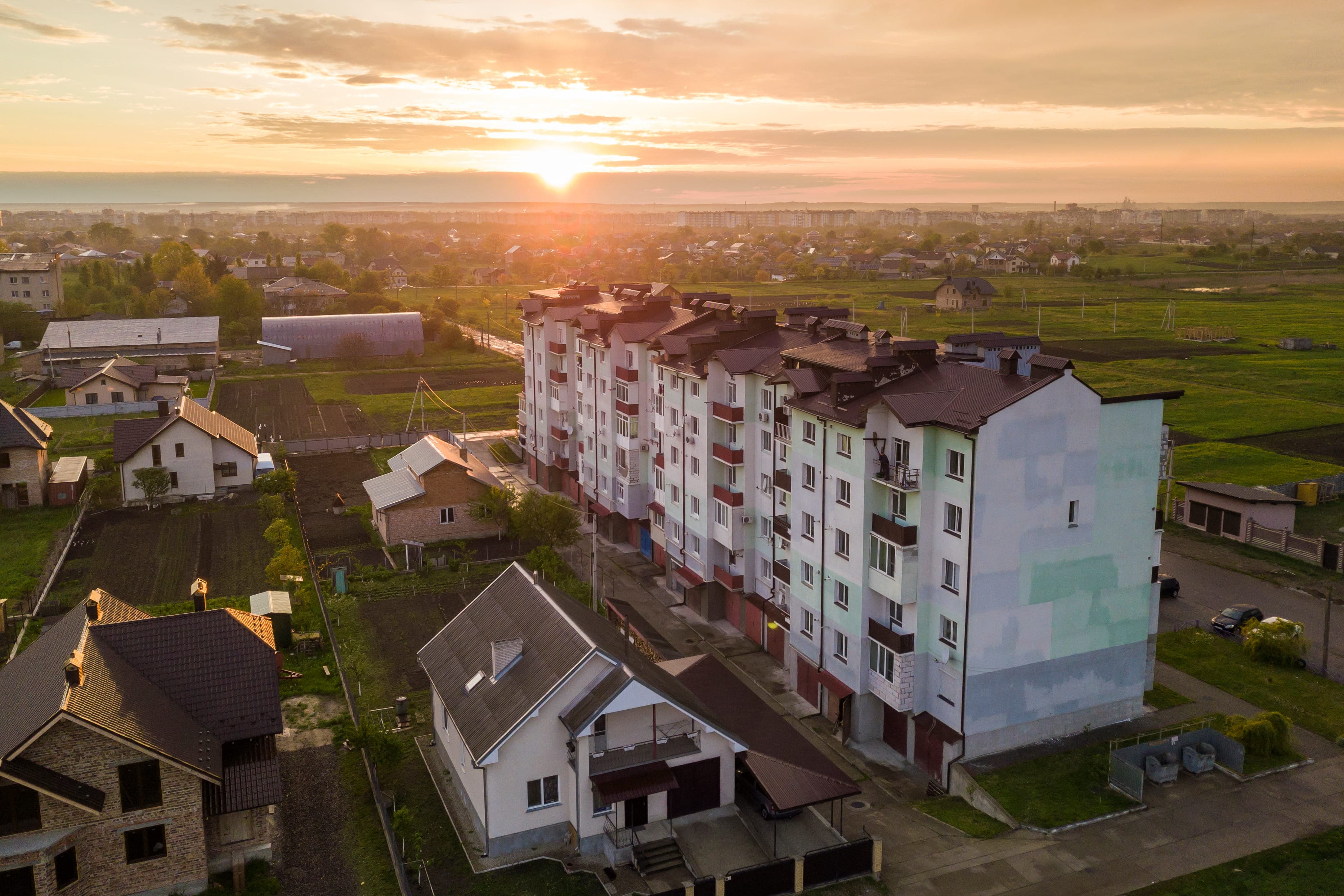
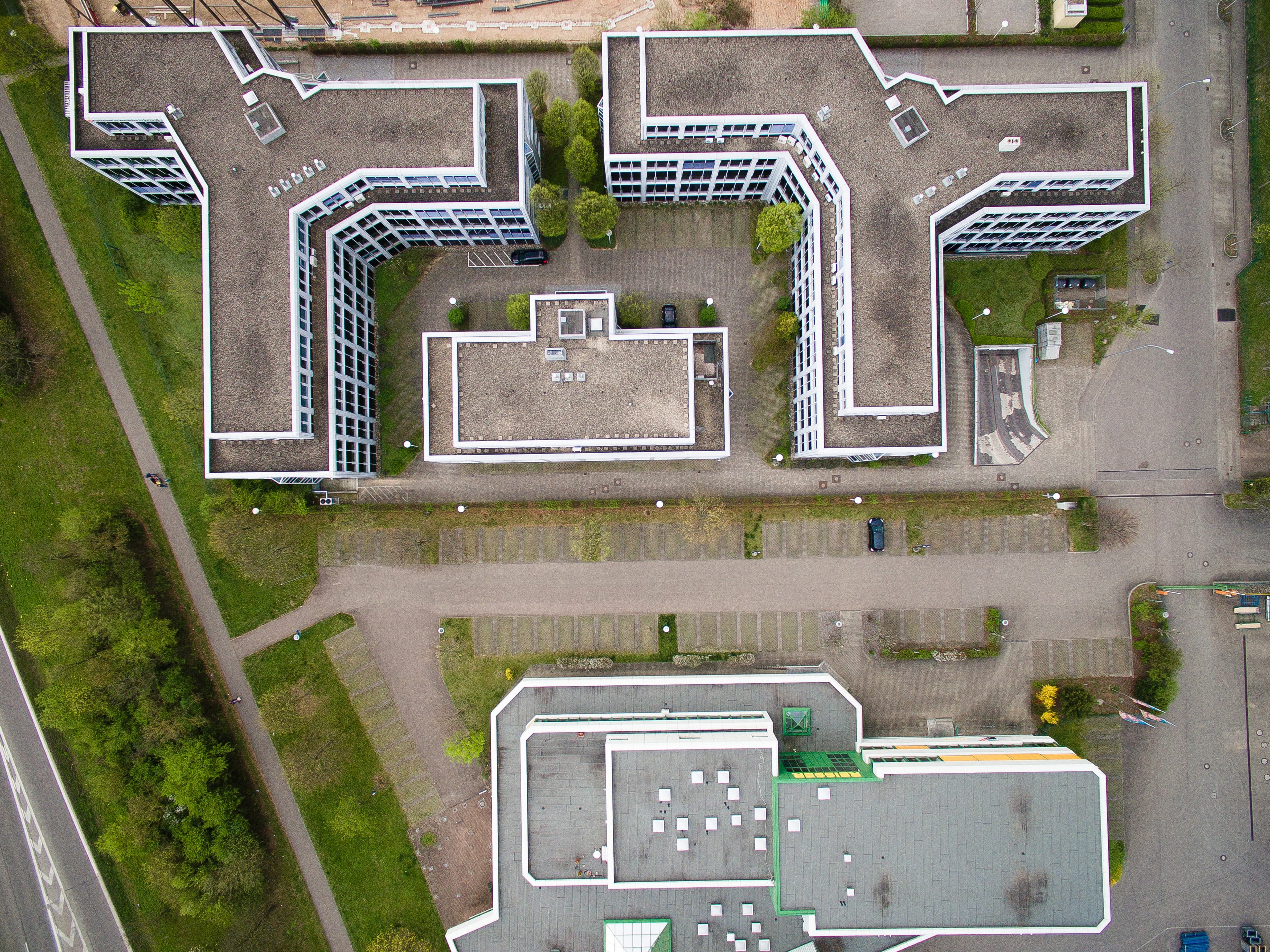
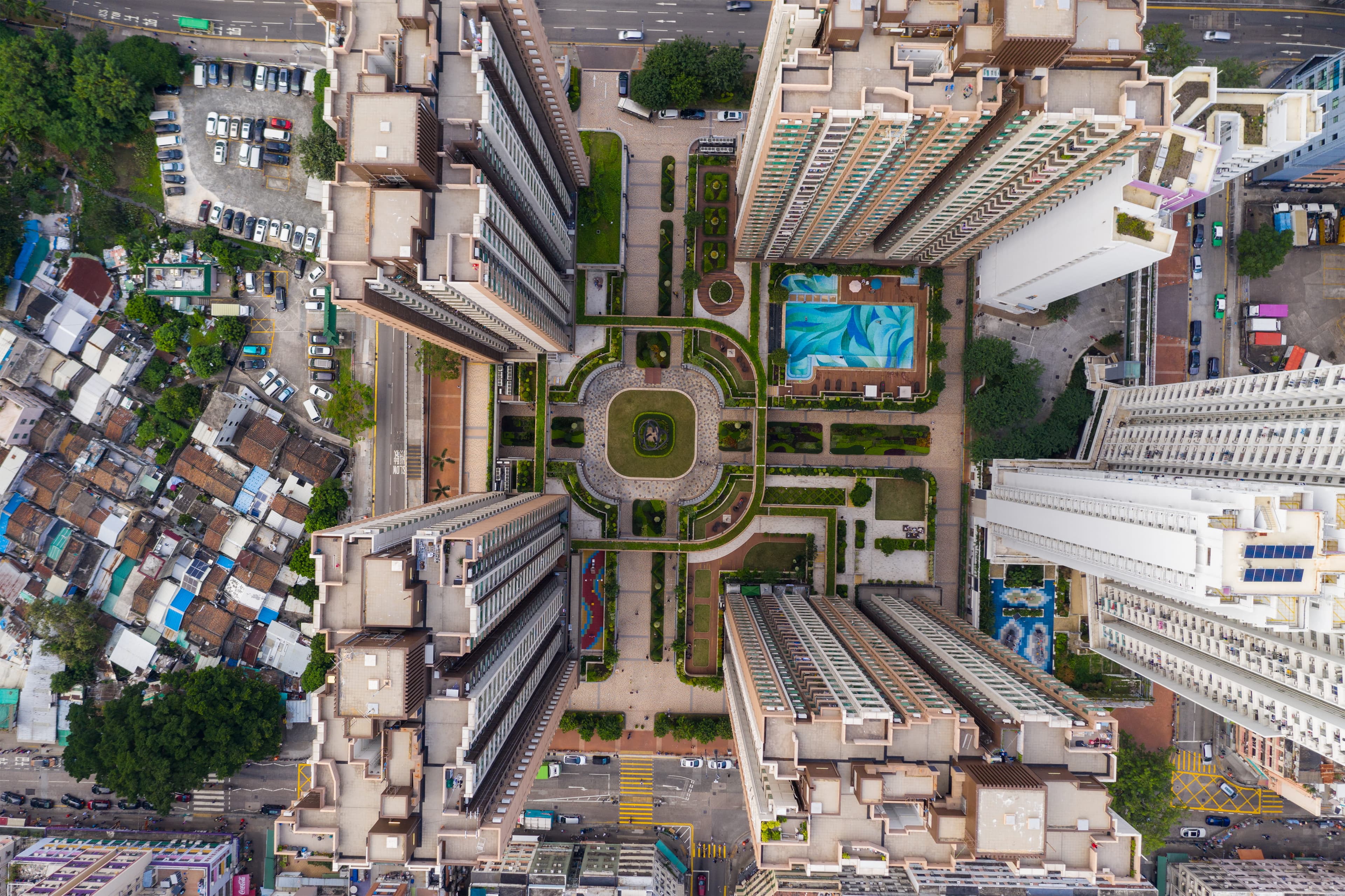
Photorealistic aerial rendering with detailed landscaping, materials, and surrounding site context.
Workflow
Steps to Visualize Your Site Plan
Turn a 2D site plan into a clear, presentation-ready 3D visual.
- 1
Upload your site plan
Upload your site plan or drawing to get started.
- 2
Customize your site
Set the visual style, landscaping, weather, ground conditions, and other site elements.
- 3
Generate your render
Create a detailed 3D site visualization for presentations and client reviews.
Any project, any discipline
Made for every kind of site plan
Here's how Intker helps you in different situations. Your site plan turns into a render regardless of what you do with it.
Architects
Present your design in context, with the surrounding build and site conditions visible in a single view.
Real Estate Marketing Teams
Produce site imagery for listings, brochures, websites, and launch campaigns before anything is built.
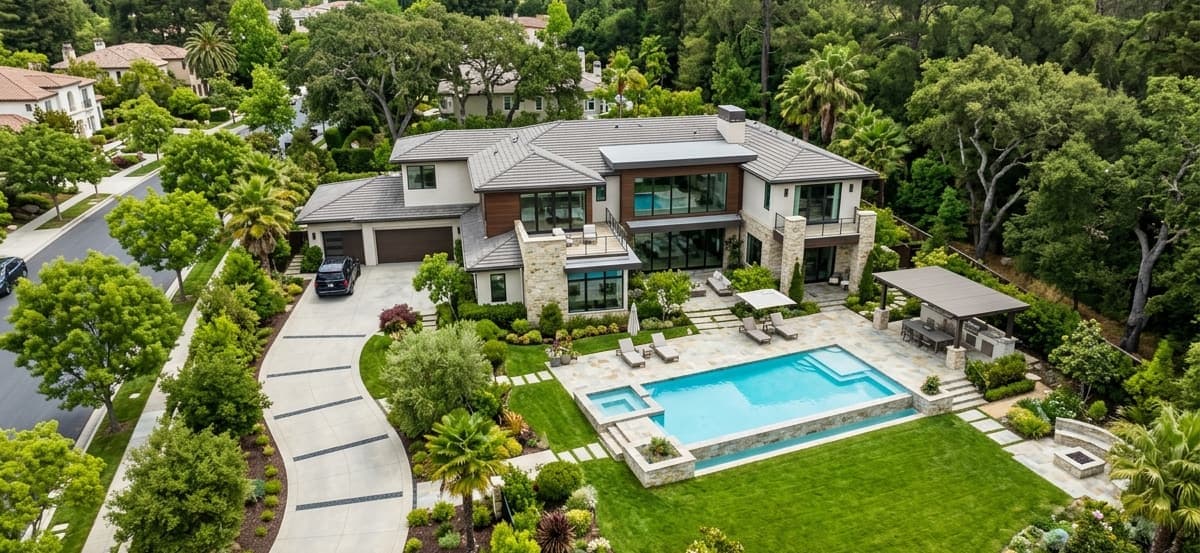
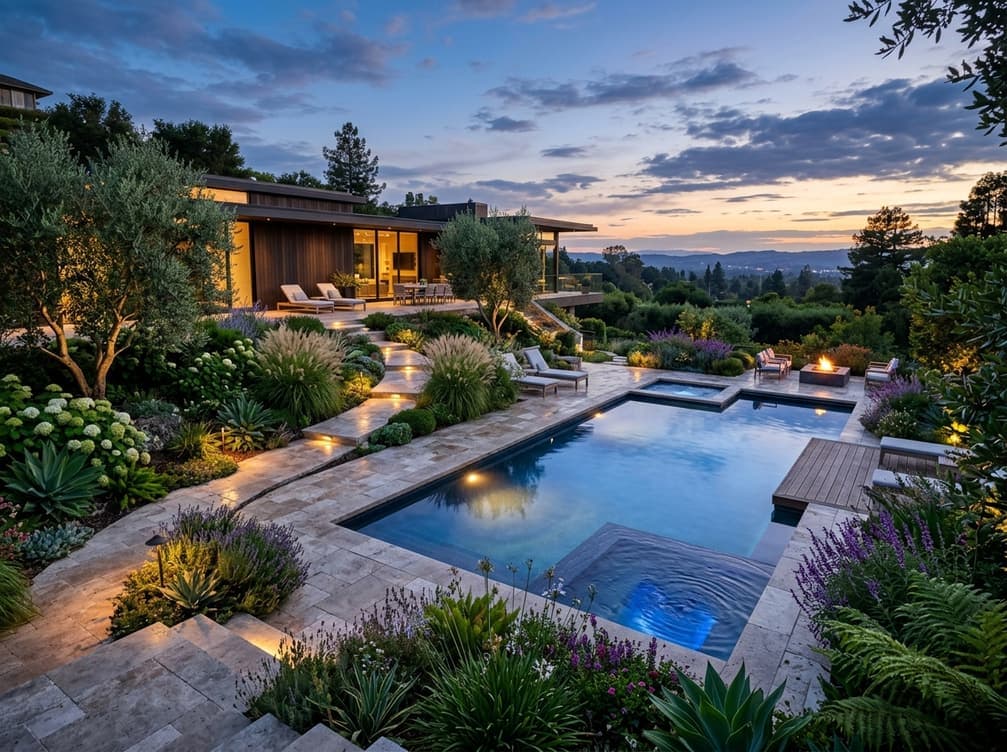
Landscape Architects
Show how planting, pathways, terrain, and outdoor spaces come together through detailed architectural visualization across the entire site.
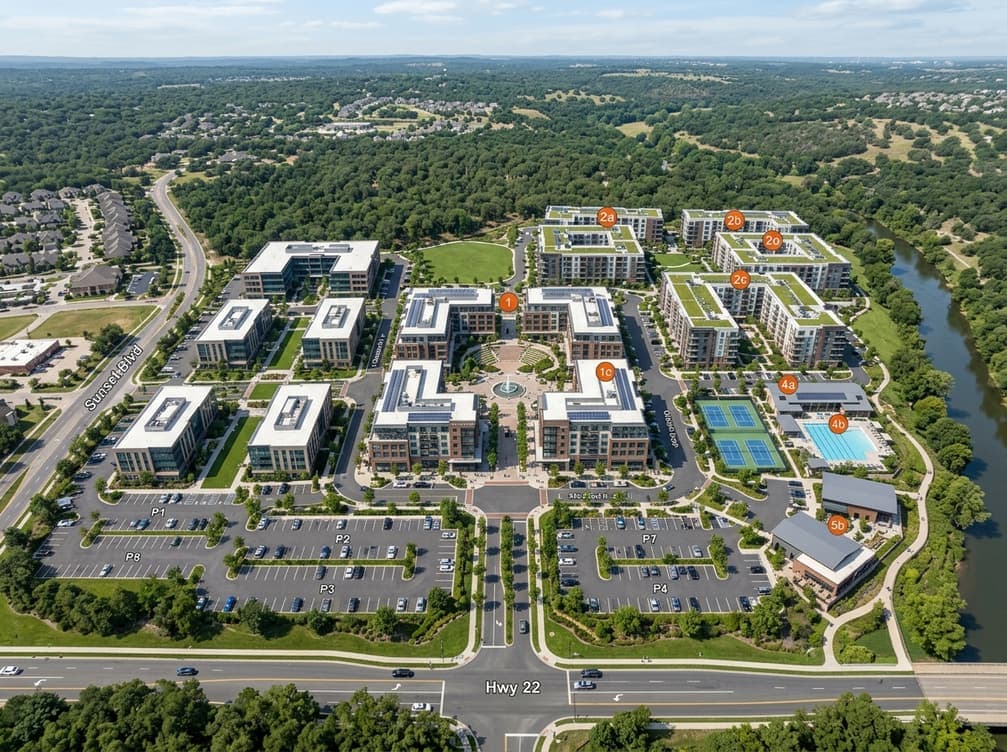
Real Estate Developers
Communicate the full development to investors and boards, including building layouts, open space, roads, and amenities.
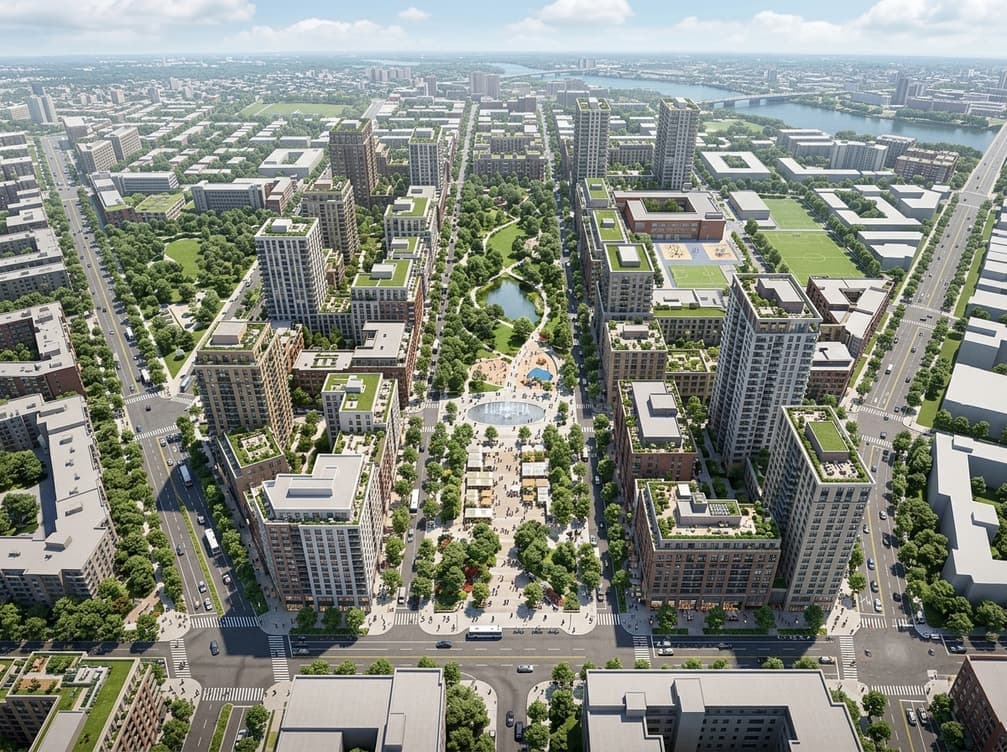
Urban Designers
Explore how buildings, streets, and green spaces relate through 3D visualization at masterplan scale.
Aerial view
See aerial rendering in action
See how realistic 3D rendering brings buildings, landscape, surroundings, and atmosphere together in one aerial view.
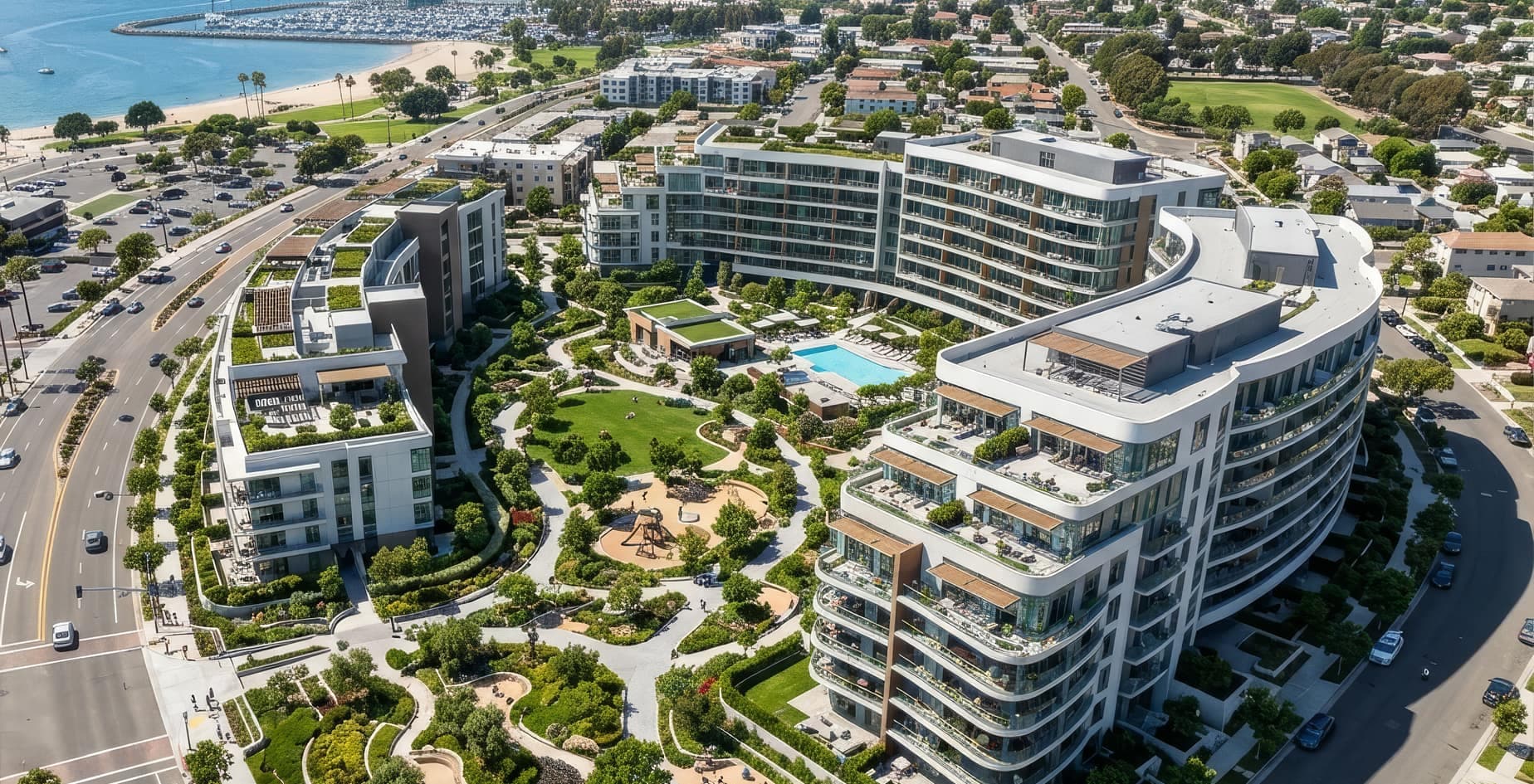
Site plan renderings that bring your project to life
Create stunning site plan visuals with realistic terrain, landscaping, and context. Turn an exported CAD or SketchUp site plan into a presentation-ready visual in about 30 seconds.
Full creative control
Site Plan Rendering with More Control
A generic render won't tell the full story. Intker gives you the creative control to shape realistic 3D renders around your vision, from lighting and season to perspective and site context.
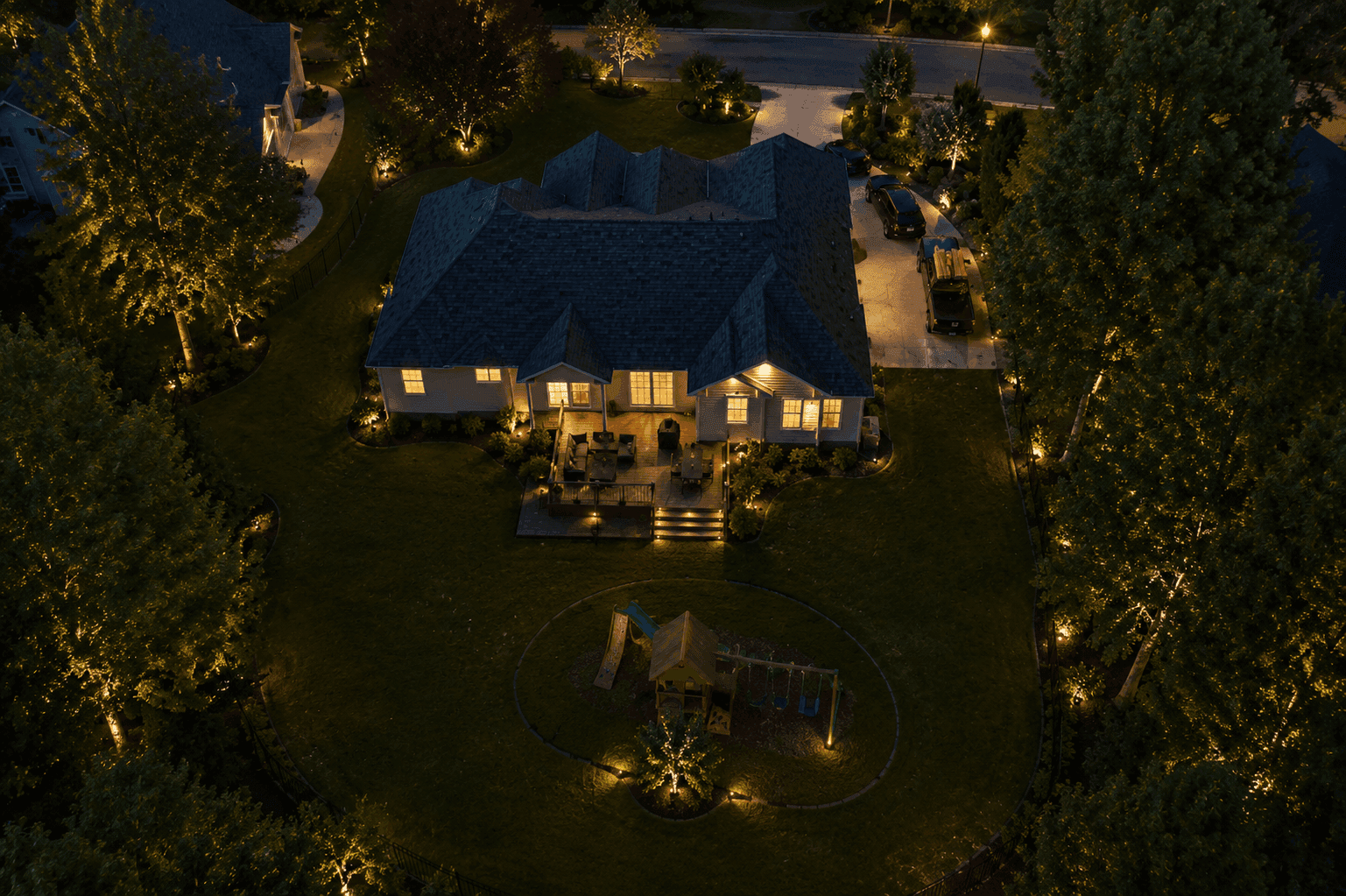
Ready to Create Your Site Plan Rendering?
Make your next presentation more compelling with realistic 3D renders that show the whole site in context.