Create Realistic Render Variations with AI Style Transfer
Generate every version of your design at once. Materials, styles, lighting, and layouts, all from a single upload, in seconds.
Works with








Versatility
Powerful Tools for Render Variations
Combine different options to explore realistic AI renders that fit your creative direction.
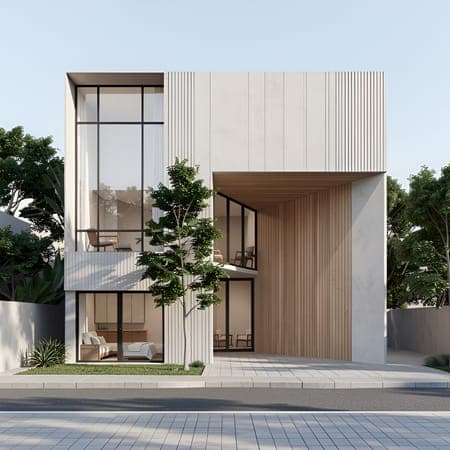
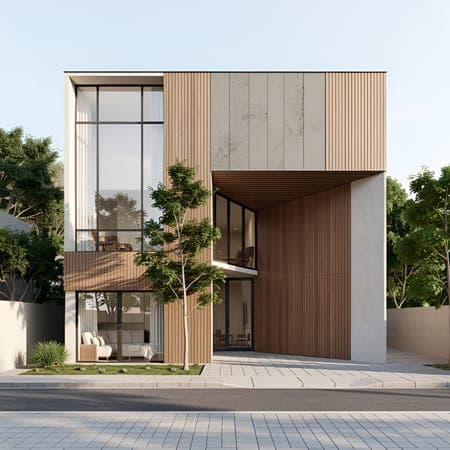
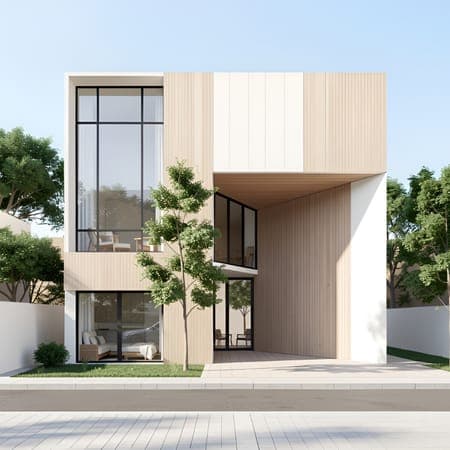
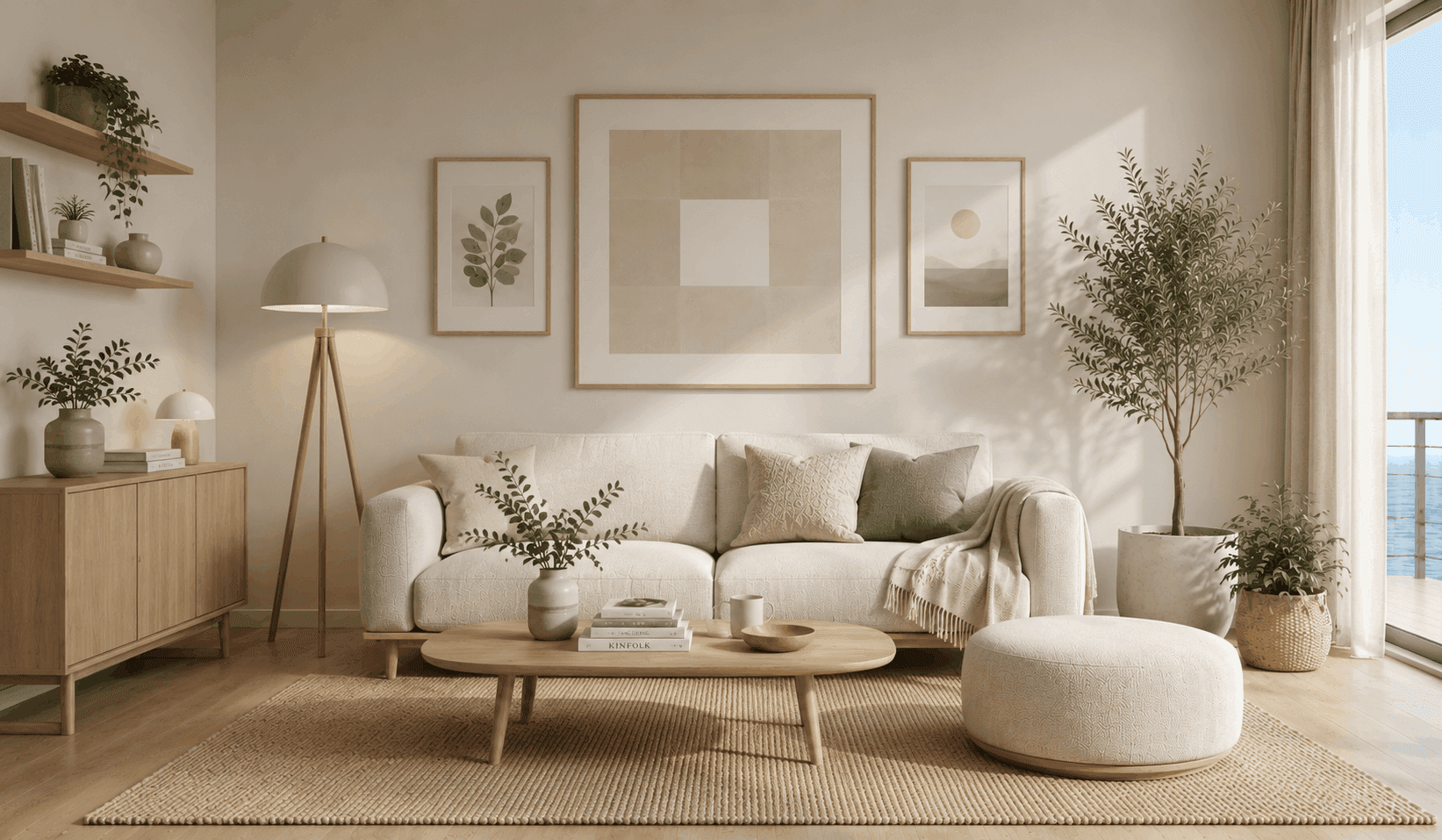
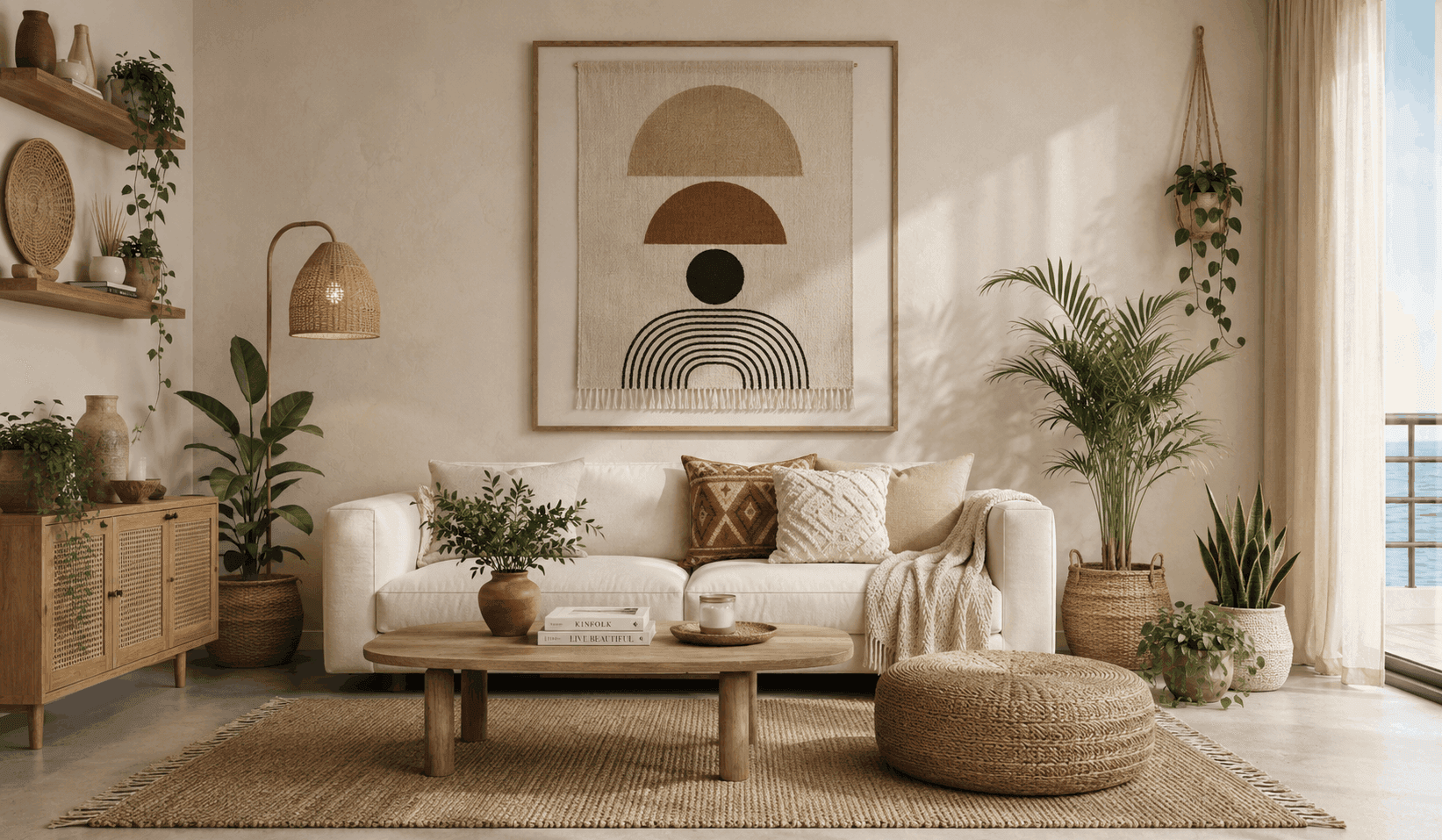
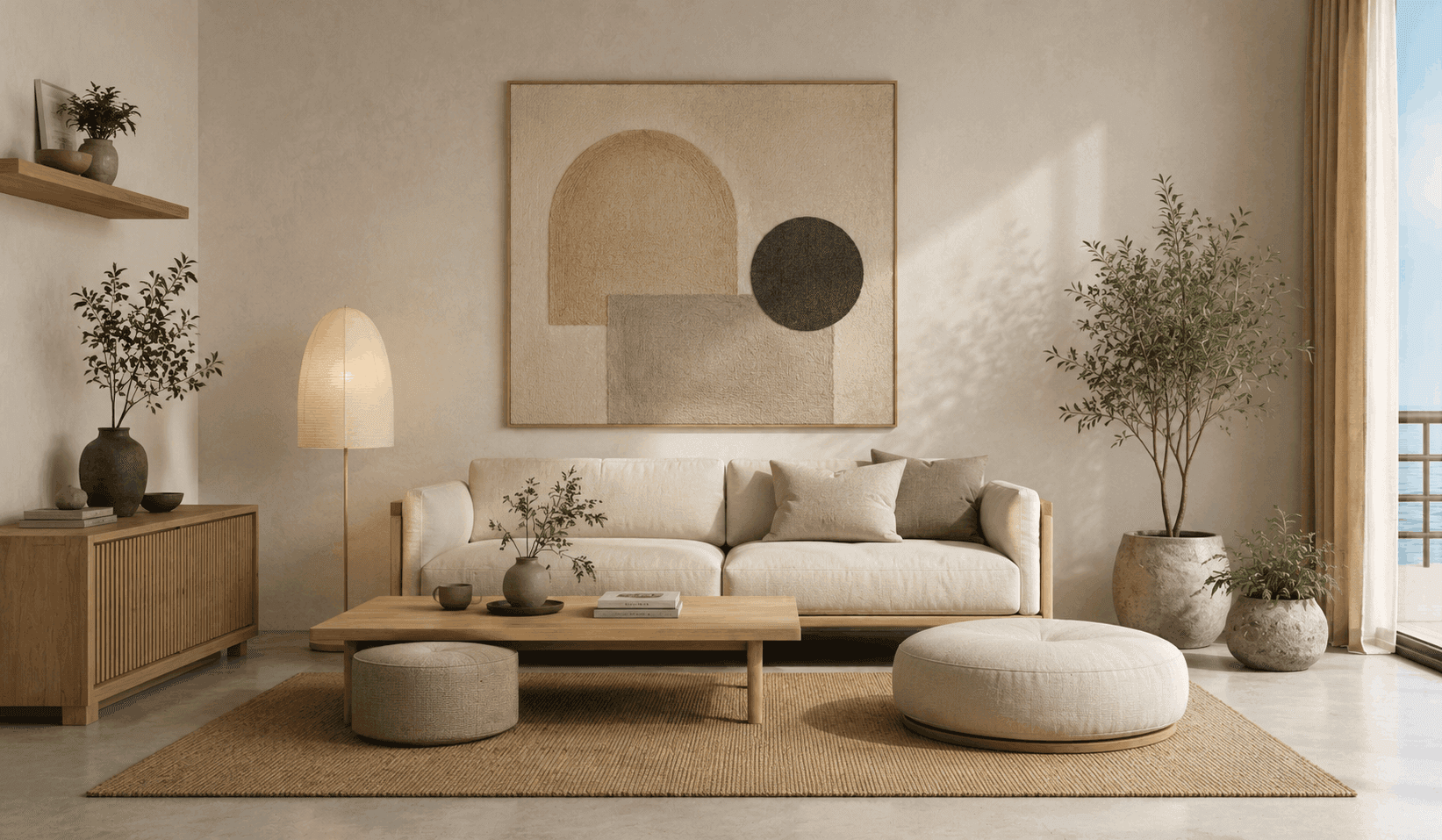
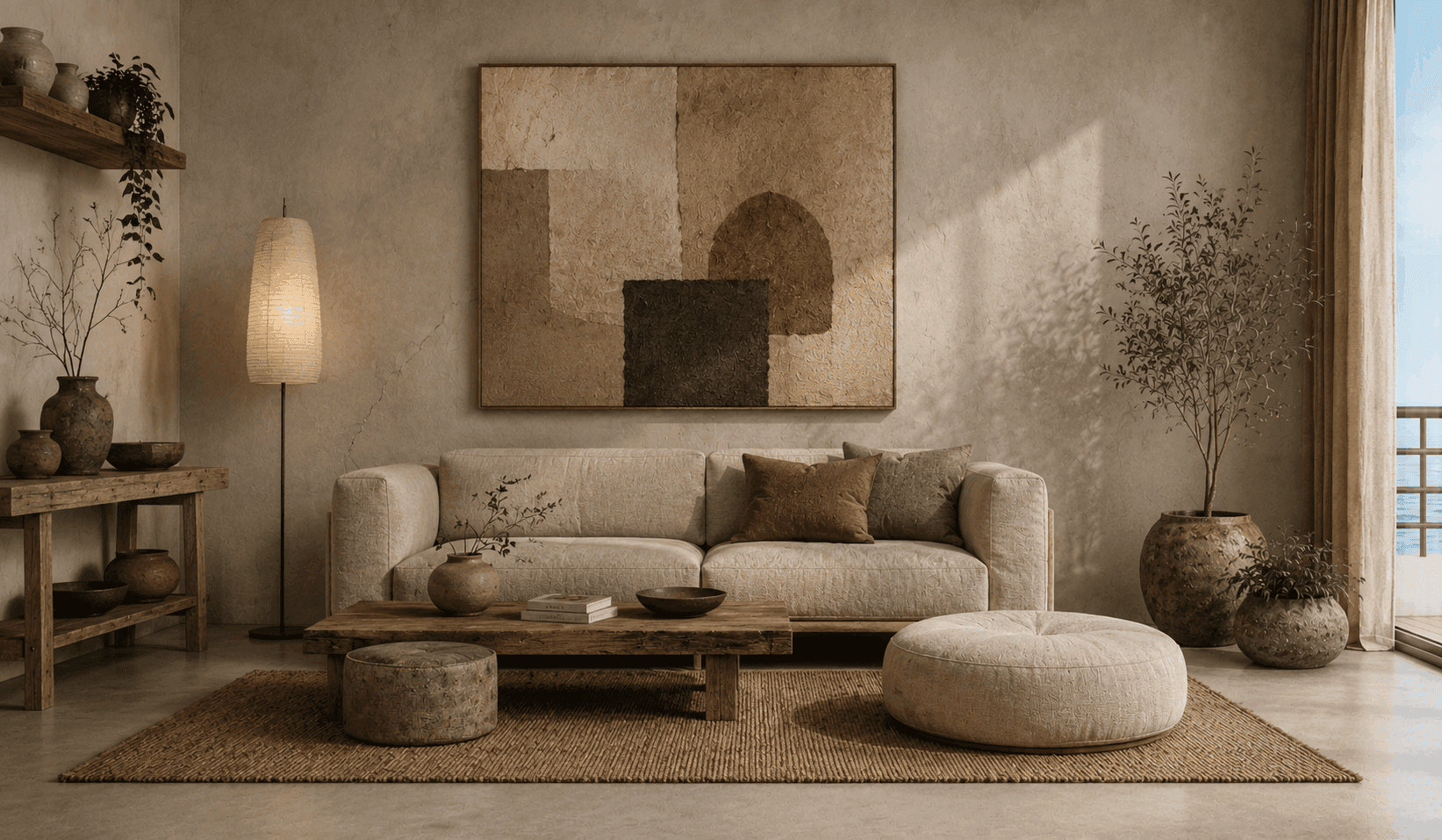
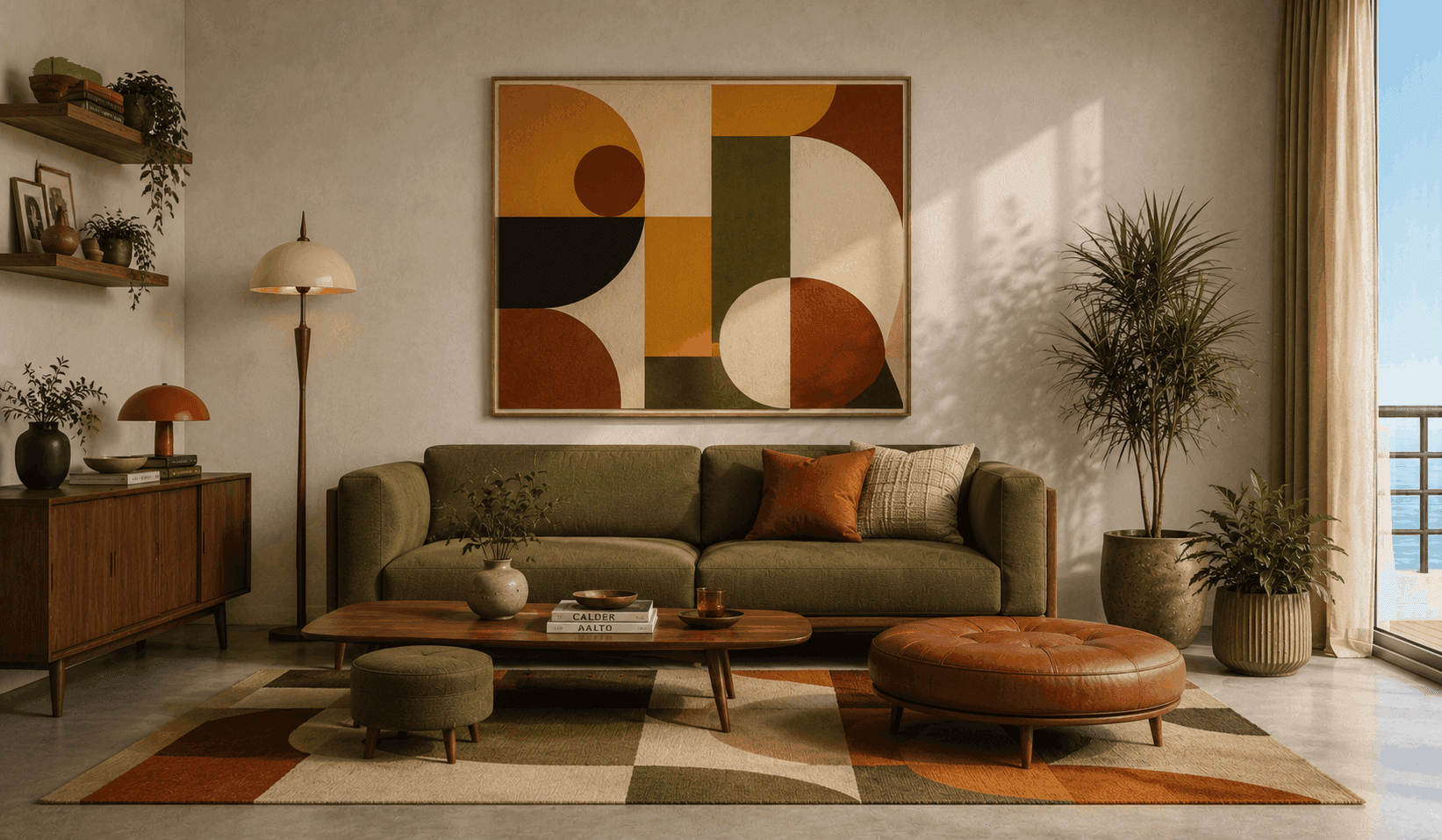
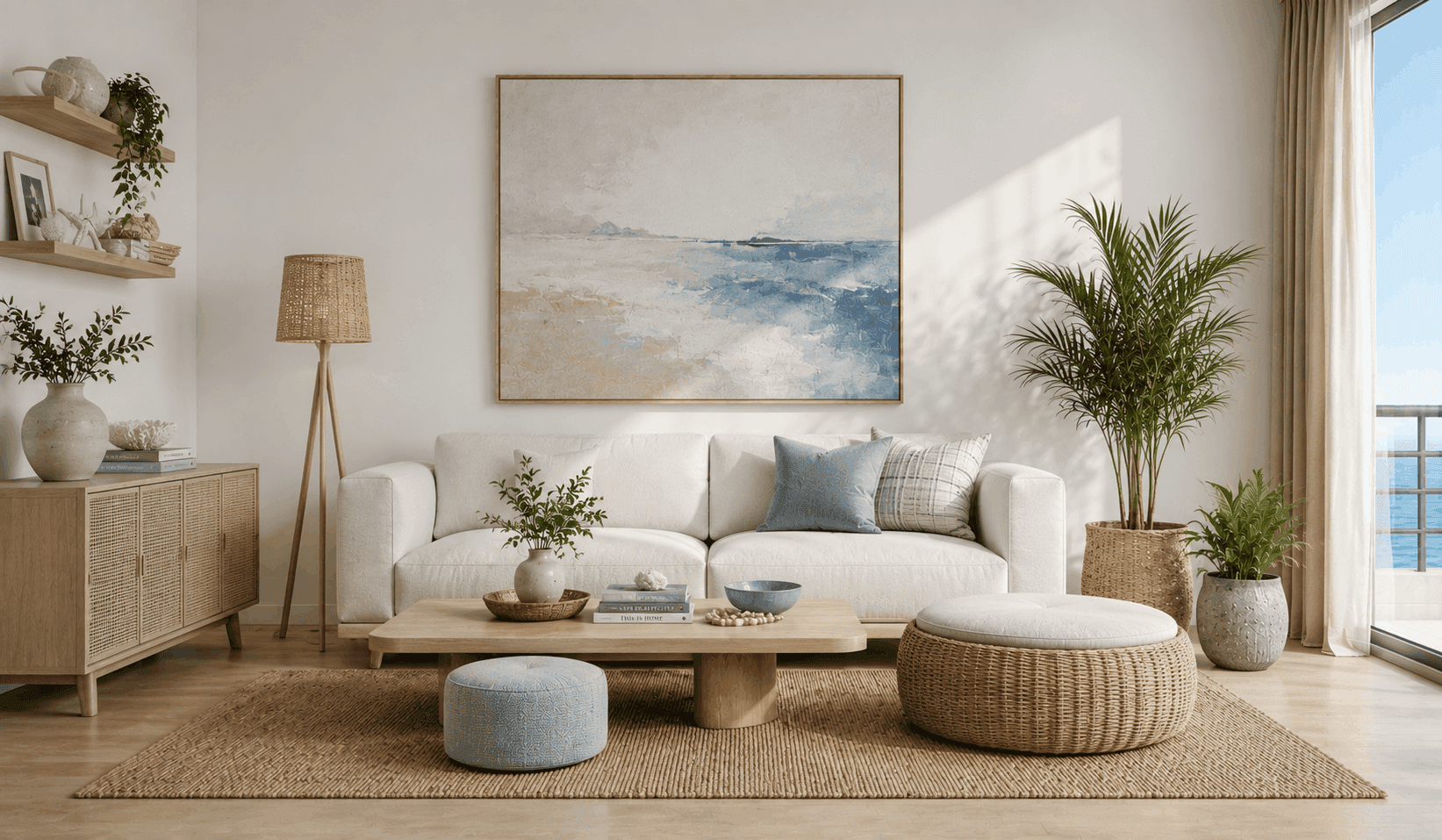
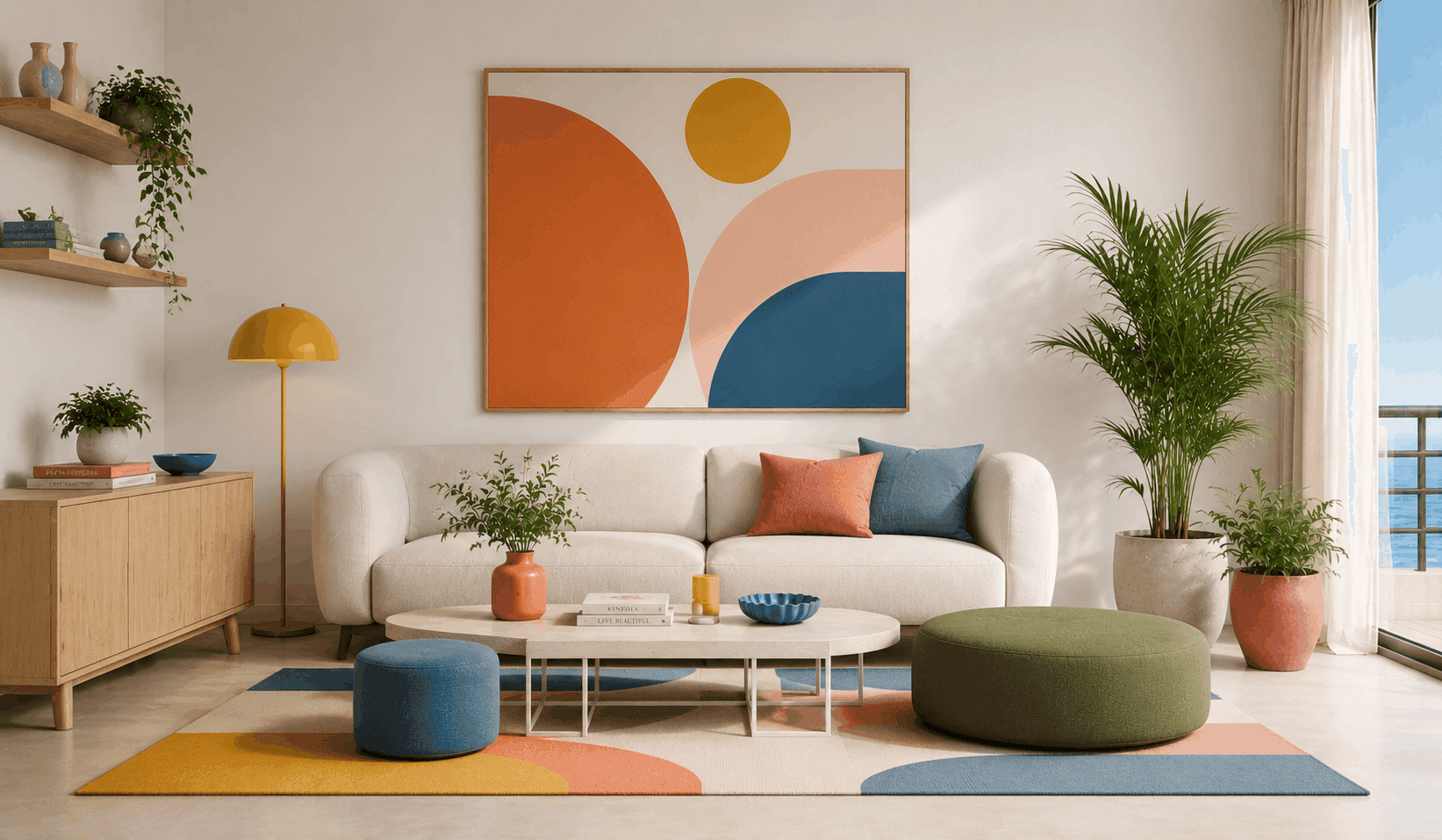
Choose from multiple design styles to create fresh render variations from the same design.
Match Any Mood
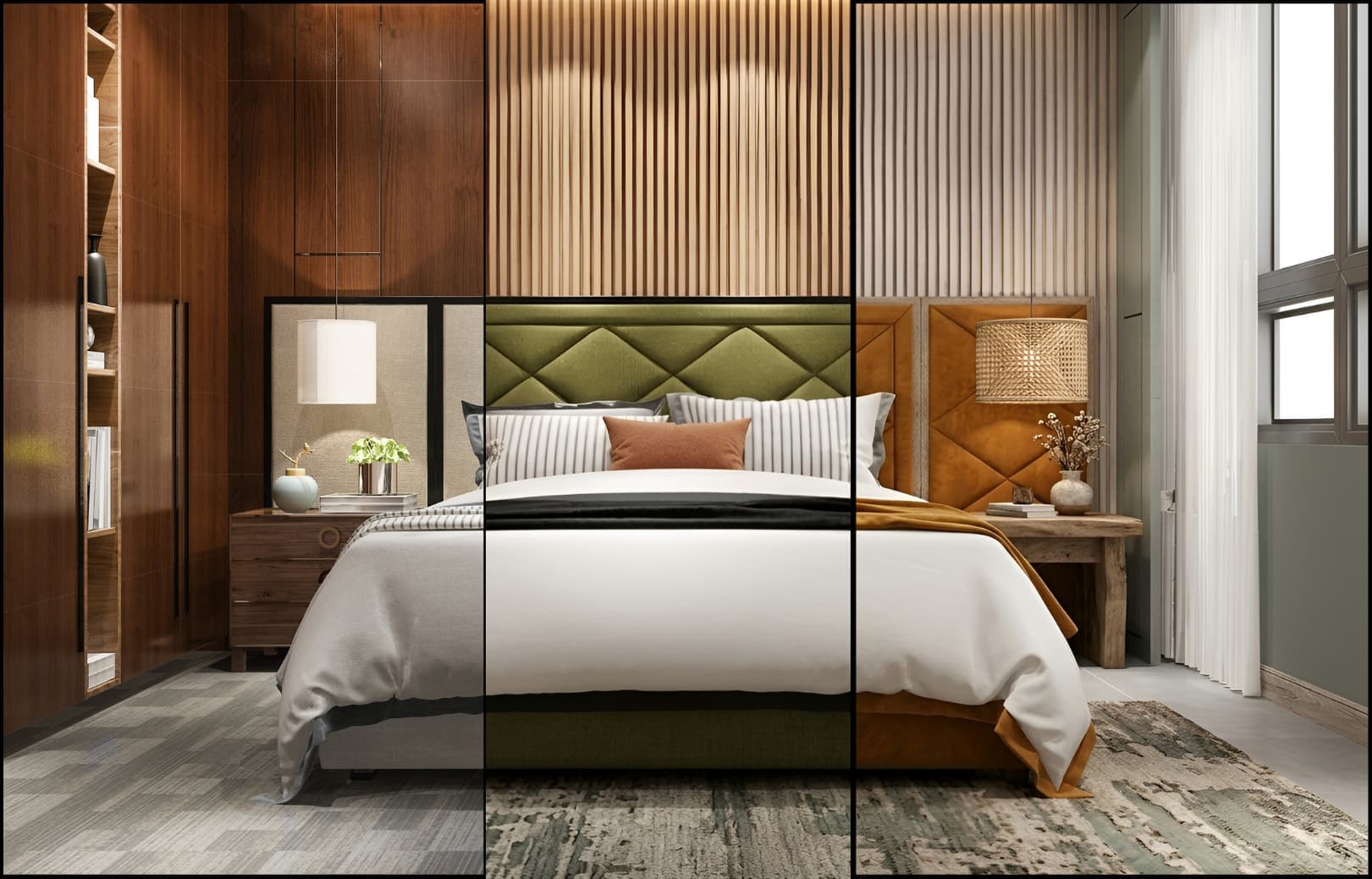
Explore More with AI Style Transfer
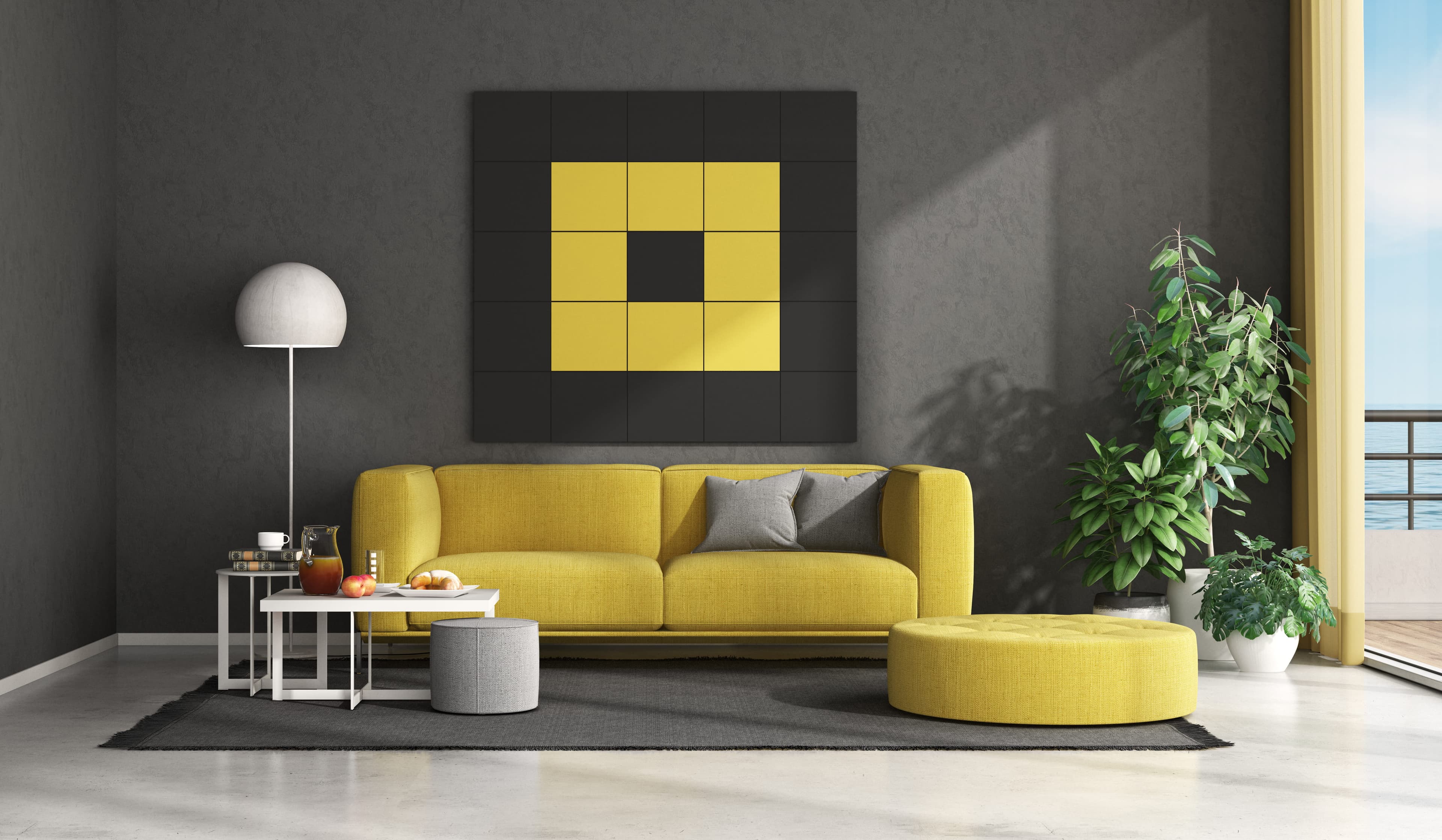
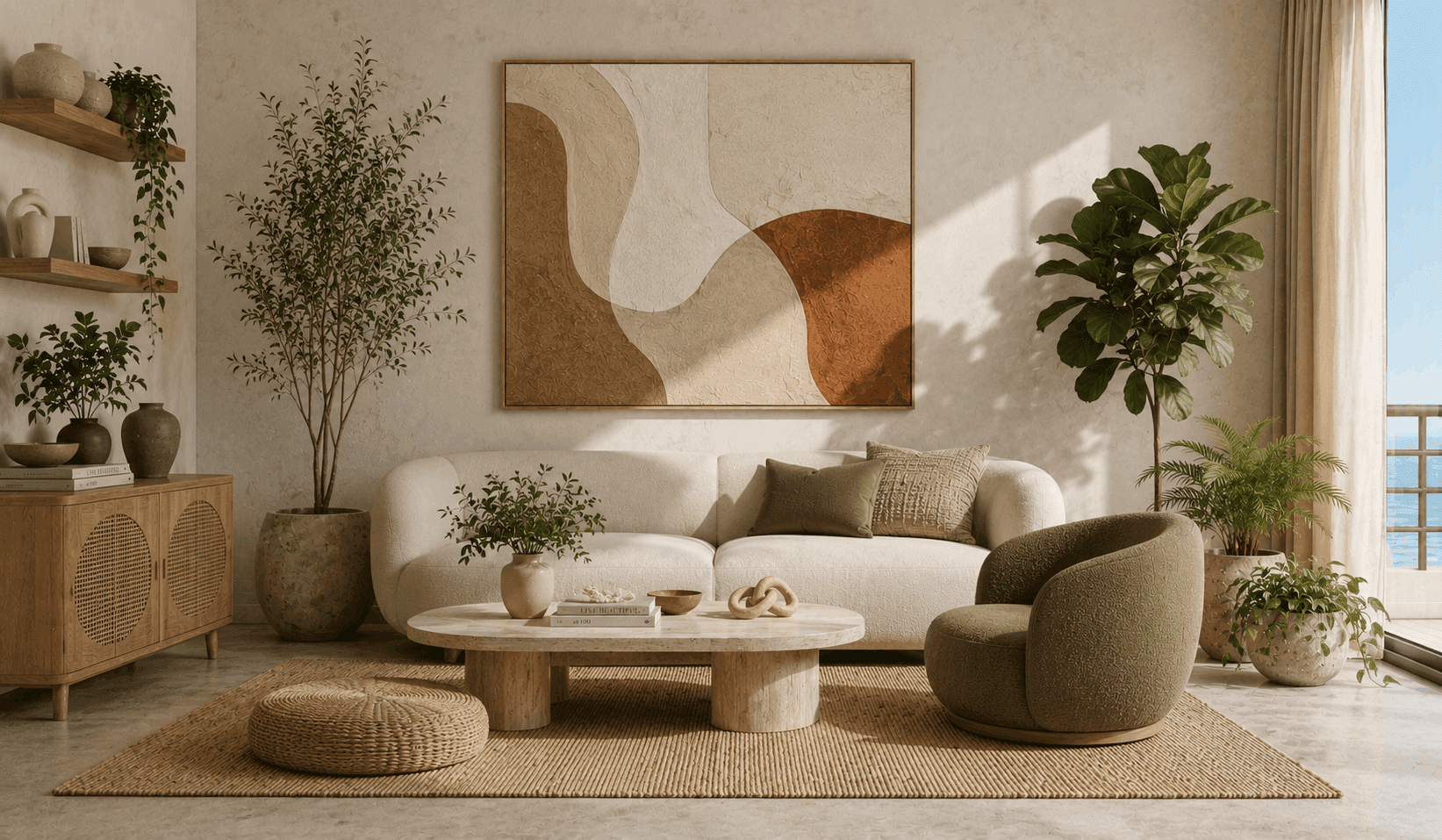
Apply the aesthetic of any reference image to your own work with AI image style transfer. Intker’s AI rendering engine analyzes color grading, lighting, texture, and composition, then intelligently transfers those qualities while preserving your original content and structure.
- Save a reference as a custom style and reuse it on any design.
- Add your own instructions to guide how the style is applied.
- Preserve your original layout and structure
See the difference
From Original to New Render Variation
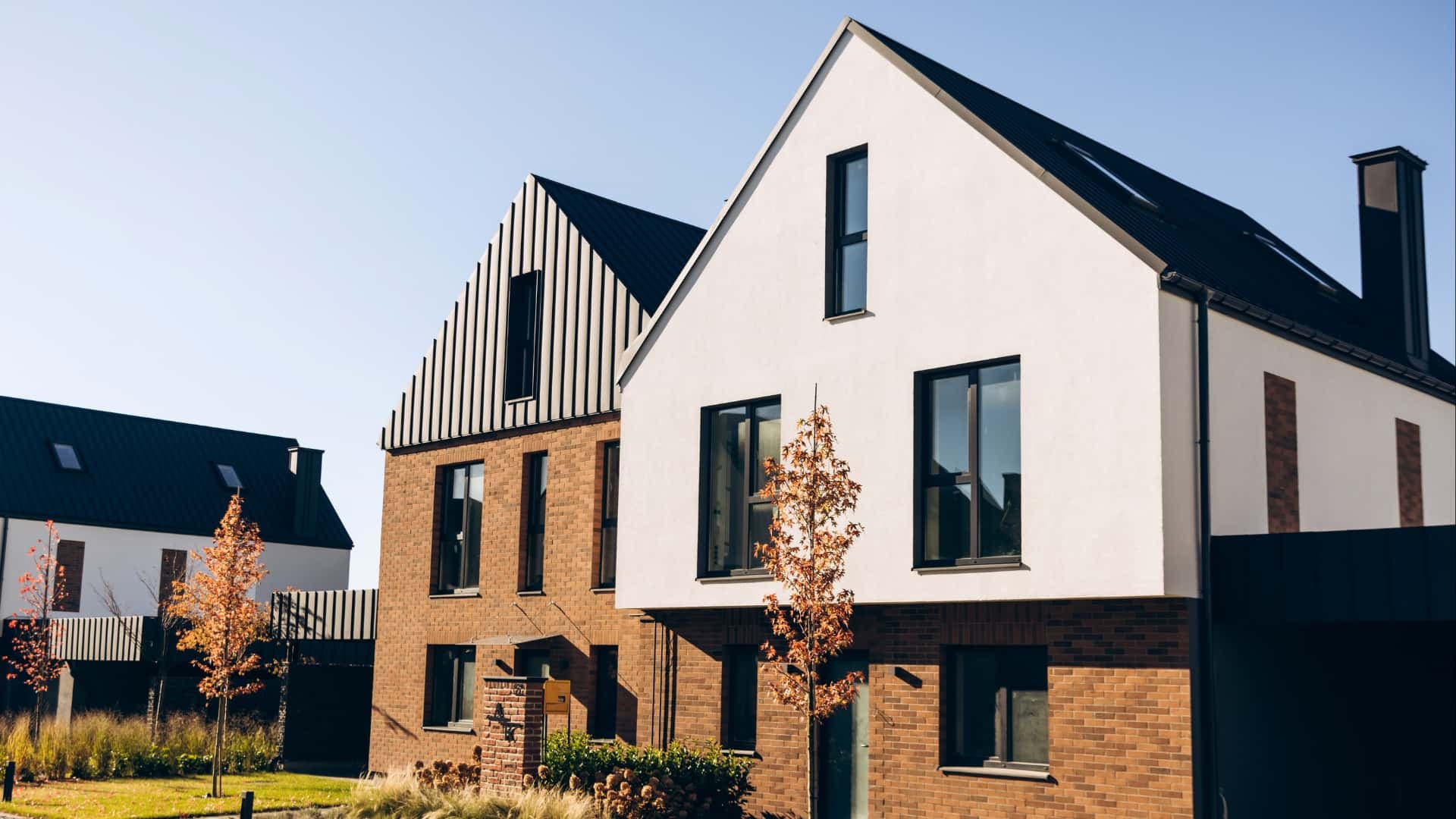
See how AI transforms the visual style of your existing design.
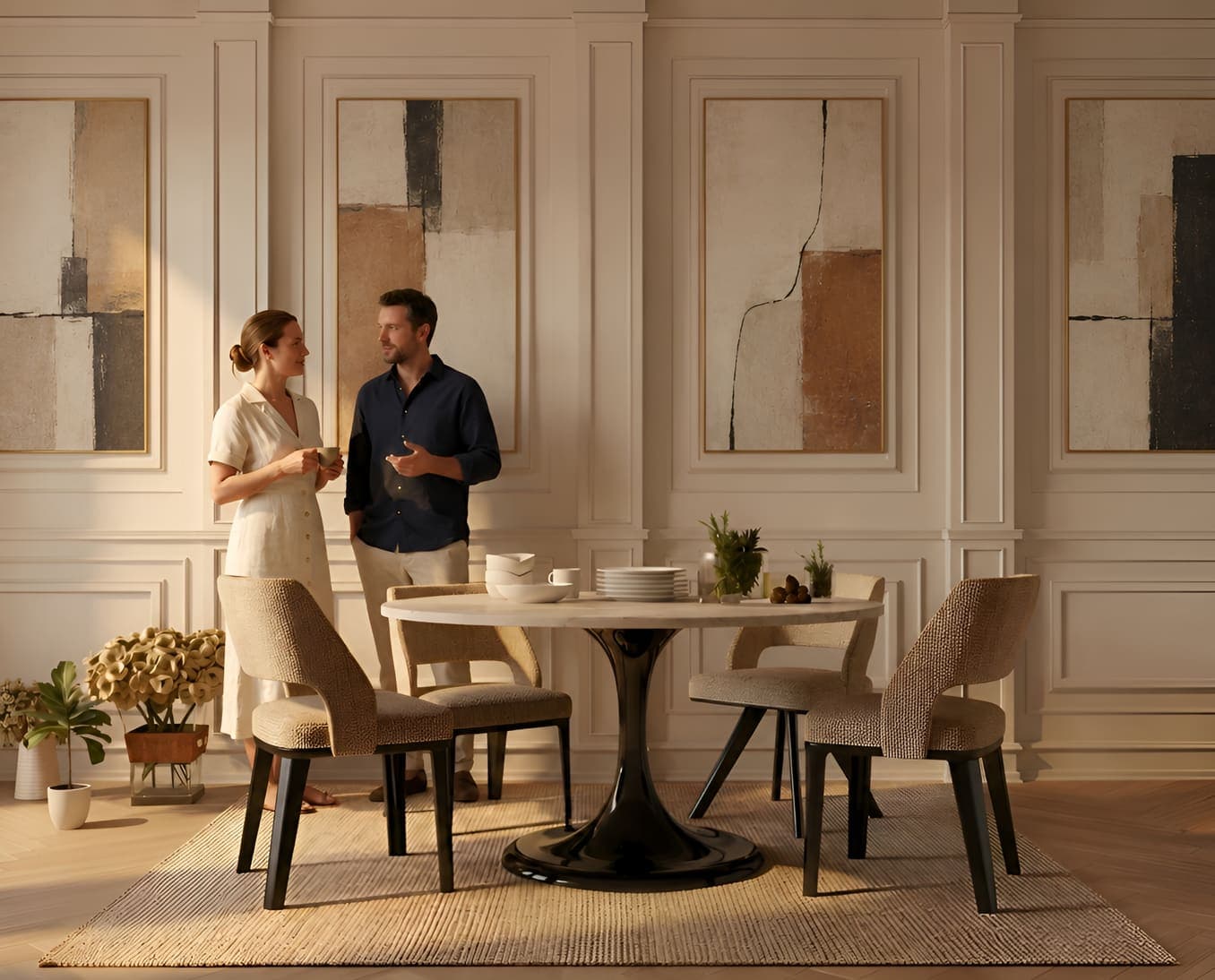
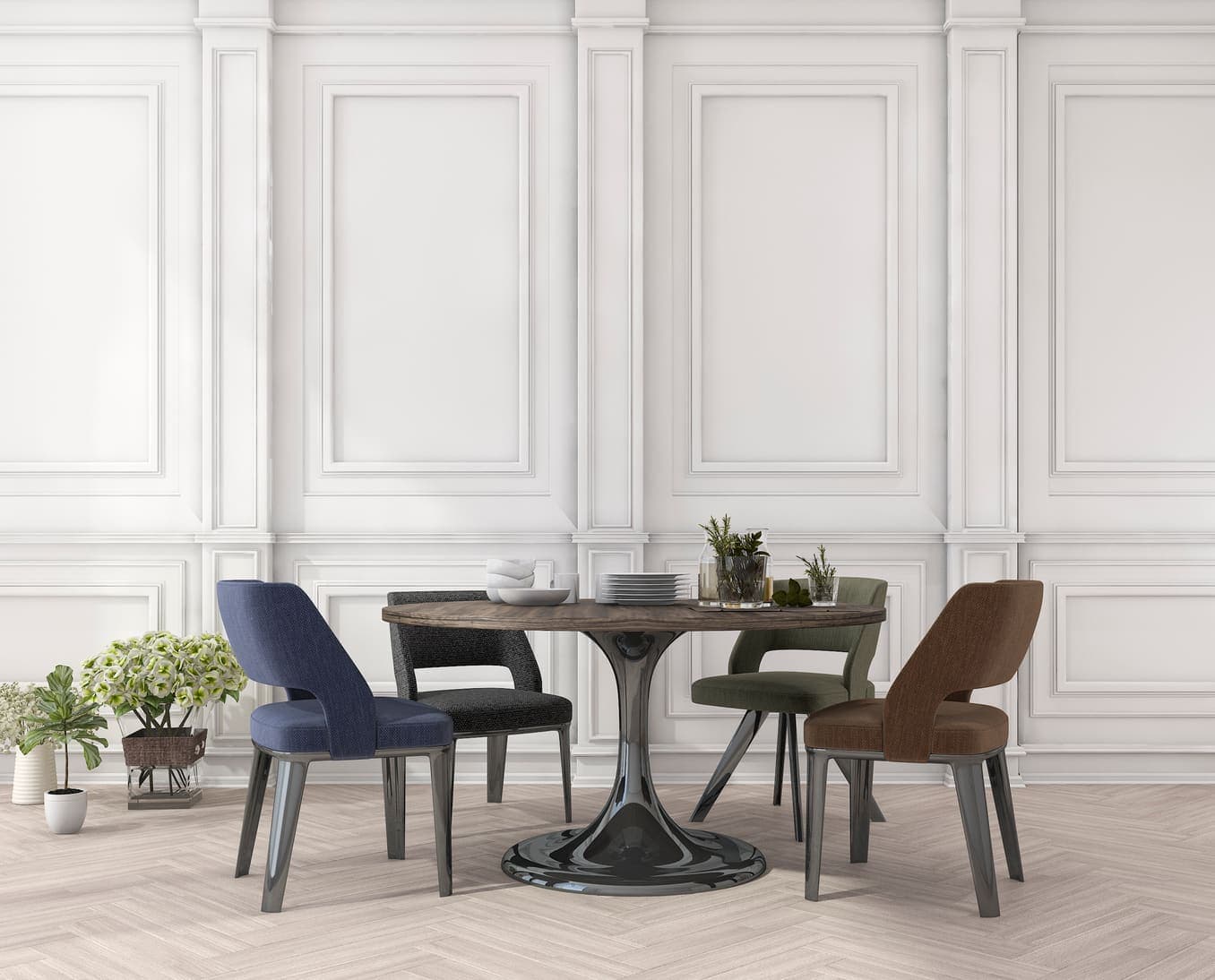
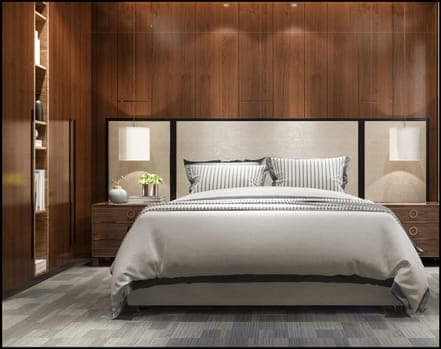
Original
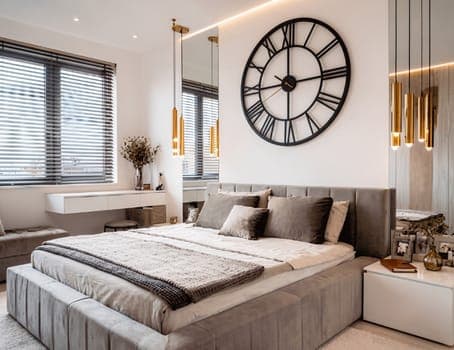
Reference
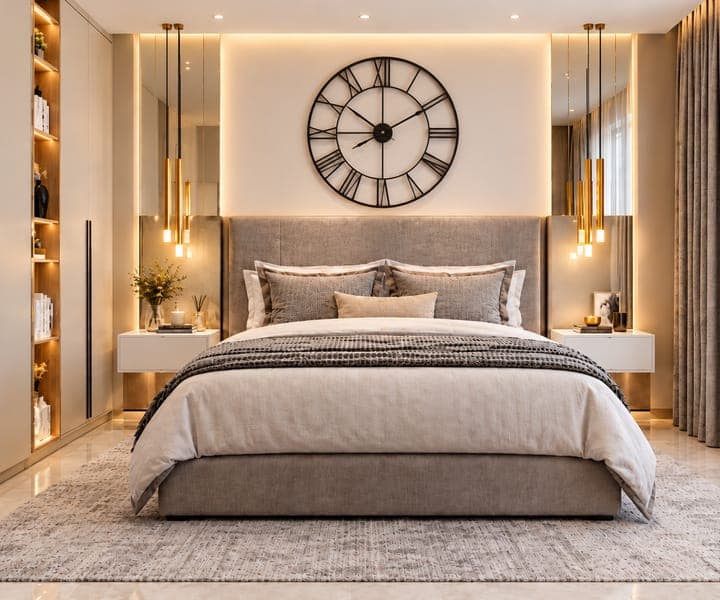
Neural rendering that feels like magic
Generate photorealistic variations of the same space in seconds, each with its own style, materials and lighting.
Explore EngineExplainer
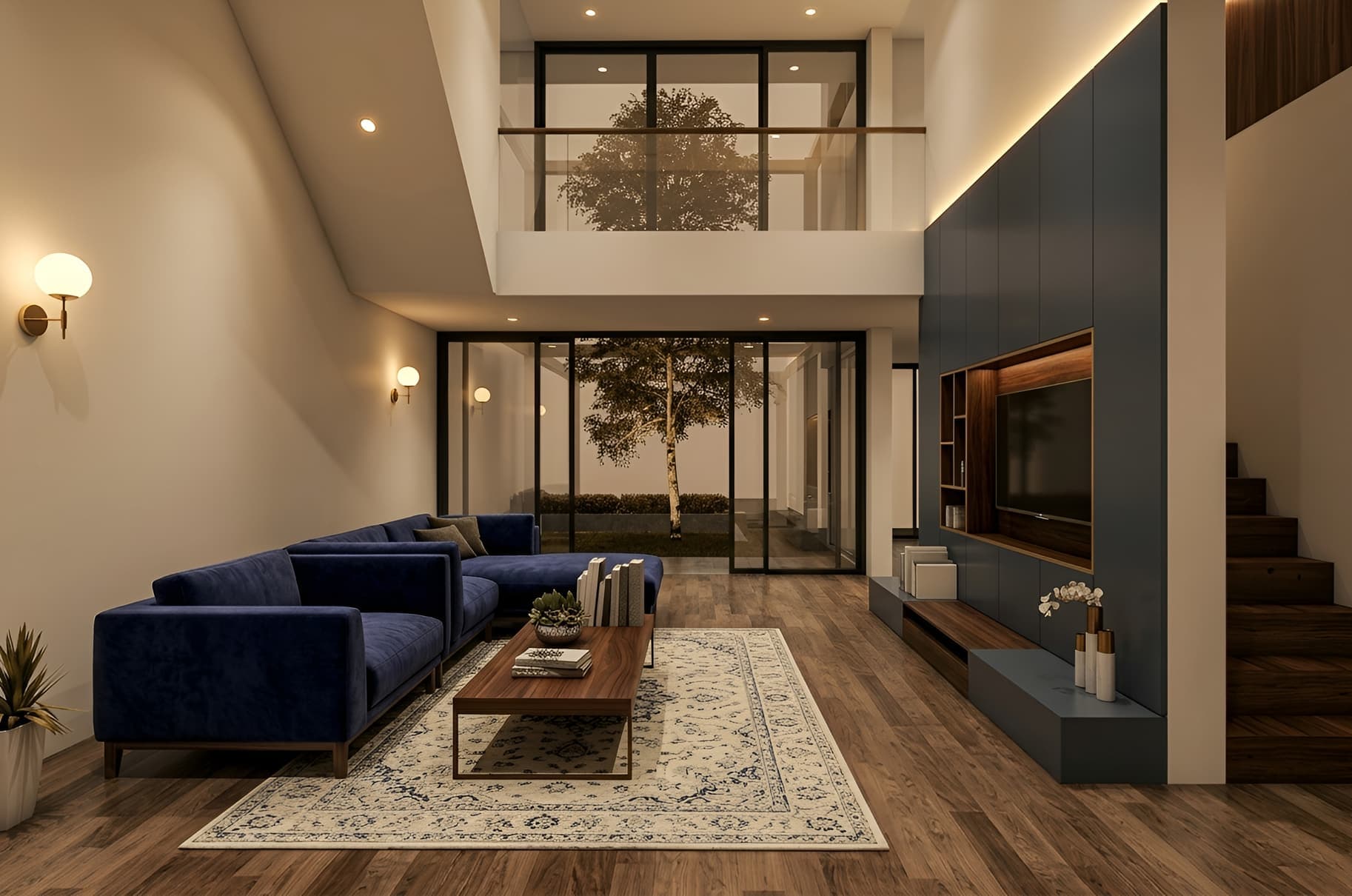
How Do Render Variations Work?
Intker’s AI rendering engine gives you several ways to create render variations from your existing design. Choose from a range of design styles to explore different looks, moods, materials, and visual treatments while keeping your original design consistent.
Want something more specific? Use AI Style Transfer to upload a reference image and apply its visual style to your own work. Intker analyzes the reference and transfers its colors, lighting, textures, and overall aesthetic to your design, giving you another way to explore new render variations.
Workflow
Three Steps to Your Next Render
Explore different styles and creative directions while keeping your original design at the core.
- 1
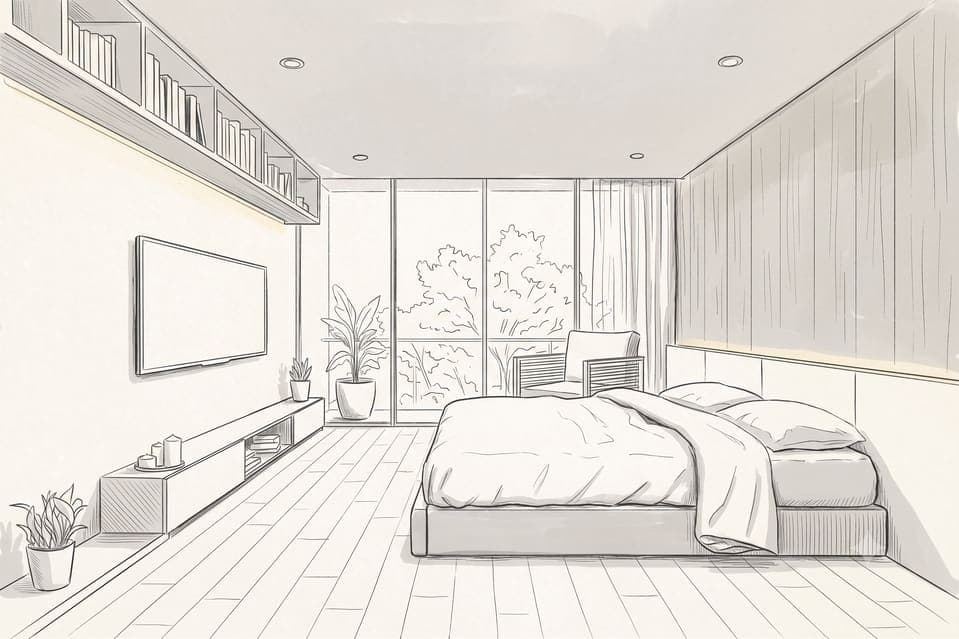
Upload your design
Add your existing render, sketch, or design image to get started.
- 2
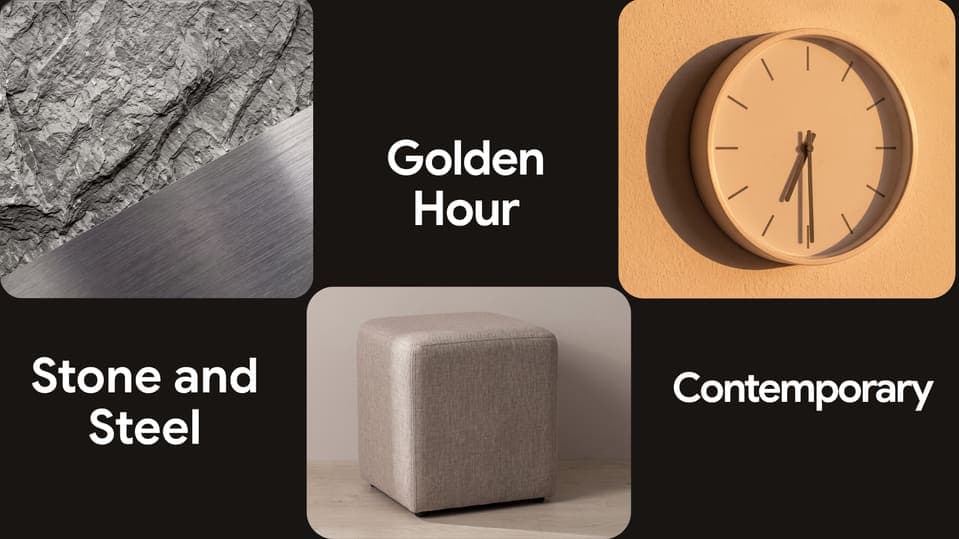
Choose Your Style
Select from 20+ design styles, adjust lighting, or upload a reference image.
- 3
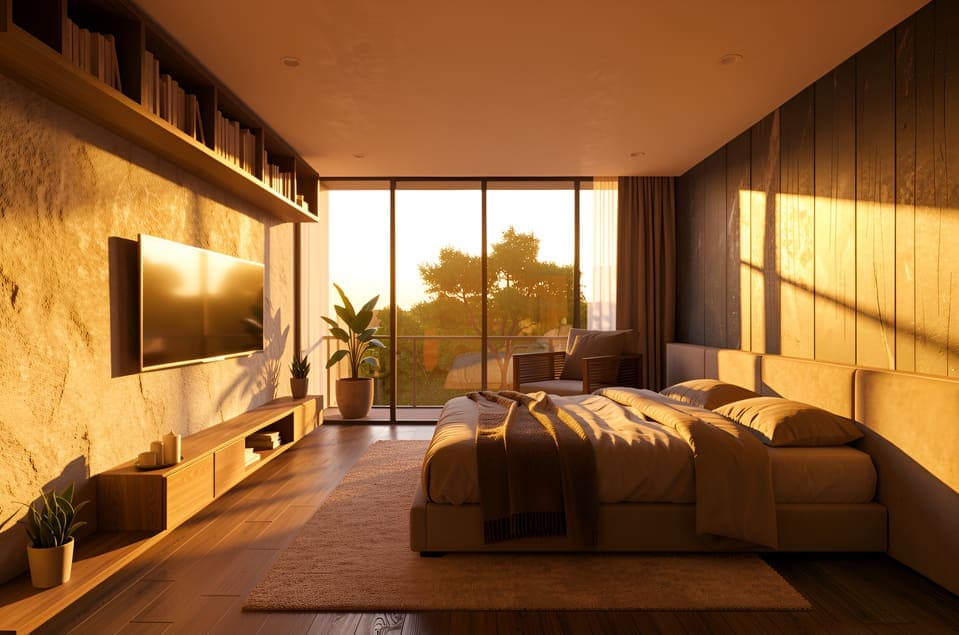
Generate Your Variation
Create a realistic render variation within seconds.
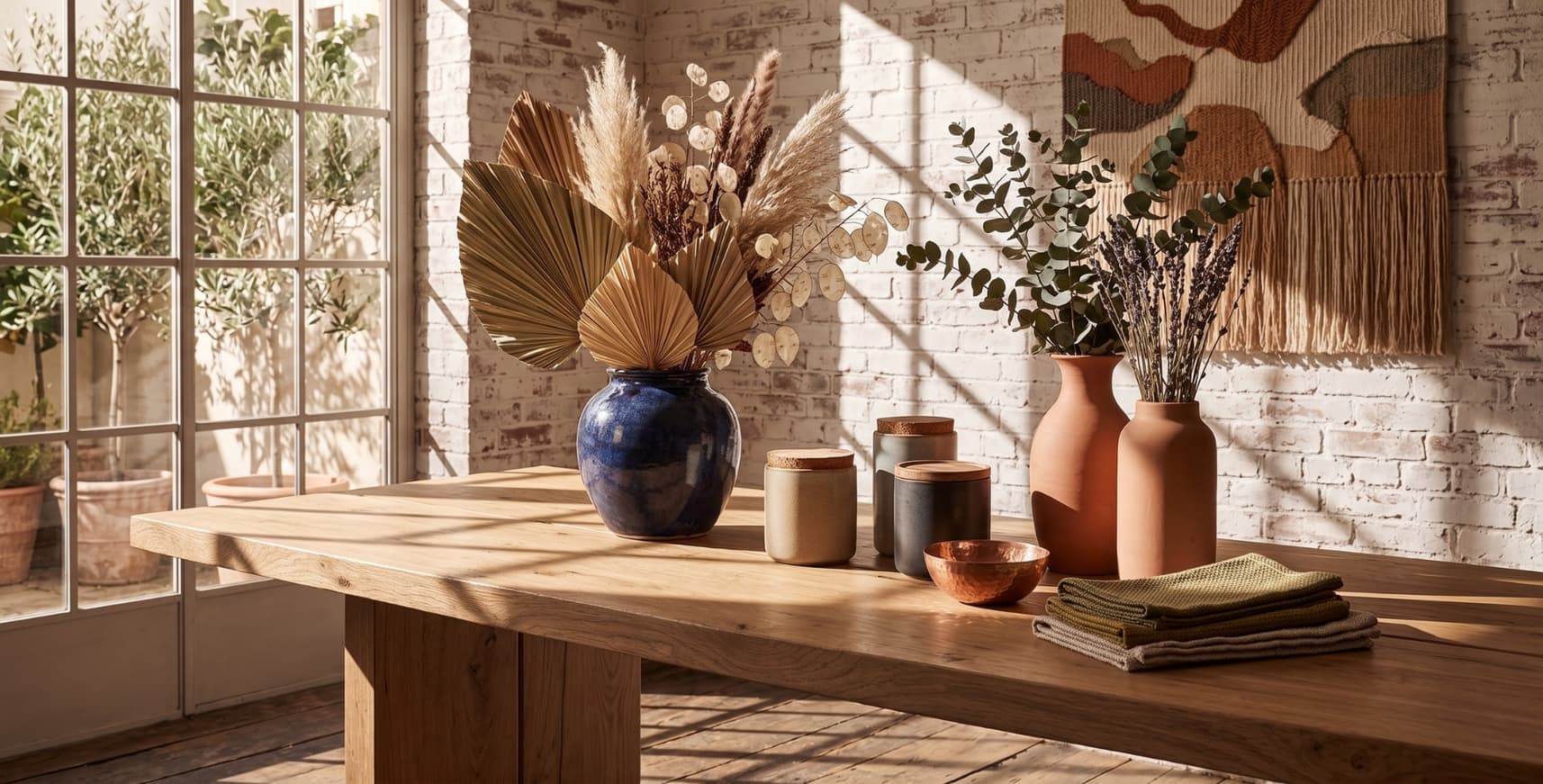
AI render variations
One upload, endless possibilities.
Generate every version of your design at once — materials, styles, lighting, and layouts, all from a single upload in seconds. No manual setup, no relighting, no repeated work.
Built for you
Built for Anyone Exploring Design Options
Different professionals use render variations to explore ideas, compare options, and communicate design decisions clearly.
Architects
Explore facade, material, and architectural style variations before presenting your design to clients.
Interior Designers
Try different furniture, finishes, palettes, and styles to explore new interior design directions.
Real Estate Teams
Create realistic property variations to showcase different finishes, styles, and staging possibilities.
Landscape Architects & Urban Planners
Explore different site layouts, landscape styles, materials, and lighting for realistic design variations.
SEE THE RENDER
Watch variations generate in real time
See how different styles and settings create new render variations.
Design Variations
Turn One Design into Multiple Possibilities
Explore more render variations, compare design variations, and give client options to choose from.
Explore Before You Commit
Generate variations to explore different render styles, materials, and visual directions before settling on one design.
Present Real Options to Clients
Show clients realistic architectural visuals of different possibilities instead of explaining what a design could look like.
No Re-Upload for Every Version
Start with one design and create multiple variations without repeating the upload.
Iterate as Fast as You Decide
Turn feedback into a new round of render variations as soon as decisions are made, keeping the design process moving.
Comparison
The old way vs. the Intker way
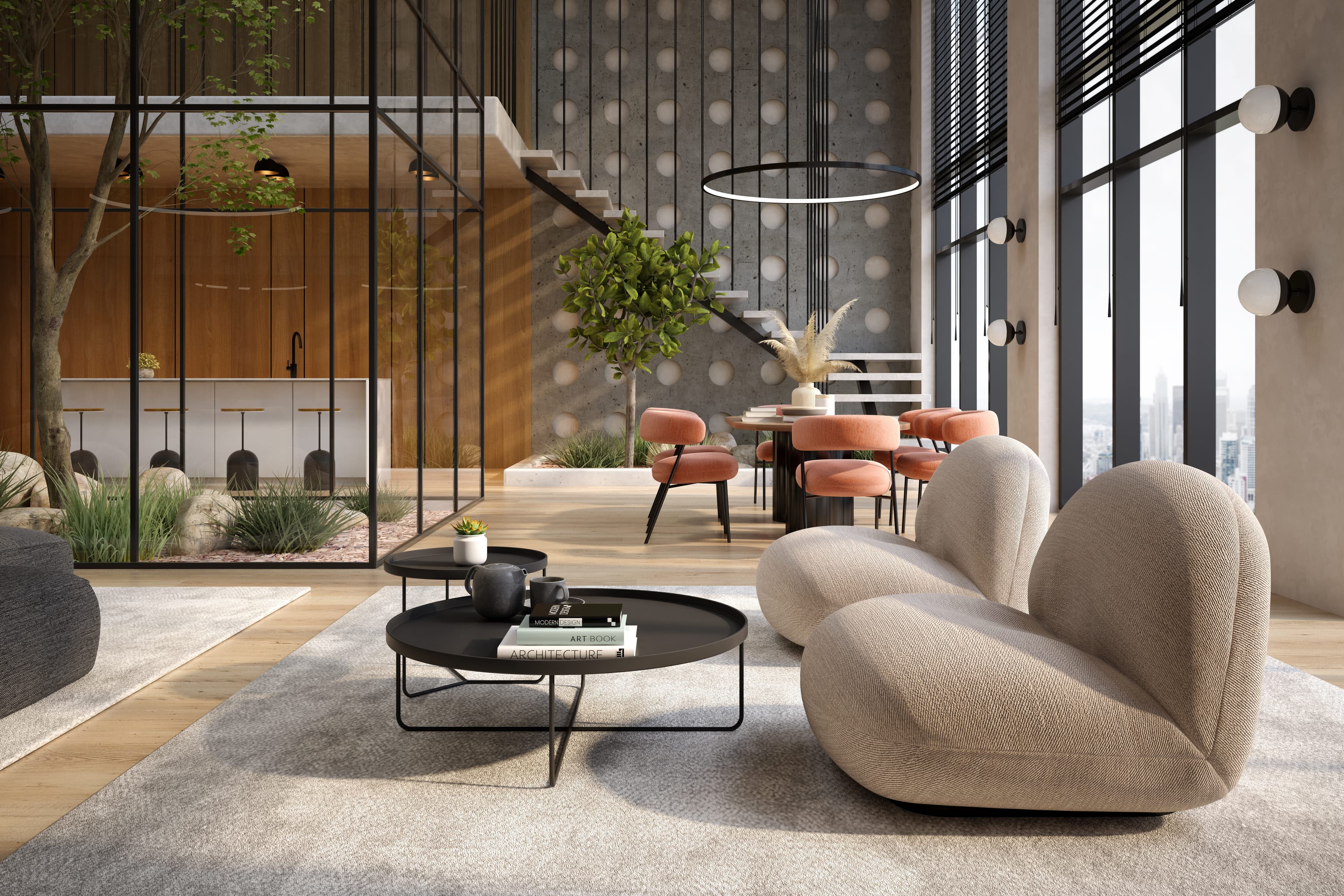
Give Your Next Render More Possibilities
Create realistic render variations with different styles, materials, and lighting, or apply a reference with AI Style Transfer.