Real estate
Make empty spaces feel real – Use virtual staging to show buyers what a space could look like.

Turn plans, sketches, and views into realistic 3D visuals for interiors, exteriors, floor plans, and site plans.
Works with








What you can do
From 3D visualization to architectural animation, explore more ways to bring your designs to life with Intker's AI rendering engine.
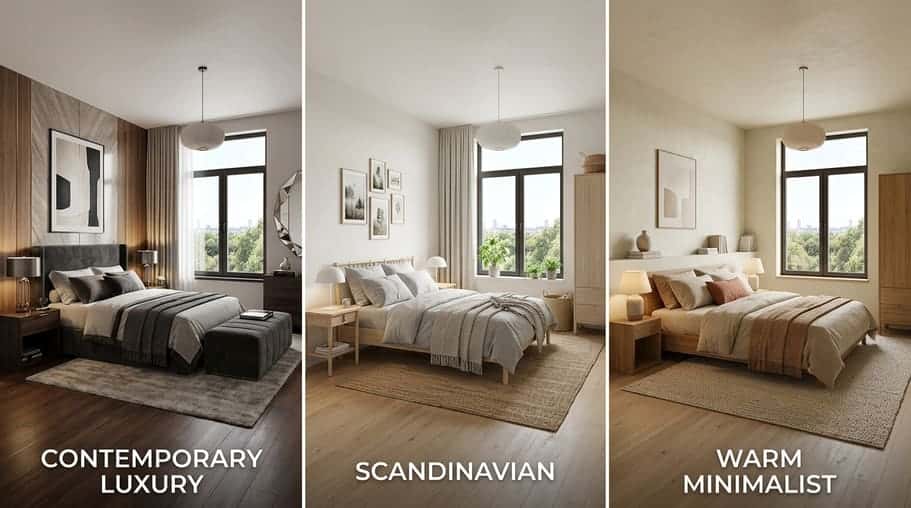
Create multiple design variations from one render, or use a reference image to explore new directions for your architectural visualization.
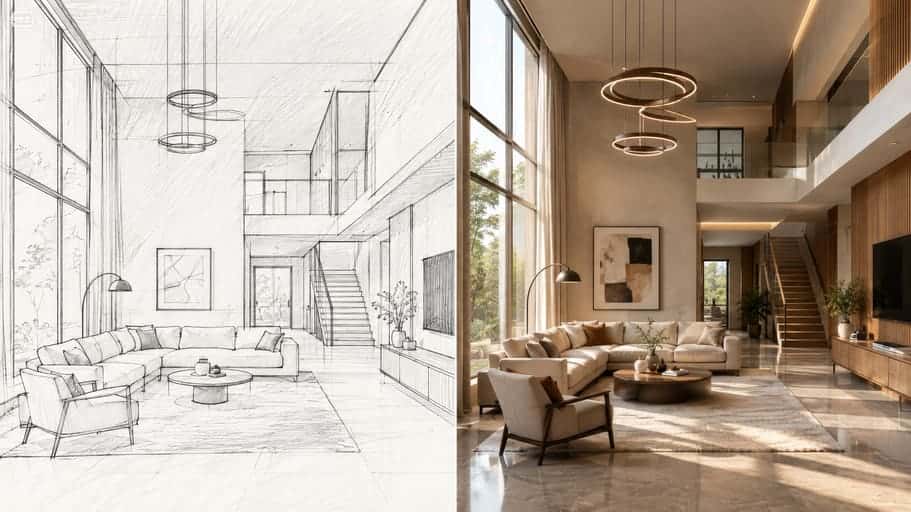
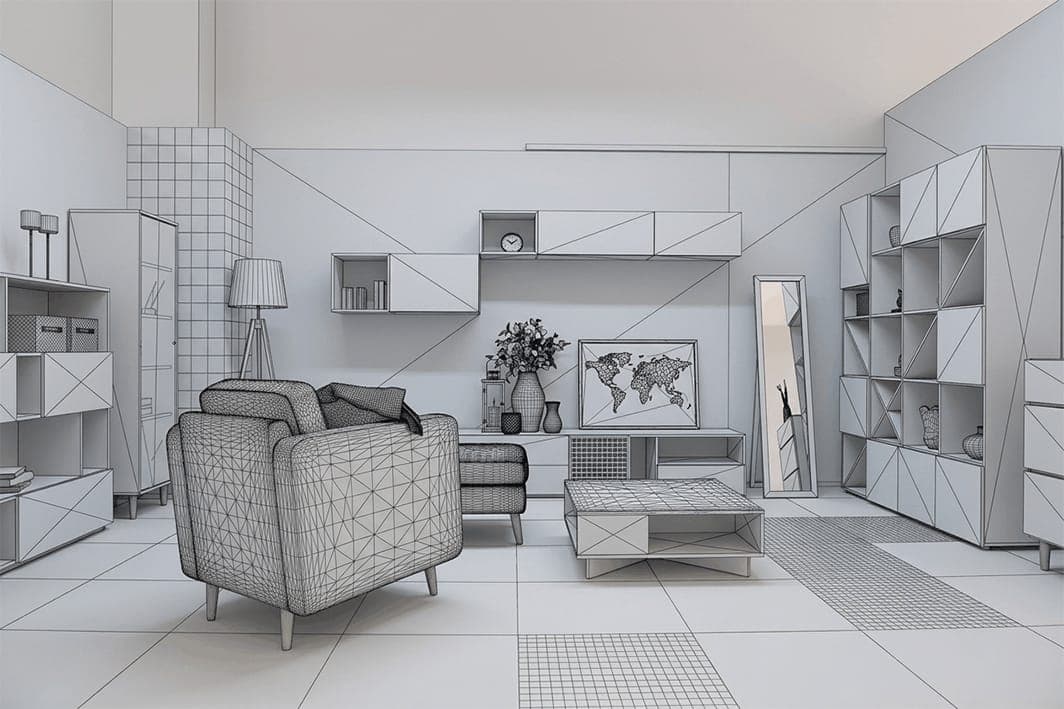
Start with a rough sketch and turn your architectural concept into a photorealistic 3D render while keeping the layout intact.
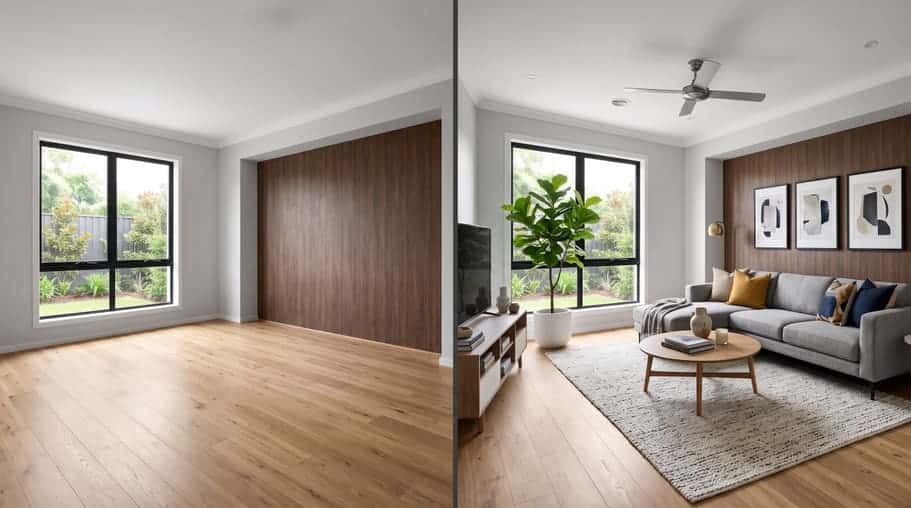
Upload a real property photo, furnish an empty room, or refresh an existing interior with virtual staging.
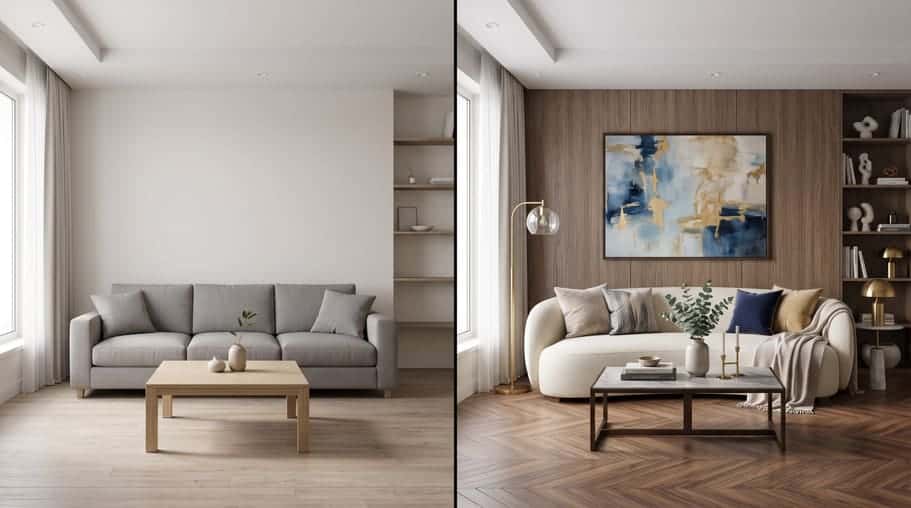
Fine-tune your render by changing furniture, materials, lighting, and other design elements until it feels right.
Bring your architectural design to life with customizable 5s or 10s animations and smooth camera movements.
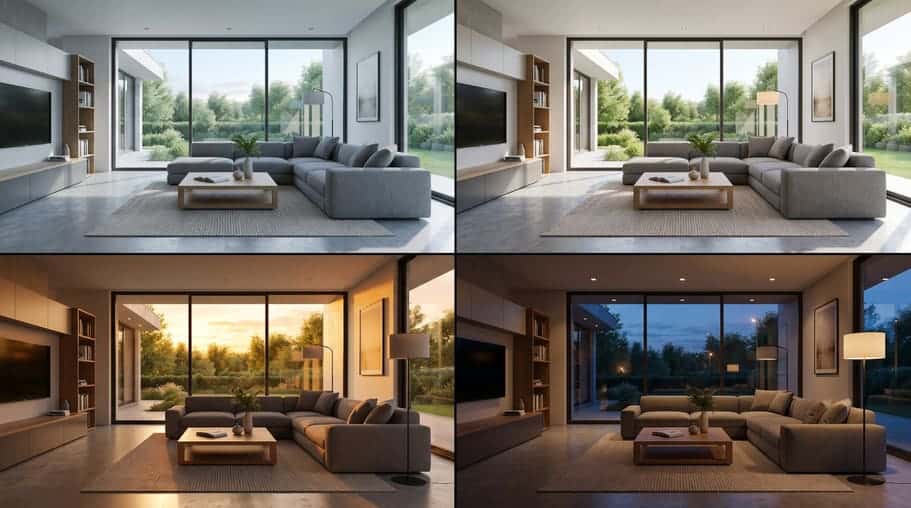
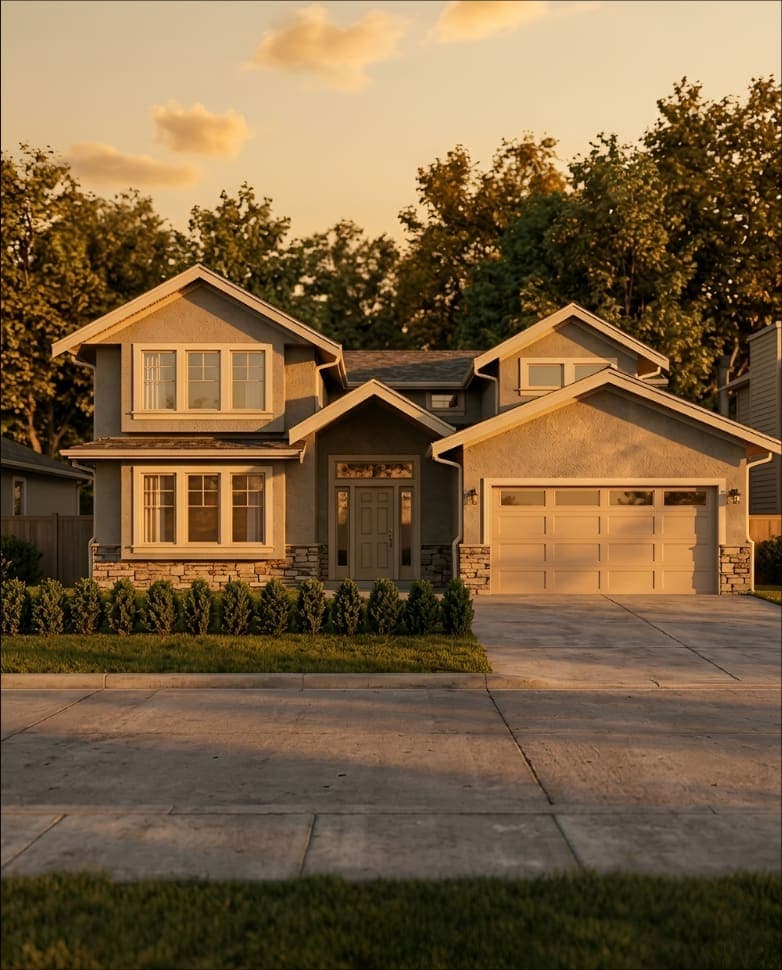
Change the lighting and atmosphere of your interior or exterior rendering to explore different moods and times of day.
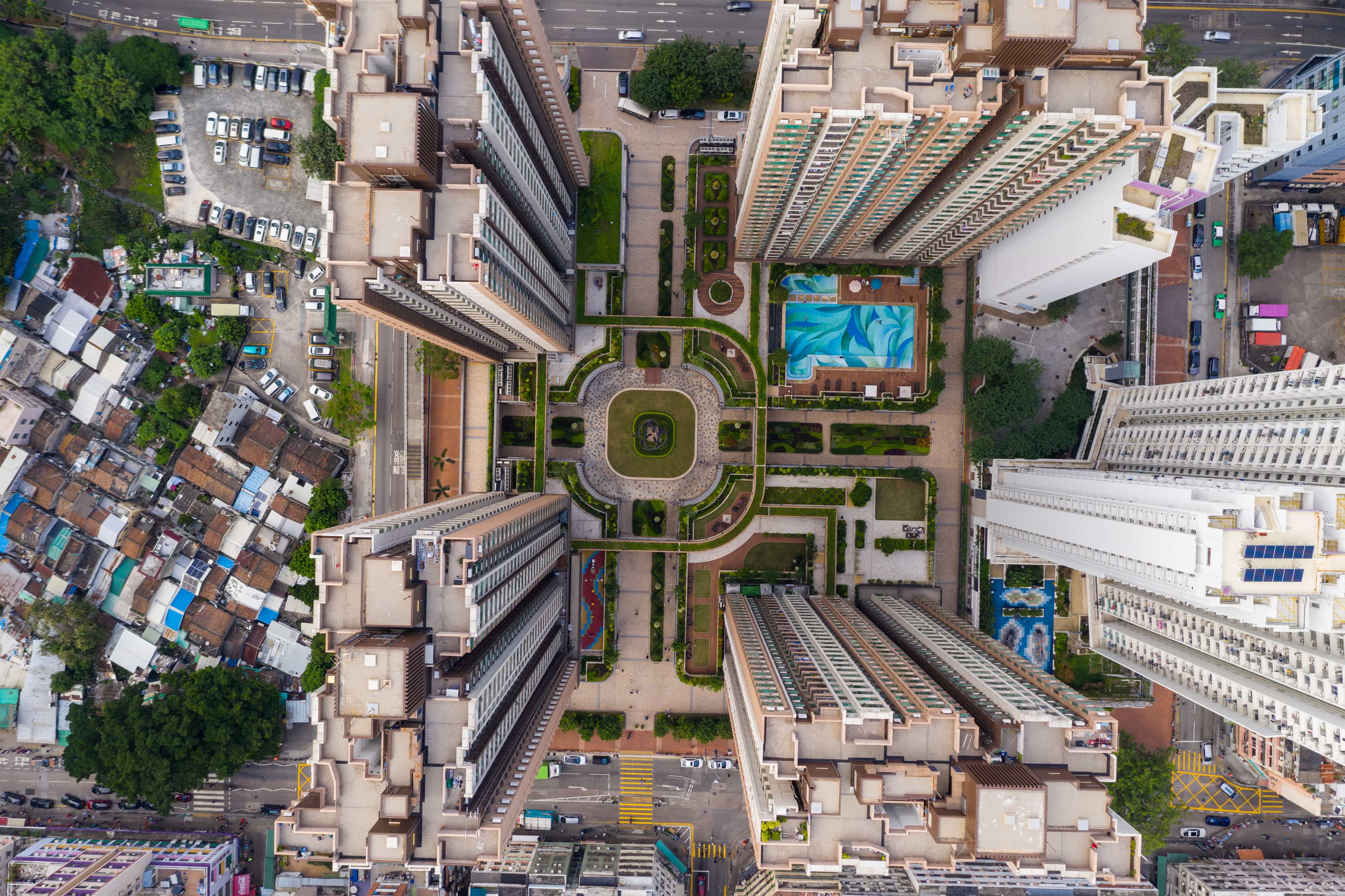
Create realistic renders, explore new design styles, and bring your architectural concepts to life with Intker.
How it works
Go from an early idea to a realistic visual without the usual complexity. Explore, refine, and present your architectural designs in seconds.

Start with a plan, sketch, screenshot, or photo. No additional rendering plugins, exports, or file preparation needed.
Interior, exterior, aerial, staging, or animation. Choose a style that fits your design or describe your own.



Get a presentation-ready 3D render you can share with clients, teams, or keep refining.
Built for every project type
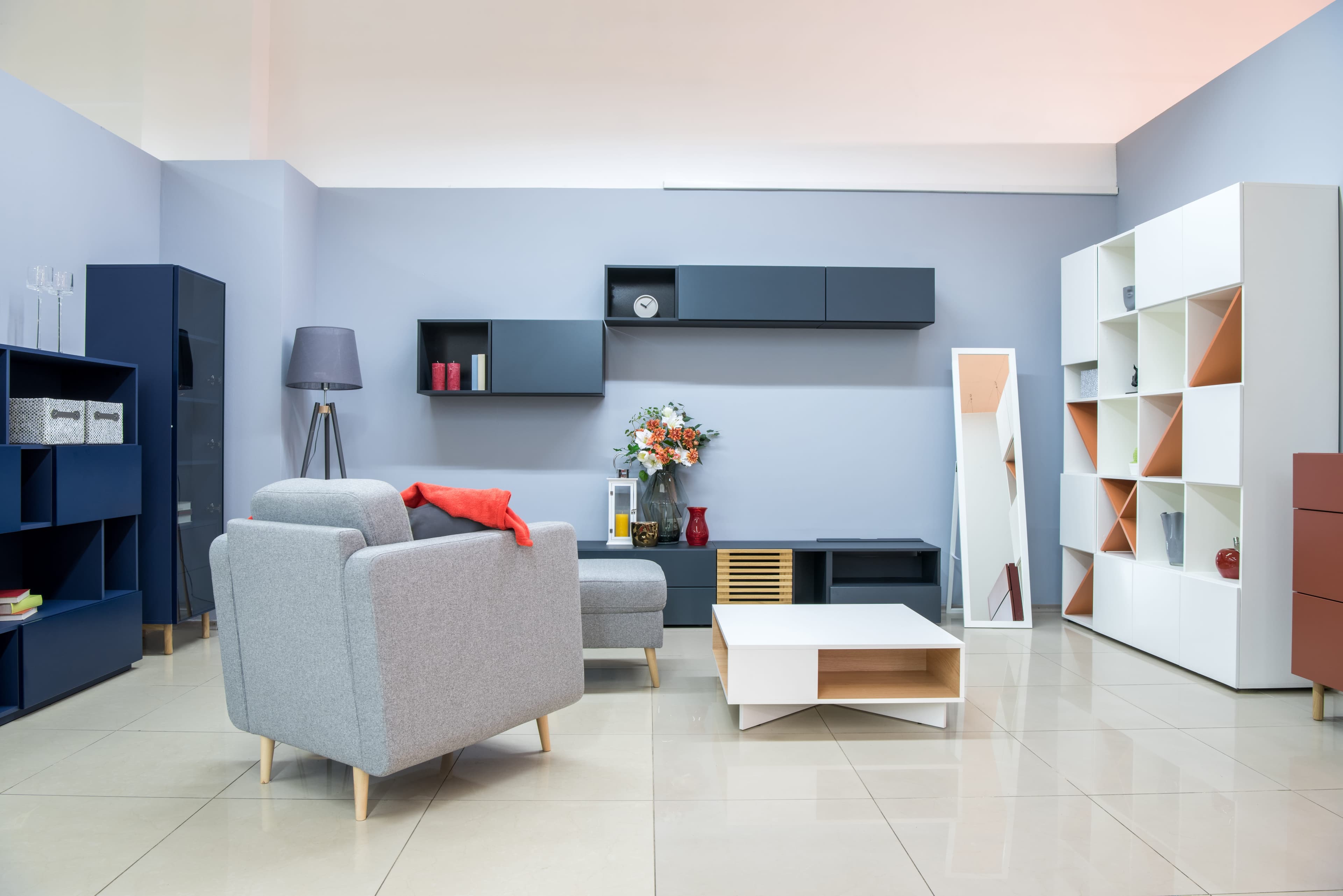
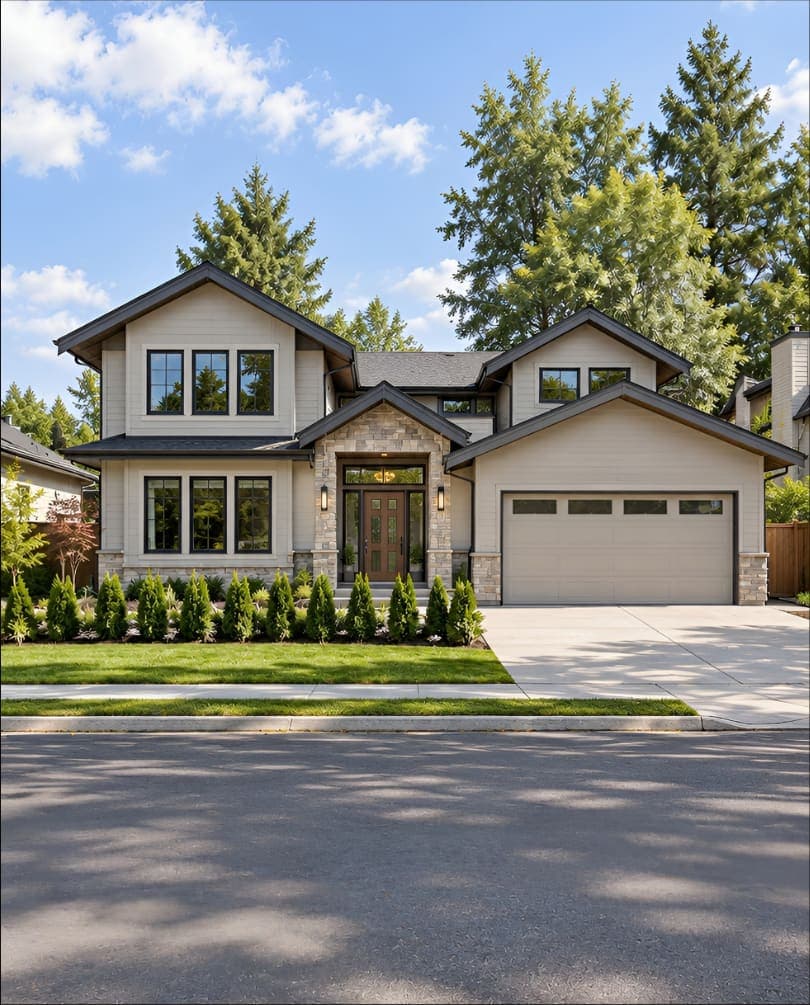
Explore the difference Intker makes across interior rendering, exterior rendering, virtual staging, aerial views, and architectural animation.
Who it is for
Whether you're designing, selling, or developing spaces, Intker helps you turn ideas into visuals that are easy to explore and share.
Real estate
Make empty spaces feel real – Use virtual staging to show buyers what a space could look like.
Architecture
See your design before it's built – Turn plans and sketches into realistic architectural visualization.
Design studios
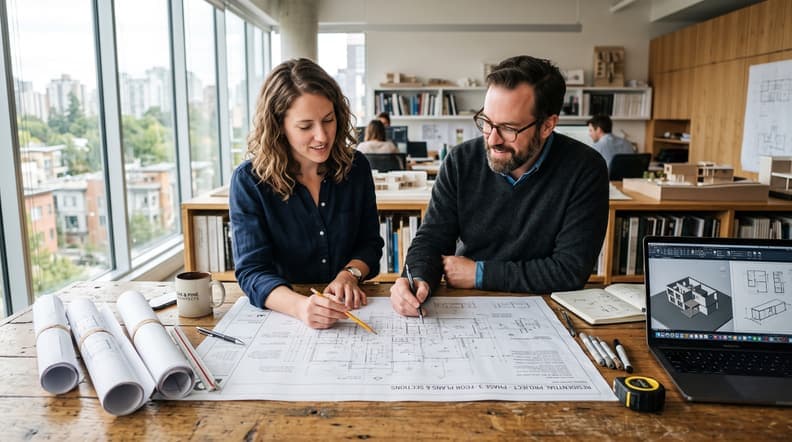
Try more ideas in less time – Explore realistic renders and new design directions from one project in seconds.

Development
Show the finished space early – Visualize interiors and exteriors before construction is complete.

Why people choose us
Six reasons architects, interior designers, and real estate teams choose Intker for their AI rendering workflow.
Stay true to your work
Camera angle, geometry, and proportions stay consistent with your upload, even as you explore different visual directions.
Make the call yourself
Adjust lighting, season, camera, and materials to get the look you want without relying on a black-box process.
No complex setup
Generate realistic renders in seconds without plugins, file preparation, or a complicated rendering workflow.
Explore more possibilities
Create different materials, lighting, styles, and design directions from the same base render.
Runs in your browser
Let cloud GPUs handle the rendering while you work directly from your browser, with no plugins or render farm to manage.
Full commercial rights
Take full ownership. Use your generated images across listings, pitches, presentations, and print without any attribution.
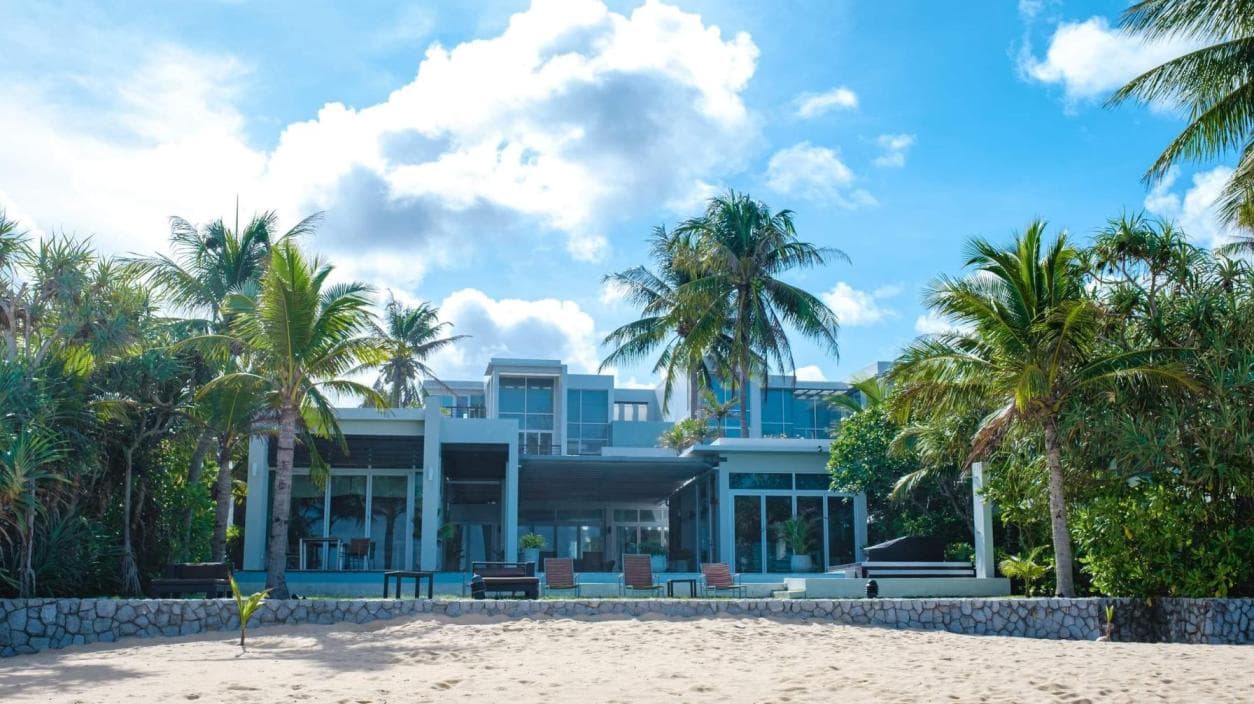
Upload a plan, sketch, or existing design and see what Intker's AI rendering engine can do for you.
Render Modes
Pick the mode that fits your creative process.

Teams
Keep your AI rendering and architectural visualization work in one shared workspace. Collaborate on projects, control who can do what, and manage your visual workflow together.
Outcomes, not just praise
See how architects, designers, and property professionals are using Intker to visualize and present their work.
“I can show clients different design directions without rebuilding the whole scene.”
Anika Sharma
Interior Designer
Mumbai, India
“My close rate went up 40%. Clients buy what they can see.”
Daniel Brooks
Architect
London, UK
“We used to spend $80 per listing photo. Now we stage them with Intker in seconds.”
Sofia Martinez
Real Estate Consultant
Madrid, Spain
“We use variations to explore materials and finishes before settling on a final look.”
Michael Chen
Design Studio Lead
Singapore



About us
Intker was founded by architects and 3D visualization engineers who spent years waiting days for a single render through traditional workflows. We built the AI rendering software we always wished existed, one that understands geometry, respects professional workflows, and delivers studio-grade renders without the complexity of a traditional setup.
Every AI model in our pipeline is trained exclusively on curated architectural and real estate datasets rather than generic 3D scenes. The result is an AI rendering engine that understands proportions, materials, and lighting with the detail needed for professional architectural visualization.
FAQ
AI rendering turns architectural designs, sketches, plans, or images into realistic visualizations by generating details such as materials, lighting, textures, and surroundings while preserving key design details.
Our team is ready to walk you through the AI rendering software, discuss your workflow, and help you go from brief to studio-grade AI render in minutes.