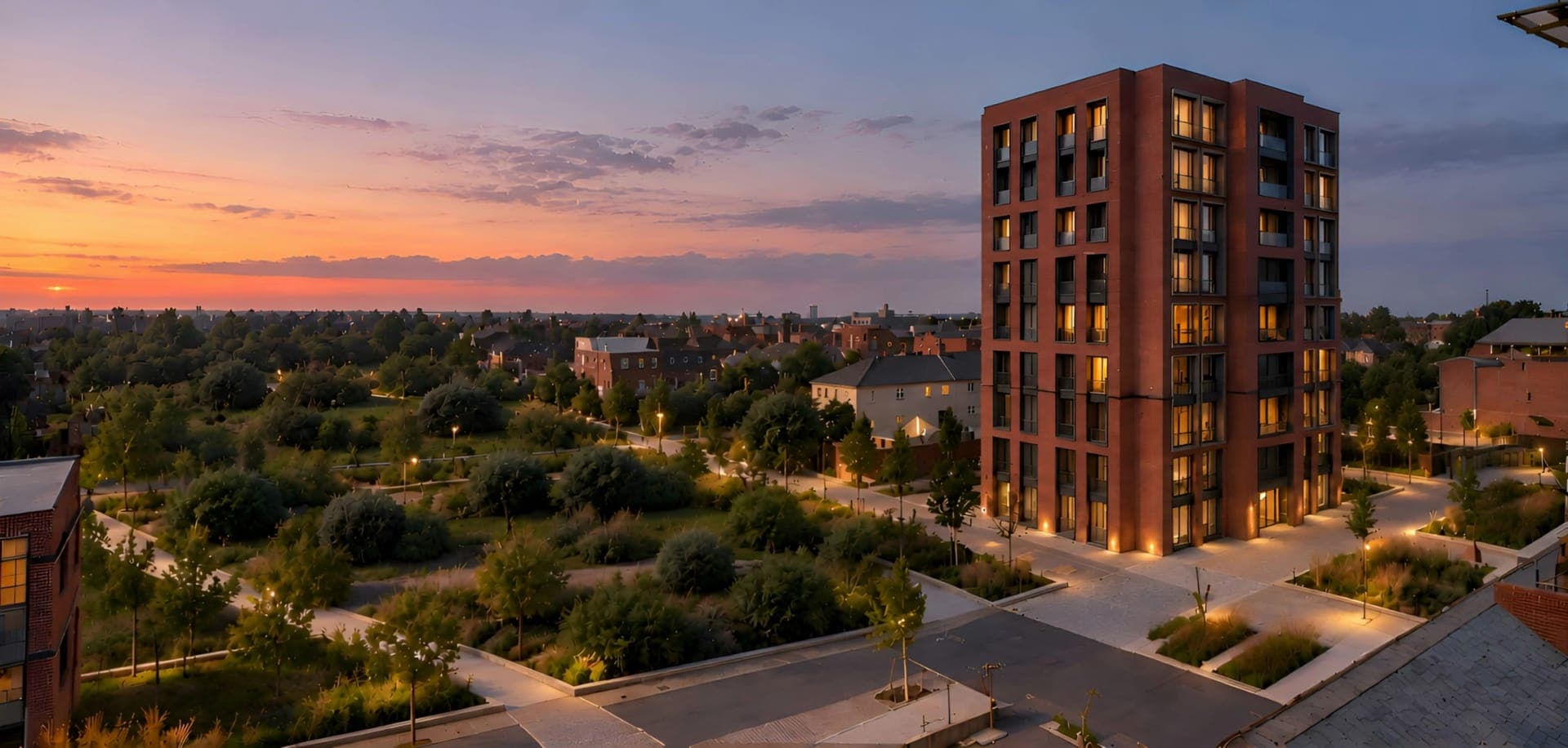
3D Rendering Software for Realistic Interior and Exterior Designs
Upload a plan, sketch, or exported view. Get photorealistic 3D interior and exterior renders in seconds, while keeping your layout, proportions and camera angle.
Works with








See the difference
See the Difference a 3D Render Makes
From a simple design input to a photorealistic 3D render in seconds. See how realistic lighting, materials, and details bring your vision to life.
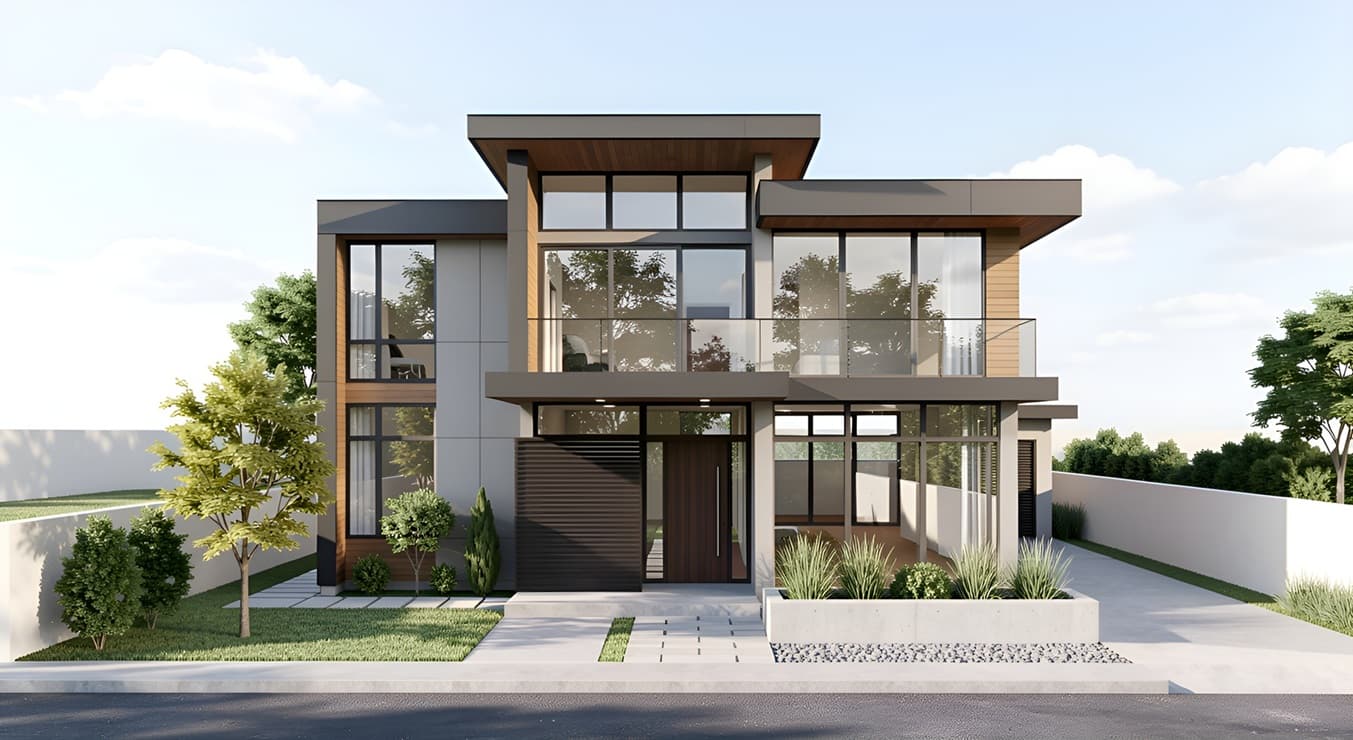
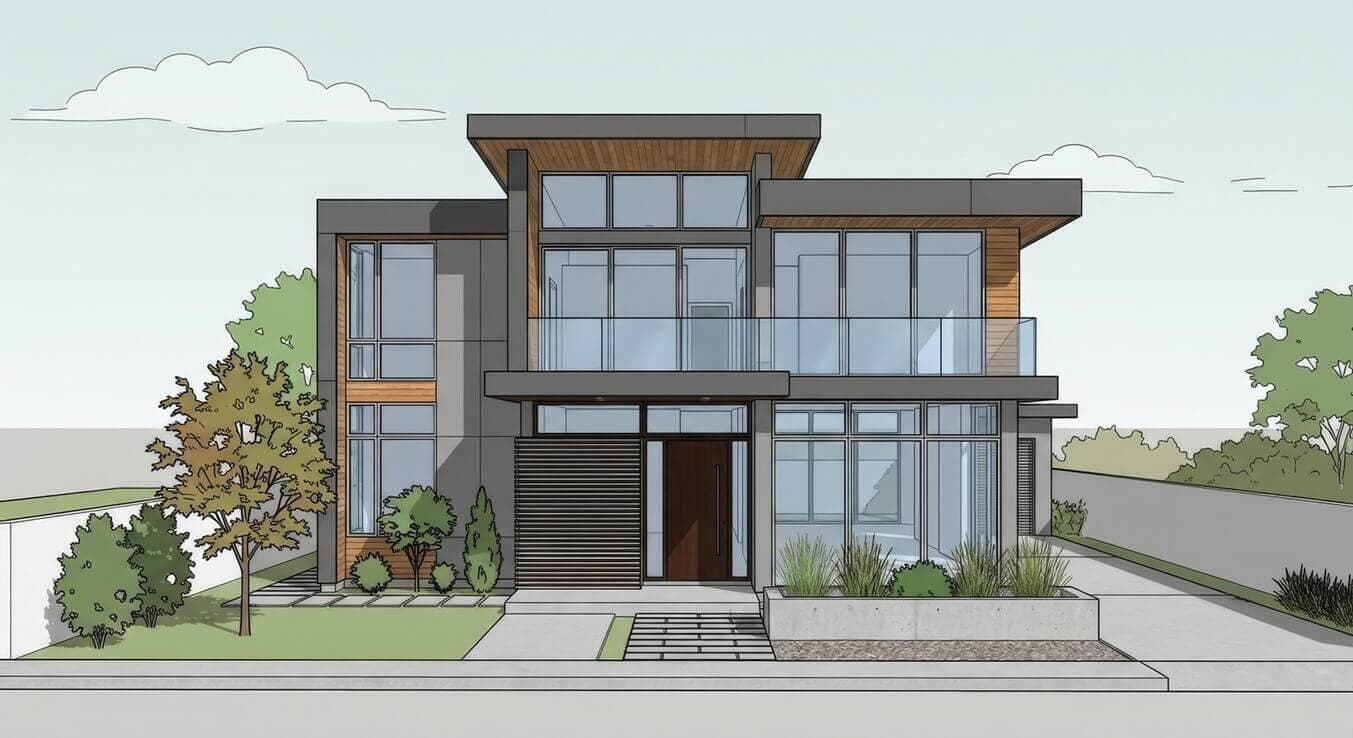
Explainer
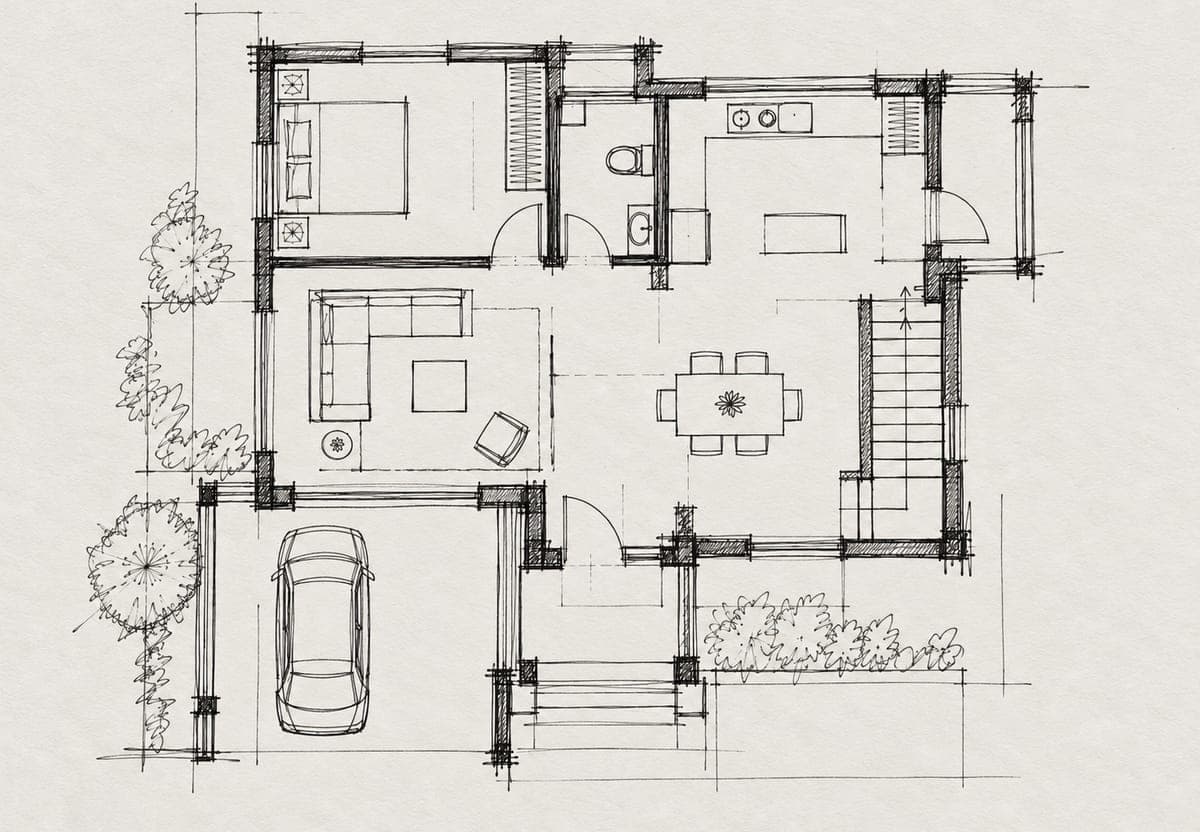
What is 3D Rendering?
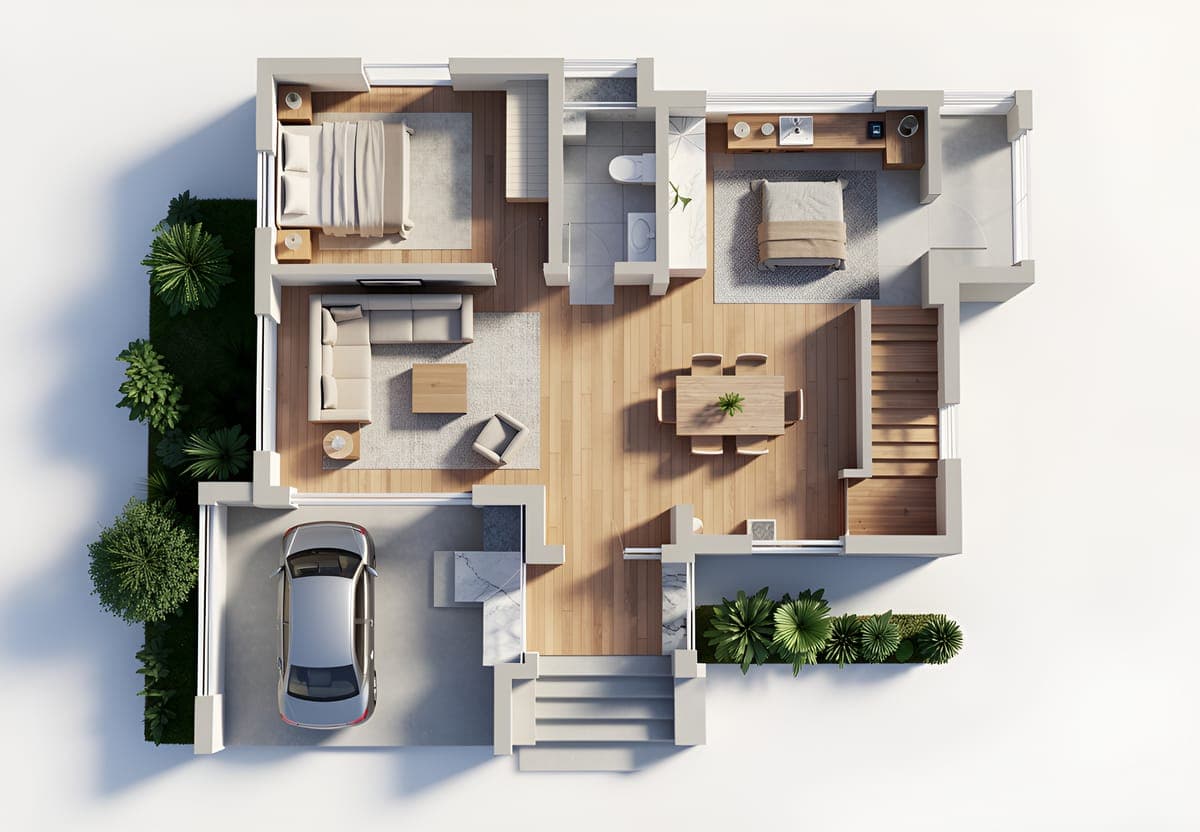
3D rendering is the process of turning a 3D model, plan, sketch, or design view into a photorealistic render. Rendering software calculates how light hits each surface, what the materials reflect, and where shadows fall, then outputs a flat image. It is the final step in 3D visualization, after modeling and texturing are done.
Intker handles that step from an image instead of a scene file. Upload a plan, sketch, or exported view as a JPG, PNG, WEBP or AVIF image, up to 20 MB. The software reads the geometry in it, applies realistic lighting and materials, and returns a photorealistic 3D render in seconds. Your lines stay where you drew them.
Workflow
Three Steps to a Photorealistic Render
Go from an exported view to a photorealistic 3D render in seconds, without 3D rendering plugins, complicated setup, or a new workflow.
- 1
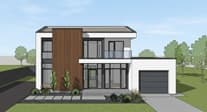
Upload Your Exported View
Export a view from your 3D software as an image and upload it. No plugins, file preparation, or render-ready formats needed.
- 2
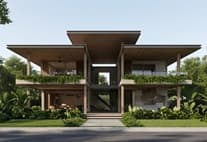
Choose Your Render Style
Explore 20+ styles for realistic 3D rendering, from photorealistic and Scandinavian to dusk and industrial. You can also describe your own style in plain words.
- 3
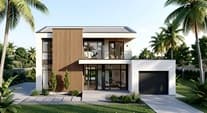
Render and Deliver
Your photorealistic render lands in about 30 seconds. Download at 4K, create variations, and send it straight to your client.
Try 3D rendering on your own project
Upload a plan, sketch, or exported view and see the output before you decide anything. No card, no trial countdown.
See it come to life
See Your 3D Render Come Together
Watch the finished 3D render take shape with realistic materials, lighting, details, and 4K visual quality.
Interior mode
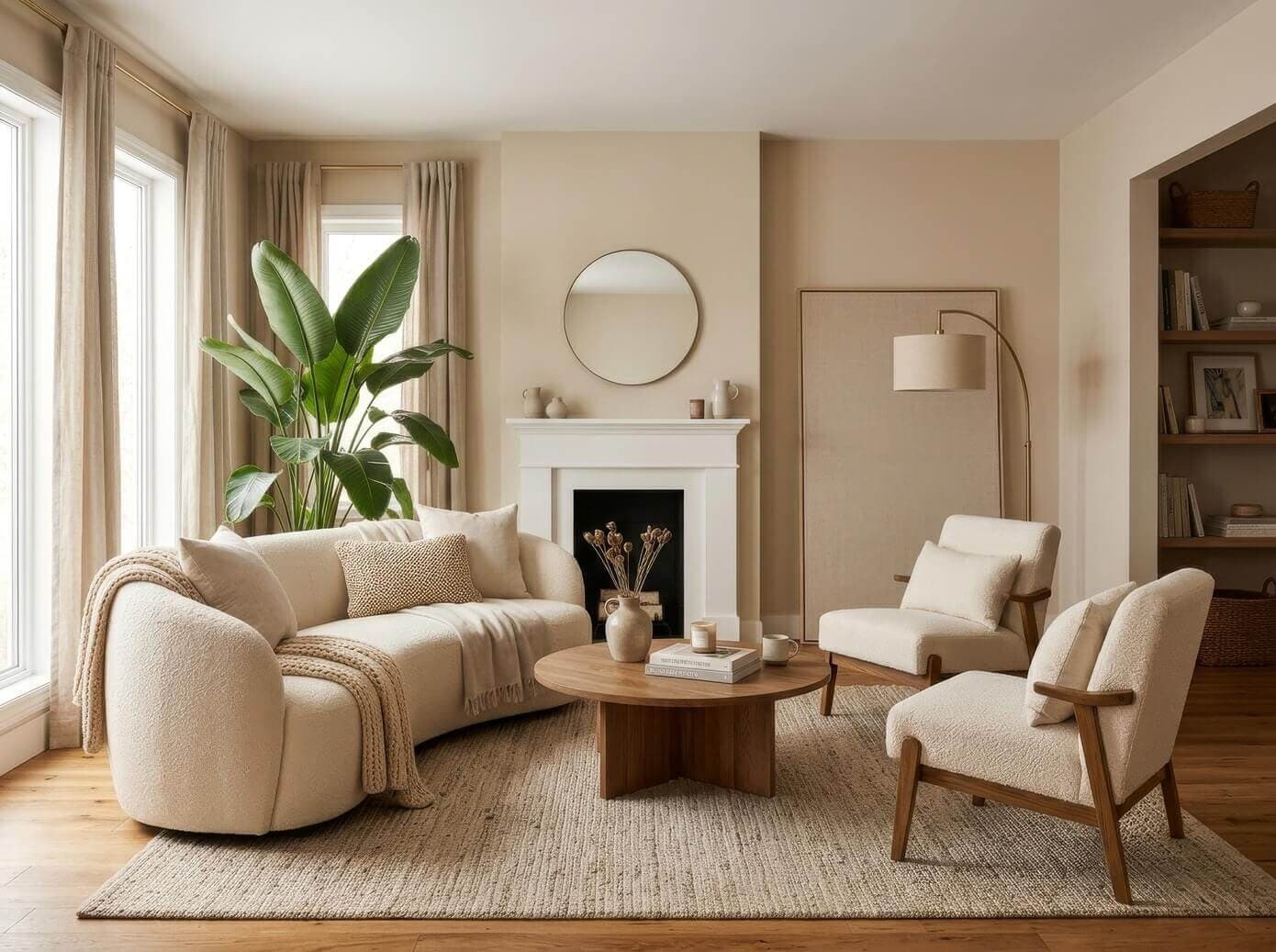
3D interior rendering software for any room
Living rooms, kitchens, bedrooms, offices, retail floors. Upload a view of your space and Intker adds the materials, finishes and lighting, so your client sees the room instead of imagining it. Your layout stays exactly as drawn.
- Works across residential, commercial and hospitality interiors.
- Every surface treated, from flooring and walls to fabric and trim.
- Test a finish, a palette or a lighting scheme in about 30 seconds.
Exterior mode
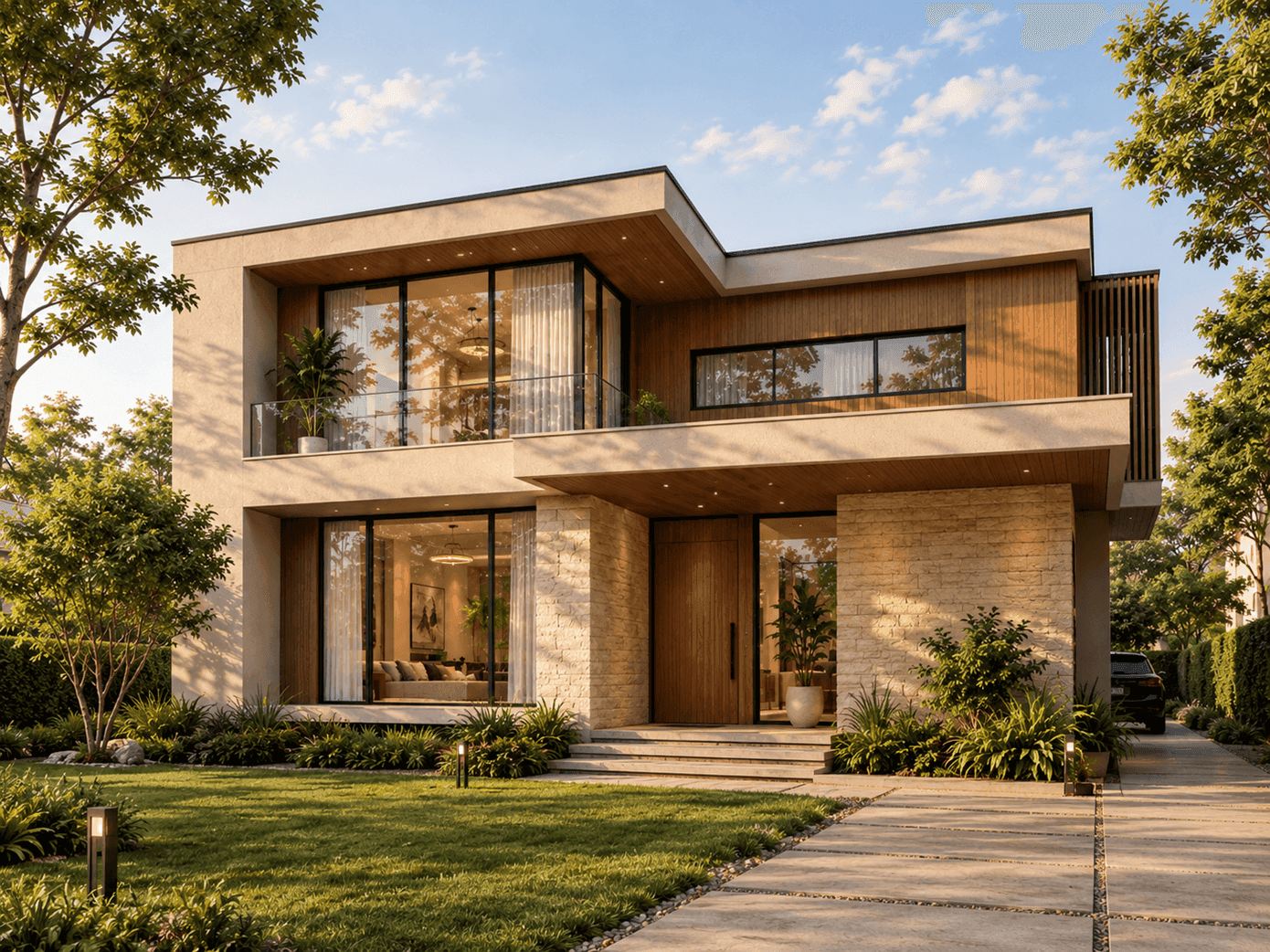
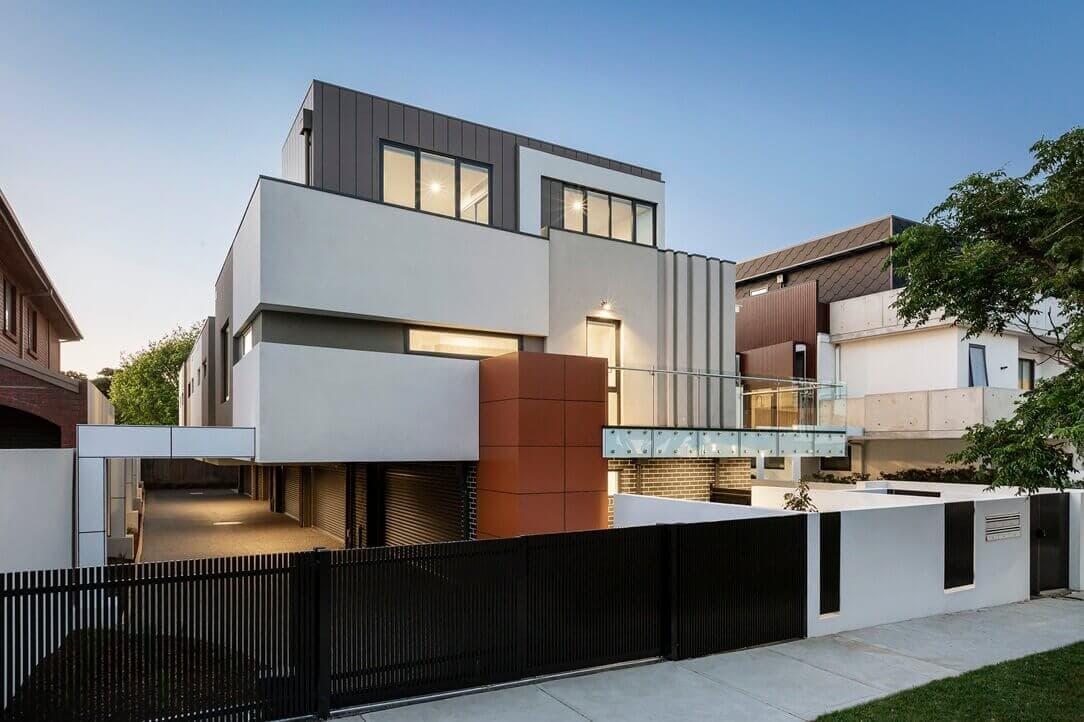
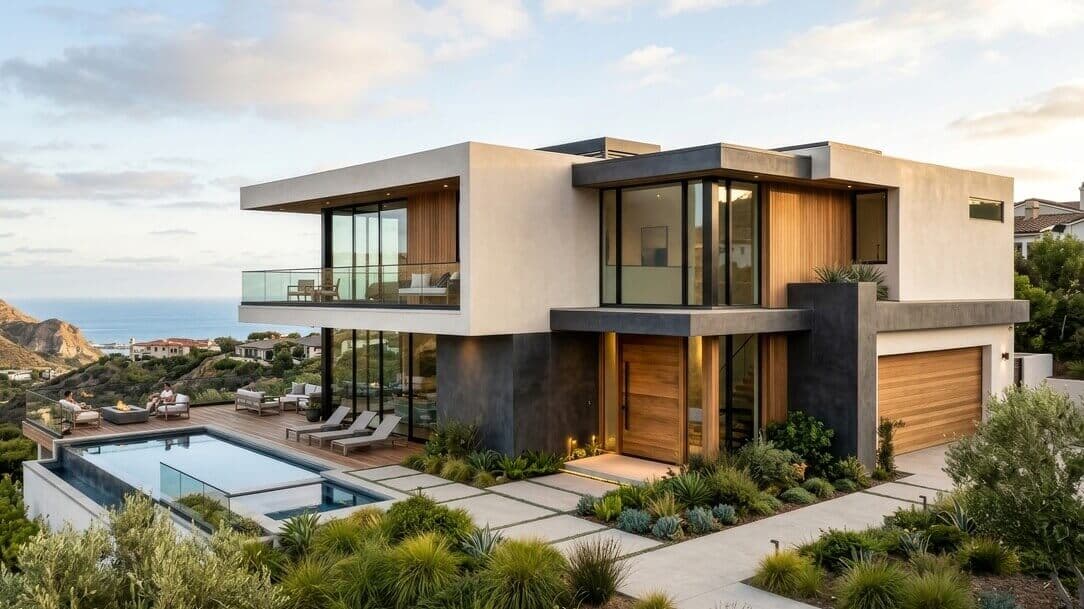
3D Exterior Rendering Software for Every Project
Homes, offices, hotels, retail units, mixed-use blocks. Upload an exterior view and Intker adds the facade materials, glazing, roofing and realistic light, so you can see the finished building before anything is built. Your elevations stay exactly as drawn.
- Works across residential, commercial, and hospitality exteriors.
- Apply realistic materials, textures, landscaping, and environmental details.
- Preserve building proportions, elevations, openings, and architectural details.
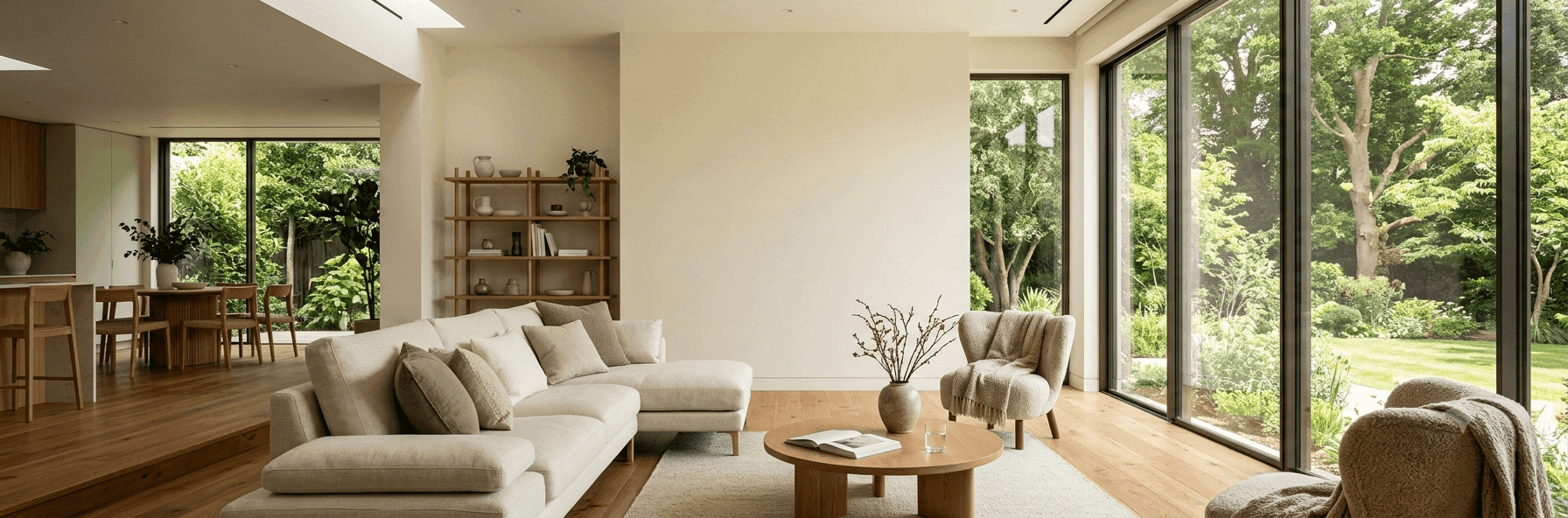
Win clients with polished 3D visuals, minus the hard work
- No installs needed
- No learning curve
- Renders in seconds
Design Styles
Explore 3D Render Styles
Pick a look and Intker's AI Rendering programs apply it automatically, with no manual lighting rigs or material setup required.
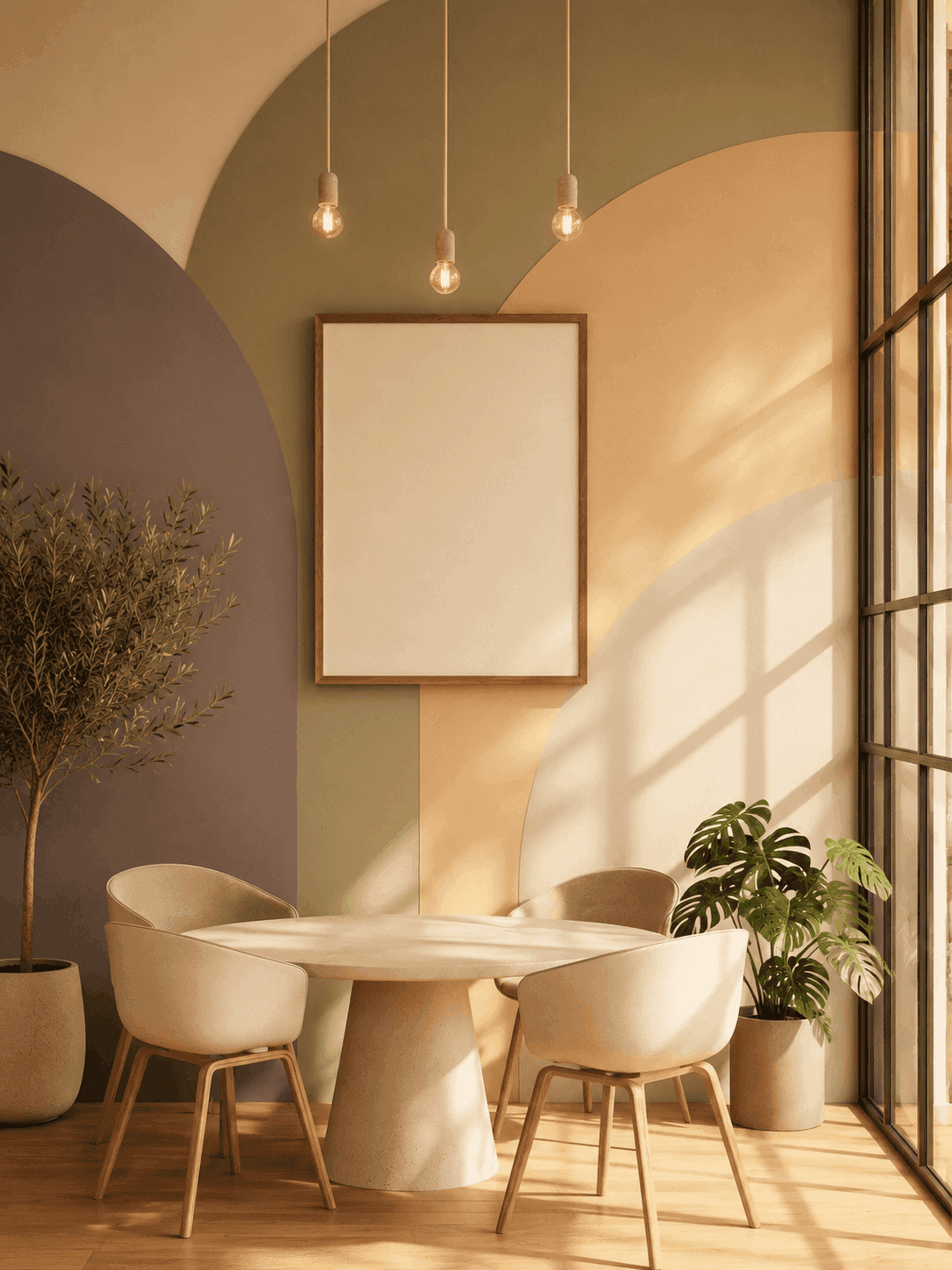
Warm Minimal
Soft neutrals, natural light
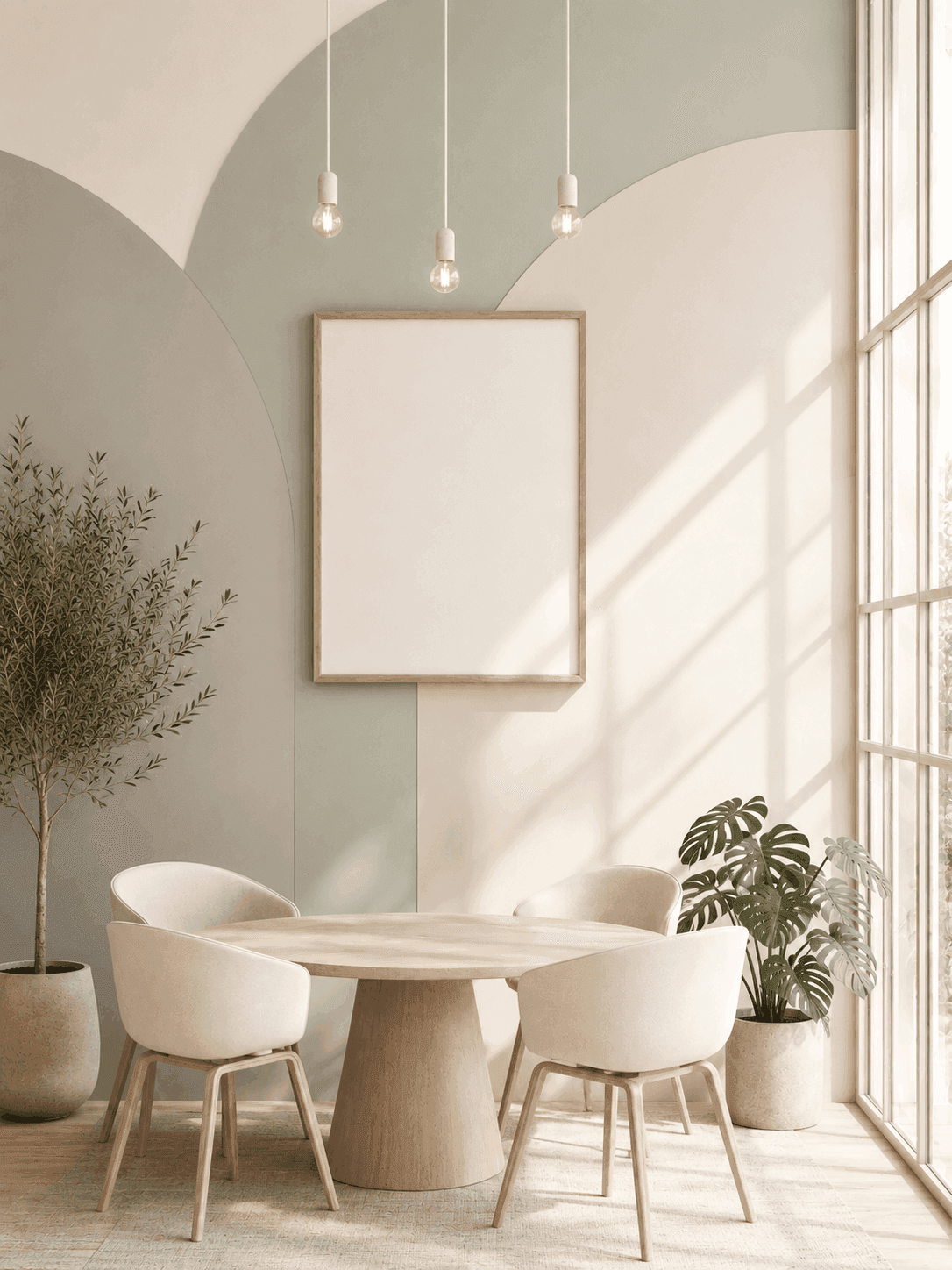
Scandinavian Calm
Light wood, muted tones
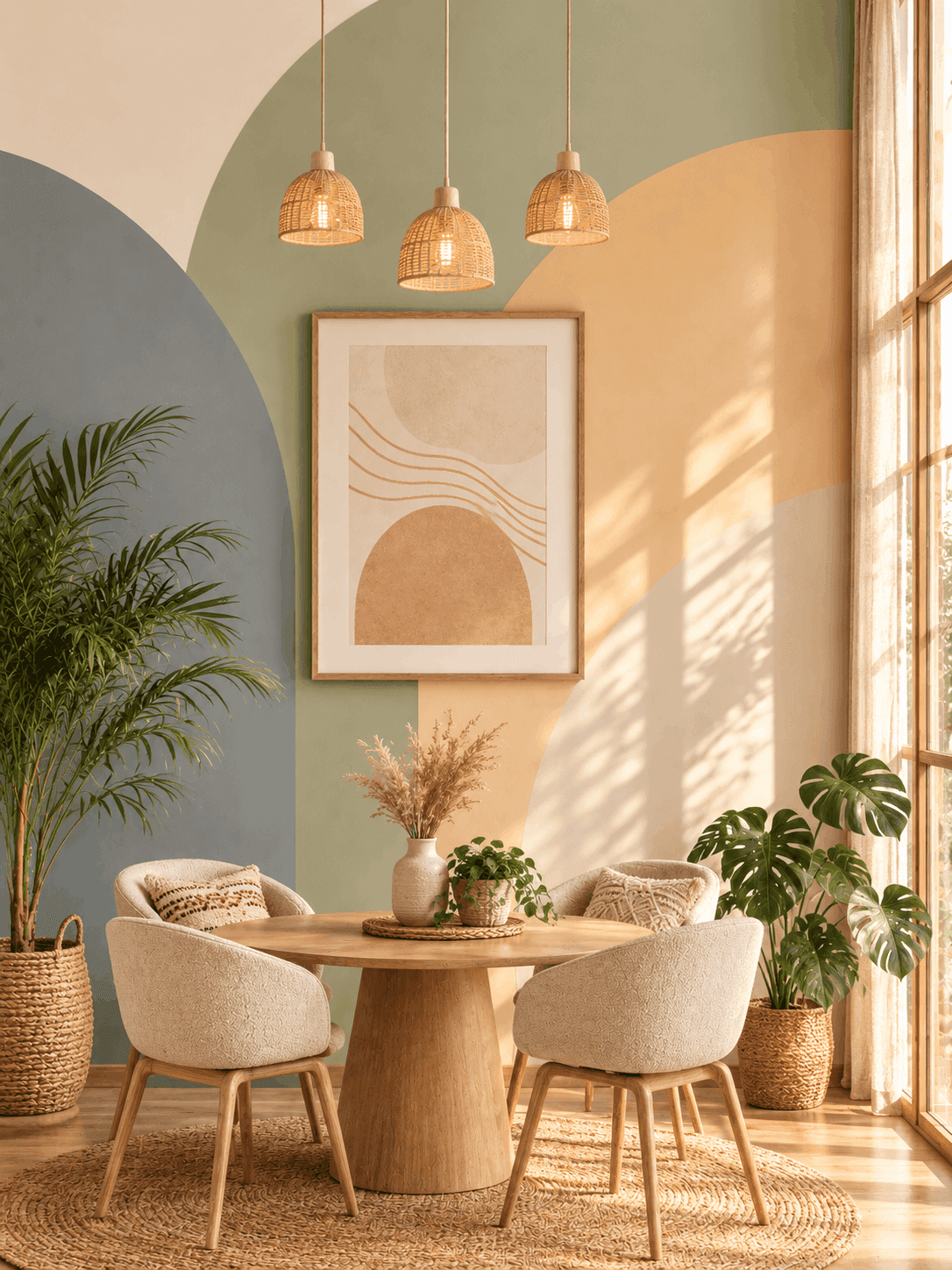
Soft Boho Warmth
Terracotta, textured layers
Why Intker
How 3D rendering in Intker feels different
Your design stays your design - Most AI tools redraw the building. Intker keeps your geometry and adds the materials, lighting and detail on top of it.
Copy a style from any image
Found a look the client likes? Upload that image with your view, and the render picks up its materials and mood.
Try a new style in one click
Switch styles and render again. Nothing to rebuild, nothing to re-export, no materials to reassign.
Download in 4K, ready to print
Every 3D render comes out at full resolution. Big enough for a pitch board, a brochure or a planning pack.
Everything in one workspace
Every render of every project stays in one shared place, so your team can find the version from two weeks ago in seconds.
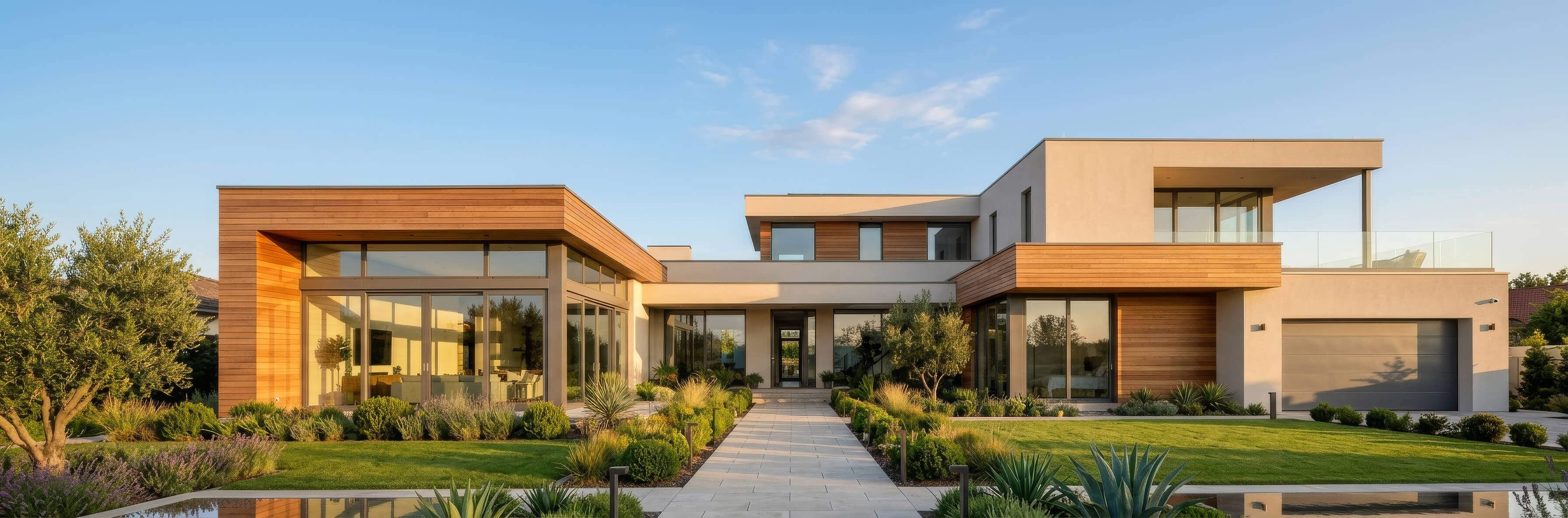
Your Next 3D Render Starts Here
Create realistic interior and exterior 3D renders from the designs you already have. Upload a view, choose a style, and get your render in seconds.