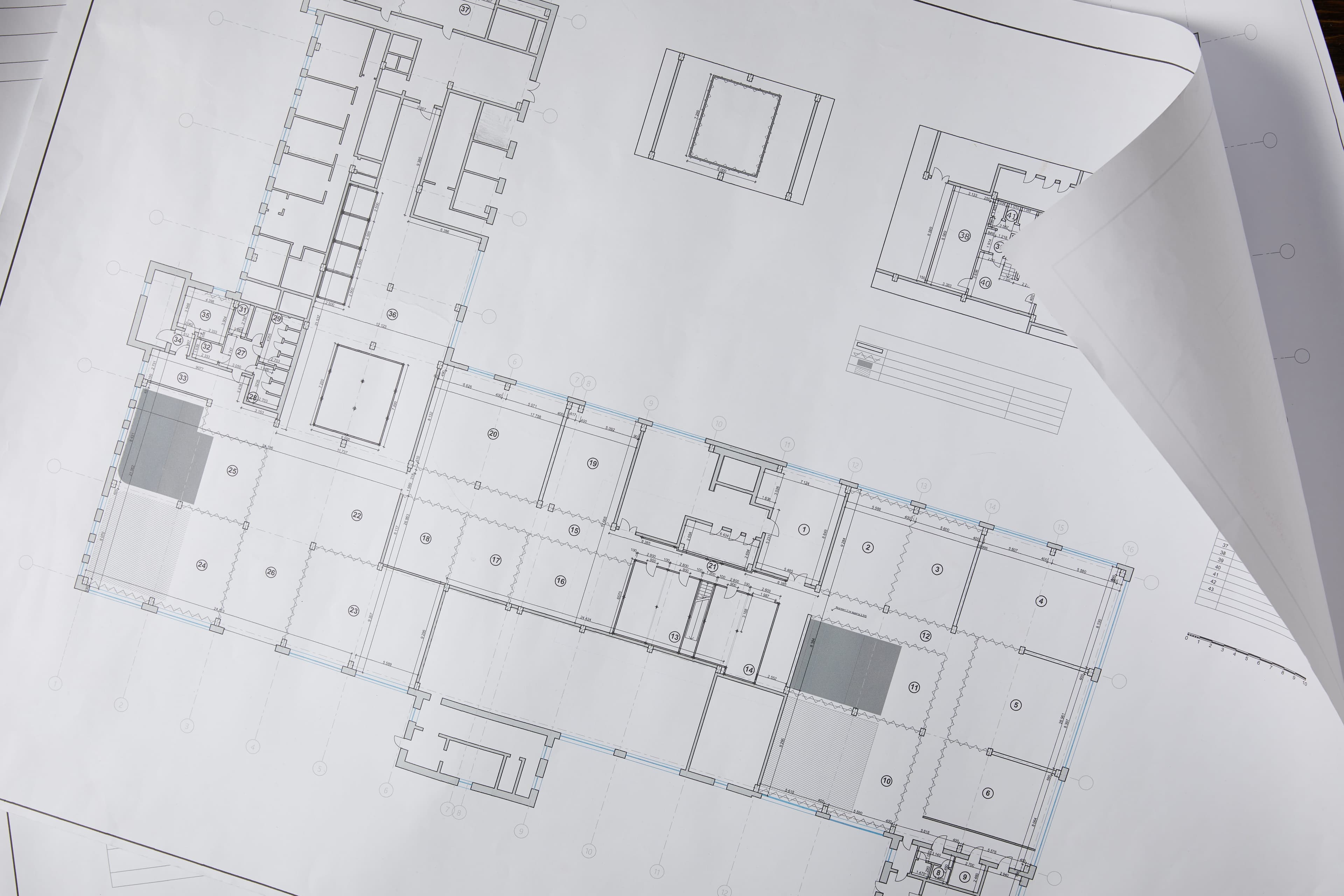
AI Architectural Visualization That Helps You See What’s Next
Bring more possibilities into your design process with AI rendering and 3D visualization. Start with a sketch, plan, or model and explore realistic renders in seconds.
Drop a photo to render
and we will handle the rest automatically
Works with








Project Views
Architectural Visualization for Every View
Turn a single upload into compelling visuals that make your ideas easier to communicate.
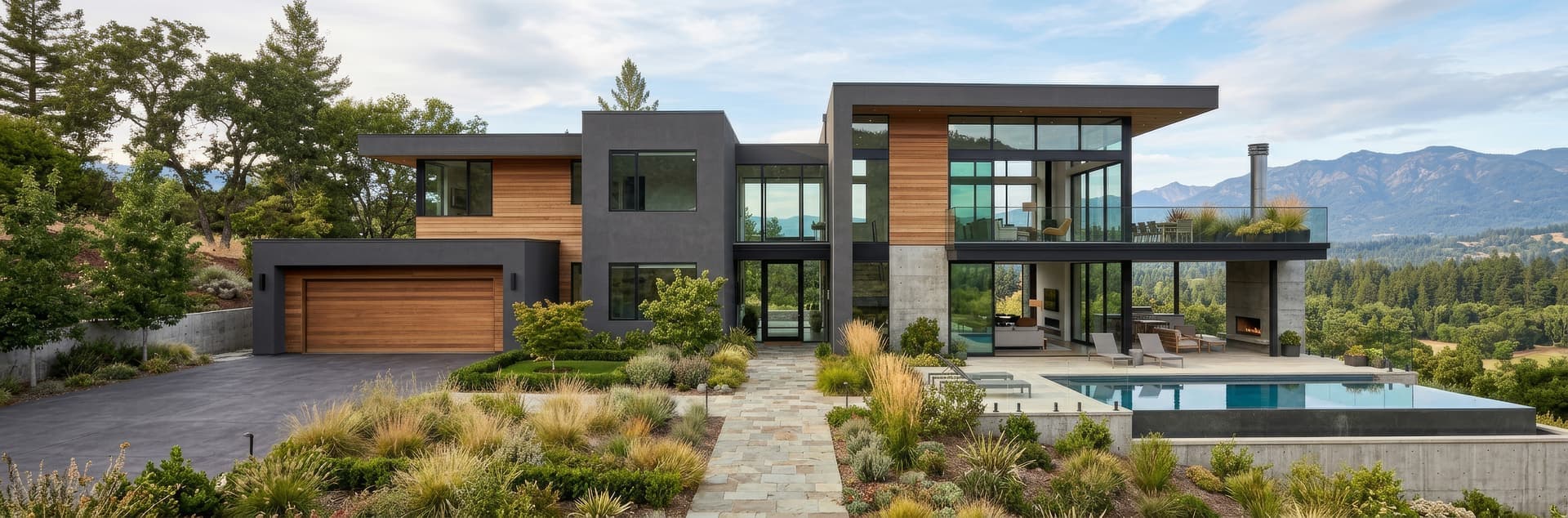
Exteriors
Show facades, landscaping, materials, and surrounding context with realistic render detail from any viewpoint.
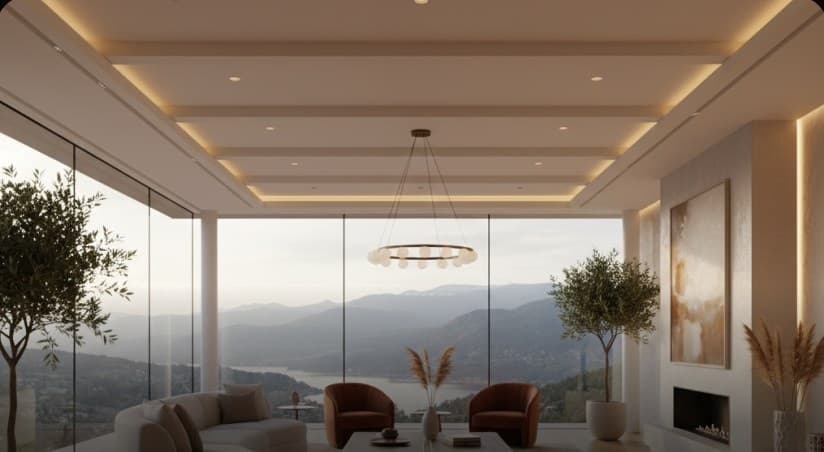
Interiors
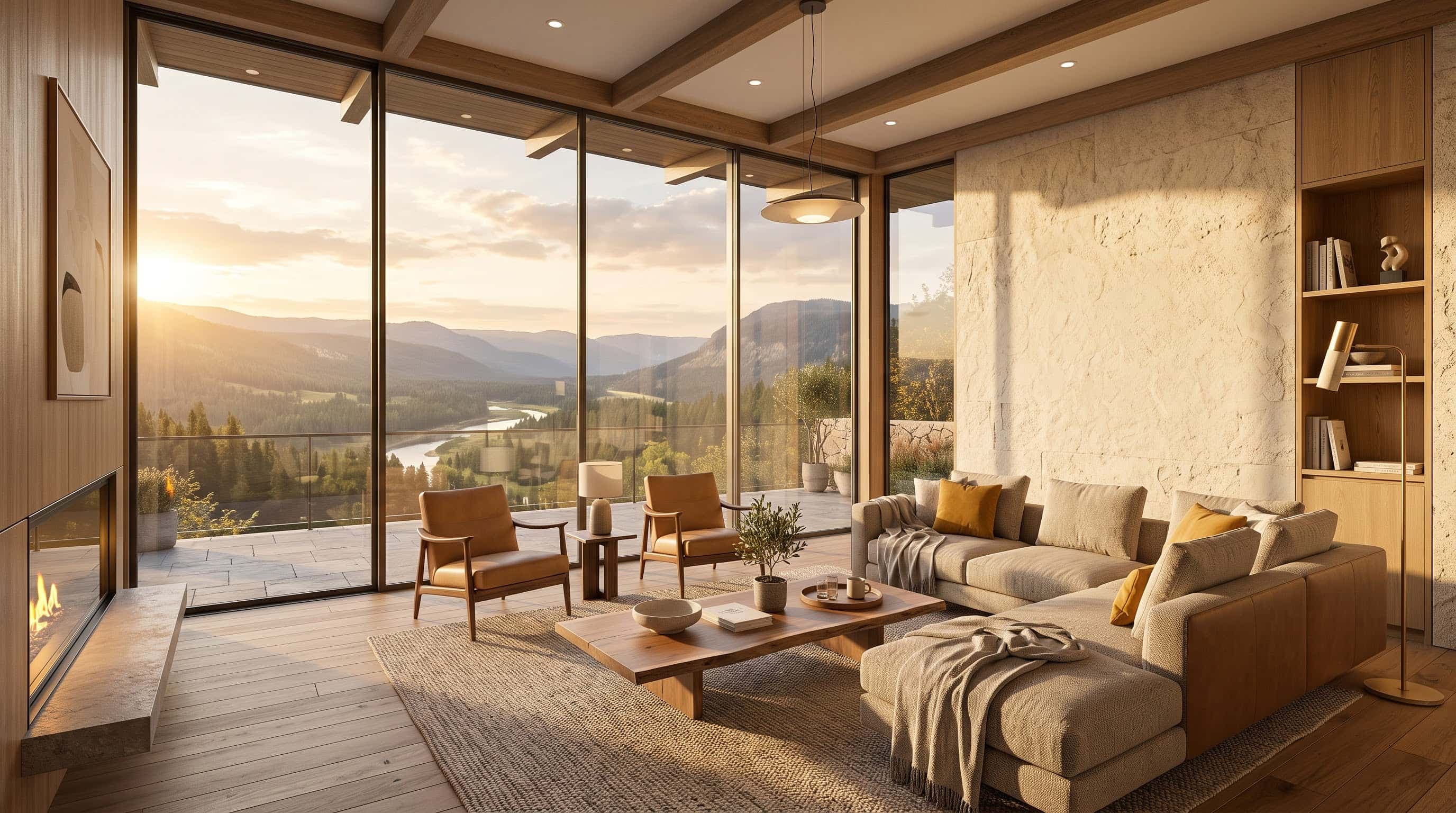
Visualize rooms with natural lighting, realistic materials, furniture, and proportions that make the space feel tangible.
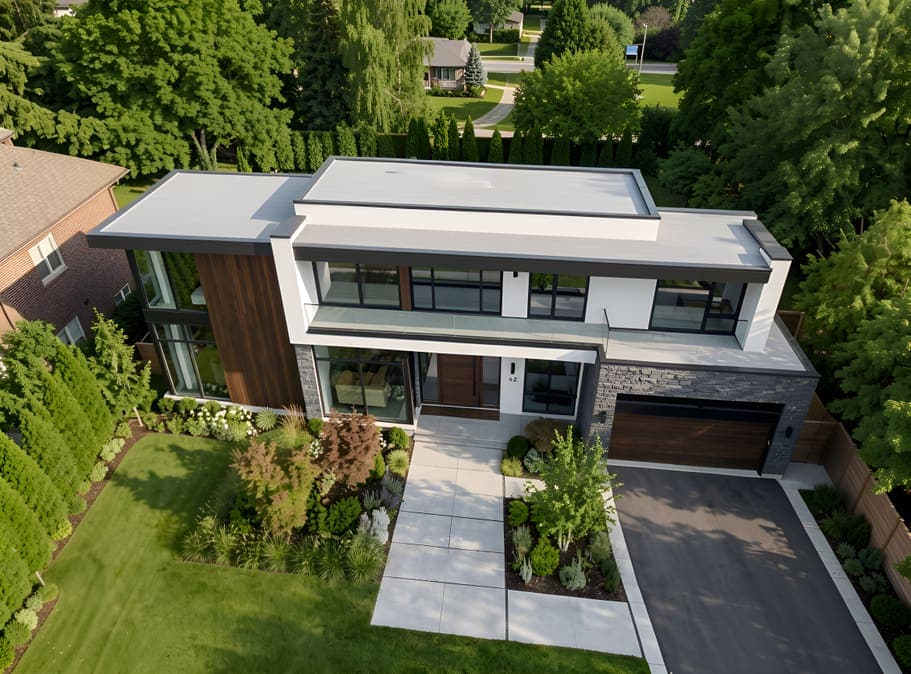
Aerials
Show the complete project from above with 3D visualization of buildings, terrain, landscape, and its wider setting.
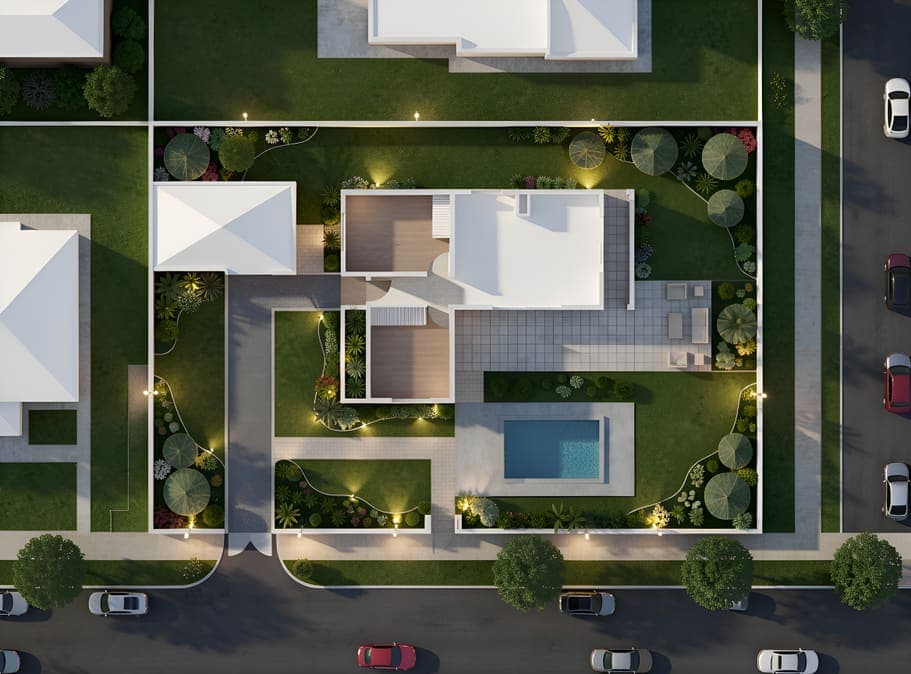
Site Plans
Turn 2D site plans into clear 3D visuals with buildings, terrain, landscaping, paths, and surrounding site elements.
Explainer
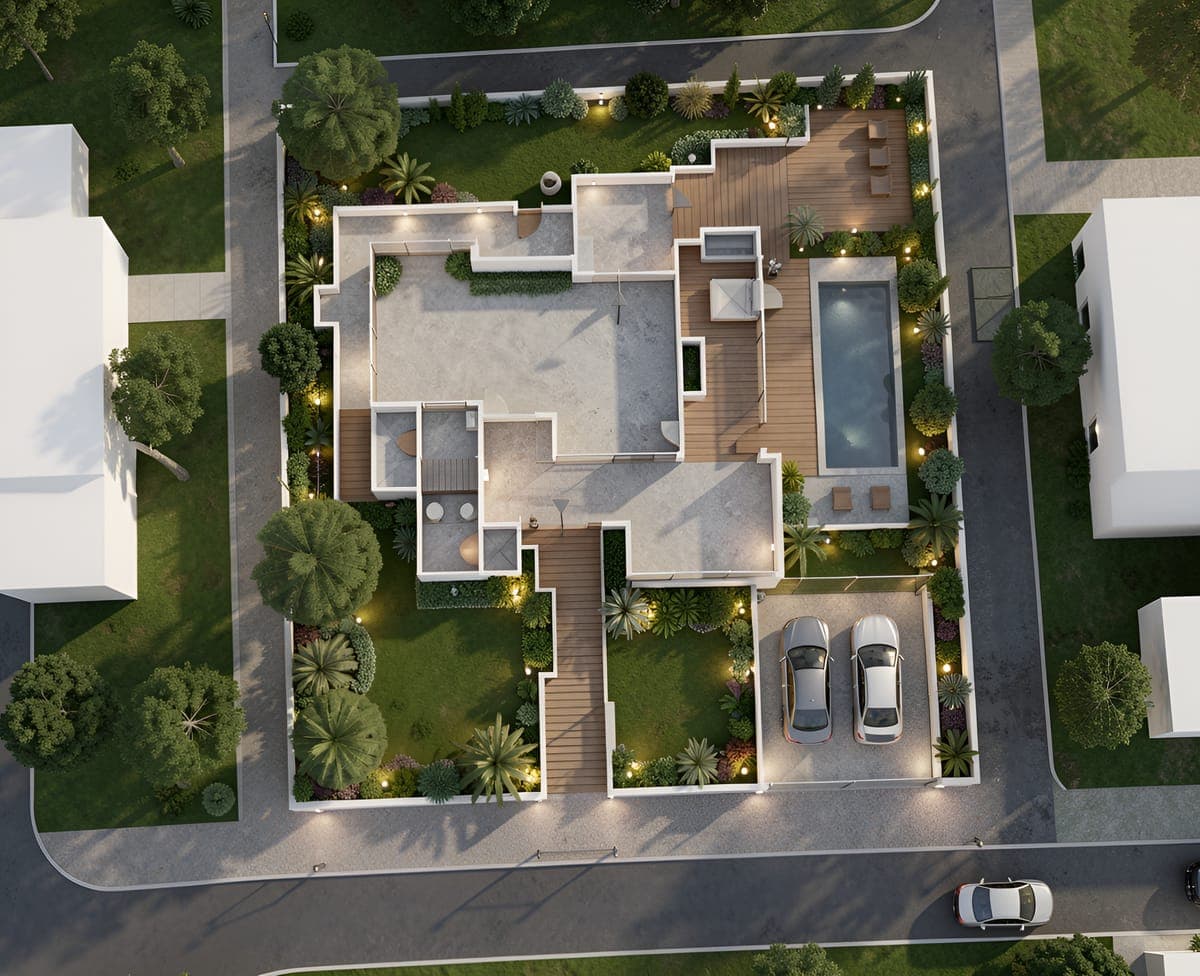
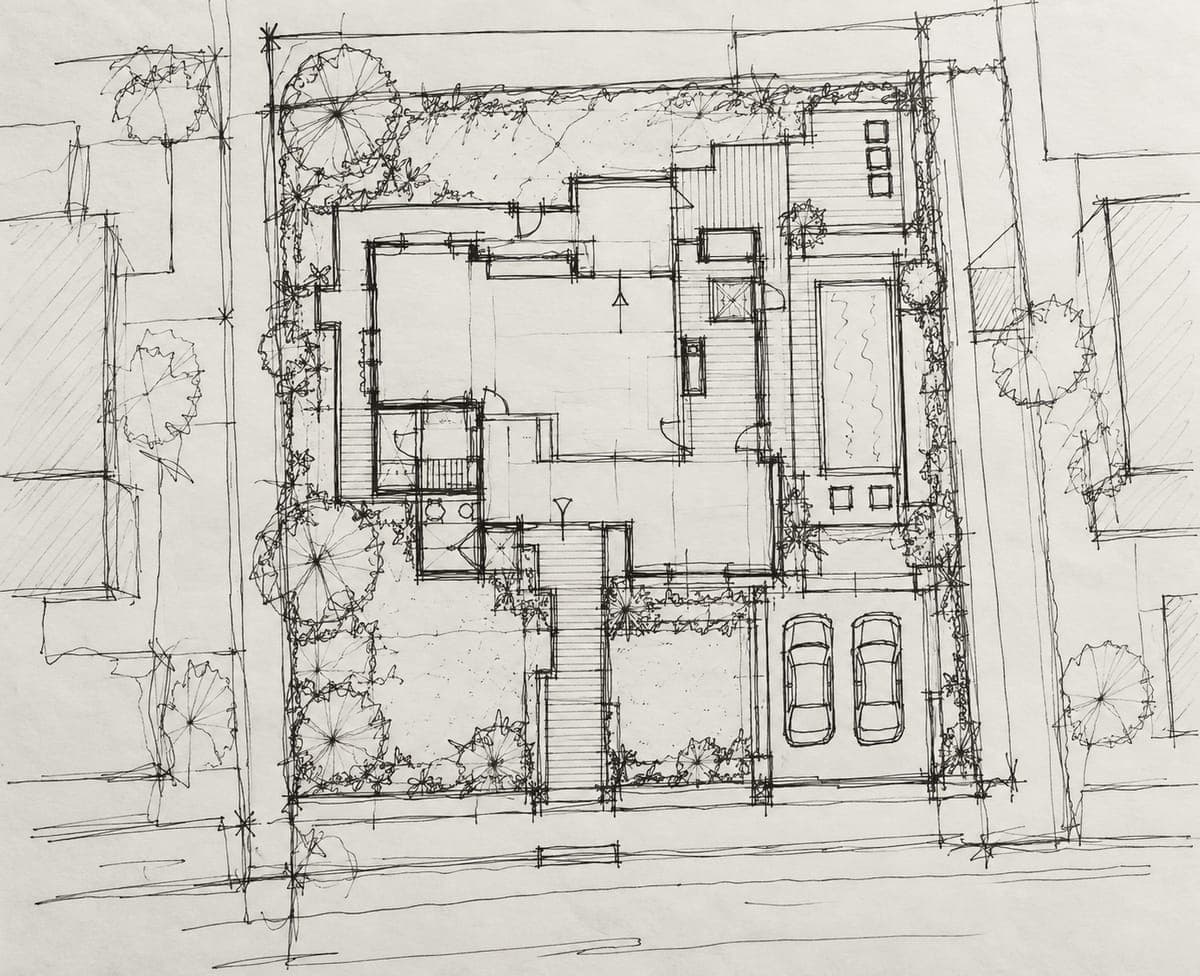
What is AI Architectural Visualization?
AI architectural visualization turns rough sketches, plans, and 3D models into realistic renders of how a space could look. Instead of manually setting up every material, light, and detail, you can explore different design directions and see the results much faster.
With Intker, you can start with the design you already have and generate realistic visuals without rebuilding the scene. Adjust styles, materials, lighting, and surroundings to create 3D architectural renderings that help you communicate ideas clearly and make confident design decisions.
How it works
Three Steps from Idea to Render
Skip the technical setup and get straight to the visual. Turn your existing design into a polished architectural visualization in just a few simple steps.
Upload Your Design
Start with a sketch, plan, screenshot, or photo of your space. Bring your existing design into the workflow without rebuilding anything.
Choose Your Direction
Choose from 20+ render styles or describe the look you want.
Create Your Render
Get a realistic 3D render in about 30 seconds, ready to share with clients, teams, or stakeholders.
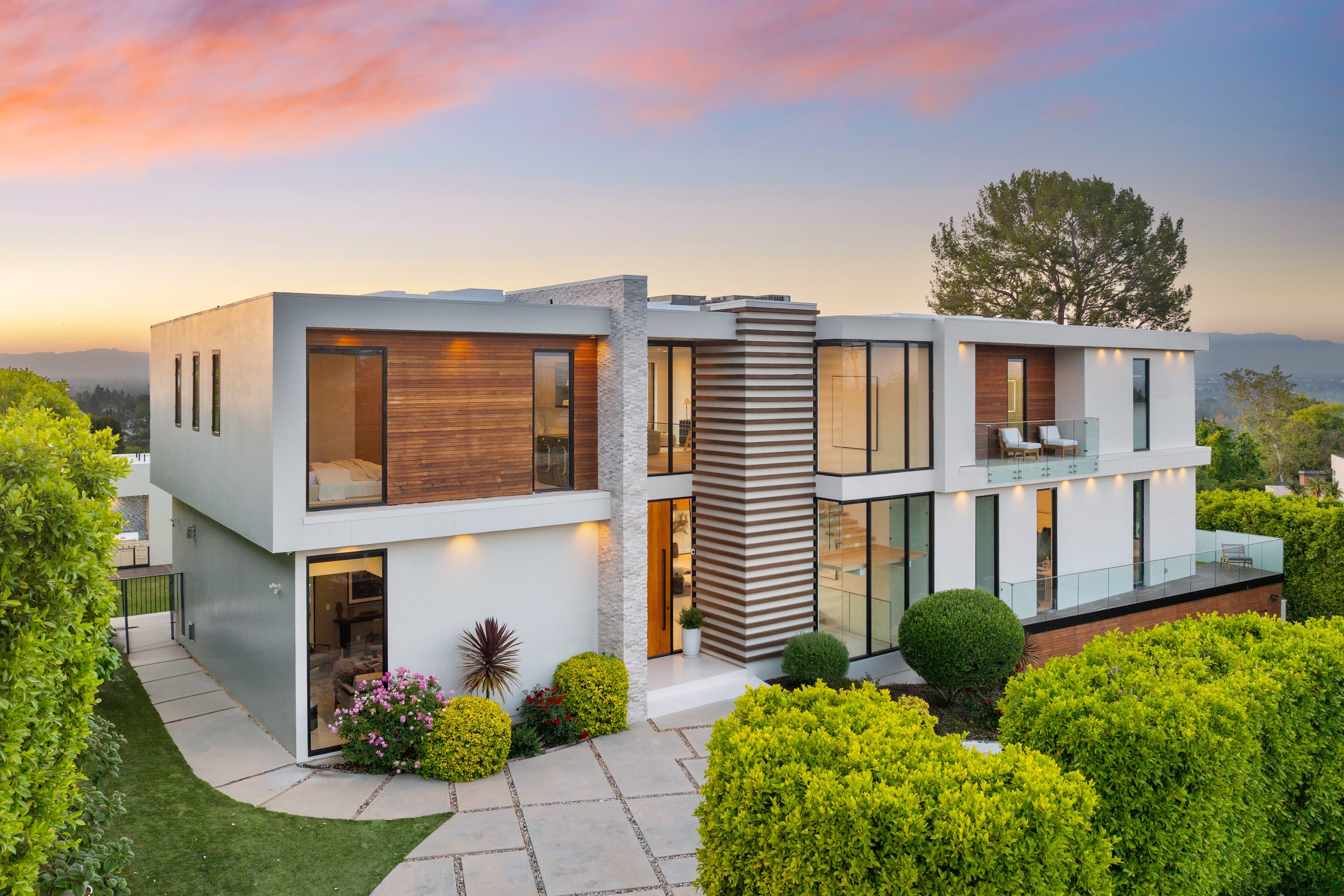
AI Architectural Visualization Software
Upload a screenshot, sketch or plan and Intker generates photoreal architectural visuals in seconds — exteriors, interiors, aerials, and dusk scenes, with no plugins or material setup needed.
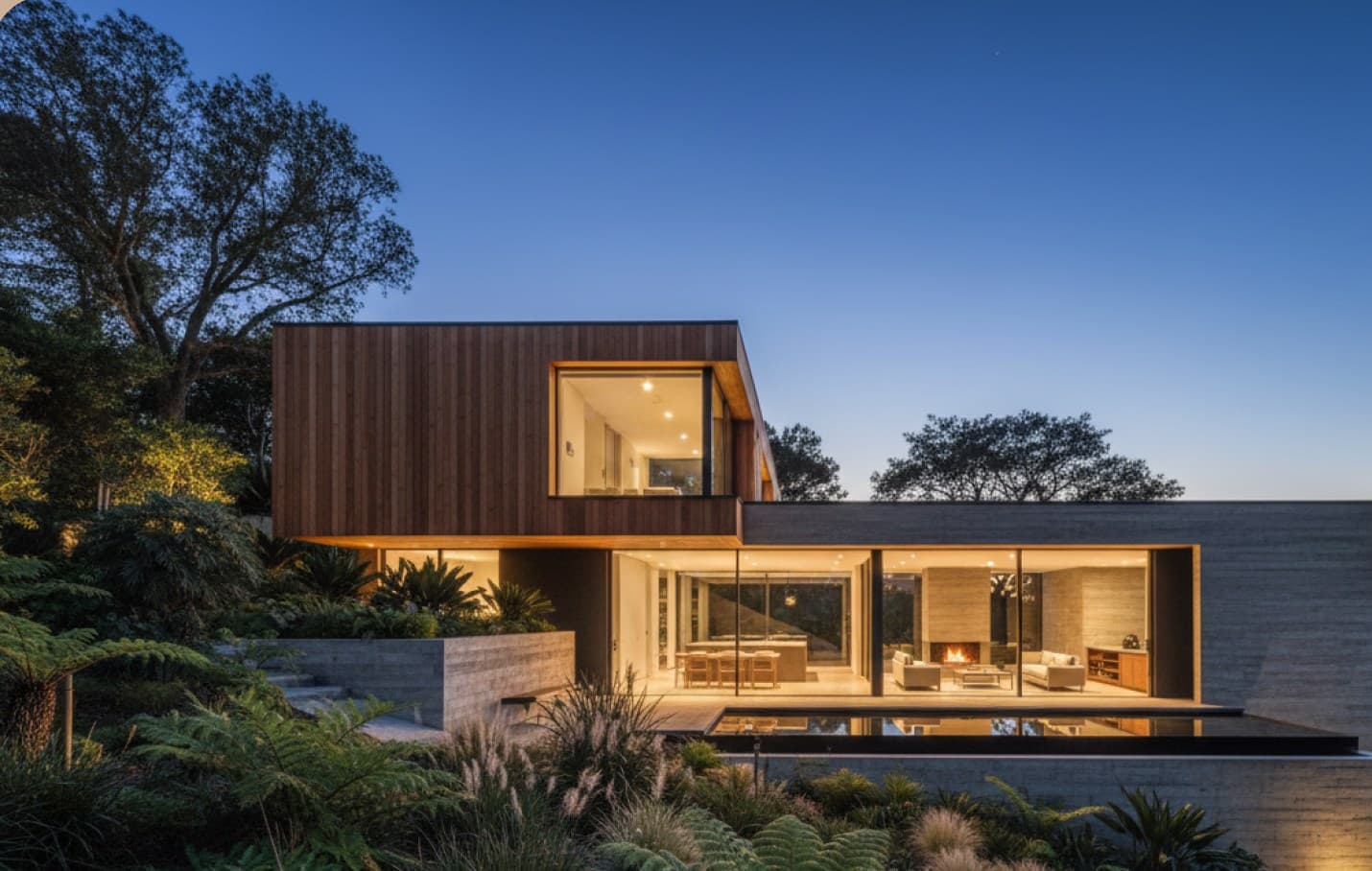
Features
Make Every Detail Feel Intentional
Adjust key visual elements to create architectural renderings that suit your design and the story you want to tell.
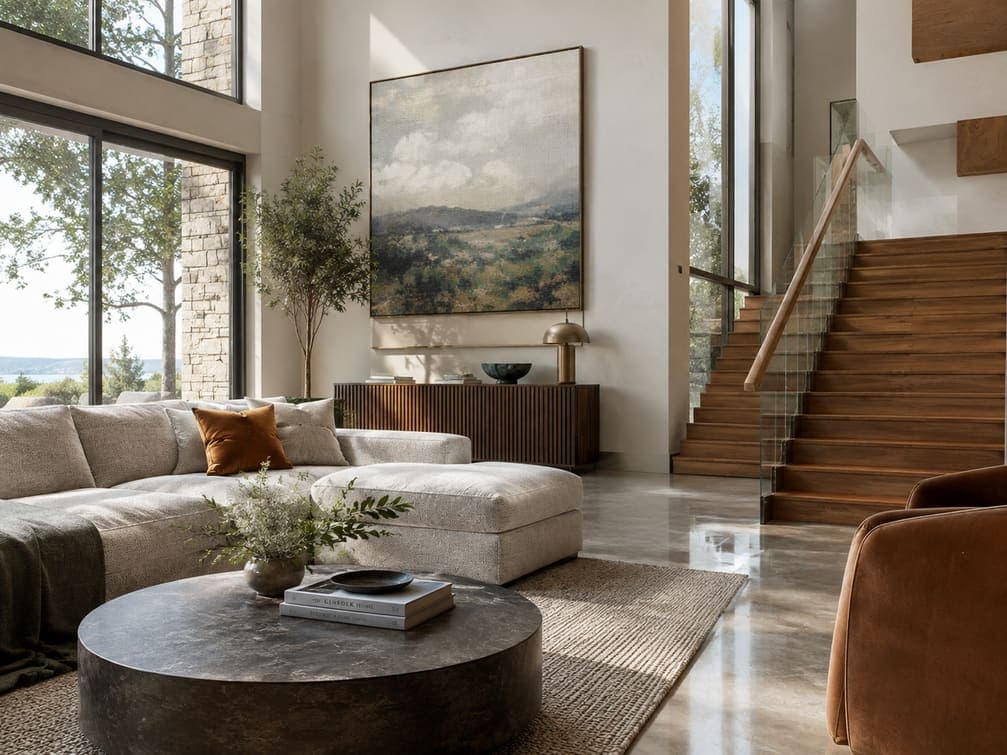
Realistic Materials & Textures
Give your design the right finishes with realistic materials, textures, and surface details that make architectural renderings feel tangible.
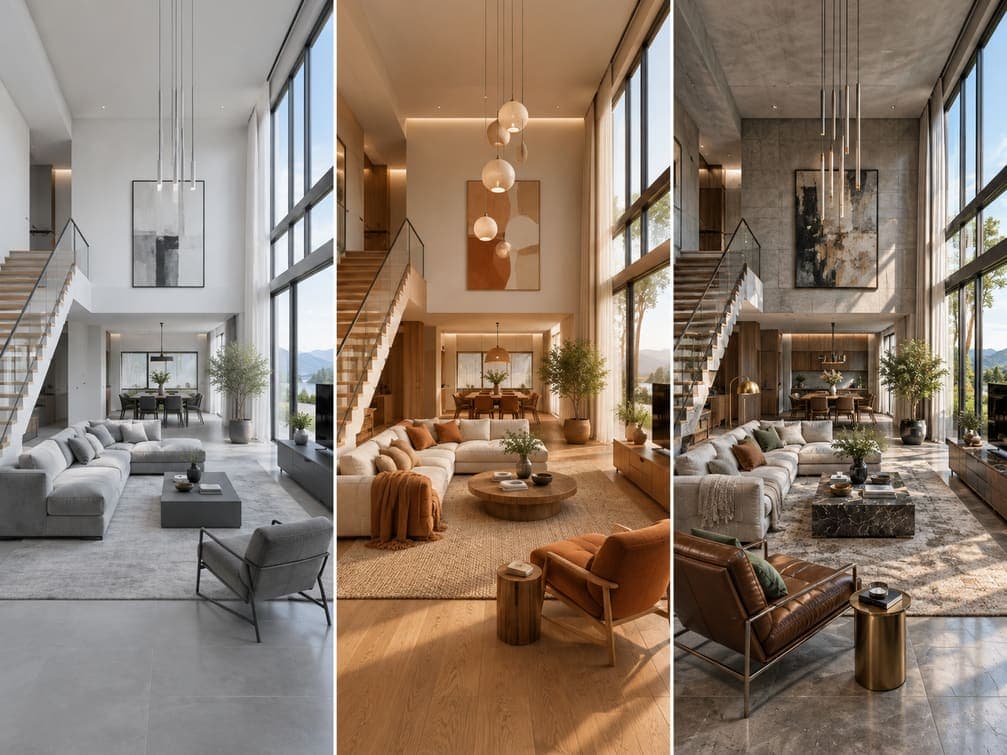
Choose Your Visual Style
Explore different visual directions with styles ranging from clean and minimal to warm, contemporary, or photorealistic, while keeping the architectural design recognizable.
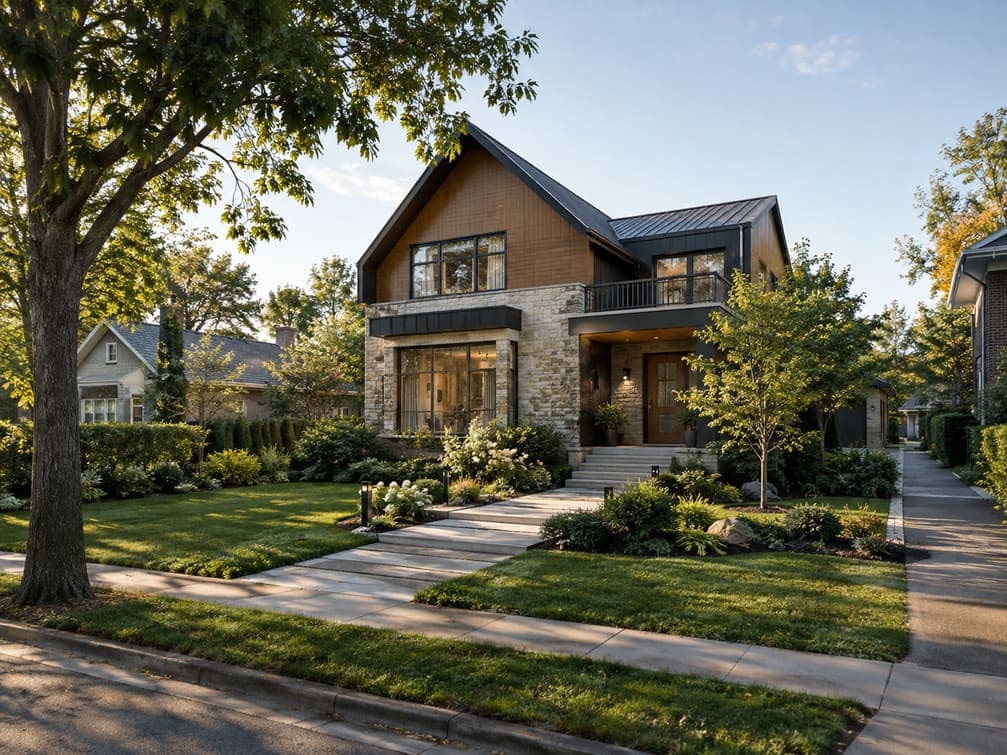
Build the Surrounding Scene
Place your design in a believable setting with landscaping, terrain, pathways, surrounding buildings, and other elements that give the project a stronger sense of place.
See the difference
See What You Can Create with Intker
Watch the result come to life, from the original design to a realistic architectural visualization, with styles, materials, lighting, and more at your fingertips.
Built for you
For Everyone Who Brings Spaces to Life
Whatever you’re designing, building, or presenting, get realistic 3D visualizations that make your ideas easier to understand and share.
Architects & Design Teams
Turn sketches, plans, and models into polished 3D renderings for client presentations and design reviews.
Real Estate Professionals
Create compelling exterior renderings that help buyers see the potential of a property before construction is complete.
Builders & Developers
Test materials, colors, landscaping, and facade options before committing to the final design.
Students & Emerging Designers
Explore ideas and build compelling architectural visualizations without spending hours learning complex rendering software.
43% of Design Professionals Say Renders Take Too Long
In a survey of more than 1,000 design professionals, “high-quality visualizations take too long to render” was the most common challenge, across firms of every size. Source: Chaos and Architizer, The State of Architectural Visualization 2024–25. Intker helps remove that bottleneck. Upload a screenshot or exported view, adjust the style and lighting, and get a photorealistic 3D render in seconds.
Comparison
A Simpler Way to Create Architectural Visuals
Create realistic architectural visuals faster, with less setup, fewer bottlenecks, and more freedom to explore design ideas.
Use Cases
More Ways to Use Your Architectural Visuals
See how architectural visualization can support the decisions, presentations, and ideas behind your projects.
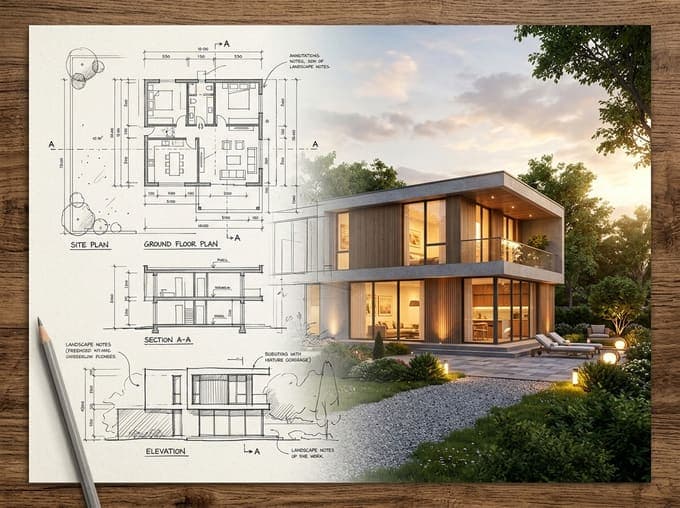
Client Presentations
Turn sketches, plans, and models into polished architectural renderings that help clients understand the design before it is built.
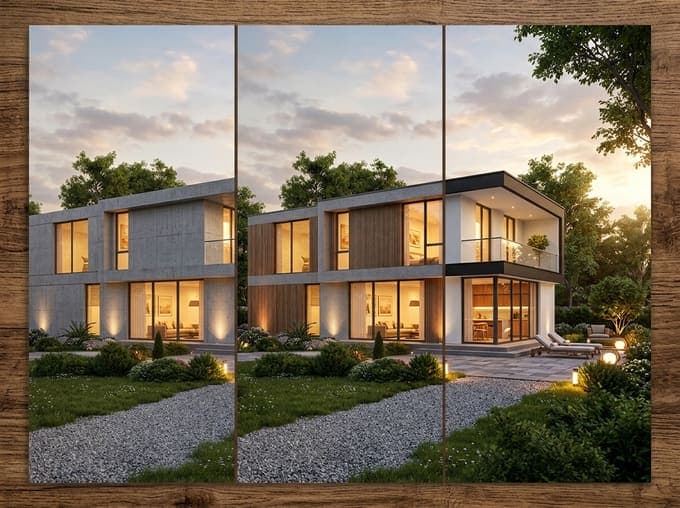
Design Exploration
Test different materials, colors, lighting, and styles to explore design directions without rebuilding your model from scratch.
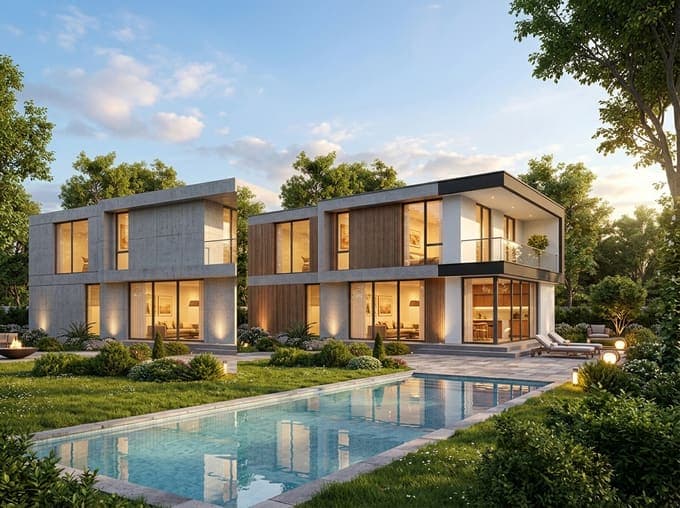
Real Estate Marketing
Create realistic 3D architectural visuals for property listings, brochures, websites, and presentations, even before construction is complete.
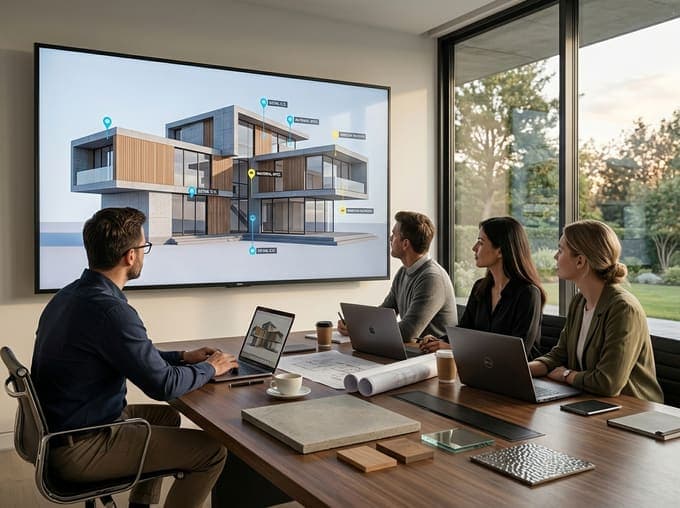
Design Reviews
Use clear design variations to compare options, communicate changes, and get faster feedback from clients and project teams.
Have a Design? See What It Could Become.
Upload your design and turn it into a realistic architectural visualization you can explore, refine, and share.