Architectural Animation for Realistic 3D Walkthroughs
Create cinematic videos from your static 3D model with realistic renders, smooth movement, and atmospheric detail for engaging architectural visualization.
Works with








See the difference
See Your Design in Motion
See how one static 3D model becomes an architectural animation, from immersive interior walkthroughs to exterior flythroughs and aerial site reveals.
Explainer
What is Architectural Animation?
Every design has a story, and sometimes a single image can’t tell all of it. Architectural animation lets you guide viewers through that story with movement, perspective, lighting, and atmosphere. From an interior walkthrough to a sweeping exterior reveal, 3D animation rendering helps you communicate the spaces, details, and ideas behind your project.
Workflow
Create 3D Animation in Three Steps
Bring your architectural visuals to life without a complicated workflow.
- 1
Upload Your Design
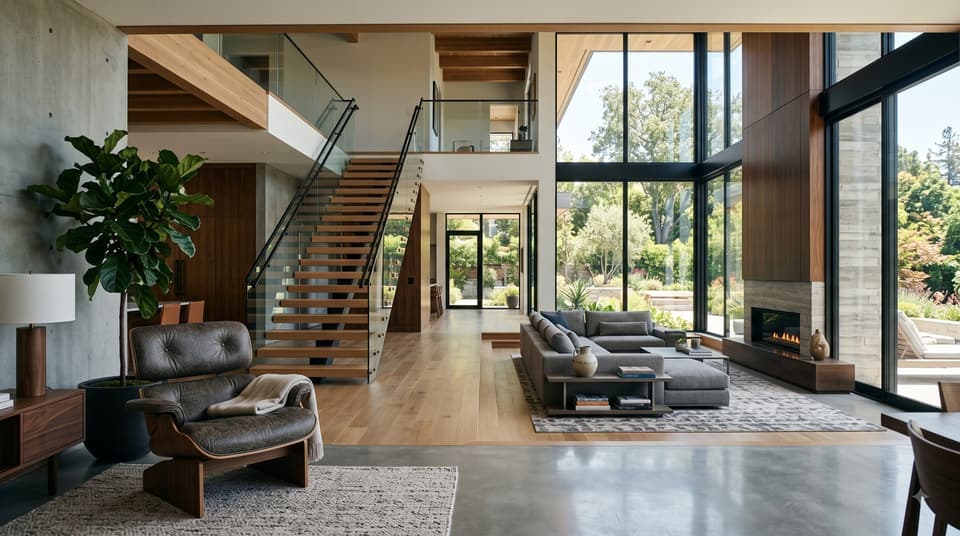
Drop in a rendered image or screenshot of your interior or exterior design.
- 2
Choose Your Motion
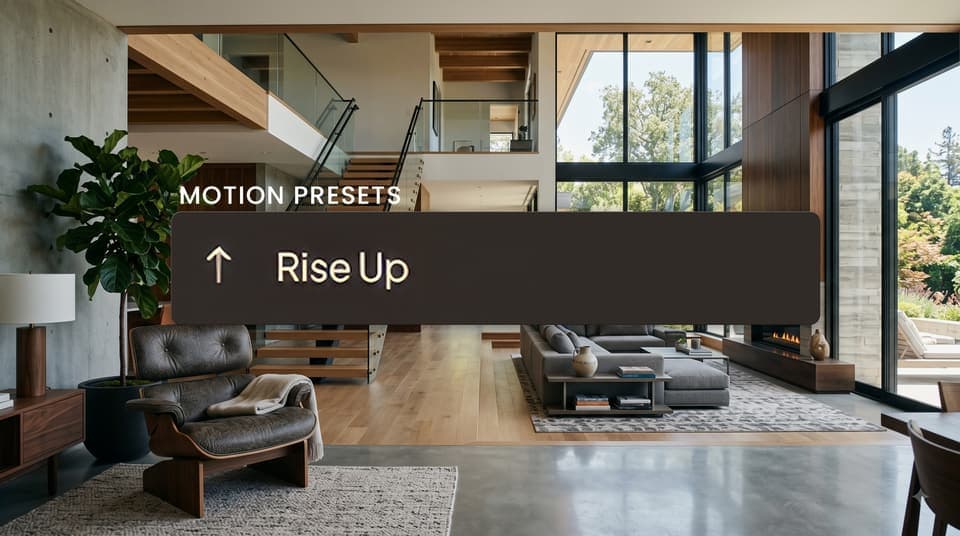
Pick a camera preset or describe the movement you want with a simple prompt.
- 3
Download in HD
Get a realistic architectural animation as an HD MP4, ready for presentations, reviews, or marketing.
Camera motion
Camera moves that feel shot on location
Intker carries the realism of your static designs into every frame, with natural light, glass, foliage, and materials that hold up as the camera moves. Smooth dolly-ins, natural parallax, and accurate shadow movement create cinematic architectural animation without requiring a single keyframe by hand.
- camera presets
- 10+
- clip length
- 5 or 10 s
Speed
Lightning-Fast Architectural Animation
Create cinematic architectural videos in minutes while keeping the detail and realism that make your designs stand out. Intker’s AI rendering engine handles movement, lighting, and atmosphere to produce polished 3D rendering animation without compromising visual quality.
Only 26% of firms say animations or fly-throughs are among the visuals they create most often.
In the Chaos and Architizer 2024–25 survey of more than 1,000 design professionals, the biggest visualization challenges were:
- Renders take too long (43%),
- Rendering software costs too much (33%),
- Hardware can't keep up (25%).
Intker produces a walkthrough animation from an exported view in your browser, with no plugin to install. Upload your rendered design, choose your motion preset, and get an HD architectural animation.
WATCH IT COME TO LIFE
Make Your Animations Stand Out
Watch the result come to life with smoother camera moves, realistic motion, and cinematic 3D animation that makes your designs more engaging.
Dynamic Motion
Explore more with 3D Animation
Bring your designs into motion with different camera perspectives and motion presets that bring static 3D models to life.
Interior Walkthroughs
Move through your spaces and experience the layout from within.
Exterior Flyovers
Showcase your building from dynamic exterior perspectives.
Aerial Reveals
Pull back to capture the full project and surrounding site.
Cinematic Detail Shots
Highlight materials, features, and architectural details in motion.
Design Styles
Explore animation moods and camera styles
Pick a look and Intker's AI rendering programs apply it automatically — no manual lighting rigs or material setup required.
Day To Dusk
Move from daylight into warm, atmospheric evening light.
Day To Night
Create a cinematic transition from a bright scene to a glowing night.
Night To Day
Start in the dark and reveal your design as daylight fills the scene.
Hundreds of DesignersAre Already Creating with Intker
Turn your architectural visuals into high-quality 3D animation with realistic movement, lighting, and detail.
- No installs needed
- No learning curve
- No keyframes needed
Why Intker
Why Create Architectural Animation with Intker?
Get more control over your 3D animations, with high-quality results and no unnecessary limits on how you create, refine, and collaborate.
Unlimited Re-renders
Refine your animation as many times as you need without extra cost.
Shared team workspace
On the Teams plan, everyone works from one shared library, with editor and viewer roles.
Depth & Detail
Keep your scenes rich with realistic depth, materials, lighting, and fine detail.
Atmosphere Like No Other
Bring mood and realism to every frame with natural light, shadows, and atmosphere.
No Per-Project Studio Fees
Create more walkthrough animations without paying studio fees for every project.
Create Your Next Architectural Animation with Intker
Join hundreds of creators using Intker to make realistic, high-quality animation from their architectural visuals.