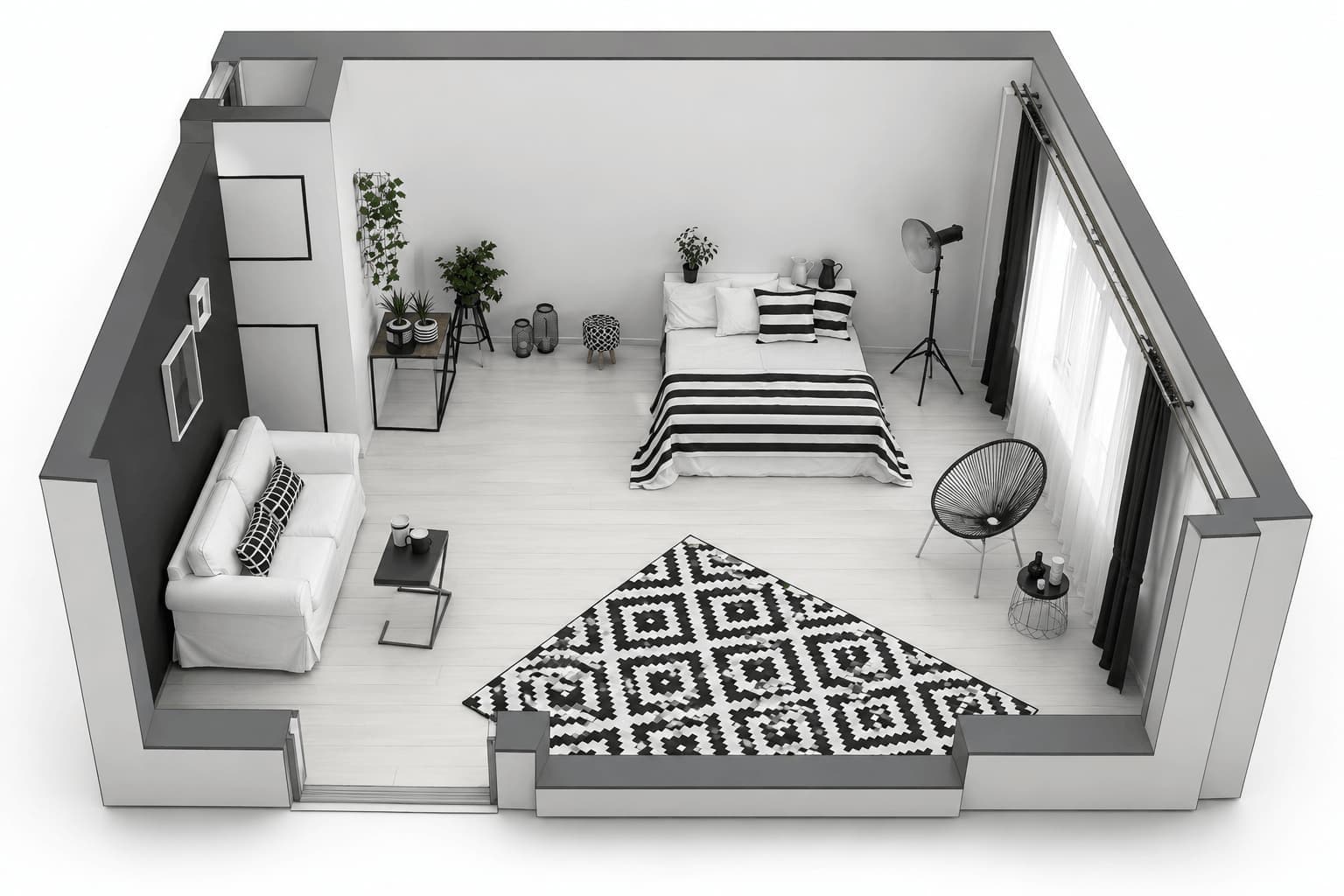
Revit Rendering Software Made For Faster 3D Visualization
Turn your Revit models into photorealistic 3D renders in seconds. Explore realistic styles, materials, and lighting with a simpler workflow built for faster design visualization.
Works with








See the difference
A Better Way to Render Revit Models
See how better lighting, materials, textures, and depth bring more realism and clarity to your Revit 3D rendering.
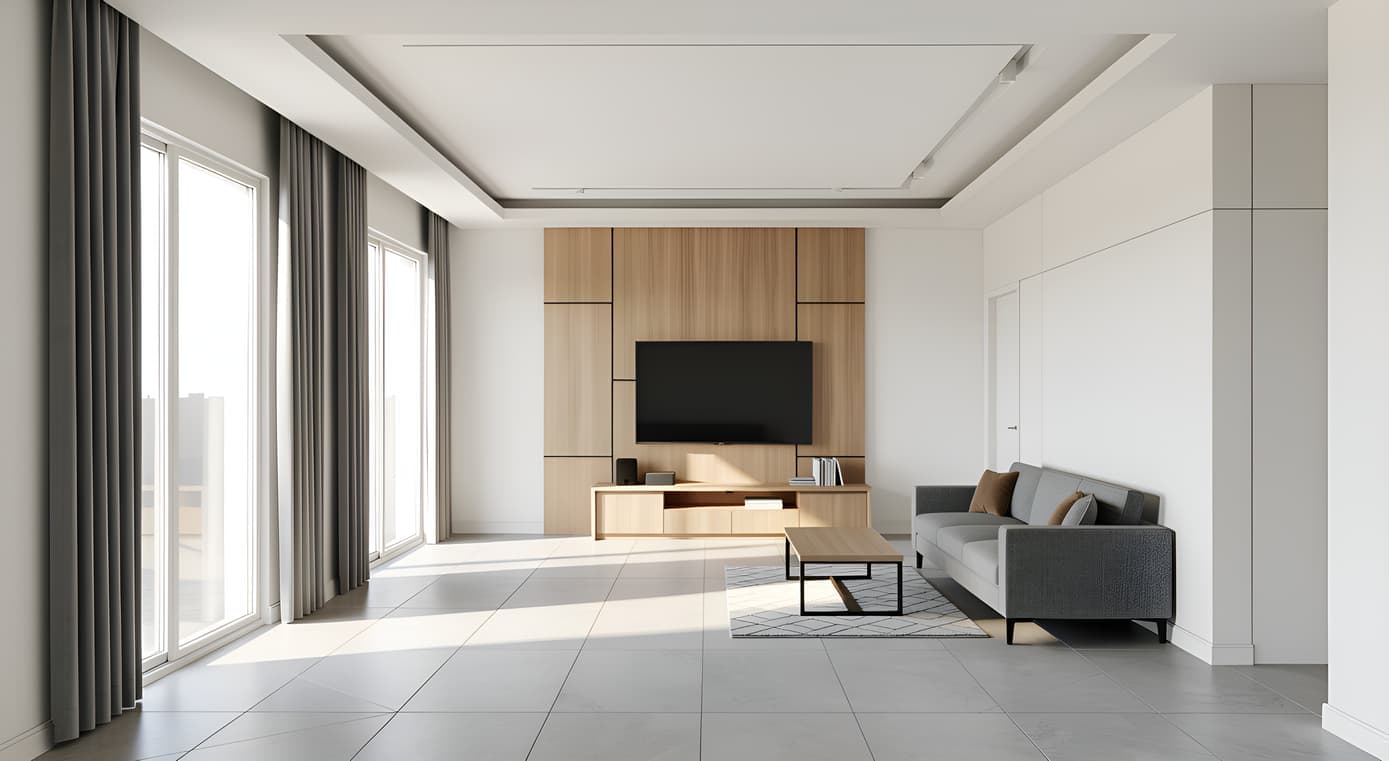
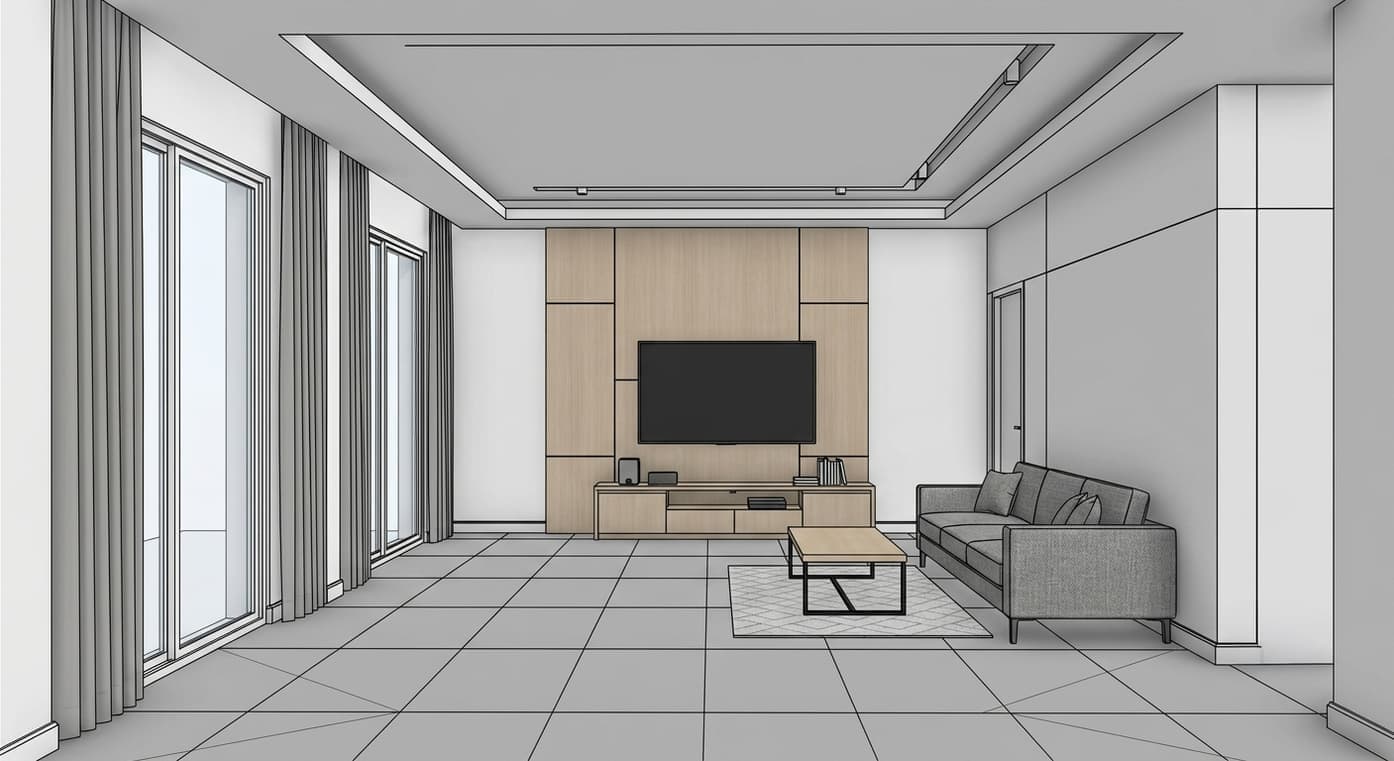
Explainer
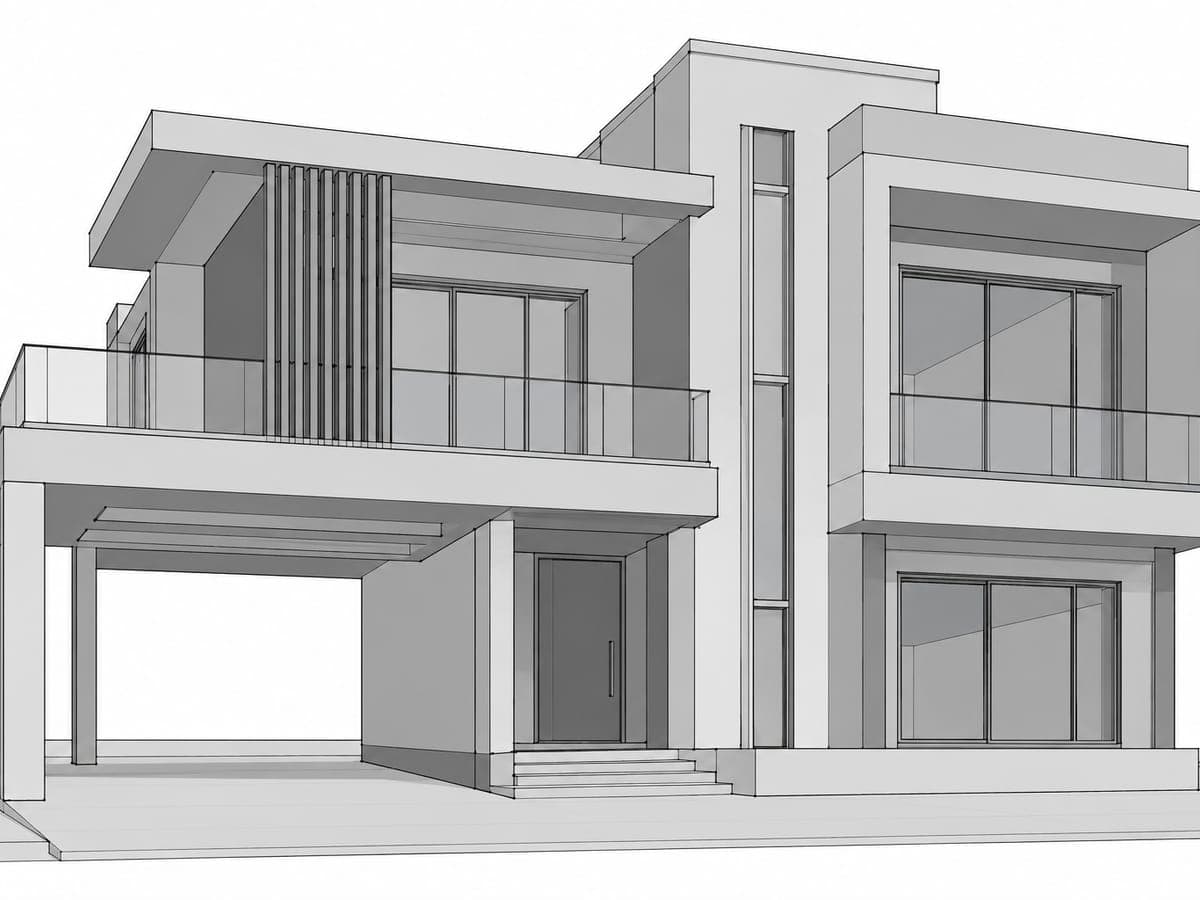
What Is Revit Rendering?
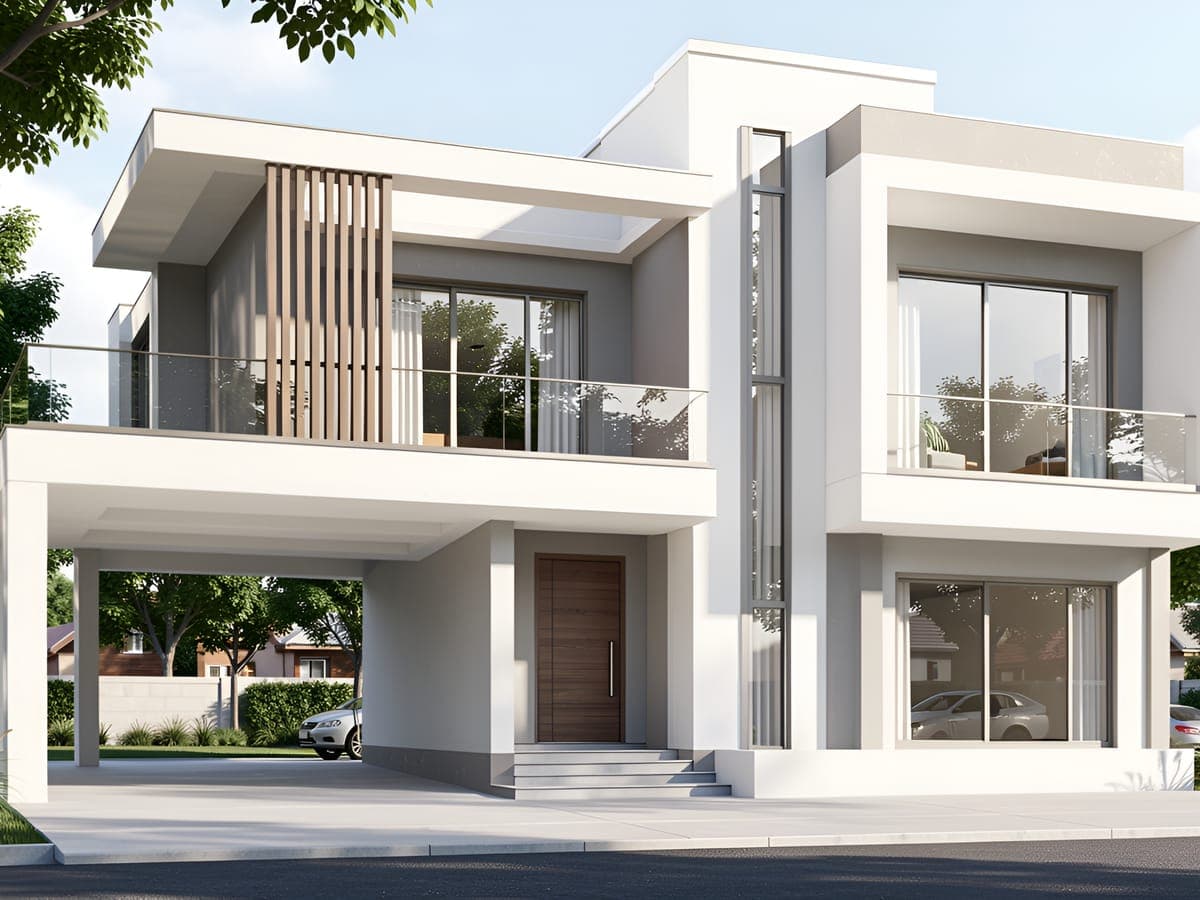
Revit rendering turns a Revit model into a realistic 3D visual of the finished design. It adds lighting, materials, textures, shadows, and depth to make spaces easier to understand and evaluate. Revit 3D rendering can help architects and designers present design ideas more clearly, from early reviews to client presentations and final marketing visuals.
With Intker, you can create realistic Revit renders from your existing designs without setting up a separate rendering workflow. Upload a screenshot or exported view, choose a visual direction, and let AI handle the rendering. Explore different render styles, finishes, and lighting while keeping your original geometry and design intent intact.
Speed
Render Revit Models in Seconds
Go from your Revit model to a presentation-ready render in seconds. Explore styles, materials, and lighting without a GPU, complex setup, or a separate rendering workflow.
- avg. render time
- ~25 s
- Learning curve
- 0
- visual styles
- 20+
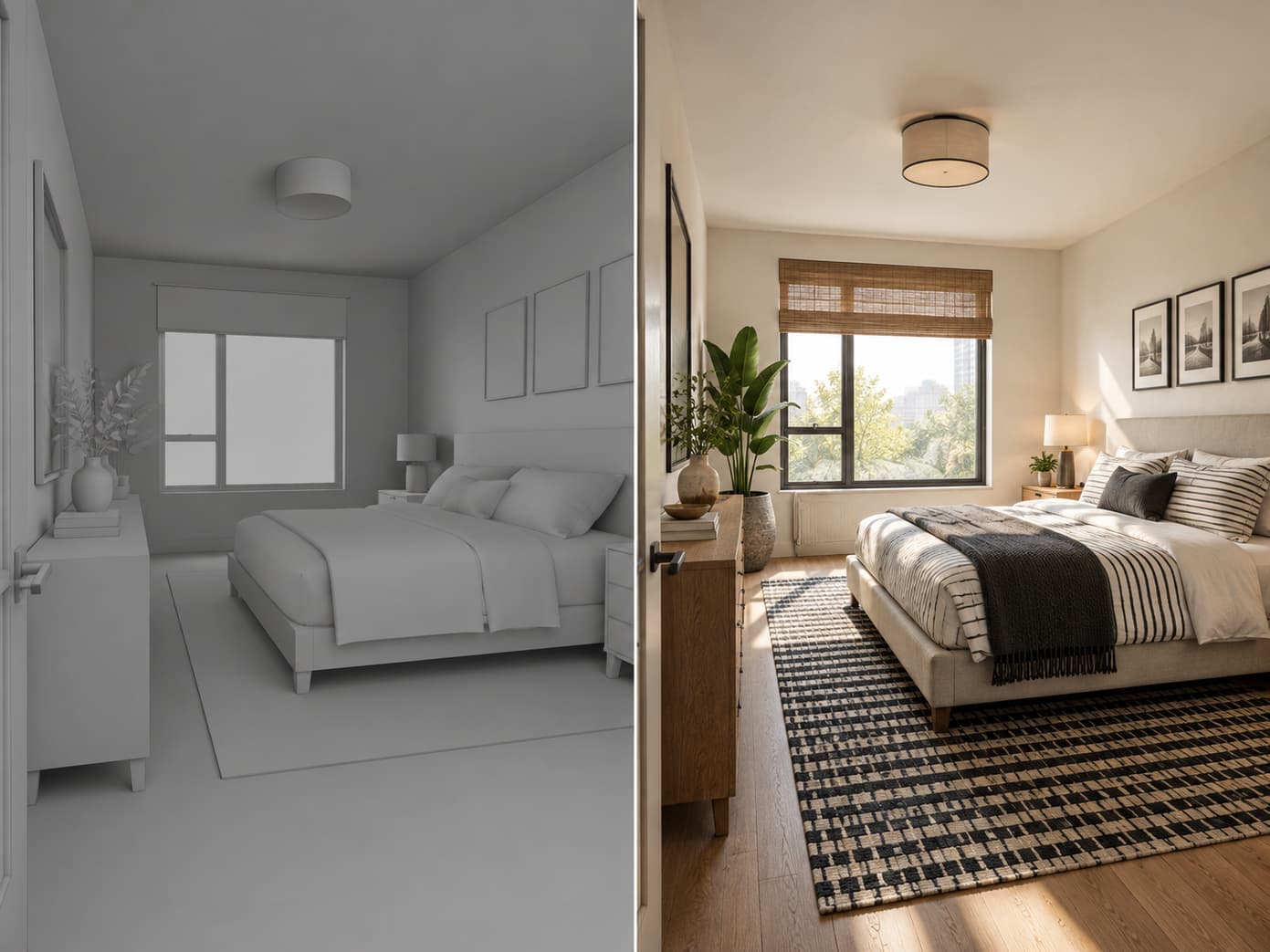
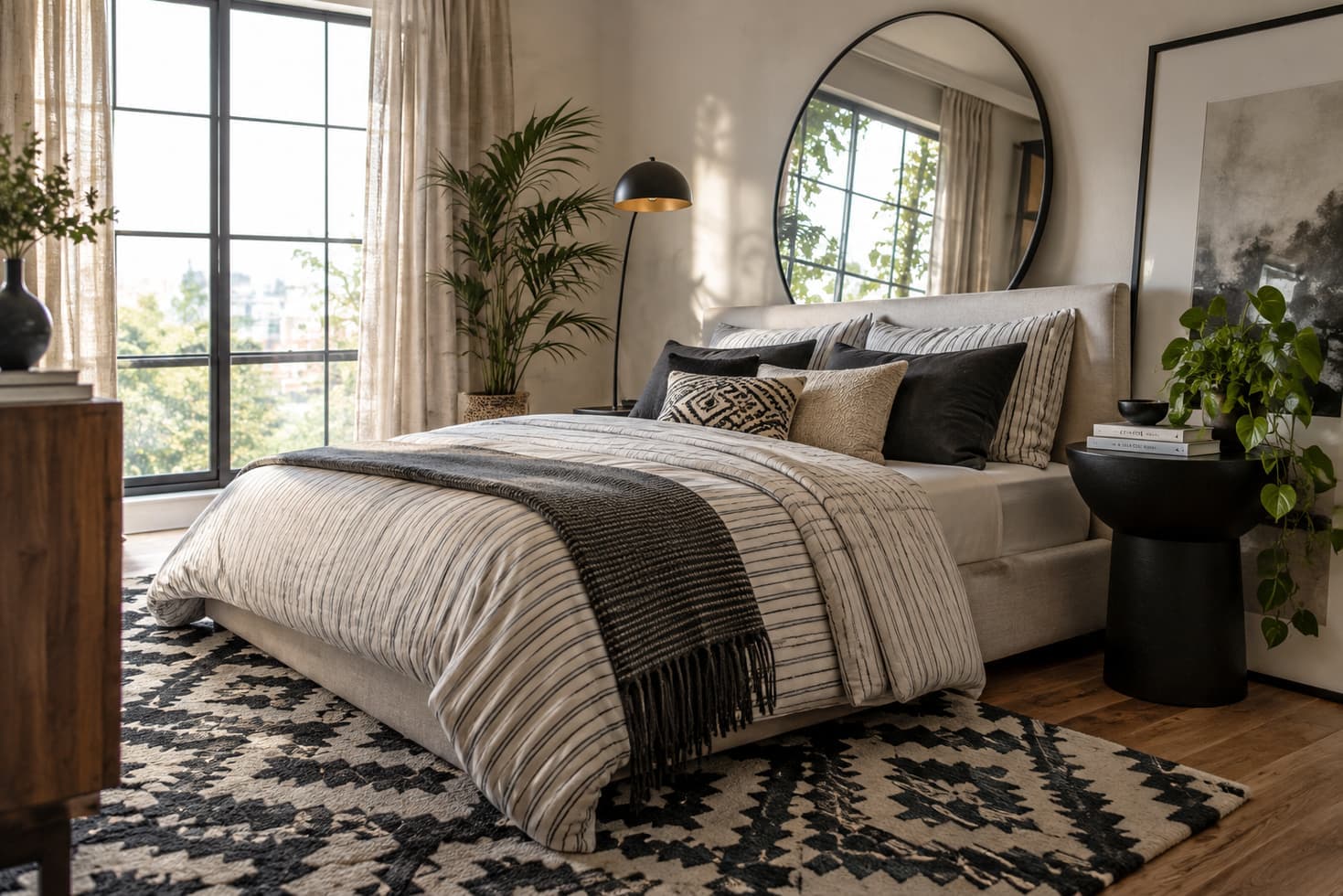
Photorealism
Give Your Revit Designs More Realism
Bring your Revit designs to life with realistic materials, textures, lighting, shadows, reflections, and depth. Intker turns your model views into photorealistic architectural visuals that feel closer to the finished design.
- Browser-based rendering
- GPU not required
- Design intent preserved
85% of Design Professionals Get Client Change Requests
In a survey of more than 1,000 design professionals, 85% said clients occasionally or regularly ask them to change their visualizations. With a conventional render workflow, every “can we try this instead?” can mean going back, making changes, and rendering again.
Source: Chaos and Architizer, The State of Architectural Visualization 2024–25
With Intker AI rendering, you can switch materials, adjust lighting, or try a new look in seconds. Make the change while your client is still on the call.
Revit rendering without the setup
- No installs
- Effortless workflow
- Renders in seconds
- Lightweight yet powerful
- AI editing included
Workflow
A Simpler Way to Get Your Render
Revit rendering software should fit into your existing workflow, not make you learn a new one. With Intker, go from a Revit view to a finished visual in three simple steps.
- 1
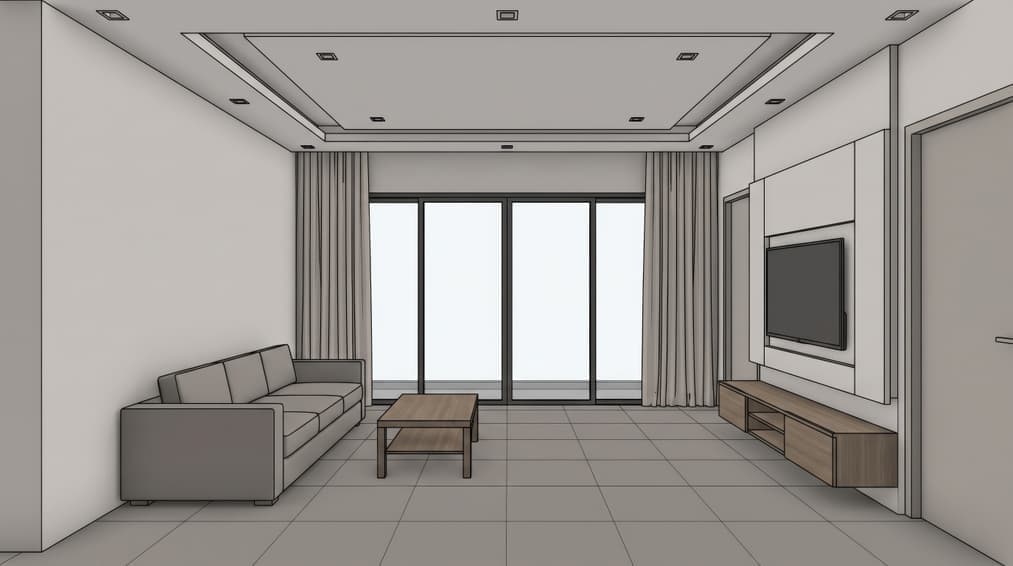
Upload a Revit view
Upload any Revit view as an image, with no plugins or special file preparation.
- 2
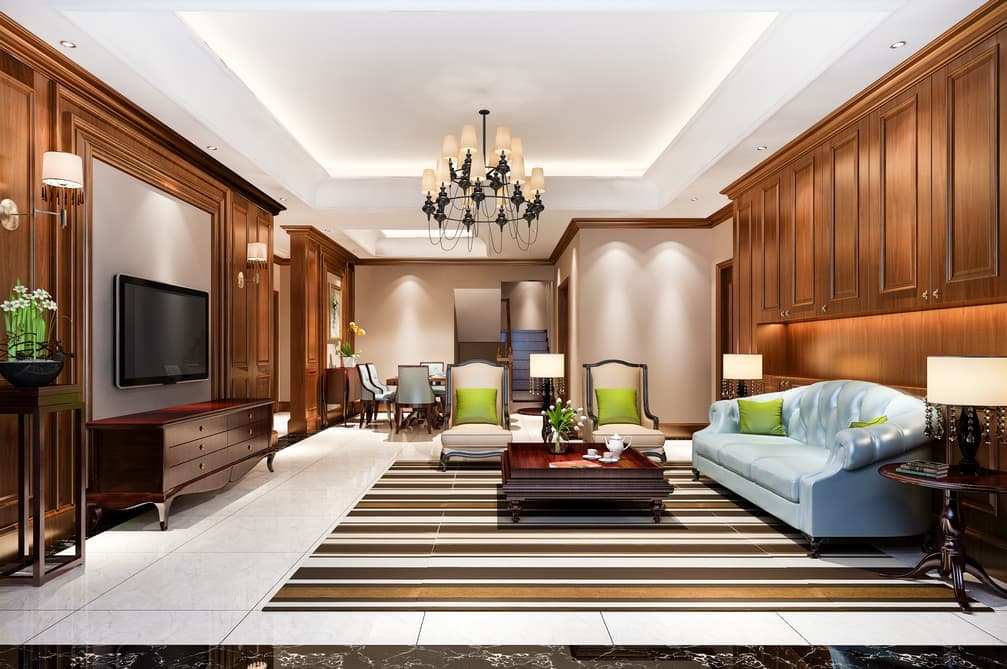
Choose the look
Choose from 20+ styles or describe the look you want in your own words.
- 3
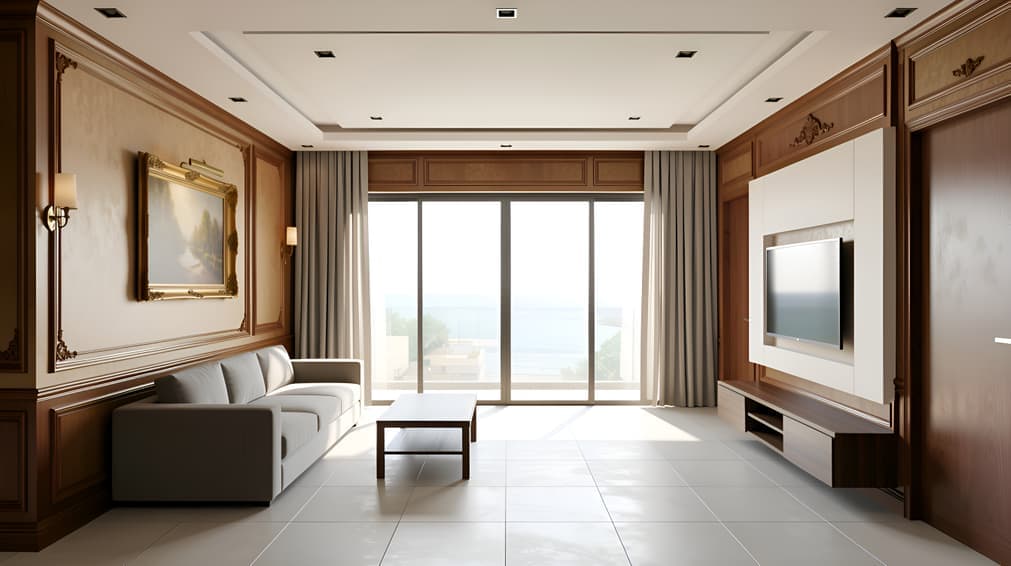
Render and refine
Get your Revit 3D render, explore variations, and download the final image in 4K.
Comparison
A Better Revit Rendering Workflow
See how a simpler AI rendering workflow can change the way you work
SEE THE FINISHED LOOK
See How Revit AI Rendering Works
Watch the finished result as a Revit view becomes a realistic architectural render, with detailed materials, lighting, and presentation-ready visuals.
Visual Depth
Bring More Detail to Your Revit Views
From early massing studies to detailed interiors and full site views, bring more depth and realism to your 3D renderings.
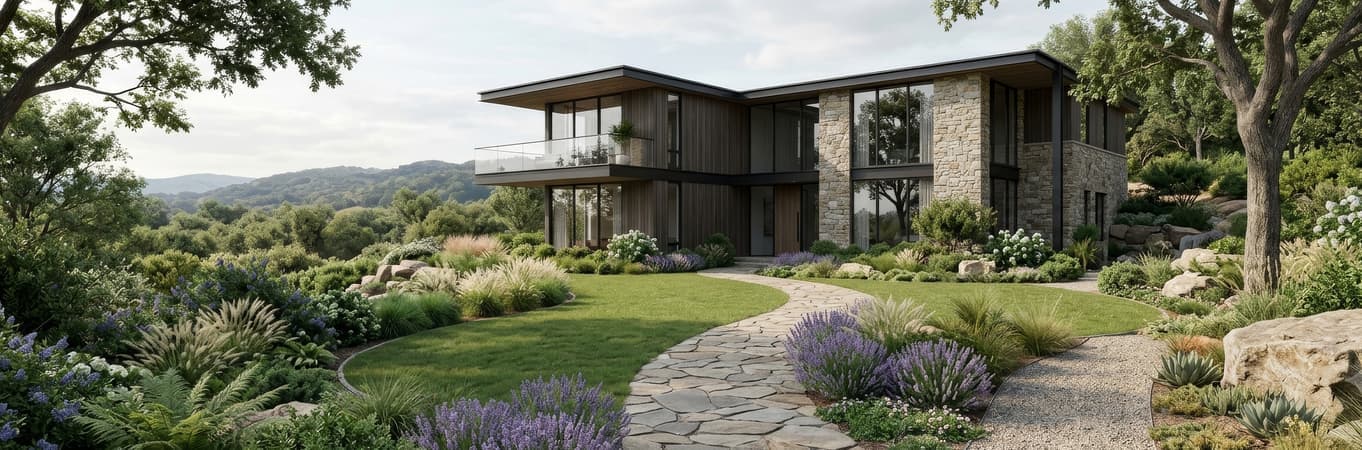
Landscape and site context
Add natural planting, terrain, and surrounding context to your exterior renders.

Lighting and atmosphere
Set the scene for bright daylight, overcast skies, golden hour, or dusk.
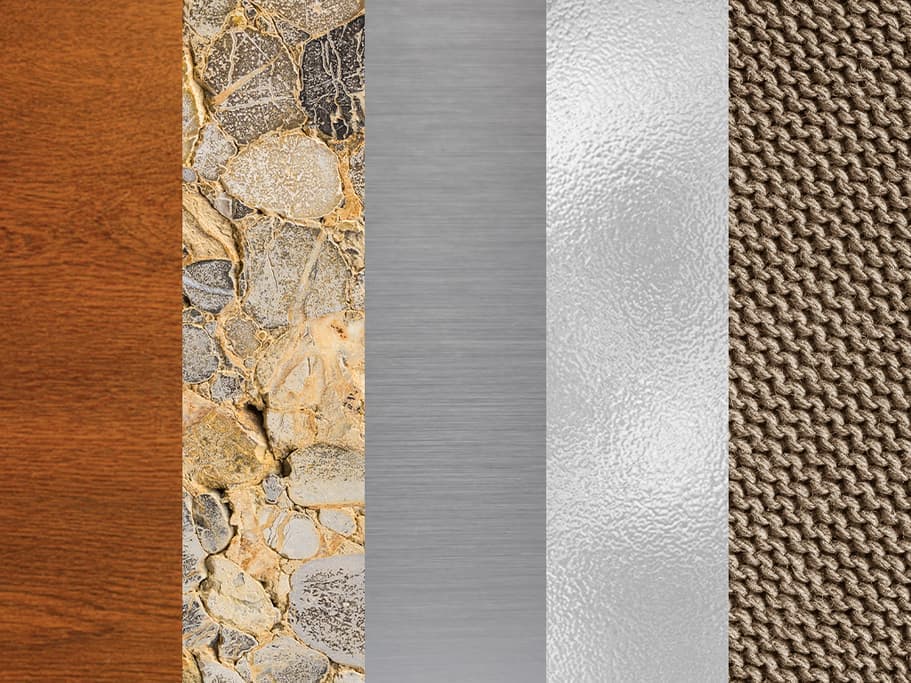
Realistic materials
Give wood, stone, metal, glass, and fabric a more natural, finished appearance.
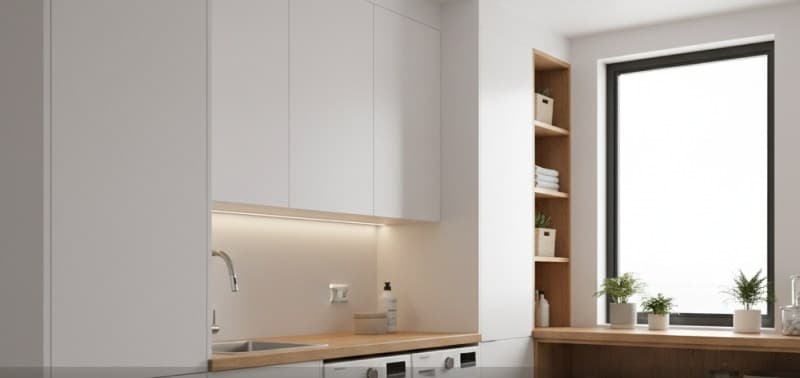
Natural reflections
Render glass, water, and reflective surfaces with realistic light and depth.
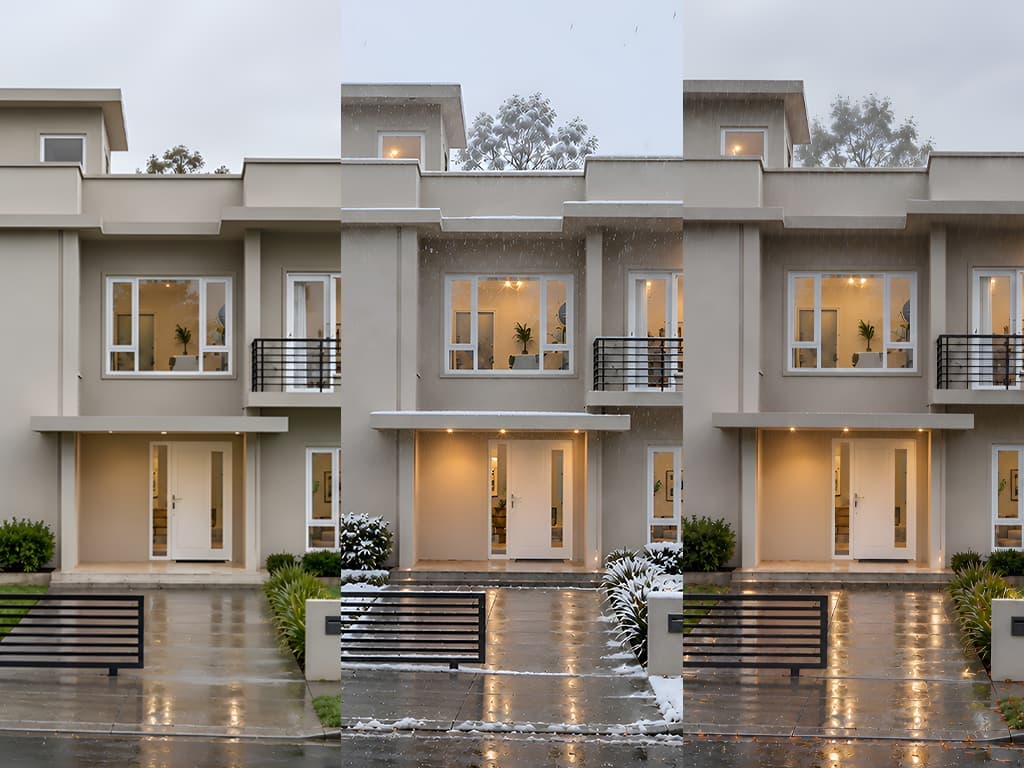
Weather and season variety
Show your design under rain, snow, or seasonal foliage without a separate model or scene setup
Design Styles
Explore Styles for Your Revit Renders
Explore different directions for your Revit renders, from clean and minimal to warm, dramatic, or more natural looks.
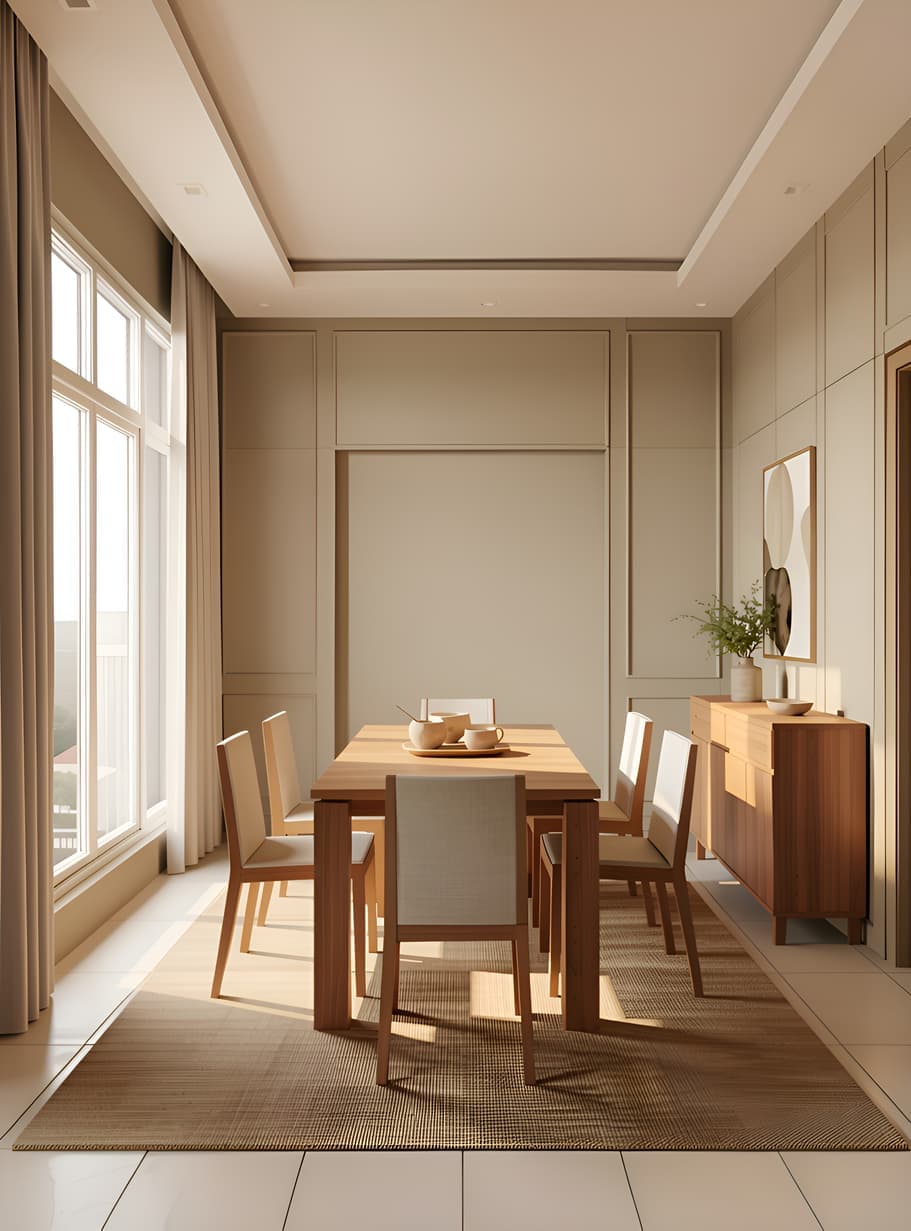
Warm Minimal
Soft neutrals, natural light
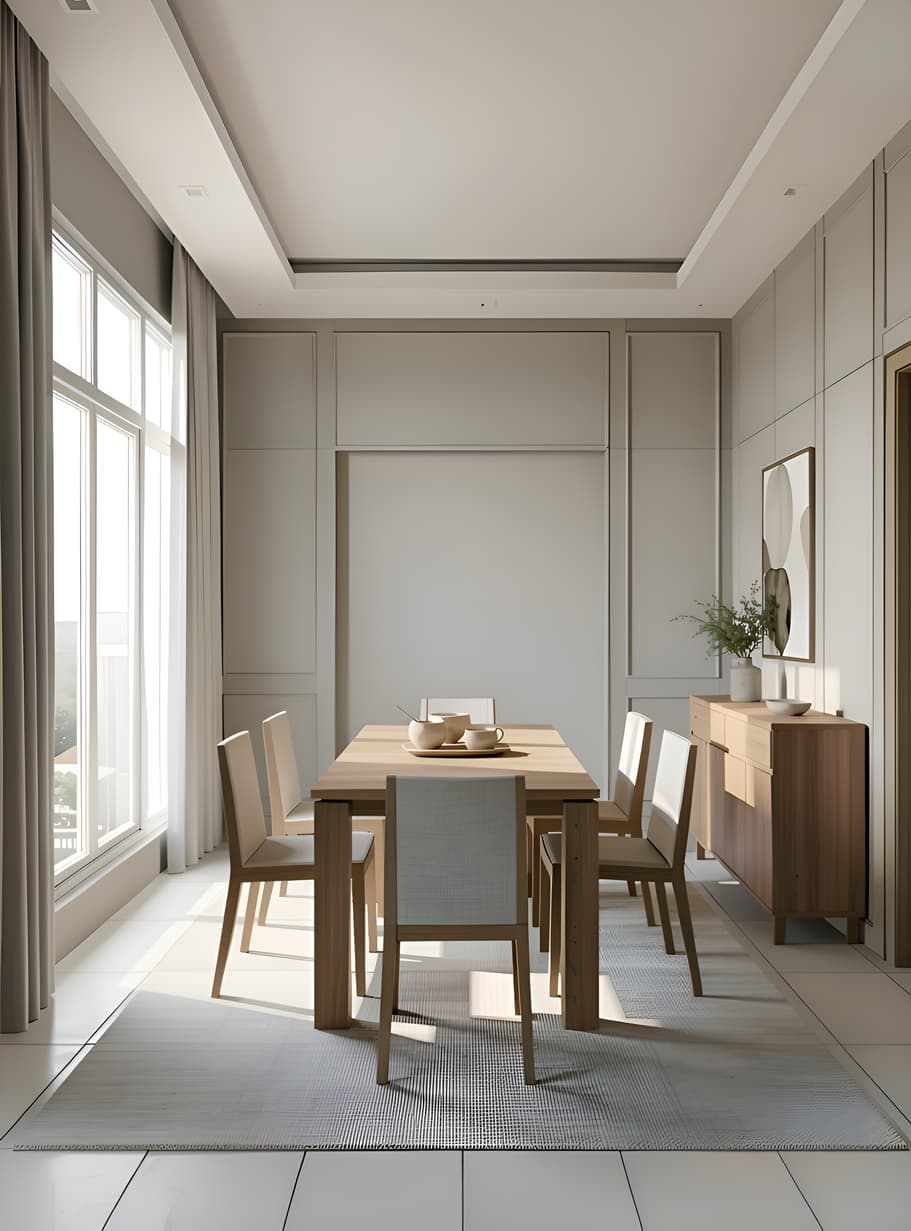
Scandinavian Calm
Light wood, muted tones
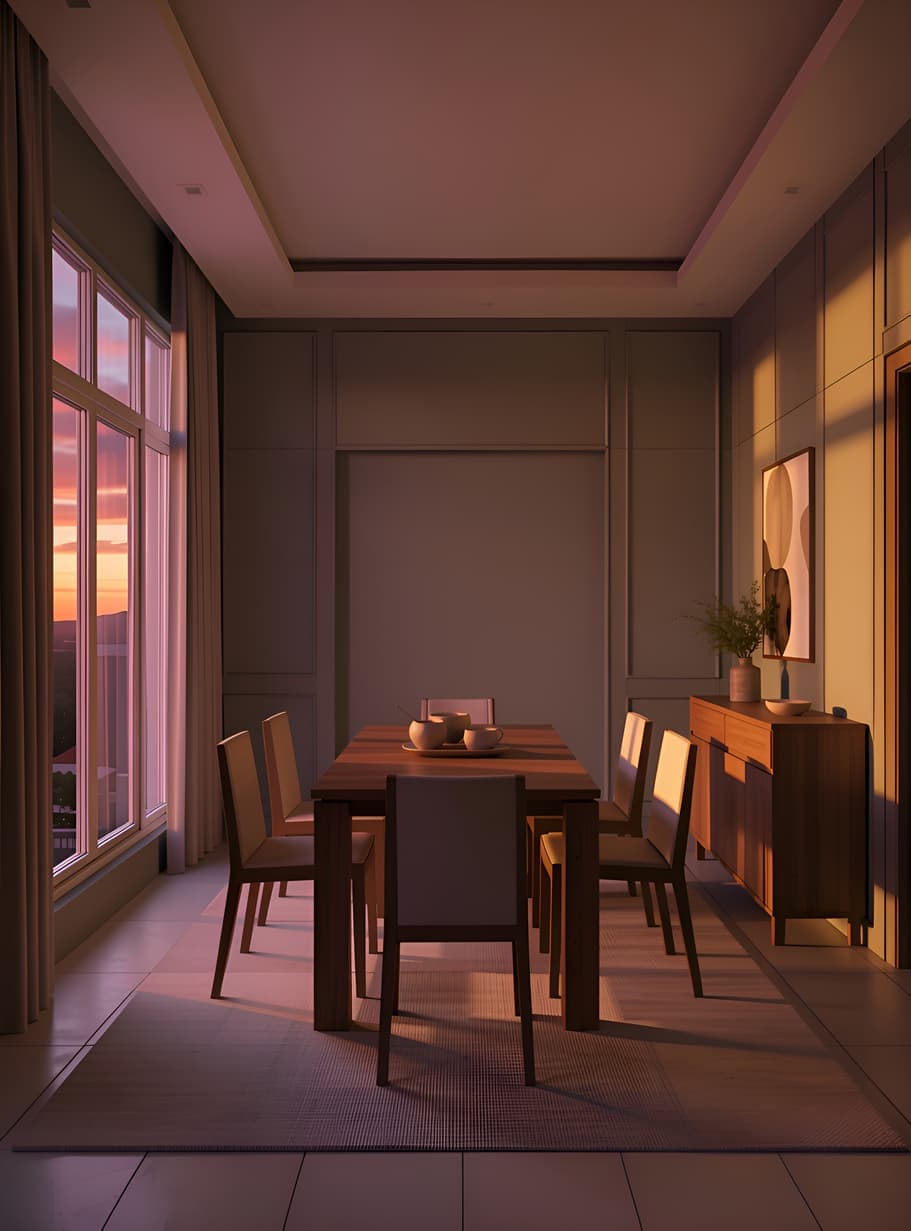
Dramatic Dusk
Warm sky, glowing windows
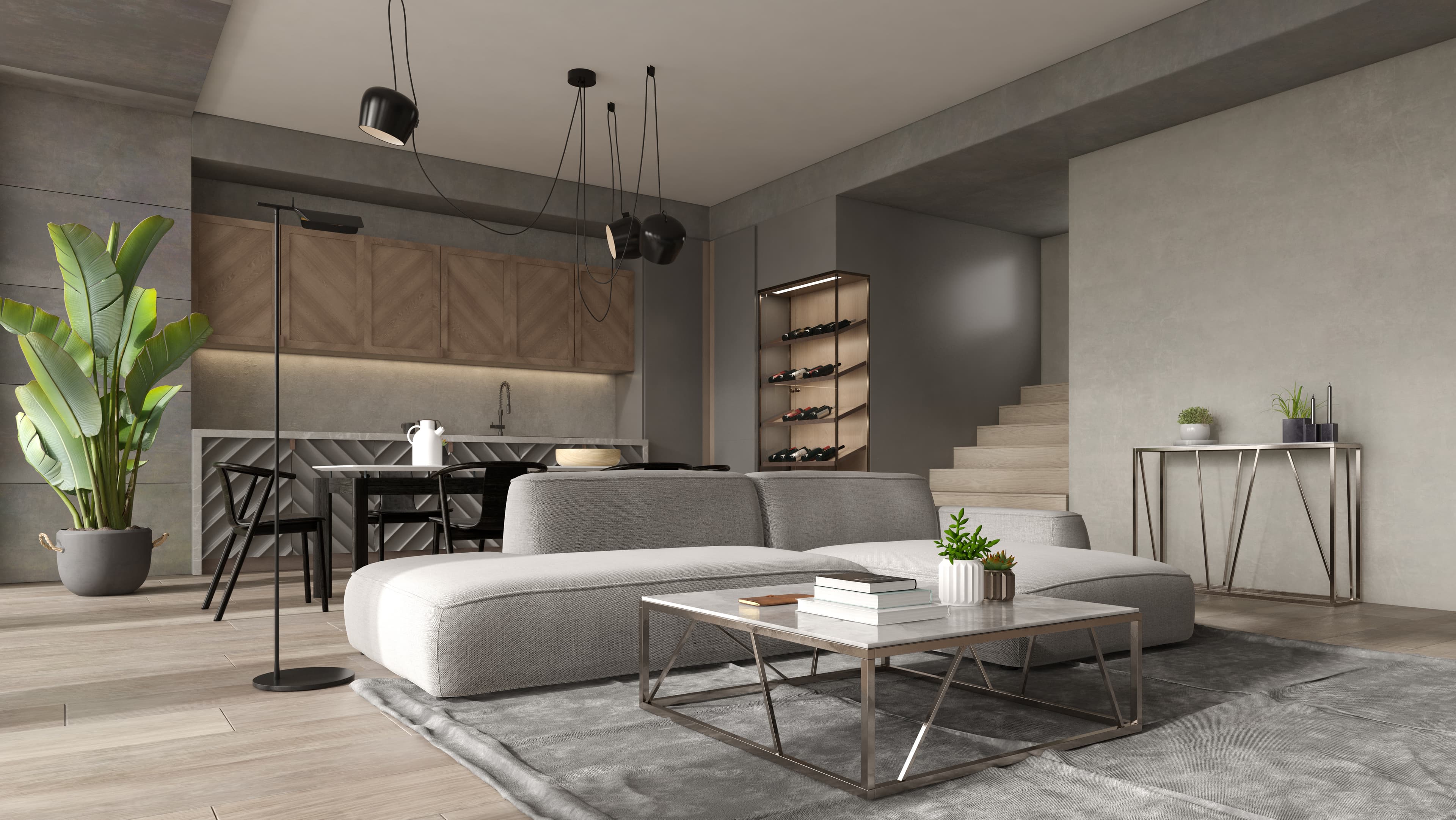
20+
Interior styles
From Warm Minimal to Dramatic Dusk, explore our curated library of interior render styles designed to elevate your architectural vision.
Why Intker
What Makes Intker Different
Intker AI Rendering is built to make the entire visual process feel simpler, more flexible, and easier to explore.
One place to work
Keep your visuals, variations, and ideas together instead of scattered across tools.
More room to explore
Try different directions without committing to one look too early.
Changes feel effortless
Refine the architectural render details without rebuilding everything around them.
Your work stays connected
Move from an early idea to a polished 3D visualization without breaking your workflow.
Built for visual decisions
Spend more time deciding what looks right and less time making it happen.
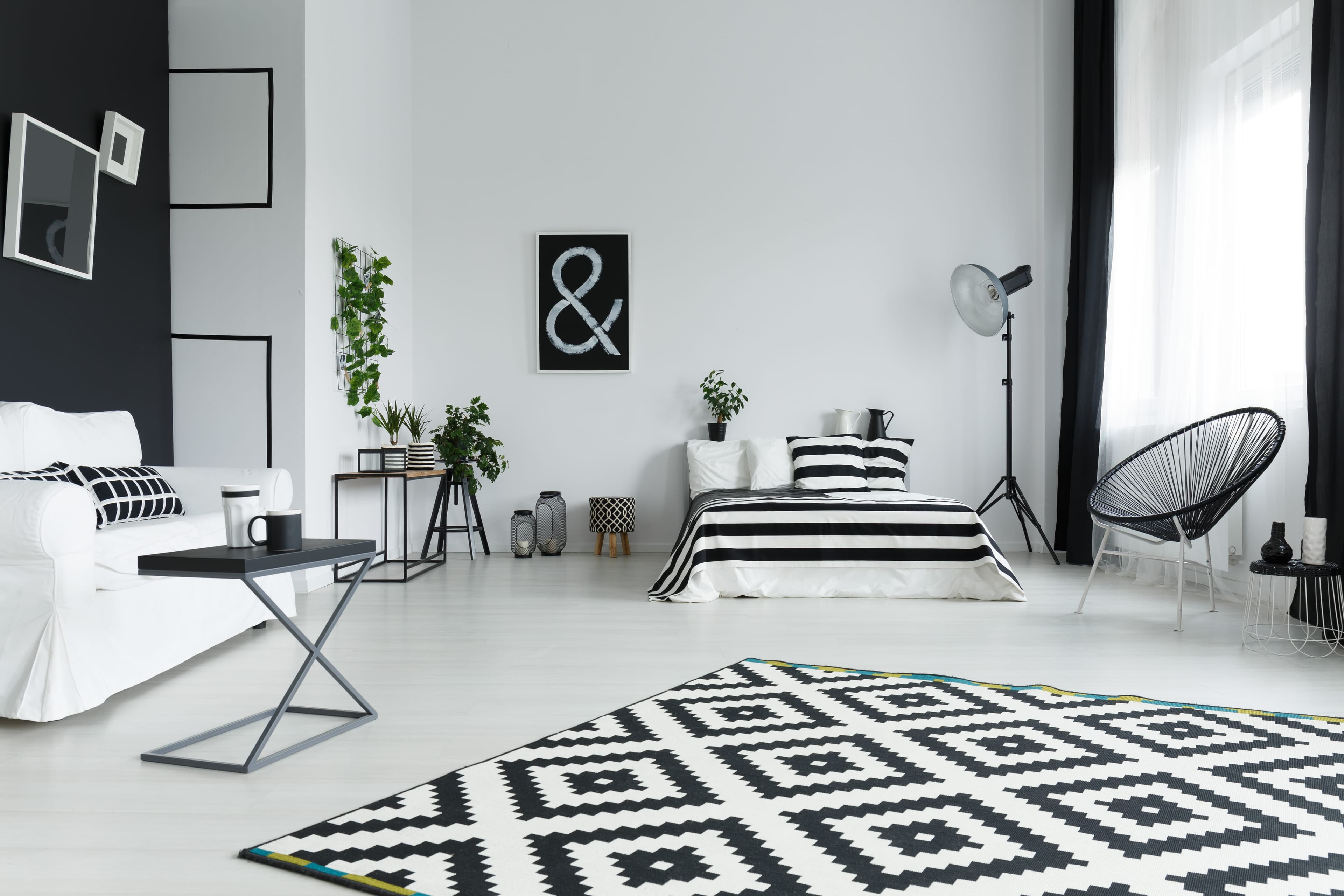
Your Next AI Rendering Starts Here
Bring your design into Intker and see how much more you can do with it.