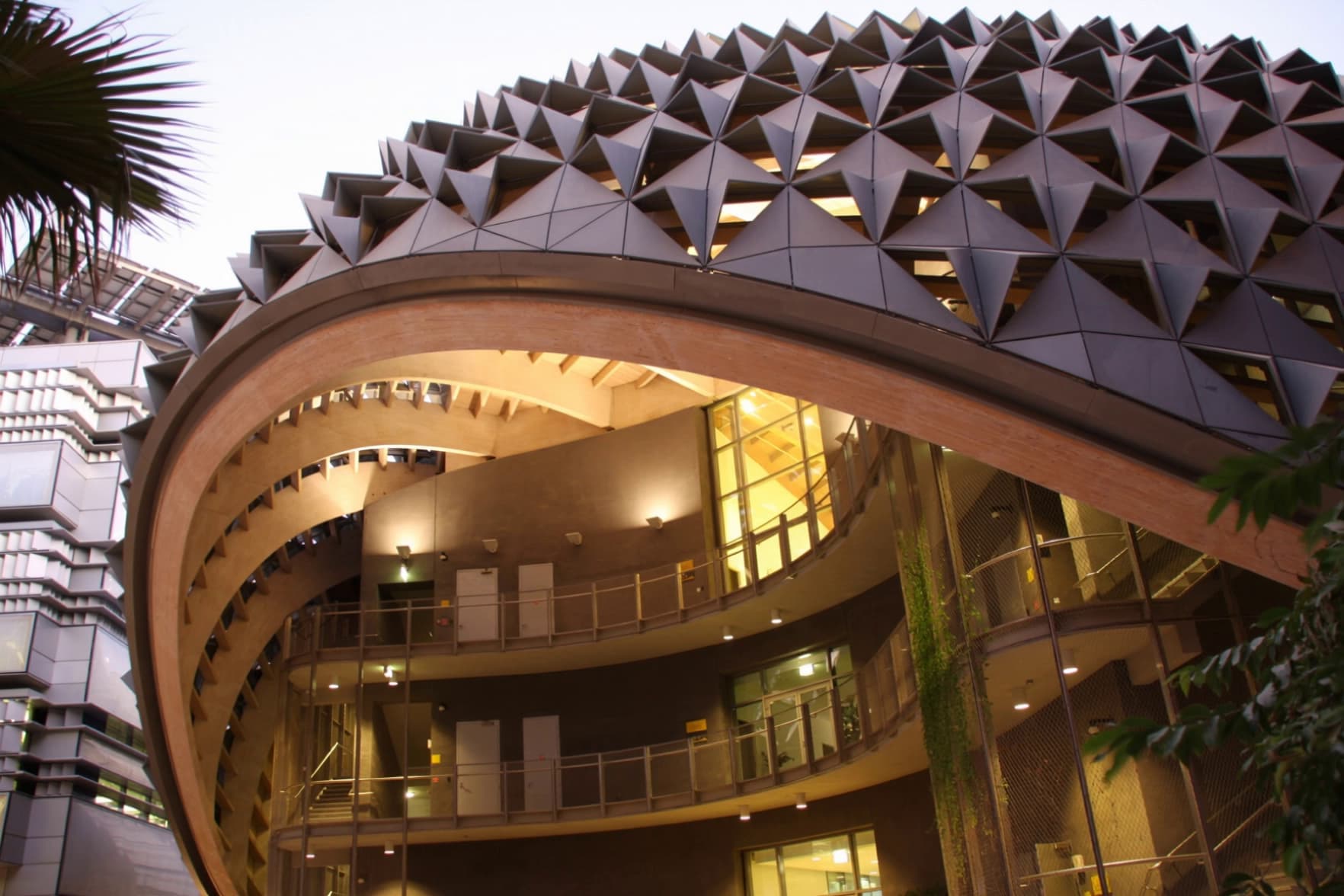
AI Rendering for Your Architectural Designs
Intker works alongside your design software. Upload a plan, sketch or exported view from SketchUp, Revit, ArchiCAD or CAD and get a photorealistic render in about 30 seconds.
Works with








Edit
Explore New Possibilities from the Same Design
Refine your architectural design after rendering with precise adjustments that help you create polished 3D renders and stronger architectural visualization.
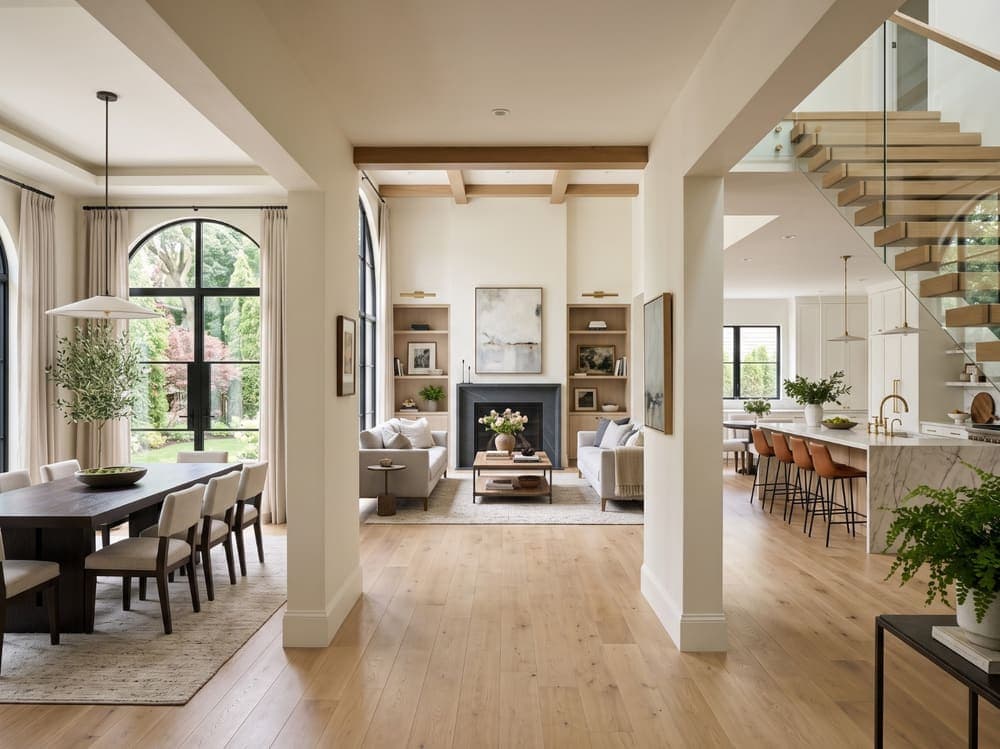
Refine Every Detail of Your Interior
Fine-tune lighting, color, tone, and textures, or select a region to add, swap, or remove objects. Change camera angles or use prompts to refine specific areas.
Transform
See Your Architectural Design in Different Styles
Take your architectural design beyond its original presentation with AI rendering, giving you more creative freedom over how your 3D visuals look, feel, and come together.
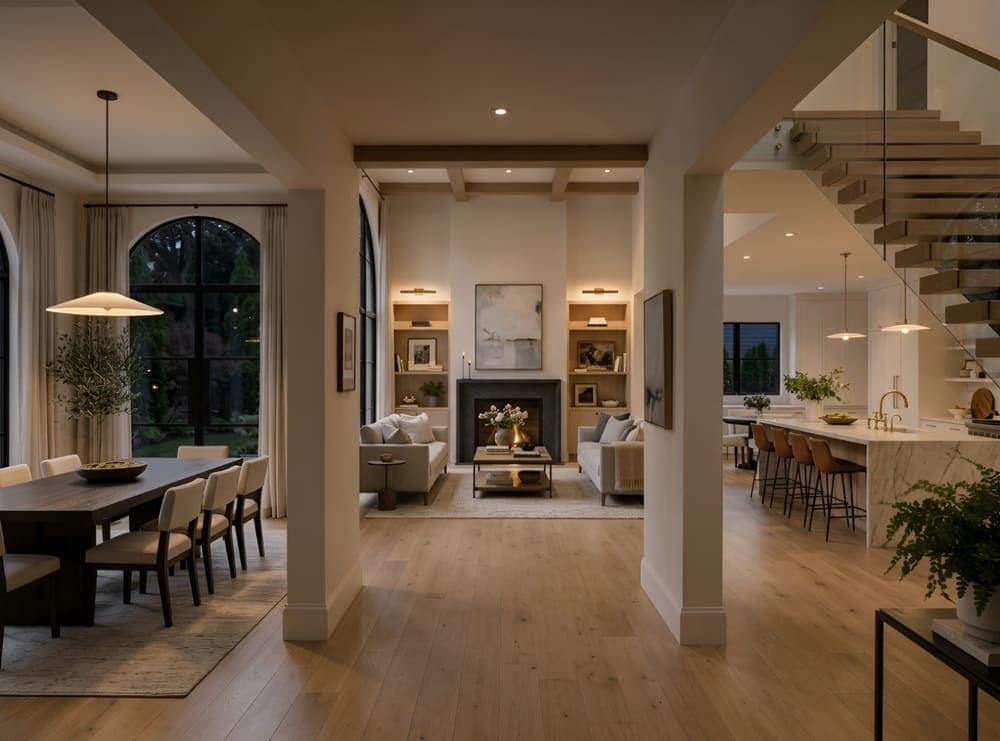
Reimagine Your Interior Design
Explore different interior rendering styles while changing finishes, flooring, ceilings, lighting, plants, and furnishings to shape the space.
Creative Control
More Control Over Every Architectural Visual
Fine-Tune Every Detail After Rendering.
Adjust lighting, color, and tone in your interior or exterior rendering. Swap textures, objects, or camera angles, add or remove elements, and refine any part of your design with a simple prompt, all without starting over.
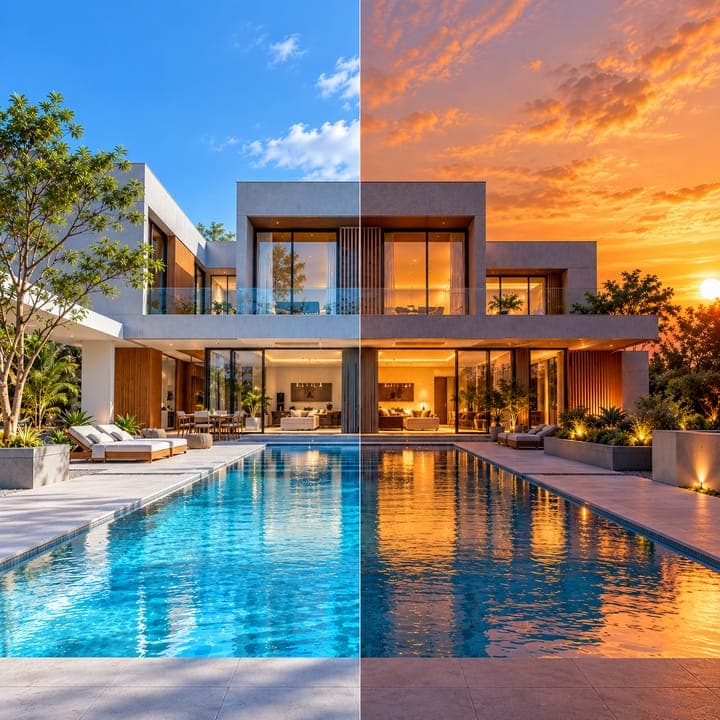
Style Every Aspect of Your Design
Choose the output style, light source, mood, and time of day to change how your architectural design is presented. Virtually stage empty or furnished rooms, adjust density, and control flooring, walls, lighting, artwork, and more, room by room.


How it works
A New Workflow for Architectural Rendering
Go from your starting design to a presentation-ready visual with Intker’s simple AI rendering workflow.
- 1
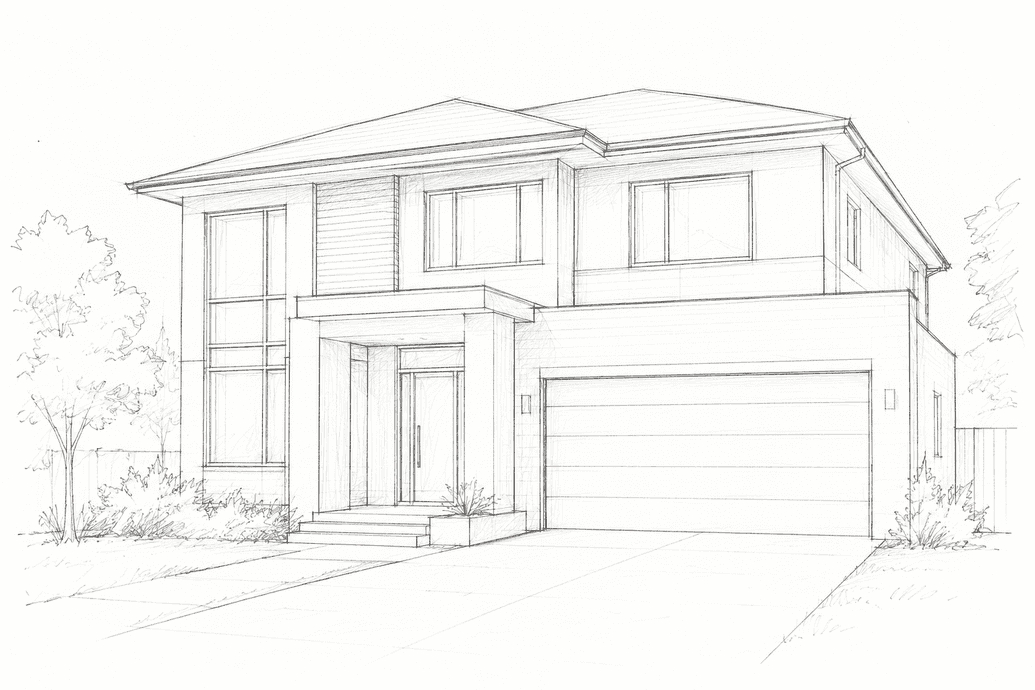
Upload your design
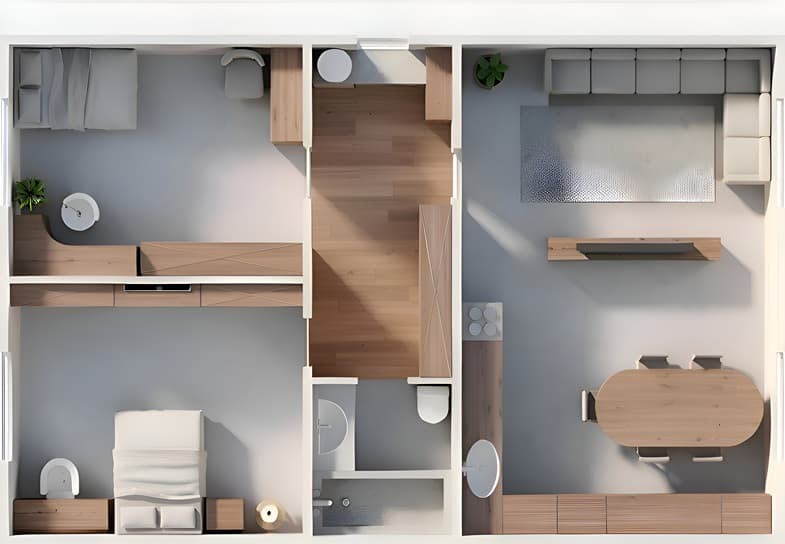
Drop in a floor plan, sketch, site plan, room photo, or exported view. No complicated file preparation needed.
- 2
Choose your direction
Explore different render styles, materials, lighting, or use AI style transfer to guide the look of your render.


- 3
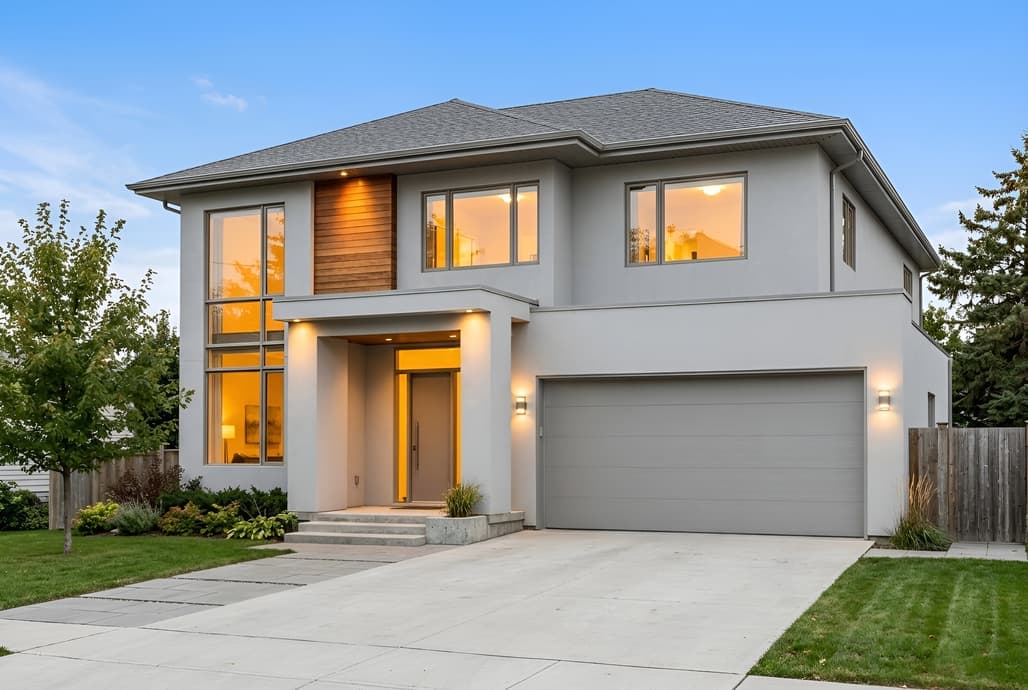
Download and explore
Generate a 3D render, make render variations, and keep refining until you have a visual that fits your design.
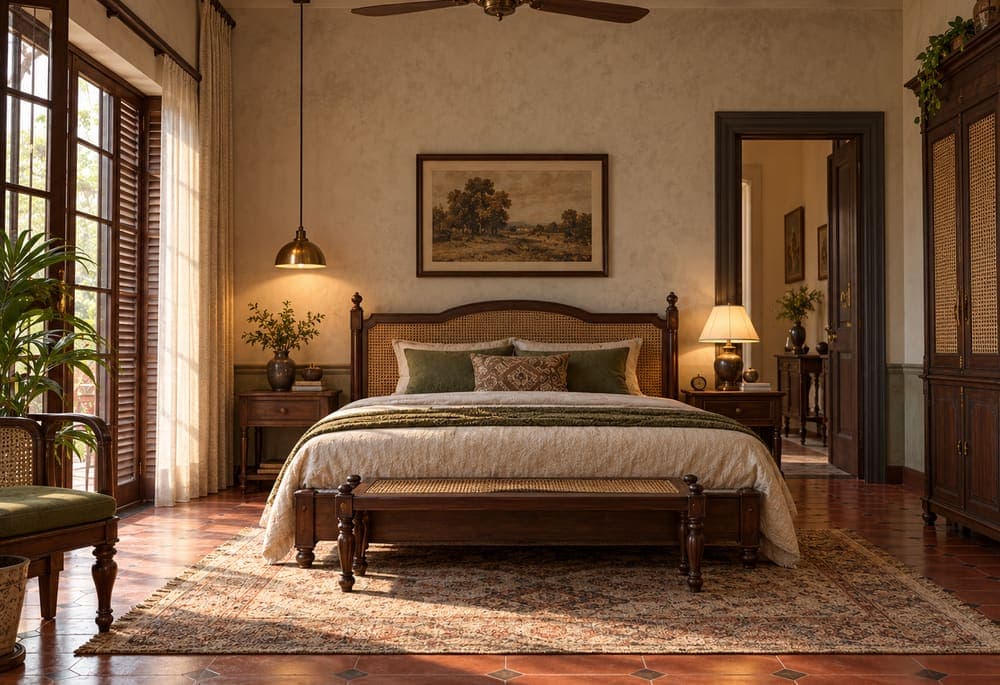
See Your Architecture Design Beyond the Drawing
Turn your existing designs into realistic 3D renders and give clients, teams, and stakeholders a clearer view of the finished concept.
Explainer
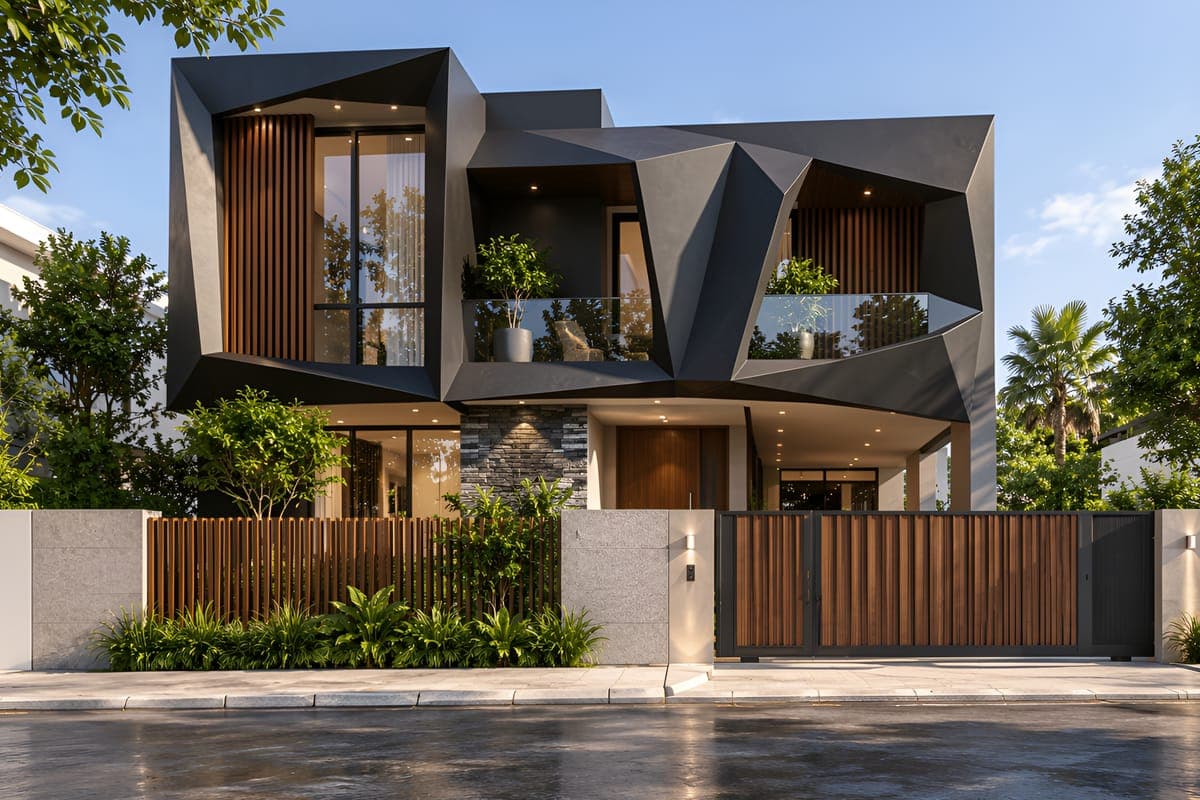
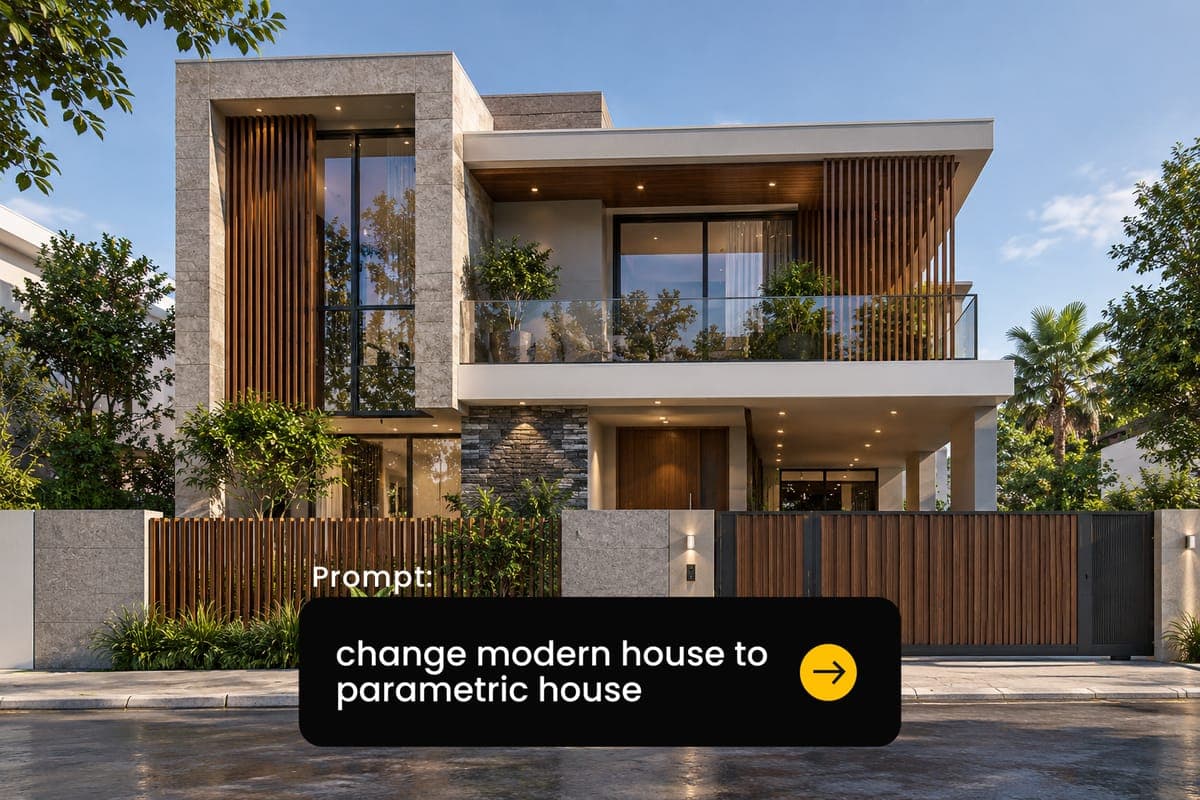
How Does Architectural Design Become a 3D Visual?
Architectural design starts with an idea, but seeing that idea as a finished space can make it much easier to understand. A plan, sketch, elevation, or exported view already contains the foundation of that vision.
Intker uses AI rendering to build on what you have, turning your existing architectural design into a realistic 3D render. You can then refine materials, lighting, styles, and other details to create an architectural visualization that communicates the design more clearly.
Workflow Advantages
More Freedom in Every Design Workflow
A flexible workflow that gives you more control over your designs, from the first idea to the final architectural visual.
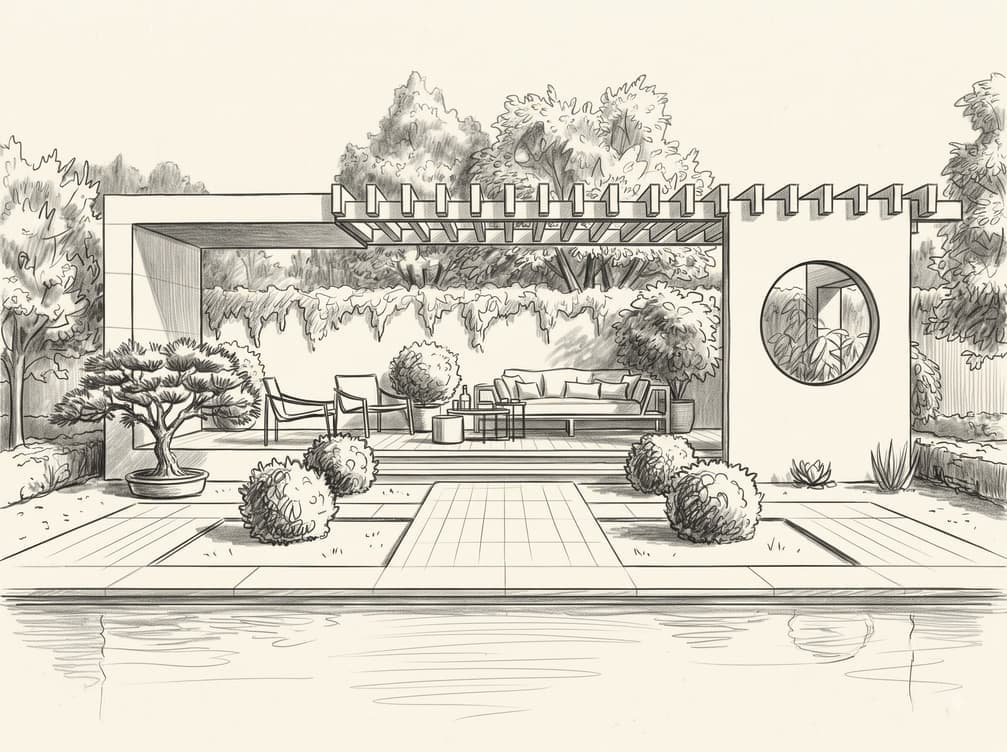
Work from what you already have
Start with plans, sketches, screenshots, or exported views instead of rebuilding your design for 3D visualization.
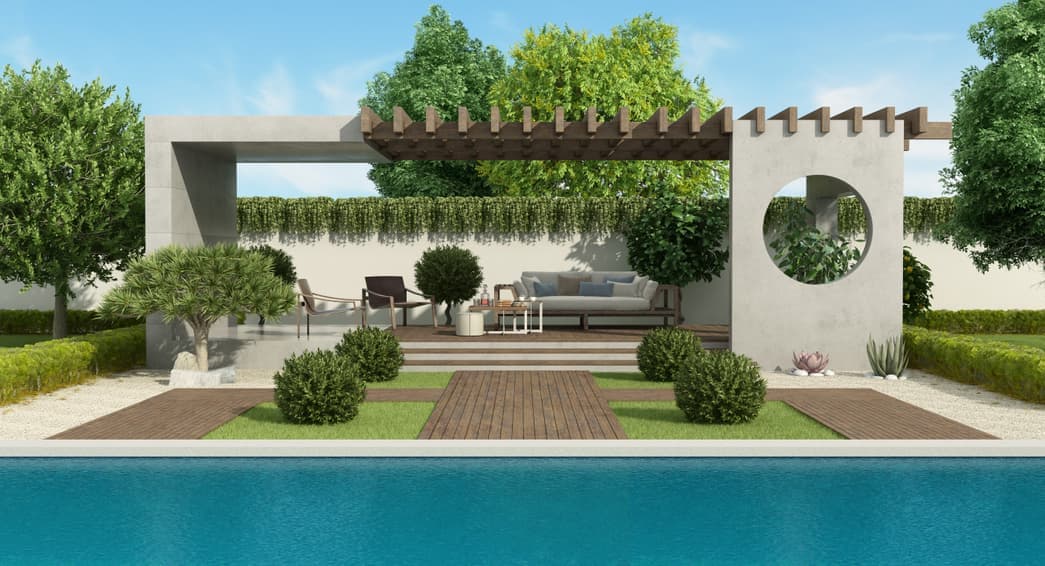
Keep your design recognizable
Intker works with the geometry, proportions, and lines of your original input to maintain the design you started with.
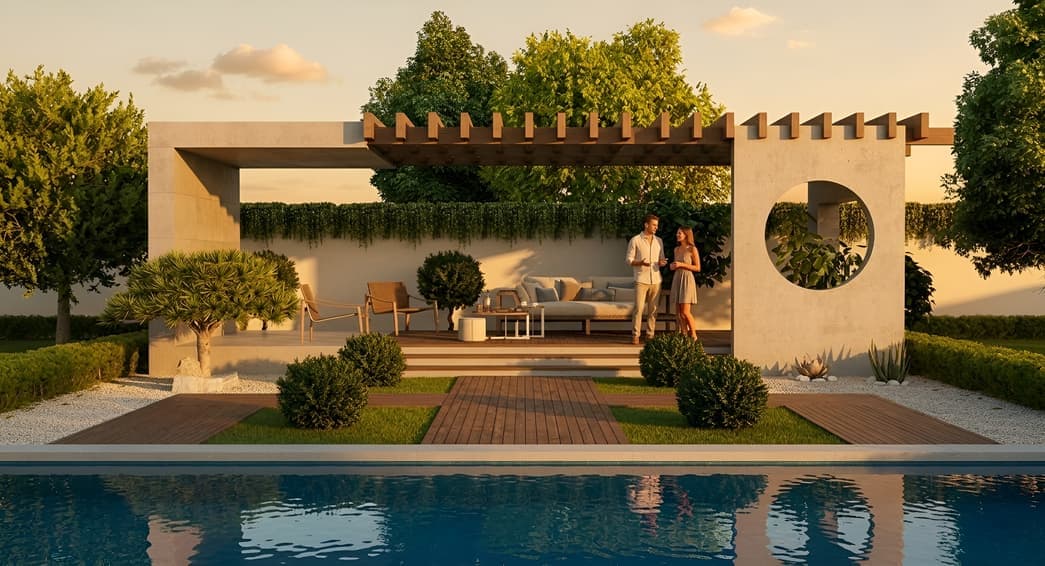
Explore more design directions
Try different render styles, materials, lighting, and reference images to see how your architectural concept could look.
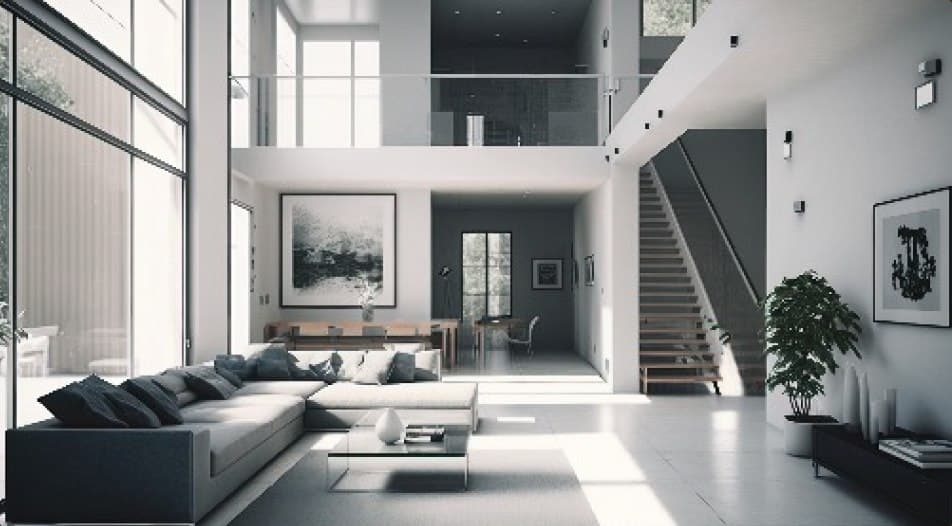
Present beyond still images
Create realistic 3D renders as well as 5s or 10s architectural animations for a more engaging way to explain your design.
Features
Everything You Need to Visualize
Design Styles
Explore a range of architectural and interior render styles to find the right visual direction for your project.
AI Style Transfer
Use a reference image to guide the aesthetic of your render while keeping your underlying design intact.
Materials & Palettes
Experiment with materials, colors, and finishes to explore different possibilities for the same design.
Lighting & Atmosphere
Change the mood and presentation of your architecture with different lighting conditions and visual atmospheres.
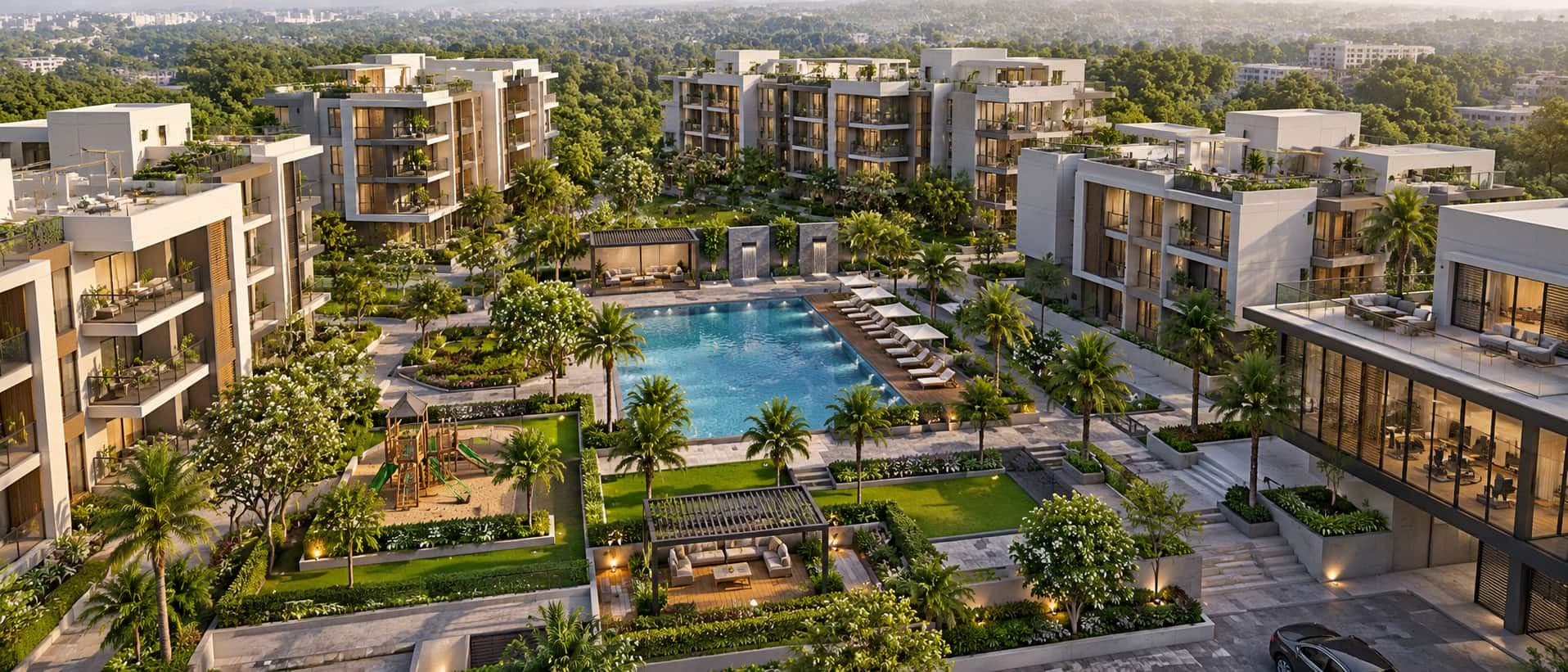
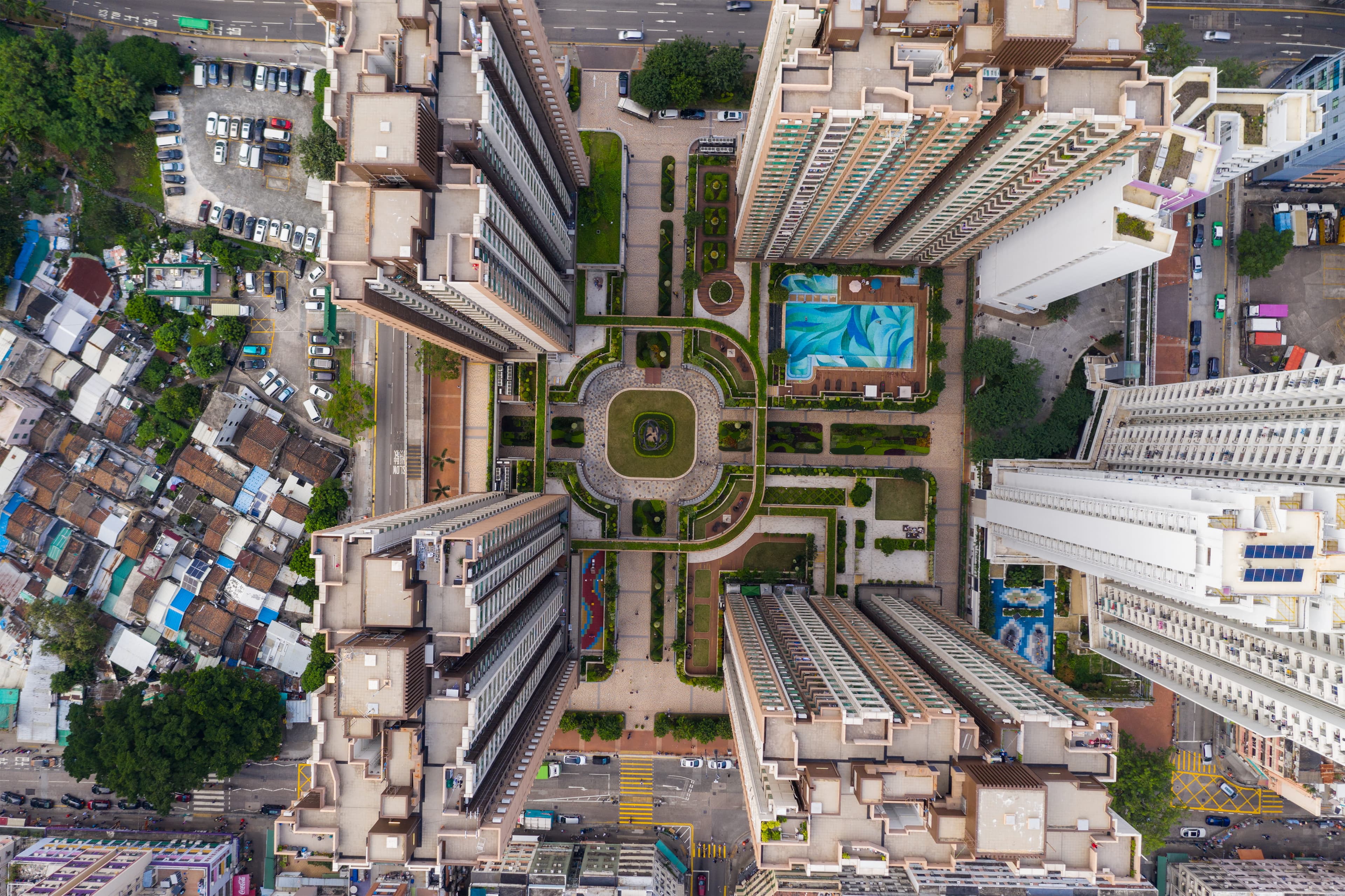
Get More From Your Architectural Design Software
Create realistic renders, explore new design directions, and communicate your ideas with Intker’s AI-powered architectural design workflow.
Watch
See Your Architecture Design Take Shape
Explore the finished result as Intker brings a starting architecture design to life with realistic materials, lighting, and detailed visuals.
Built for you
Built for Every Architecture Workflow
From early concepts to client presentations, Intker fits naturally into the different ways architectural ideas are developed, refined, and presented.
Architects
Develop and communicate concepts with realistic architectural visualization, without rebuilding models every time you want to test an idea.
Real Estate Teams
Create polished property visuals for listings, proposals, and client presentations with realistic renders and virtual staging.
Interior Designers
Test materials, finishes, furnishings, and styles to shape interiors and help clients see the potential of a space.
Designers & Students
Experiment with architectural concepts, build stronger presentations, and try different design approaches as you develop your work.
Render your next design with Intker
Visualize your ideas with realistic 3D renders, design variations, and AI-powered tools built for architects and designers.