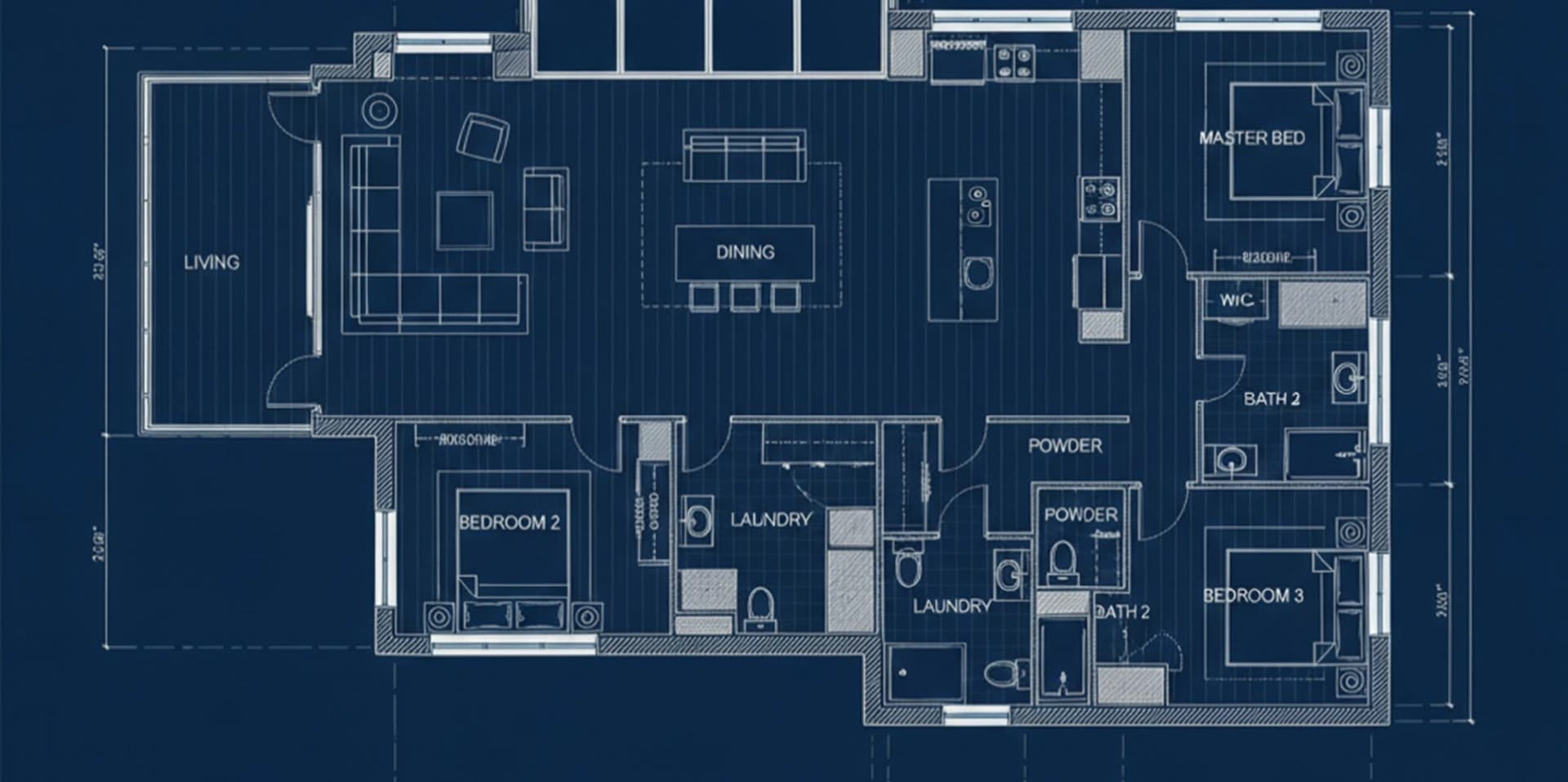
CAD Rendering That Turns Plans into Possibilities
Turn CAD drawings including floor plans, and site plans into photorealistic 3D renders in seconds. Visualize interiors, exteriors, and spaces with your geometry and design details preserved.
Works with








See the difference
From CAD Drawings to Complete 3D Render
Upload your floor plan or site plan and see your design as a realistic space. Intker turns 2D CAD drawings into detailed 3D renders within seconds.
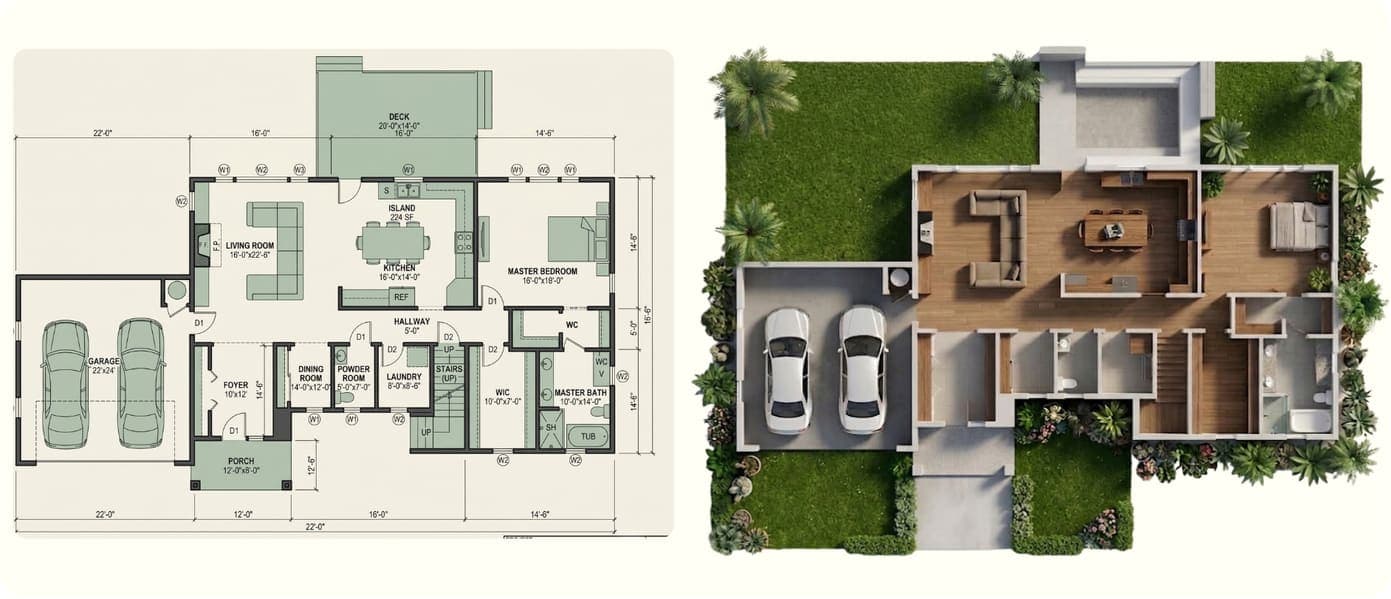
Floor Plan Rendering
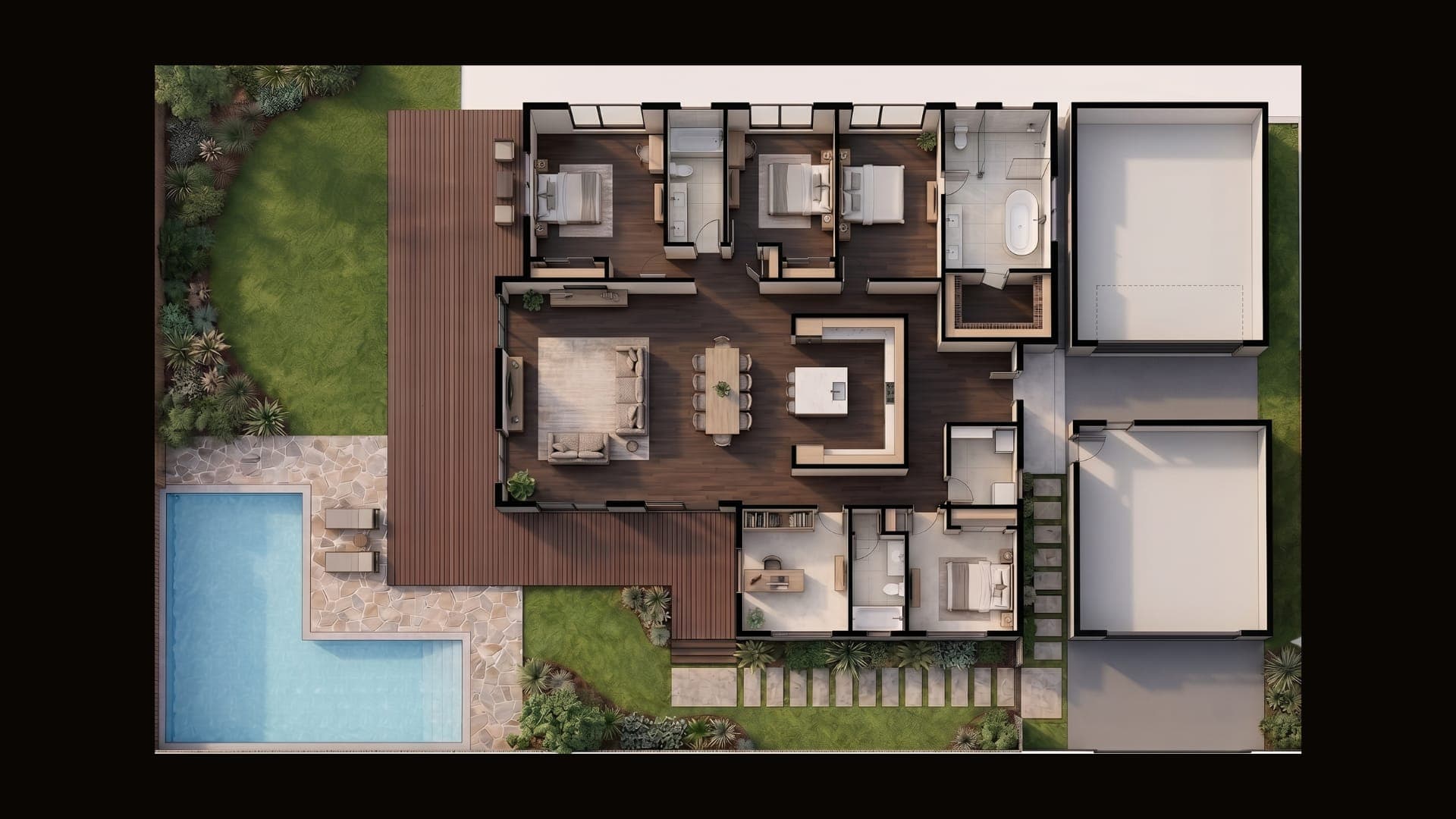
Turn a 2D floor plan into a realistic 3D interior view. Explore room layouts, furniture, materials, and design render styles while keeping the underlying plan intact.
Learn more about Floor Plan Rendering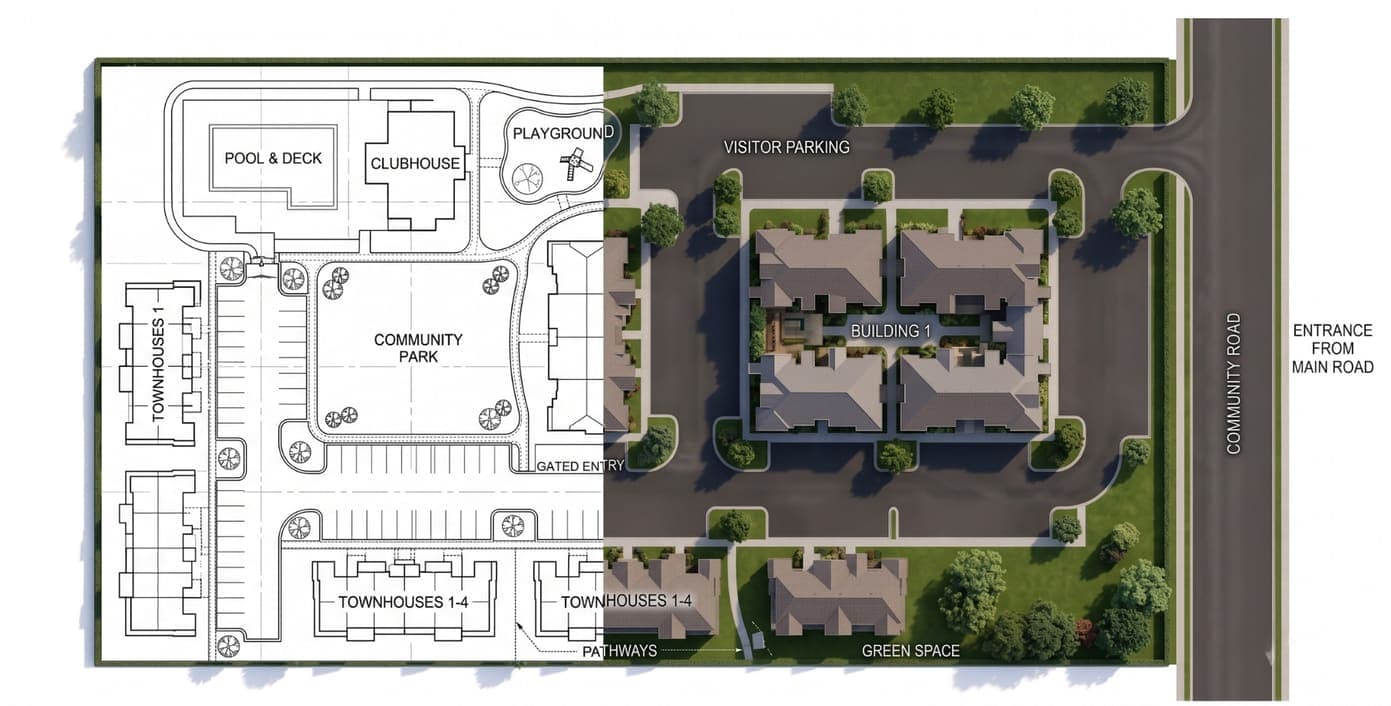
Site Plan Rendering
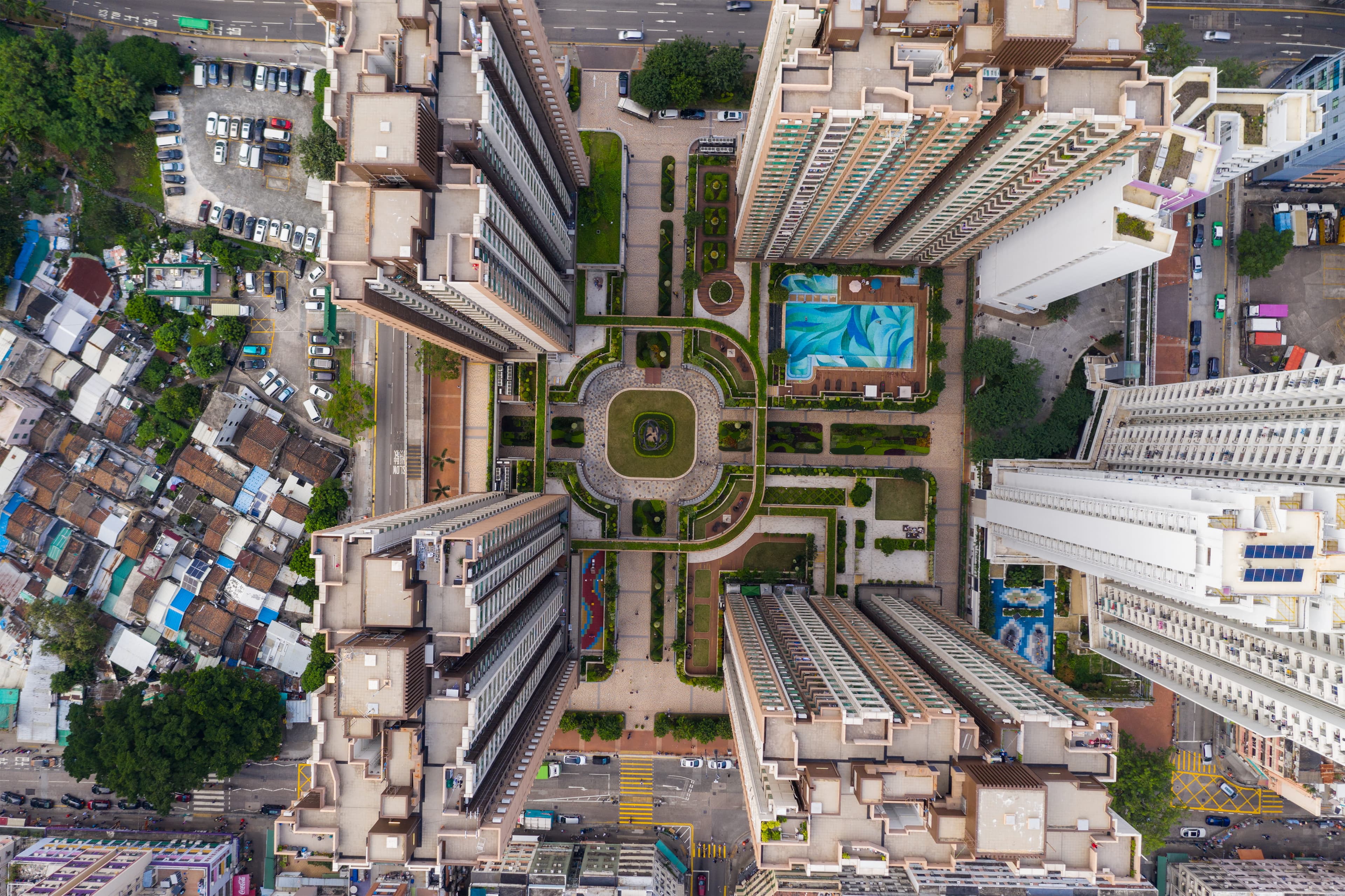
Bring your site plan to life with realistic buildings, landscaping, surroundings, and aerial perspectives. Make site layouts easier to understand and present.
Learn more about Site Plan RenderingHow it works
CAD to Render in Three Steps
Get from a technical drawing to a presentation-ready visual without a complicated rendering workflow.
Upload your design
Export your floor plan, site plan or view as a PNG or JPG, or take a screenshot, and drop it in. DWG and DXF files aren't supported.
Choose how you want to see it
Explore different design styles, materials, furniture, lighting, and visual directions to find the right look for your project.
Get your render
Generate a realistic 3D render in seconds and keep exploring variations until you have a visual you want to present.
Explainer
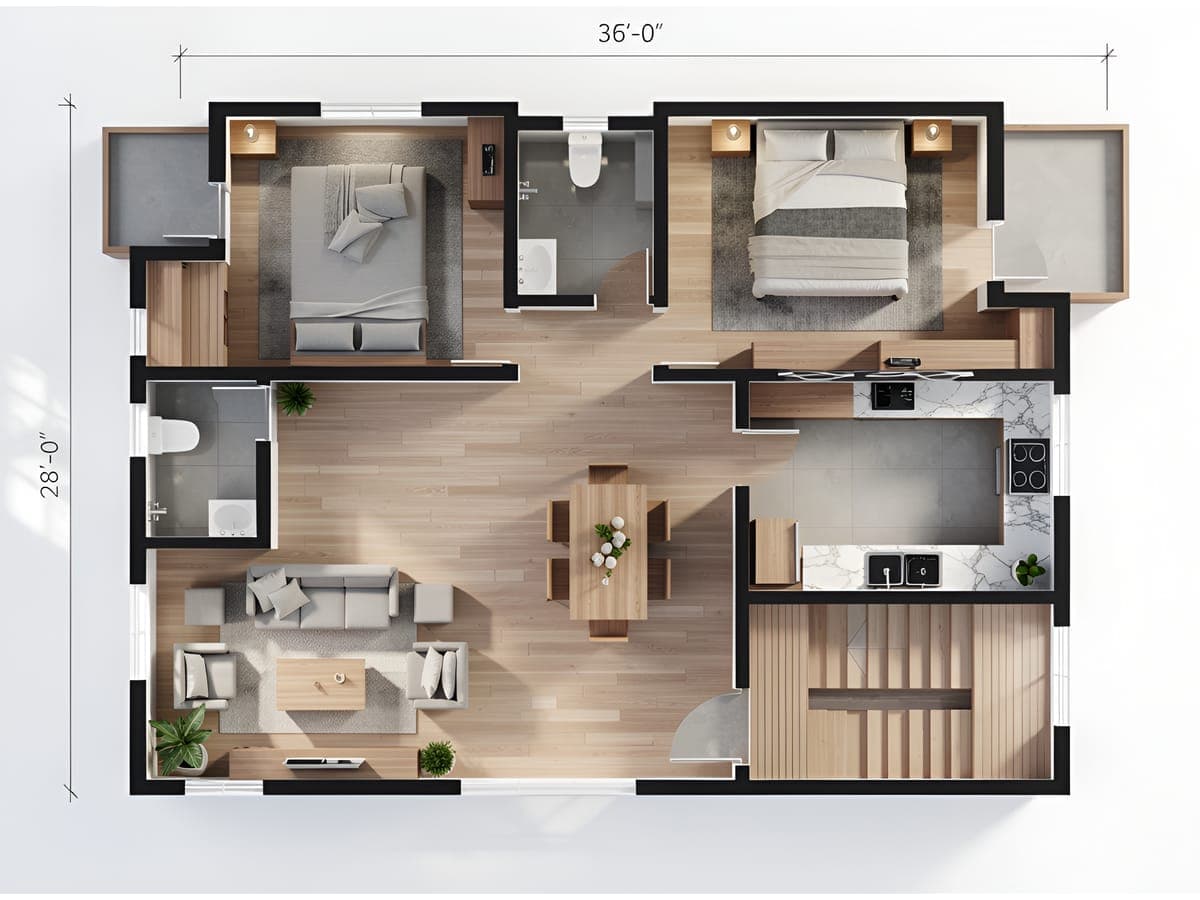
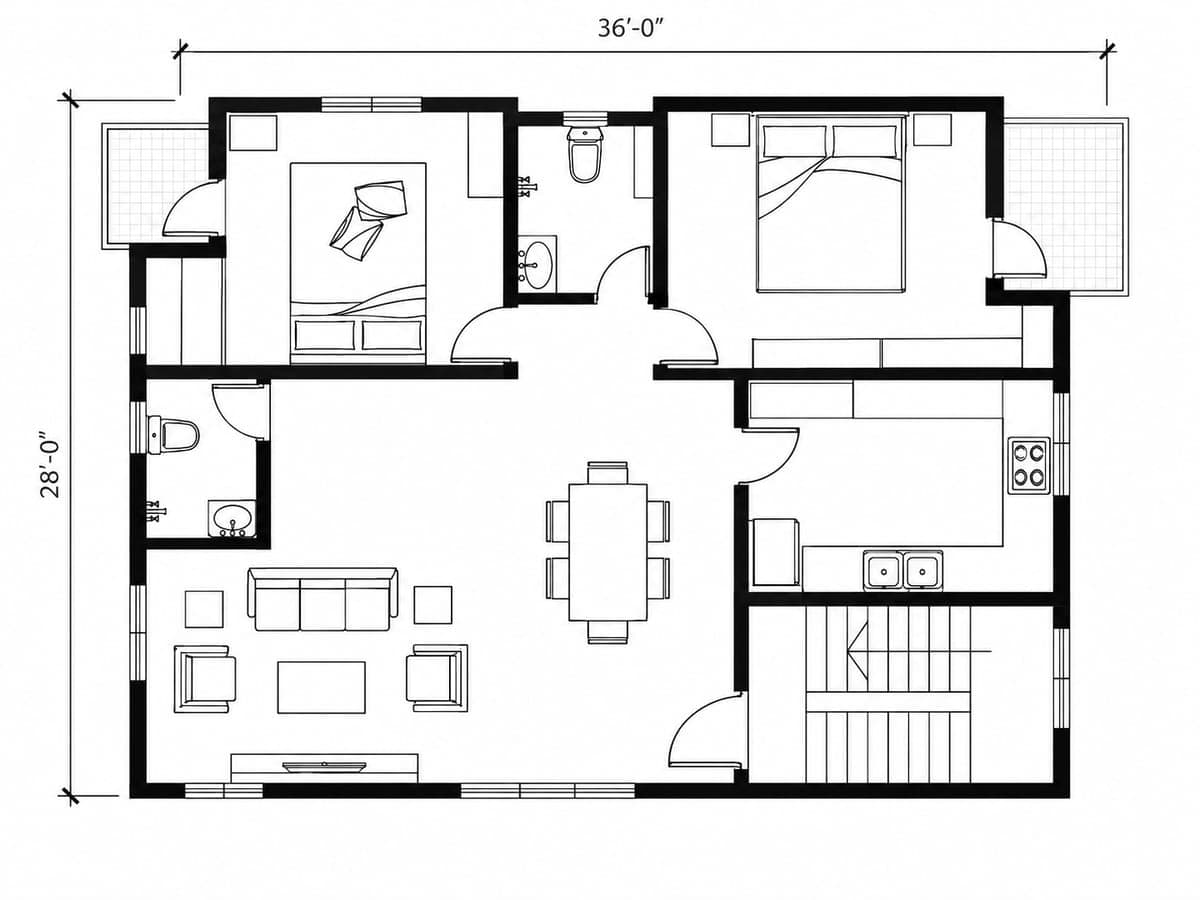
What is CAD Rendering?
CAD rendering turns a technical CAD drawing or model into a realistic visual representation of the finished design. Instead of viewing walls, dimensions, and geometry as technical information alone, rendering adds materials, lighting, furniture, landscaping, and depth to help people understand the space.
With Intker's AI rendering workflow, you can turn CAD designs, including floor plans and exported views, into realistic architectural visuals without starting the model from scratch. It gives architects, designers, and real estate teams a faster way to explore and present design ideas.
See it in action
From CAD Drawing to Realistic Render
Take a look at how your existing CAD drawings can become detailed architectural visuals with realistic materials, lighting, and finishes.
Beyond Traditional CAD
More Than CAD Rendering. A Faster Way to Visualize
Intker helps you go beyond a basic render. Keep your design recognizable while exploring different ways to furnish, style, and present the same space.
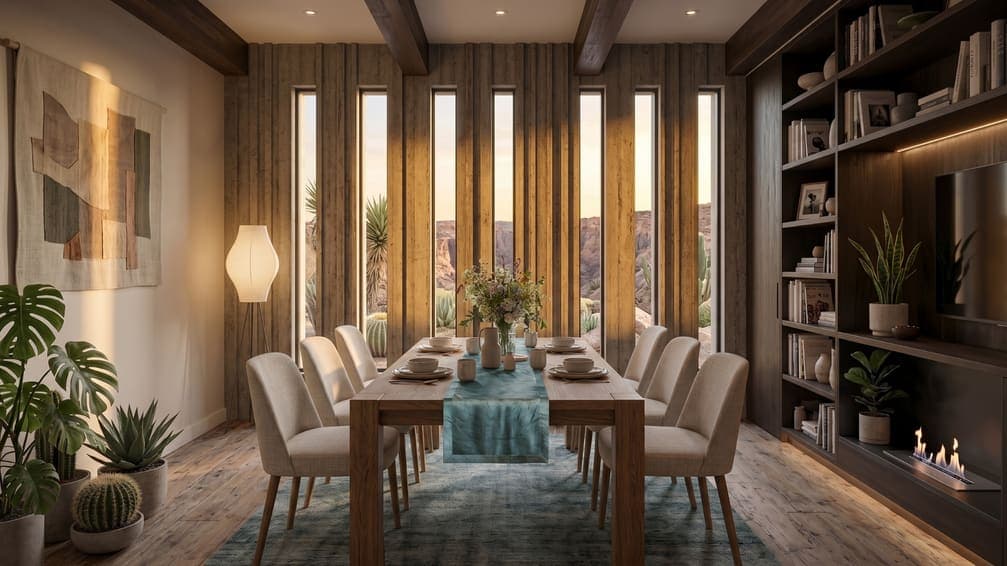
Photorealistic Renders, Geometry Intact
Generate realistic visuals in seconds while preserving the structure and geometry of your original design.
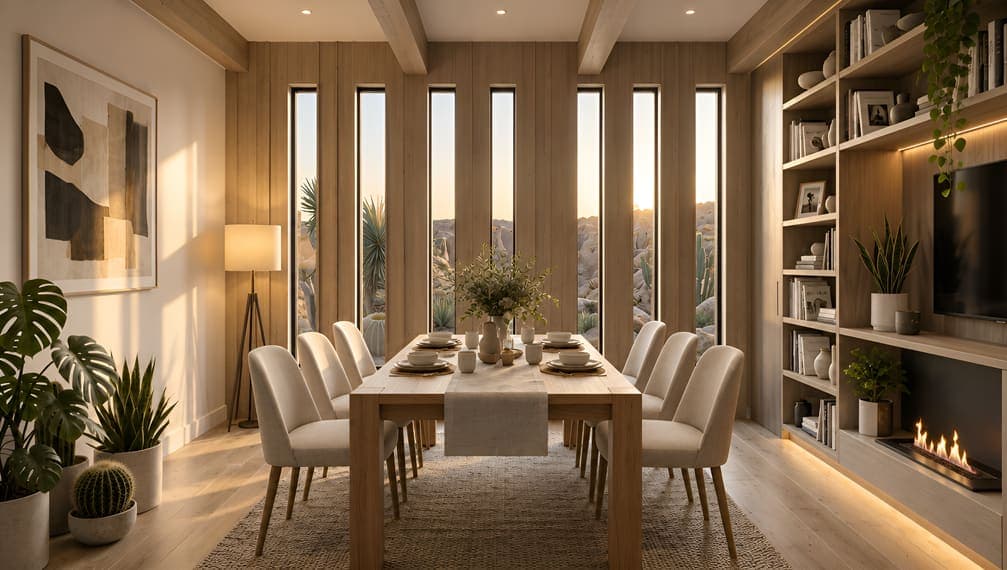
Explore Different Design Styles
Test contemporary, Scandinavian, minimalist, traditional, and other visual directions without recreating the design each time.

Stage Empty Spaces with AI
Add furniture, declutter rooms, enhance interiors, and prepare empty properties for presentation with AI-powered virtual staging.
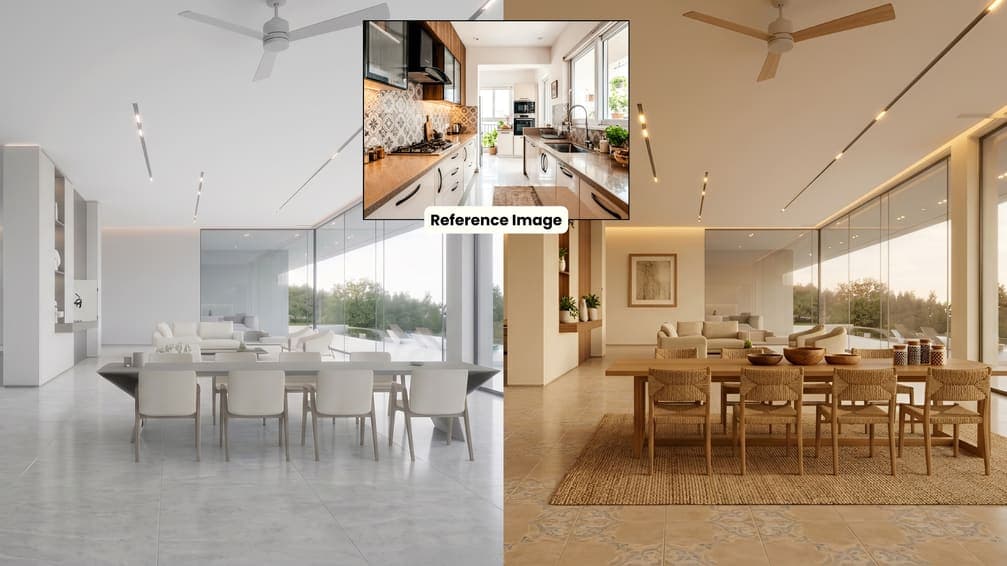
Match a Reference Image
Have a particular look in mind? Use a reference image to guide the mood, materials, colors, and overall aesthetic with AI Style Transfer.
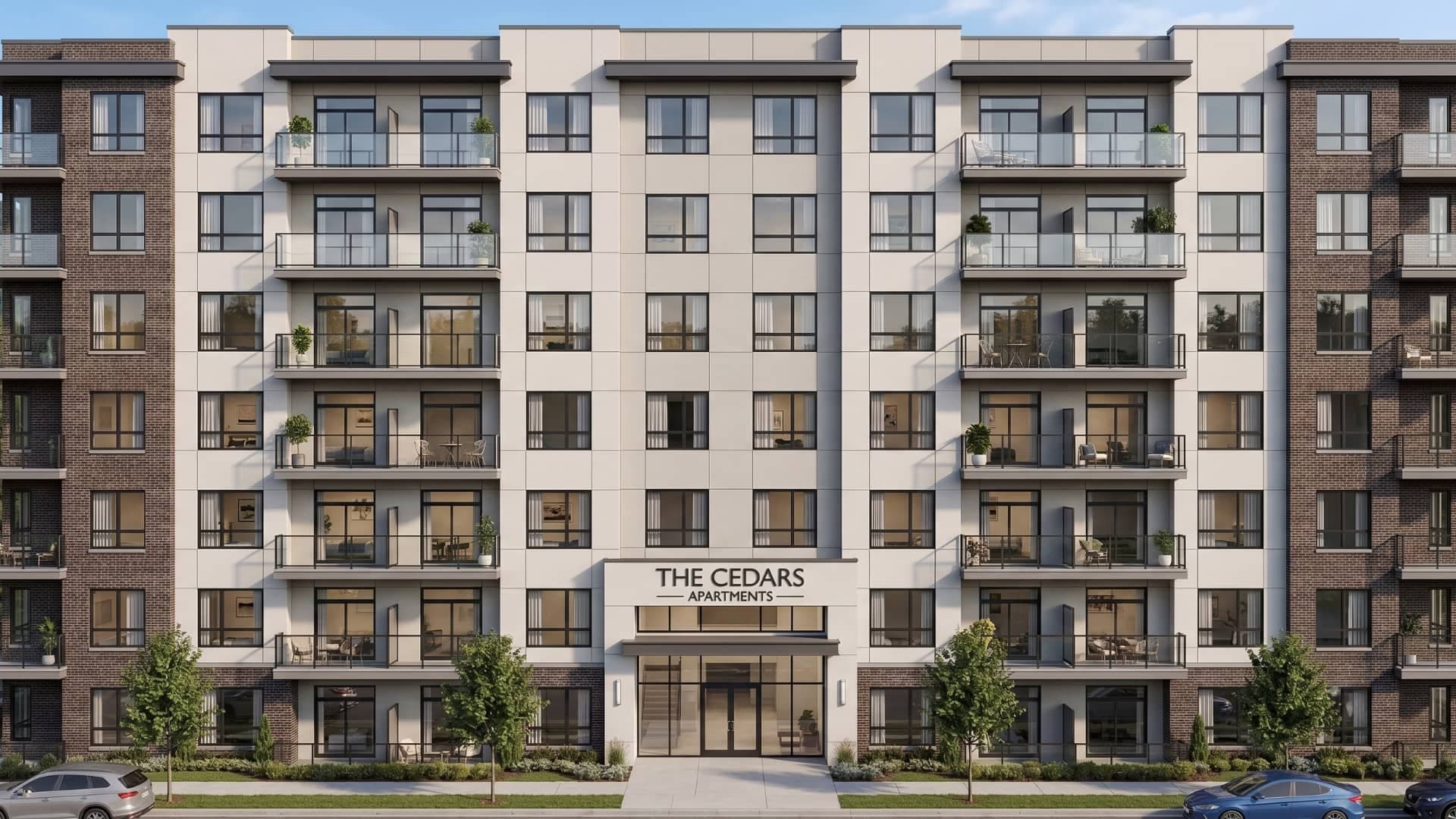
Built for your AutoCAD drawings
Export a plan or view from AutoCAD, or any other CAD tool, and turn it into a professional-grade 3D render in about 30 seconds.
Studio Tools
Choose Your Project Type
Create CAD renderings for gated communities, retail layouts, housing sites, and house floor plans for single-family homes, apartments, and more.
Set the Scene
Adjust lighting, time of day, weather, and site context to create more realistic architectural visuals.
Render in 4K
Generate high-resolution 3D renders in 4K with the clarity and detail needed for presentations, listings, and design reviews.
Guide With Advanced Prompts
Use detailed prompts to direct materials, styles, surroundings, furniture, and lighting for more controlled interior rendering and architectural visualization.
Comparison
The old way vs. the Intker way
Built for you
Bring Every Kind of Design to Life
Intker helps you turn your designs into realistic visuals that are easier to explore, refine, and present.
Interior Designers
Visualize floor plans as realistic interiors, test furniture and materials, and explore different styles before settling on a direction.
Urban Planners
Turn site plans and large-scale layouts into clear 3D visuals. Explore buildings, landscaping, surroundings, and different site conditions.
Architects
Bring architectural concepts, floor plans, and CAD drawings into realistic 3D renders while keeping your original design details intact.
Make More of Every Design
Explore interiors, exteriors, floor plans, site plans, and realistic 3D visuals with an AI rendering workflow built for design professionals.