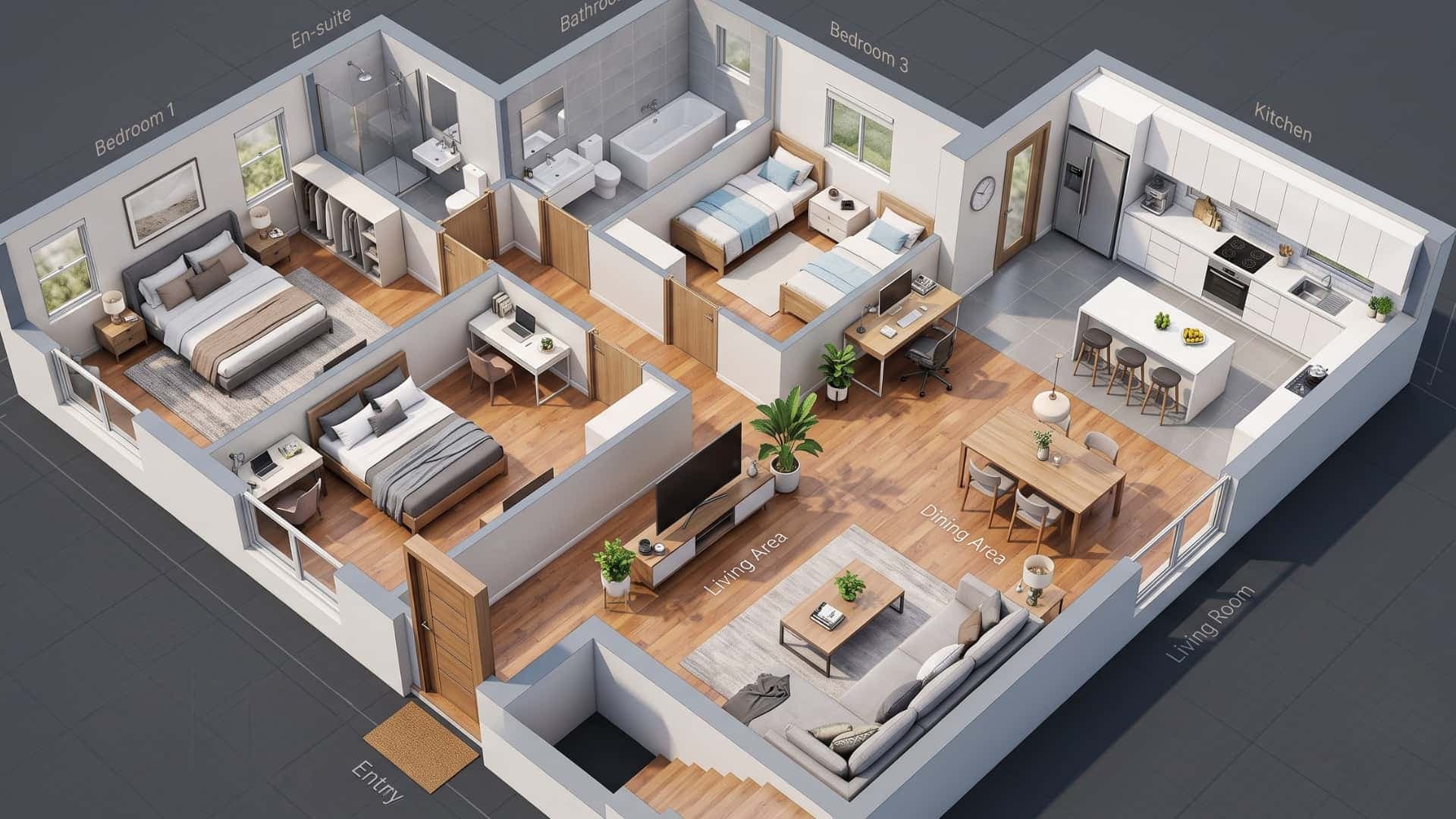
Turn Floor Plans into Photorealistic Interior Renders
Turn your 2D floor plan into a detailed interior render with AI. Explore furniture, materials, lighting, and different design styles without building a 3D model from scratch.
Works with








See the difference
See Your Floor Plan as a Real Space
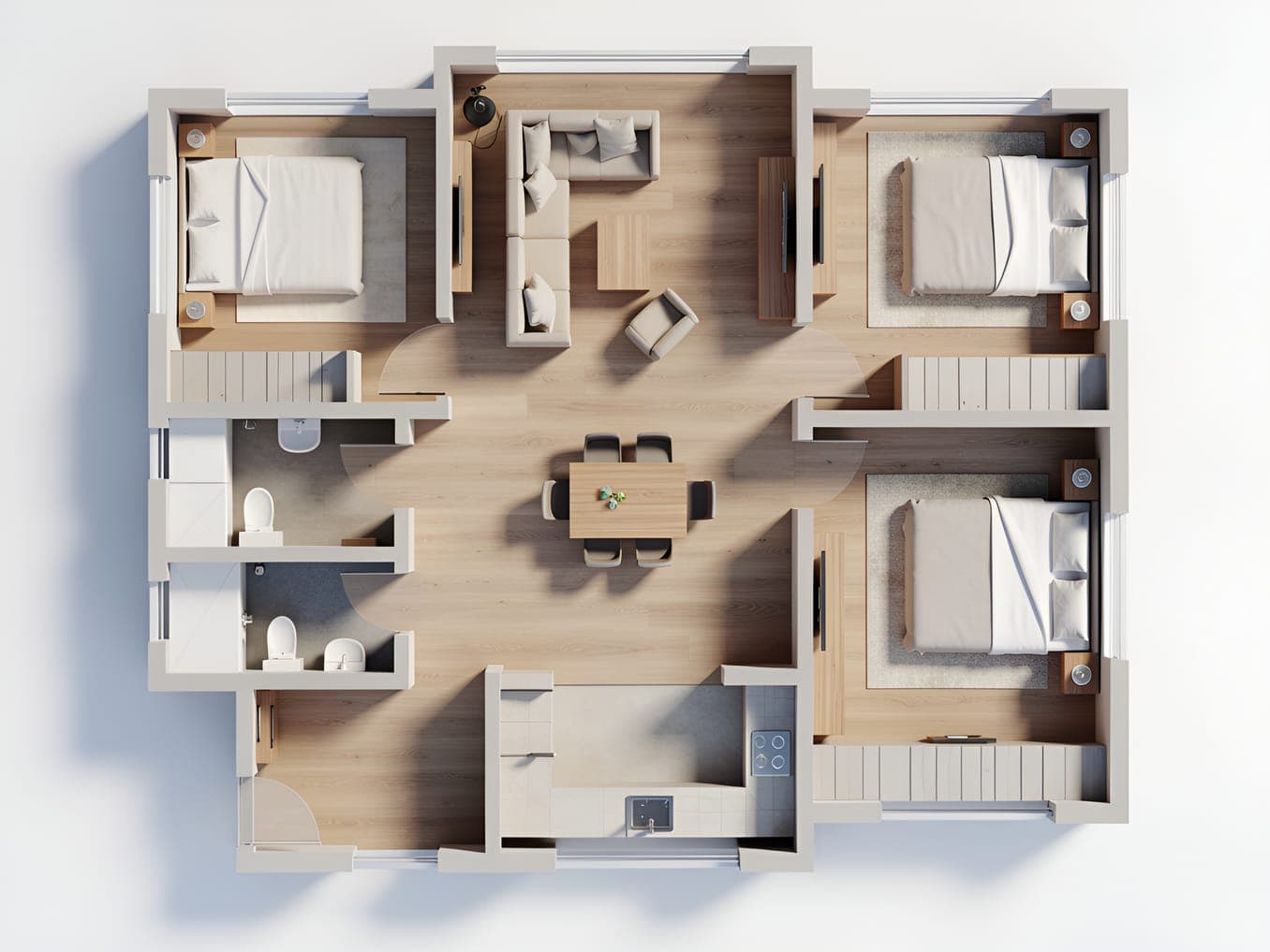
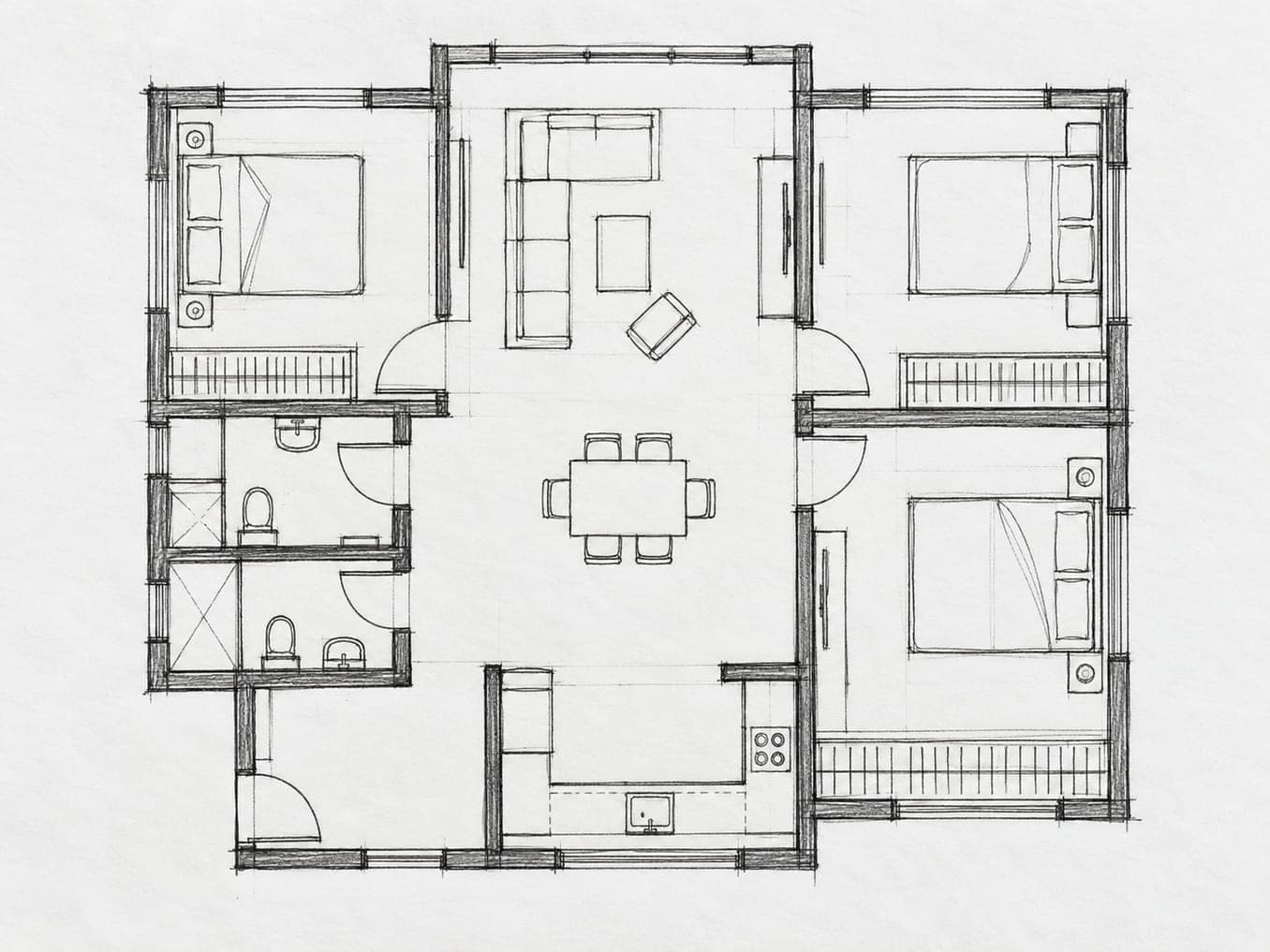
Go from a simple 2D layout to a detailed interior render that makes rooms, furniture, materials, and spatial relationships easier to visualize.
Explainer
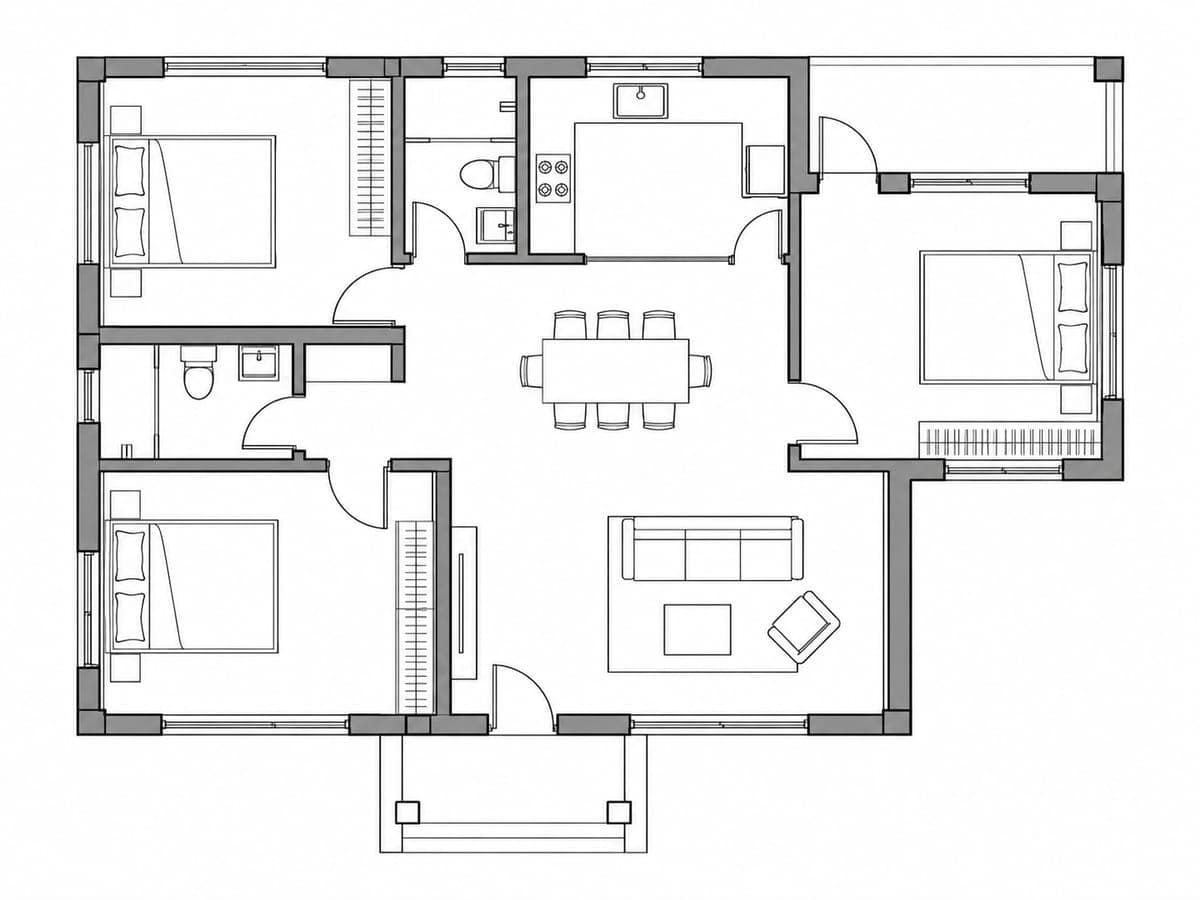
What Is Floor Plan Rendering?
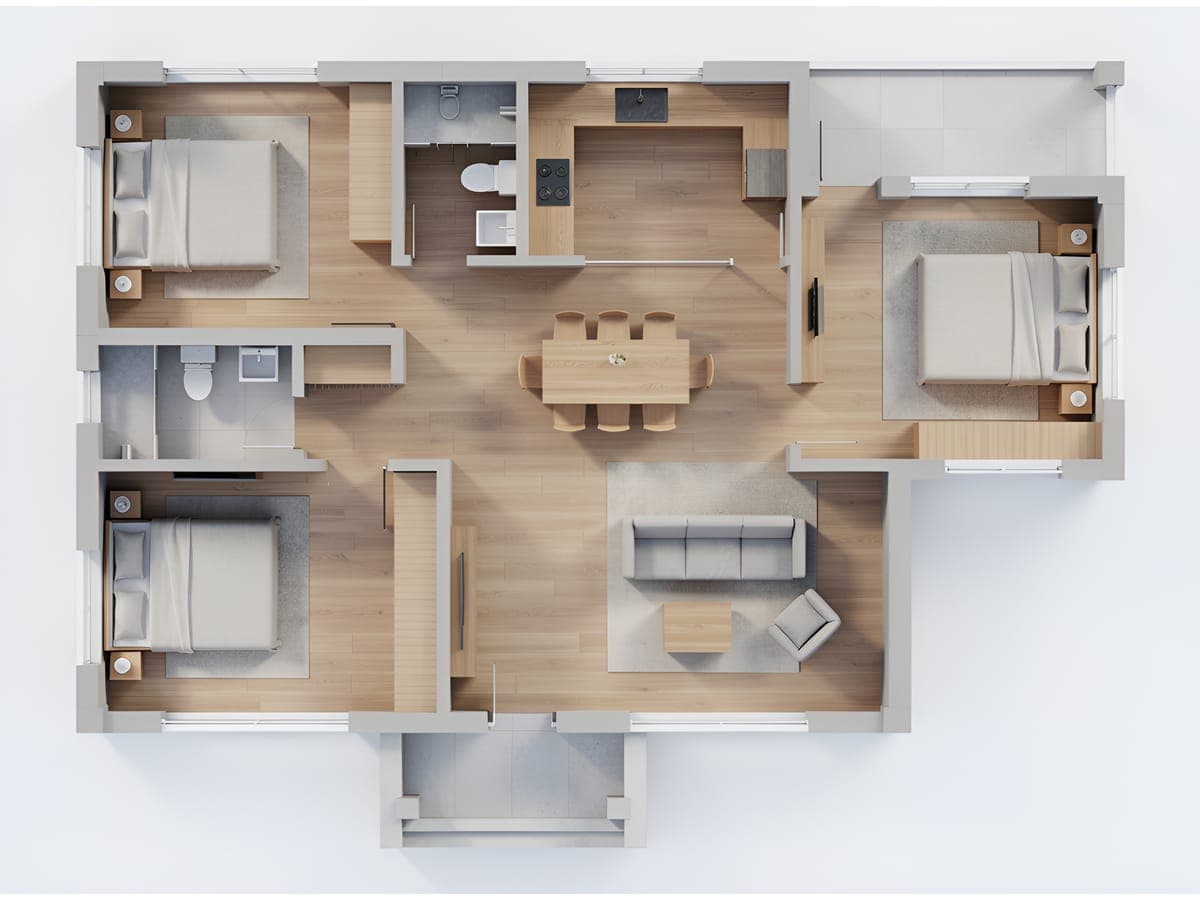
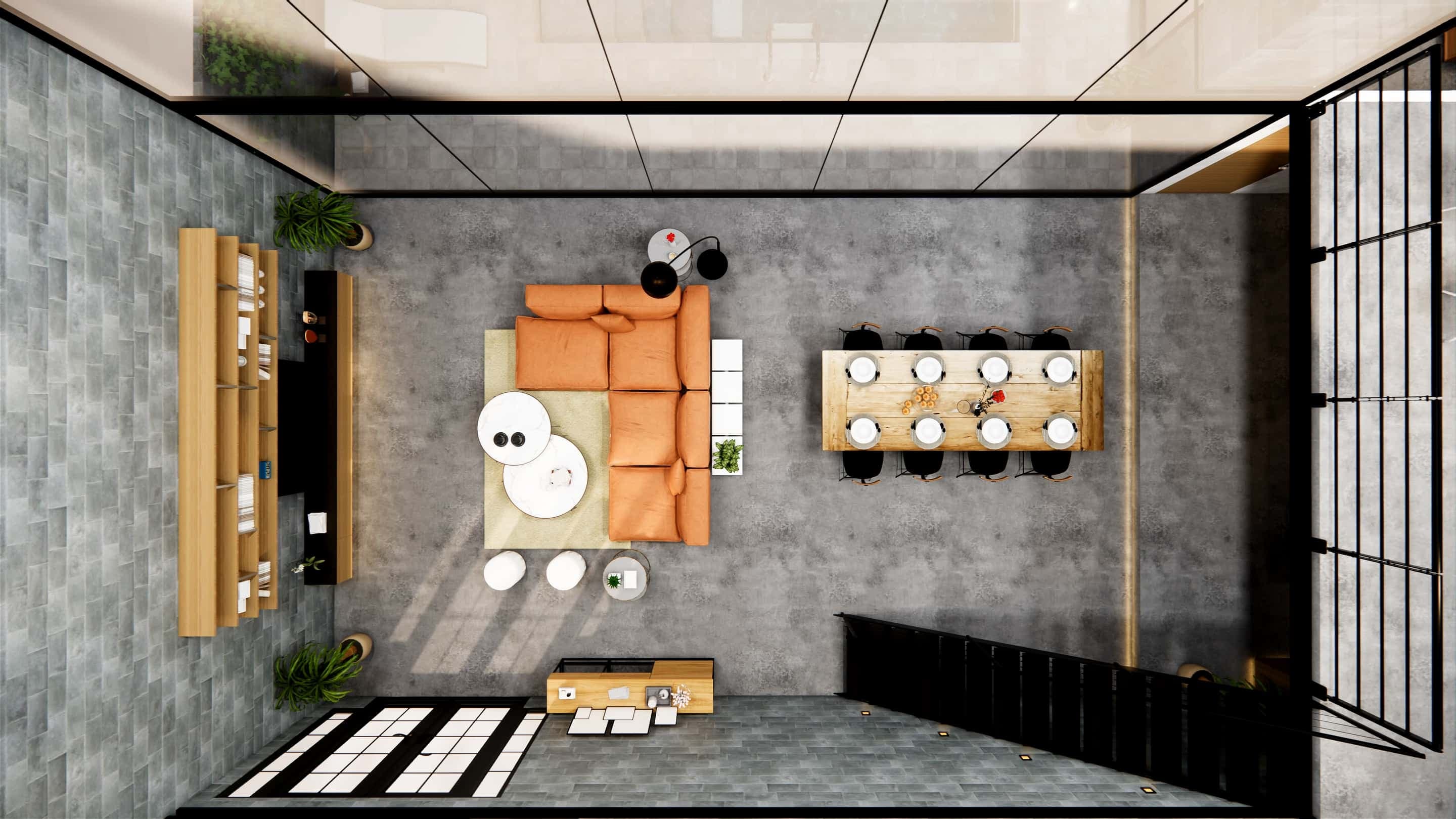
Floor plan rendering turns a 2D model layout into a realistic visual representation of the space. With Intker’s Floor Plan AI, you can upload a floor plan and generate a detailed interior design render with furniture, materials, lighting, and finishes while keeping the original layout in context.
Whether you’re presenting a concept, exploring a room design, or preparing property visuals, AI floor plan rendering gives you a clearer way to communicate how the finished space could look.
How it works
From Floor Plan to Render in 3 Steps
Simplify the journey from rough floor plan to realistic architectural visualization.
Upload Your Plan
Drop in your floor plan, drawing, or exported image to get started.
Choose Your Direction
Explore design styles, furniture, materials, and visual treatments that fit your space.
Generate Your Render
Get a realistic interior visual that helps you see and present the space from a new perspective.
Built for you
Visualize Floor Plans for Any Project
Explore realistic interiors, communicate concepts, and present spaces more clearly
Architects
Turn floor plan layouts into realistic visuals that help clients understand your architectural concepts before construction begins.

Real Estate Agents
Give empty layouts more context with realistic interior visuals that help prospective buyers imagine the property.

Builders & Developers
Show potential buyers how floor plans could translate into finished interiors and create more compelling project presentations.

Designers & Students
Explore room layouts, furniture arrangements, and render styles without spending hours building a complete 3D scene.

Have a Floor Plan? See What It Could Become.
Upload your floor plan and turn a 2D design layout into a realistic interior visualization with Intker’s AI rendering tools.
Spatial Accuracy
More Control with Intker’s Floor Plan Rendering
Create high-quality 3D renders that preserve your design details while giving you more ways to visualize and present your floor plans.
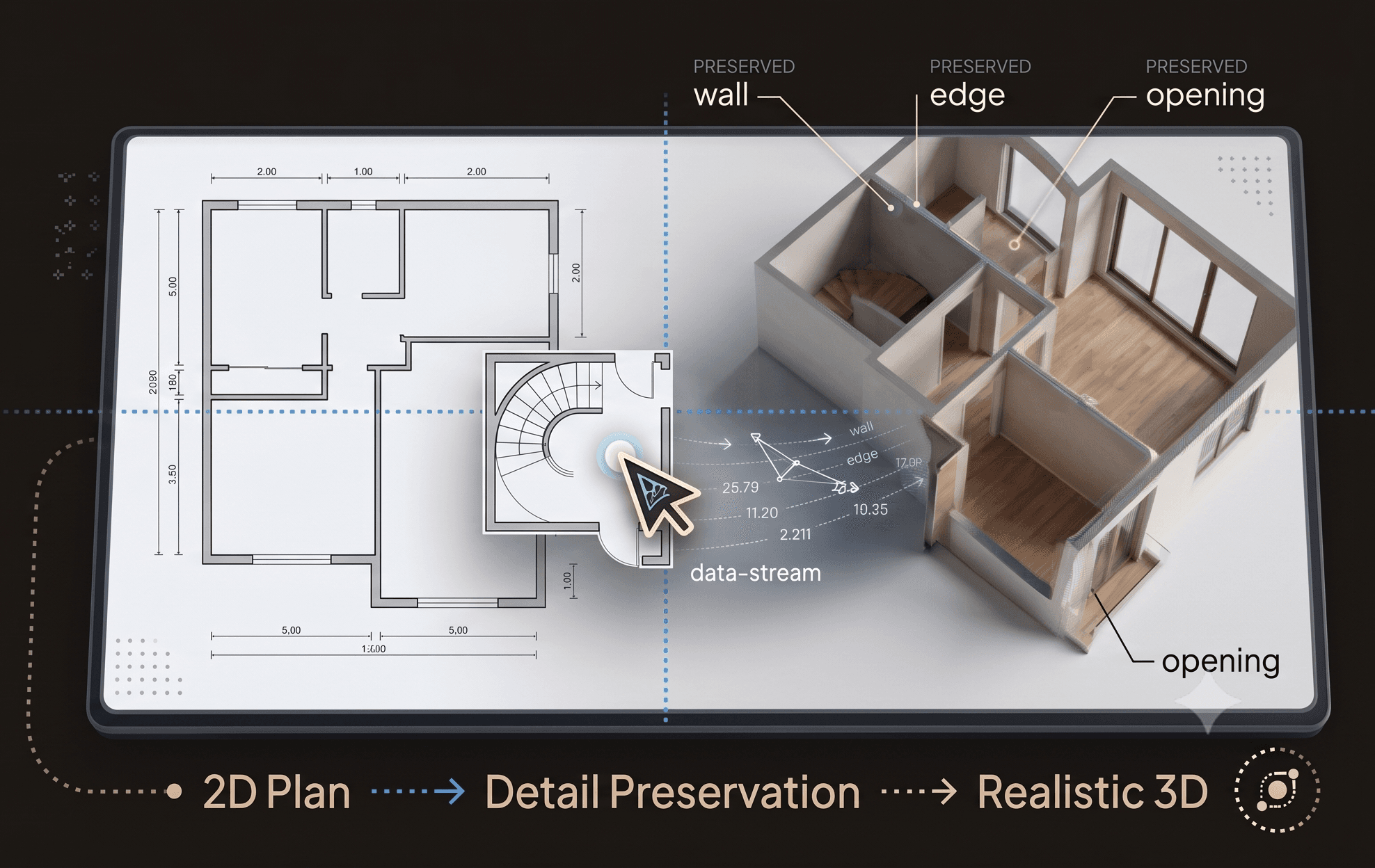
Preserve the details that matter
Every wall, edge, opening, and spatial relationship is rendered with care, so your floor plan becomes a high-quality, realistic 3D visualization without losing the geometry of your original design.
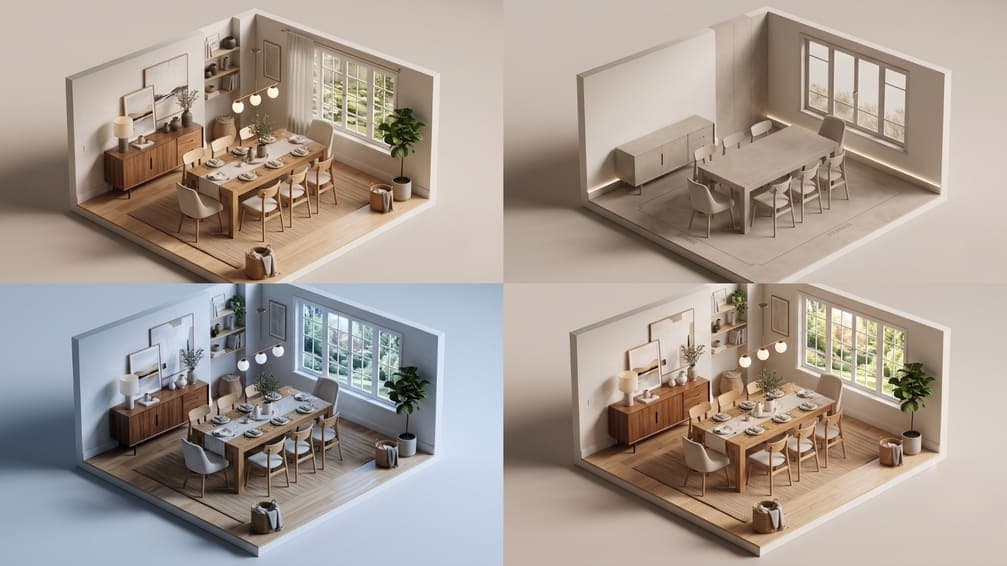
Visualize the same idea from different perspectives
Explore different output styles to communicate your design in the way that best fits the idea, presentation, or audience, from detailed architectural visualization to clean, simplified views.
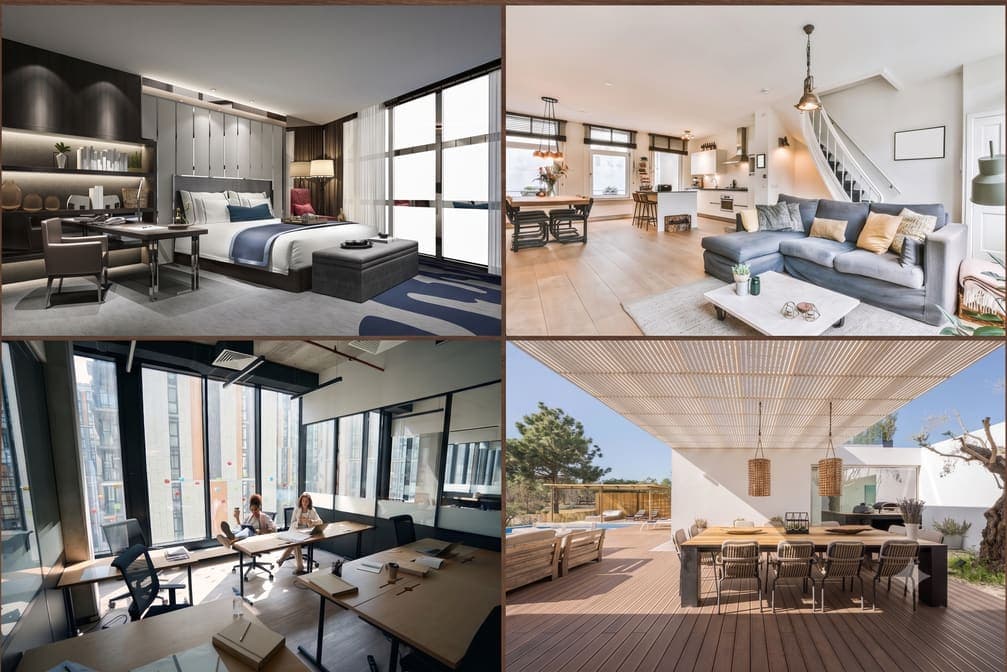
Render with the right space in mind
Choose the type of space you’re visualizing, from apartment units and villas to single-family homes and office floors. Intker adapts its AI rendering to the context, helping you get more relevant and realistic results.
Take a look
Watch Your Floor Plan Come to Life
See the finished result of turning a floor plan into a detailed architectural visualization, with realistic spaces, materials, and lighting.
86% of buyers
say they’re more likely to view a listing with a floor plan they like (source). Keep your geometry intact and get a photorealistic render in seconds.
Built Differently
Explore More Possibilities with Intker’s AI Rendering
Generate more variations, iterate freely, and create realistic visuals that help you and your clients understand what a design can become
Explore more with render variations
Create multiple AI floor plan variations across layouts and styles, giving clients more options to explore and understand.
Design without the learning curve
Skip complex 3D modelling software and high-end hardware. Start visualizing your ideas with Intker’s AI rendering tools.
Iterate freely, without per-render costs
Make as many iterations as your ideas demand without remodelling the scene each time. Refine designs faster and explore more possibilities.
Refine photorealistic details in seconds
Change lighting, materials, and finishes in seconds to create realistic architectural visualizations that match your design direction.
Comparison
The old way vs. the Intker way
Your Next Design Starts With a Floor Plan
Go beyond a 2D layout with AI-powered floor plan rendering that helps you explore, refine, and present your ideas faster.