AI Interior Rendering Software For Premium Interior Design
Turn any room photo into a photorealistic interior rendering in seconds. Explore new styles, furniture, materials, and moods without starting from scratch.
Works with








Room types
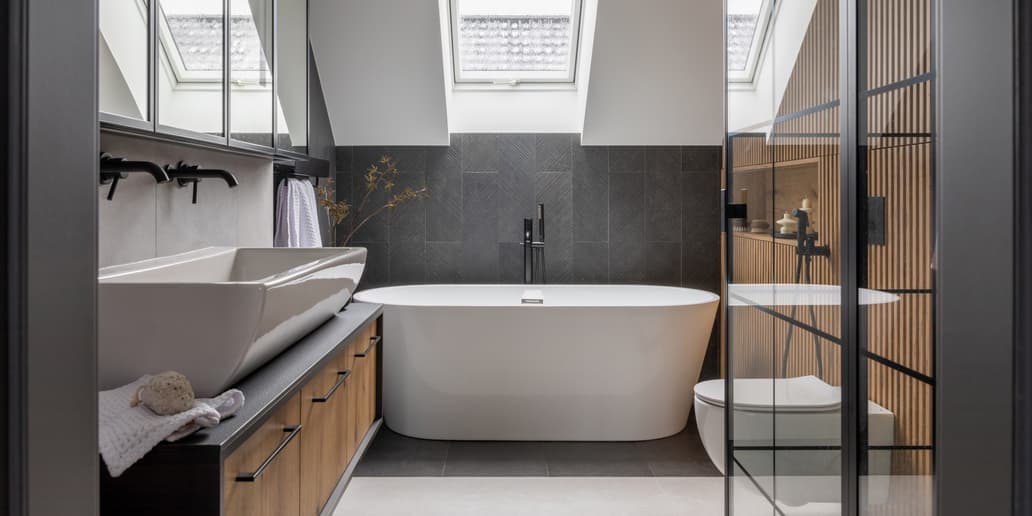
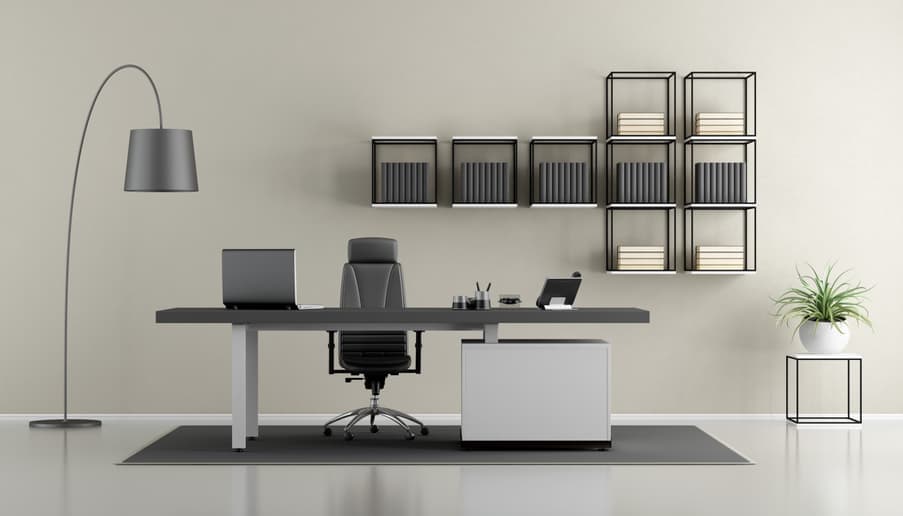
Interior Rendering for Every Room
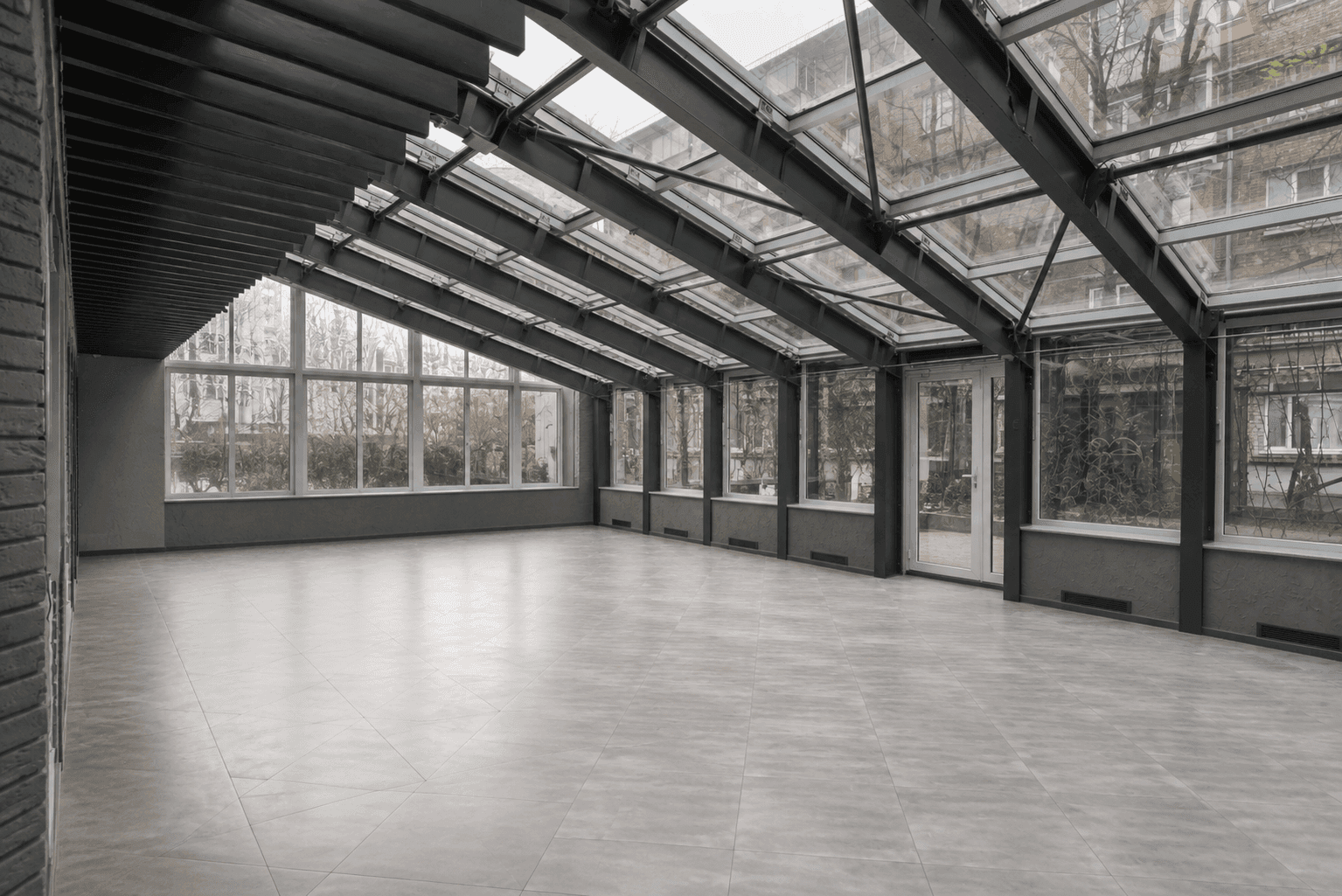
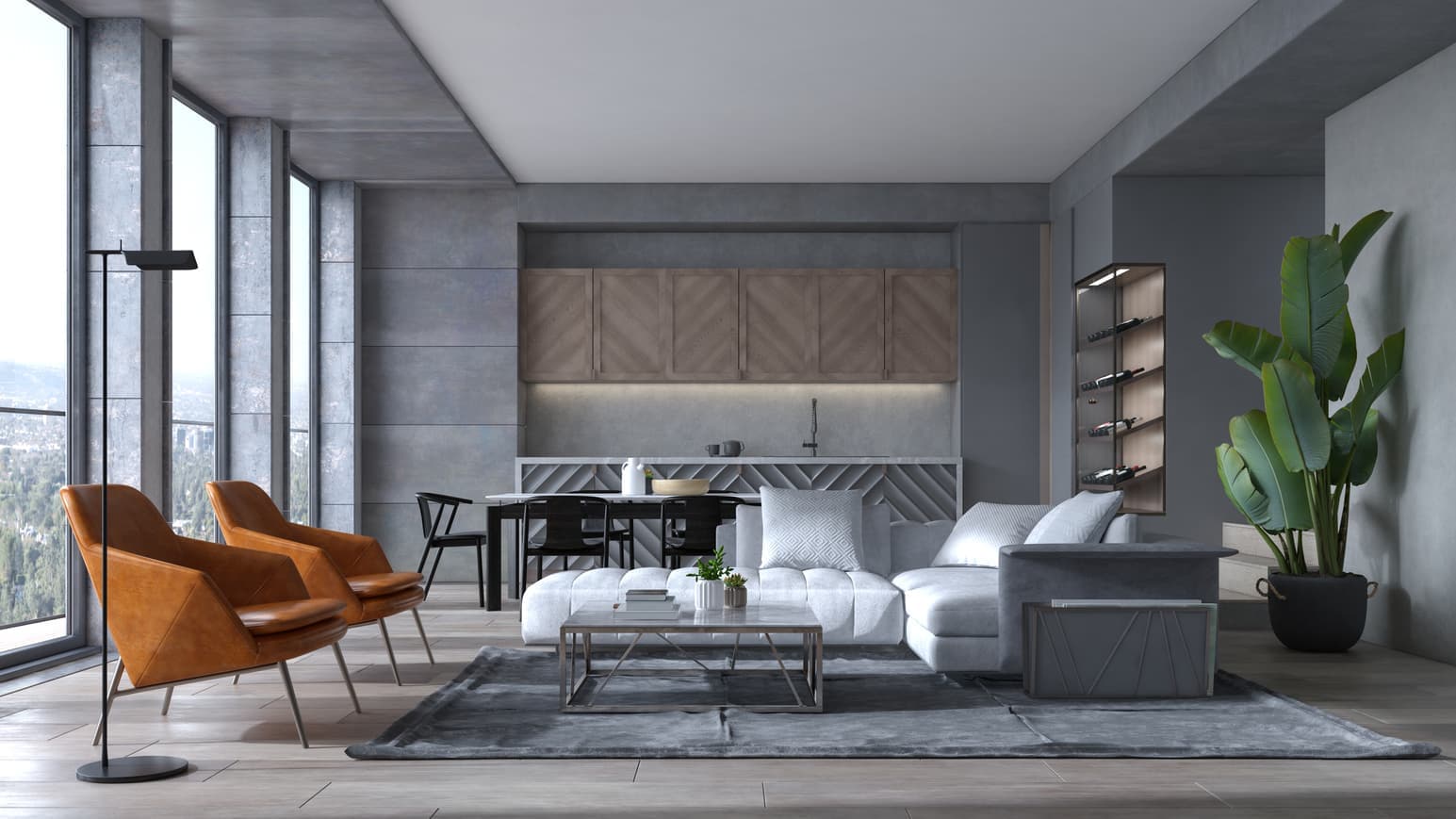
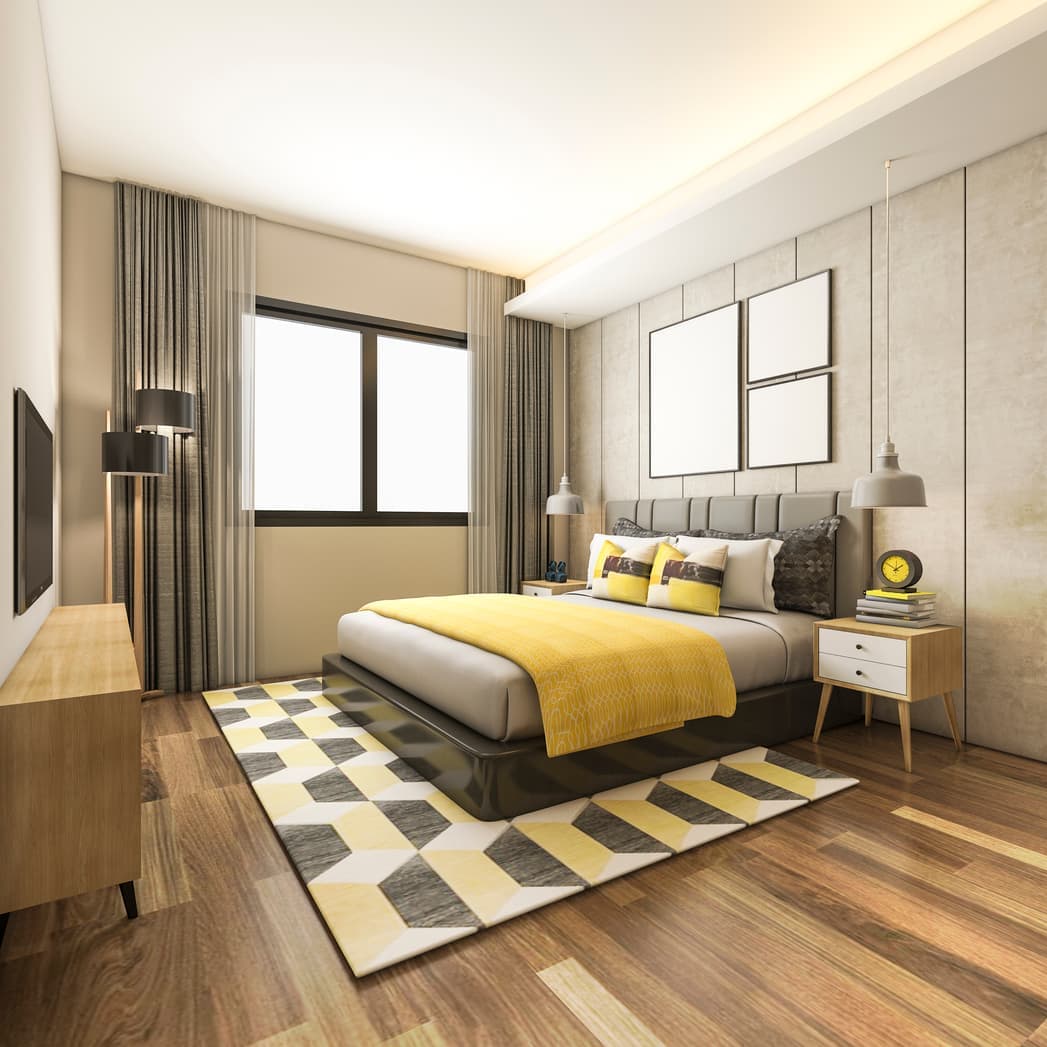
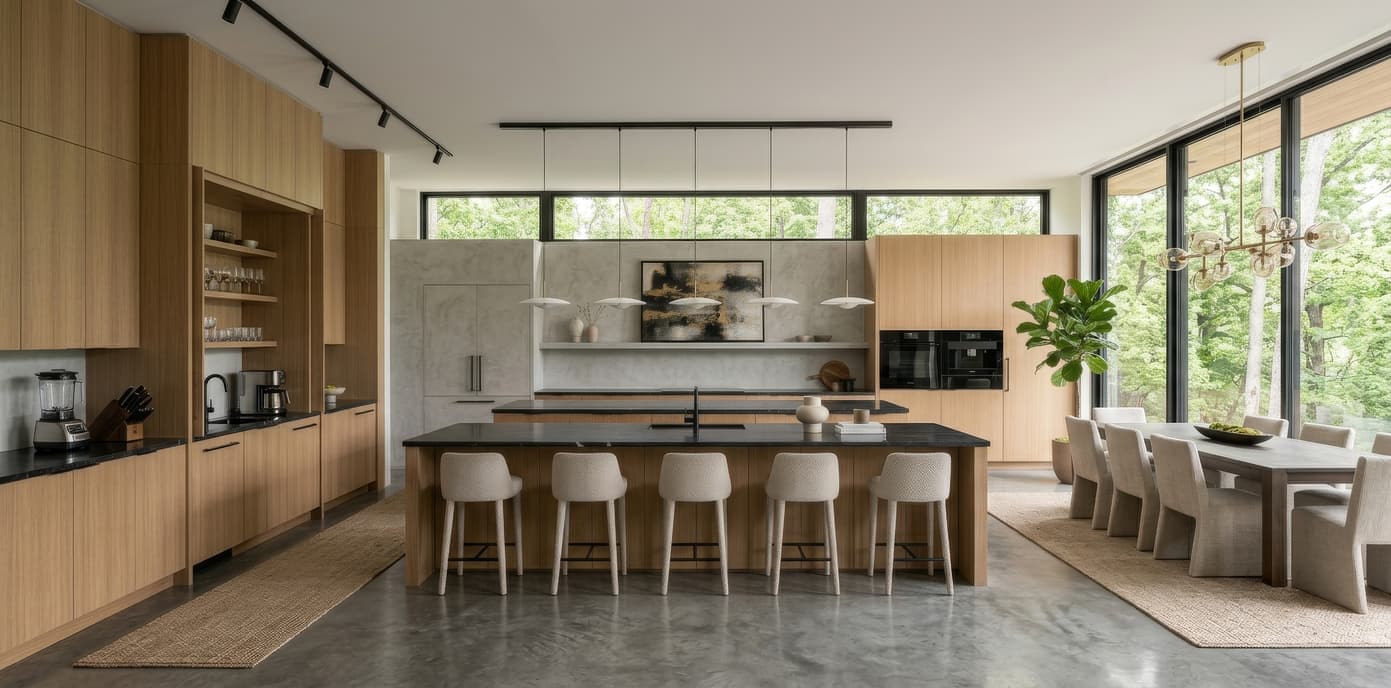
Whatever space you're designing, Intker brings it to life with photorealistic 3D Home rendering. Here's what it covers:
Explainer
What is 3D Interior Rendering?
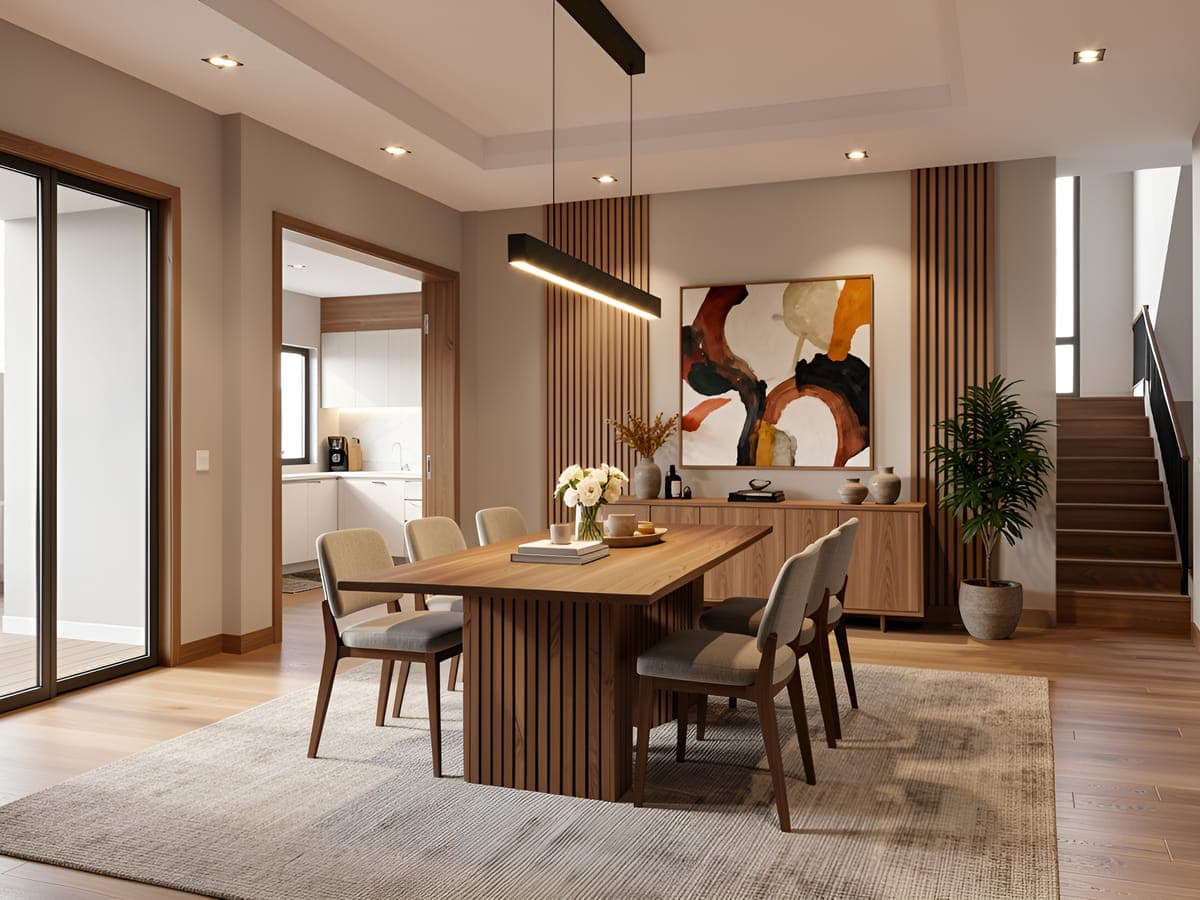
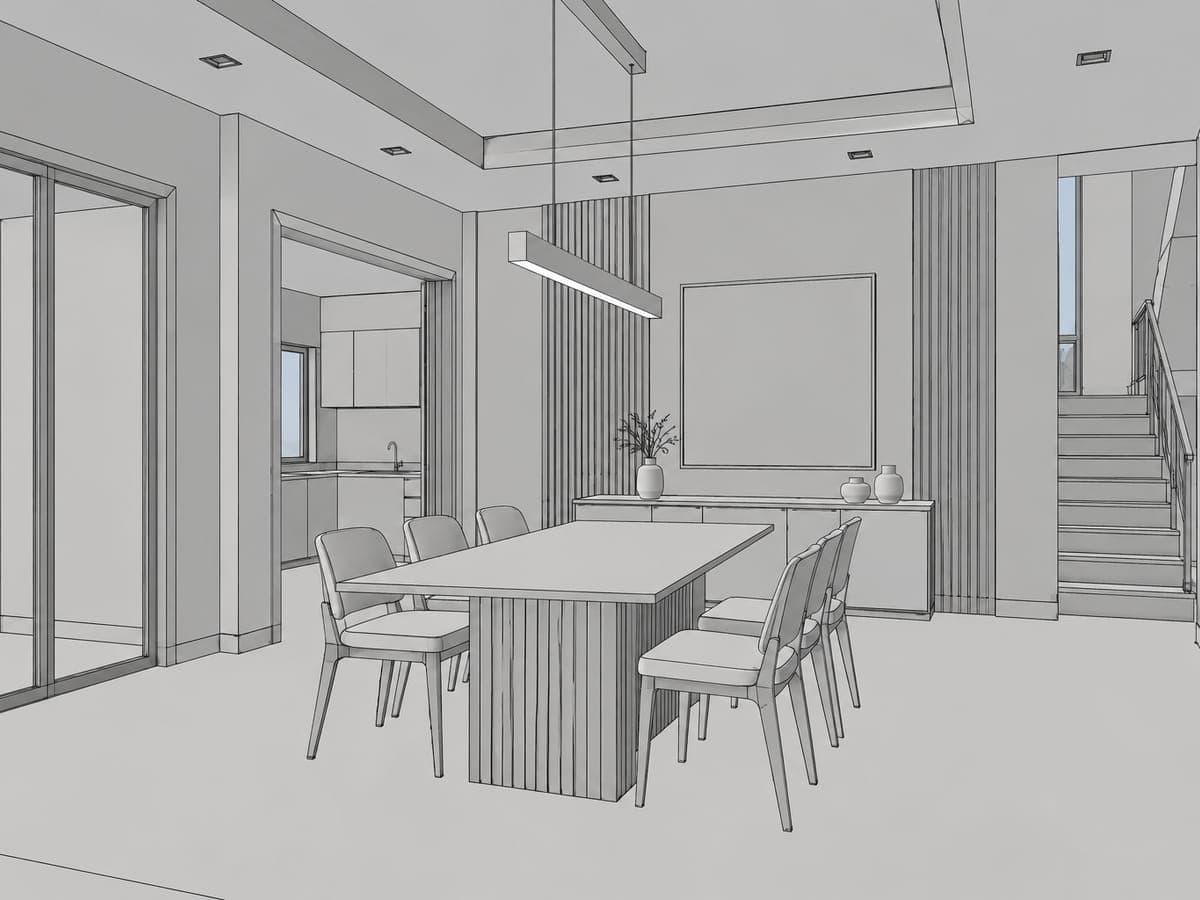
3D interior rendering is the process of creating a photorealistic visual of an interior space from a digital layout, room photo, or 3D view. It shows how furniture, materials, lighting, colors, and finishes can look in a space before any physical work begins, helping designers and homeowners visualize the final result with greater confidence.
Intker makes interior rendering faster and simpler. Upload a room image, layout, or exported 3D view, choose a style, and generate a photorealistic render in seconds. Your original layout and proportions stay intact while you explore different furniture, materials, lighting, and design directions, without 3D modeling or a traditional render engine.
Workflow
3D Interior Visualization in Three Steps
From upload to finished realistic AI render in seconds, with no 3D software and no manual setup.
- 1
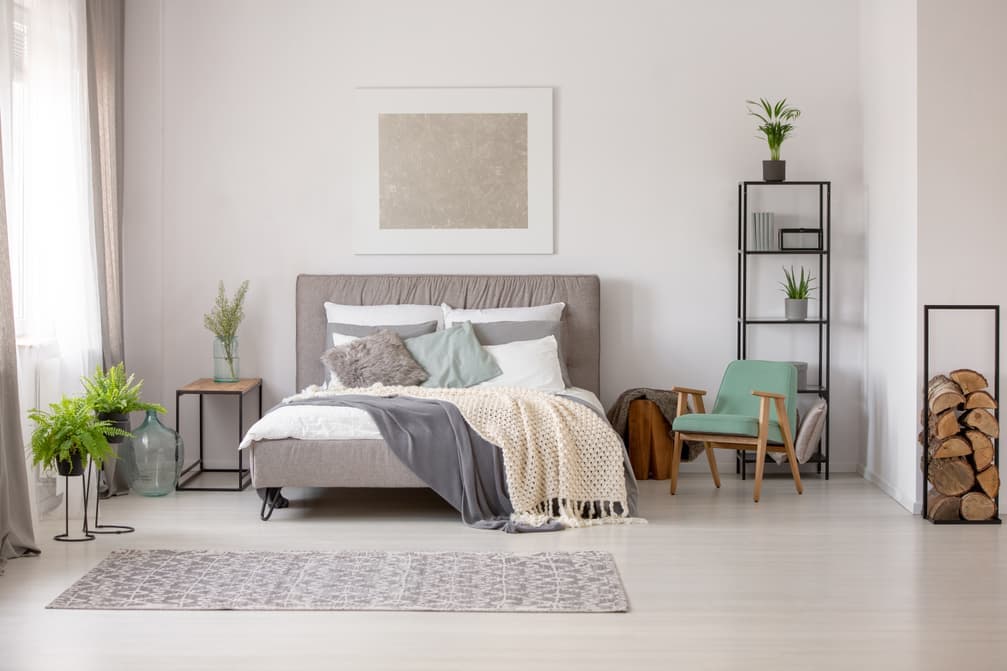
Upload Your Room Image
Start with a photo or an exported view of any room. No special gear and no cleanup required.
- 2
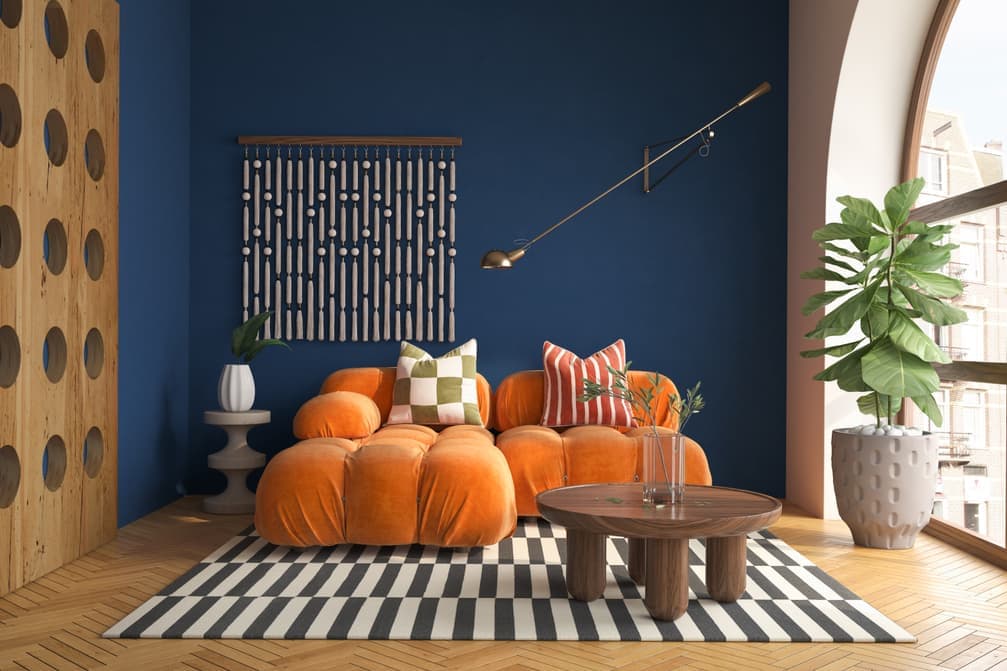
Choose a Style
Pick from 20+ interior render styles or describe the look you want in plain words.
- 3
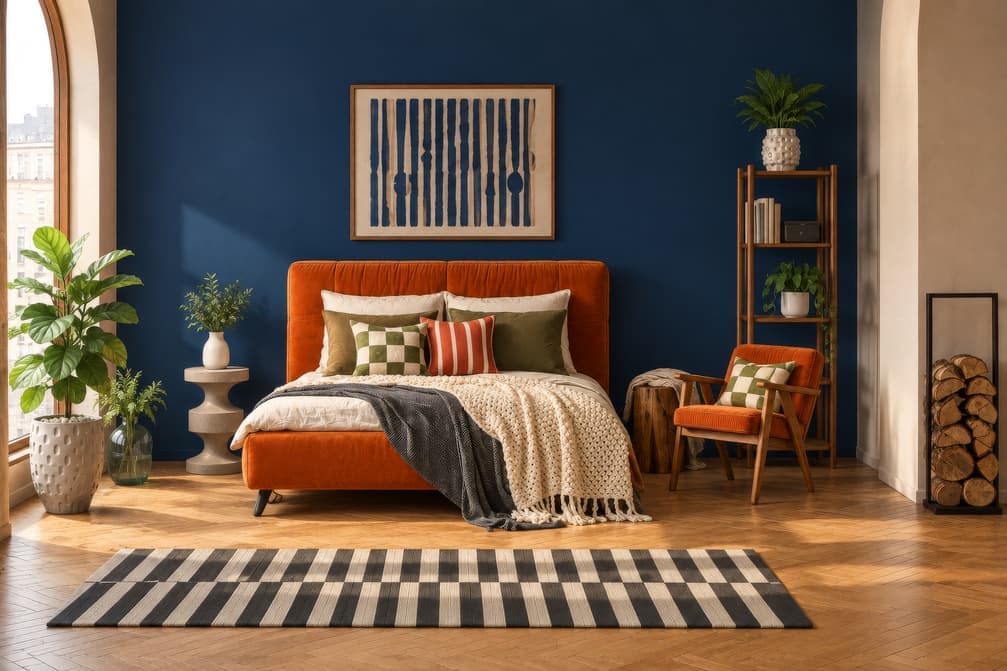
Generate Your 3D Visualization
Intker fills in materials, furniture, and lighting while holding your layout.
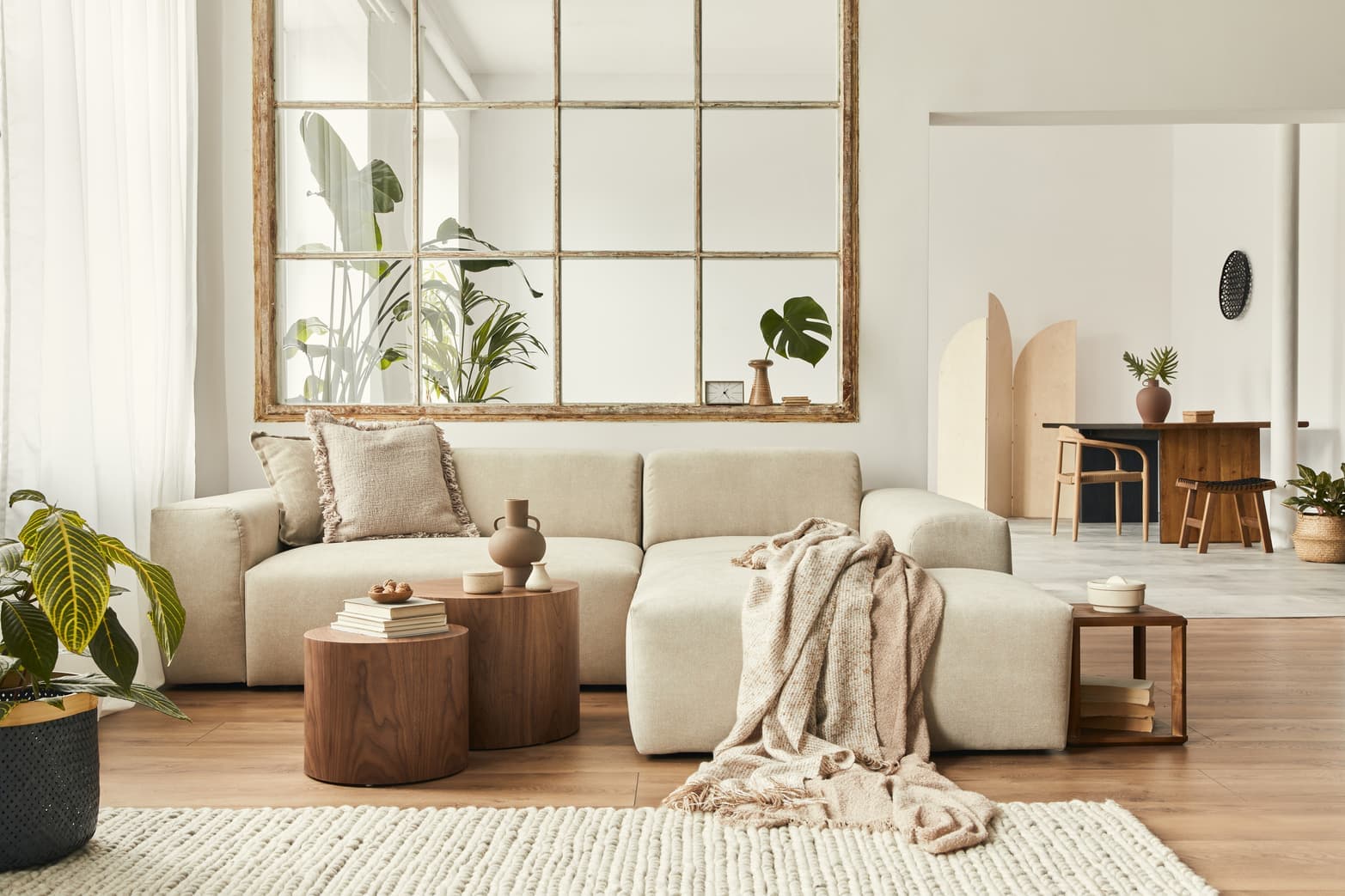
Core Rendering
Everything You Need for Interior Rendering
Take a room from rough idea to finished, client-ready visual without switching tools or handing work to a render engine.
- Photorealistic AI Rendering
- 20+ Interior Styles
- All Room Types
- Reference Image Support
- Before & After Comparison
Creative controls
Test Materials, Remove Objects, Refine Details
Swap your floor, try different sofa fabrics, remove unwanted objects, or refine your lighting, all on the same interior rendering without starting over.
- Furniture & Decor Variations
- Material & Finish Swaps
- Lighting Adjustments
- Object Removal
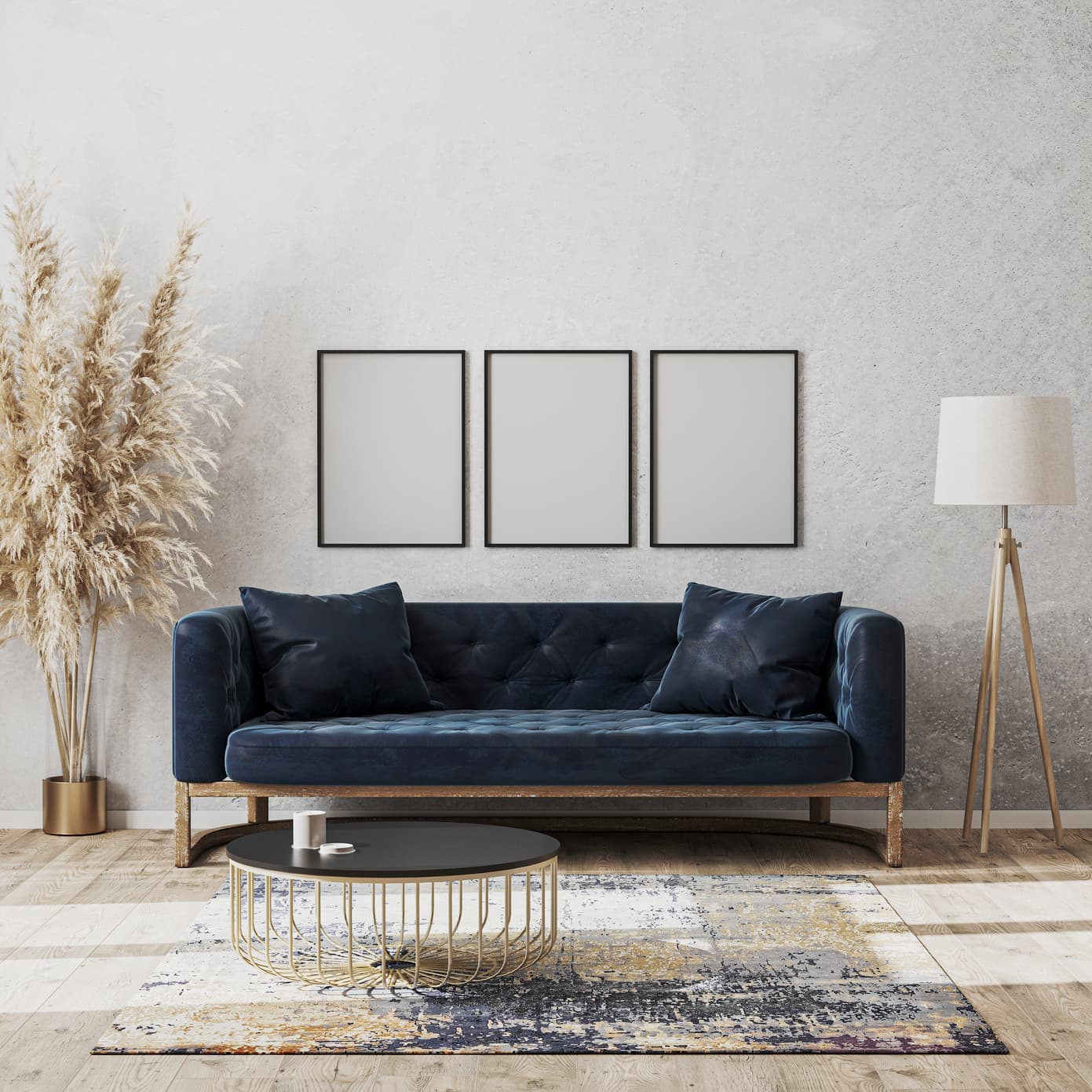
Features
AI Interior Rendering, Made Simple
Create photorealistic interior renders without complex 3D workflows, heavy software, or manual setup
Photorealistic Results
Realistic lighting, materials, and finishes, with no manual rendering.
Browser-Based Rendering
Runs fully in your browser, no installation and no GPU needed.
Works With Your Existing Designs
Start from a room photo, sketch, or exported 3D view.
True to Your Original Layout
Keeps your room's real proportions and geometry, not a loose guess.
Made for Design and Decor Teams
Present client-ready interiors without waiting on a 3D artist.
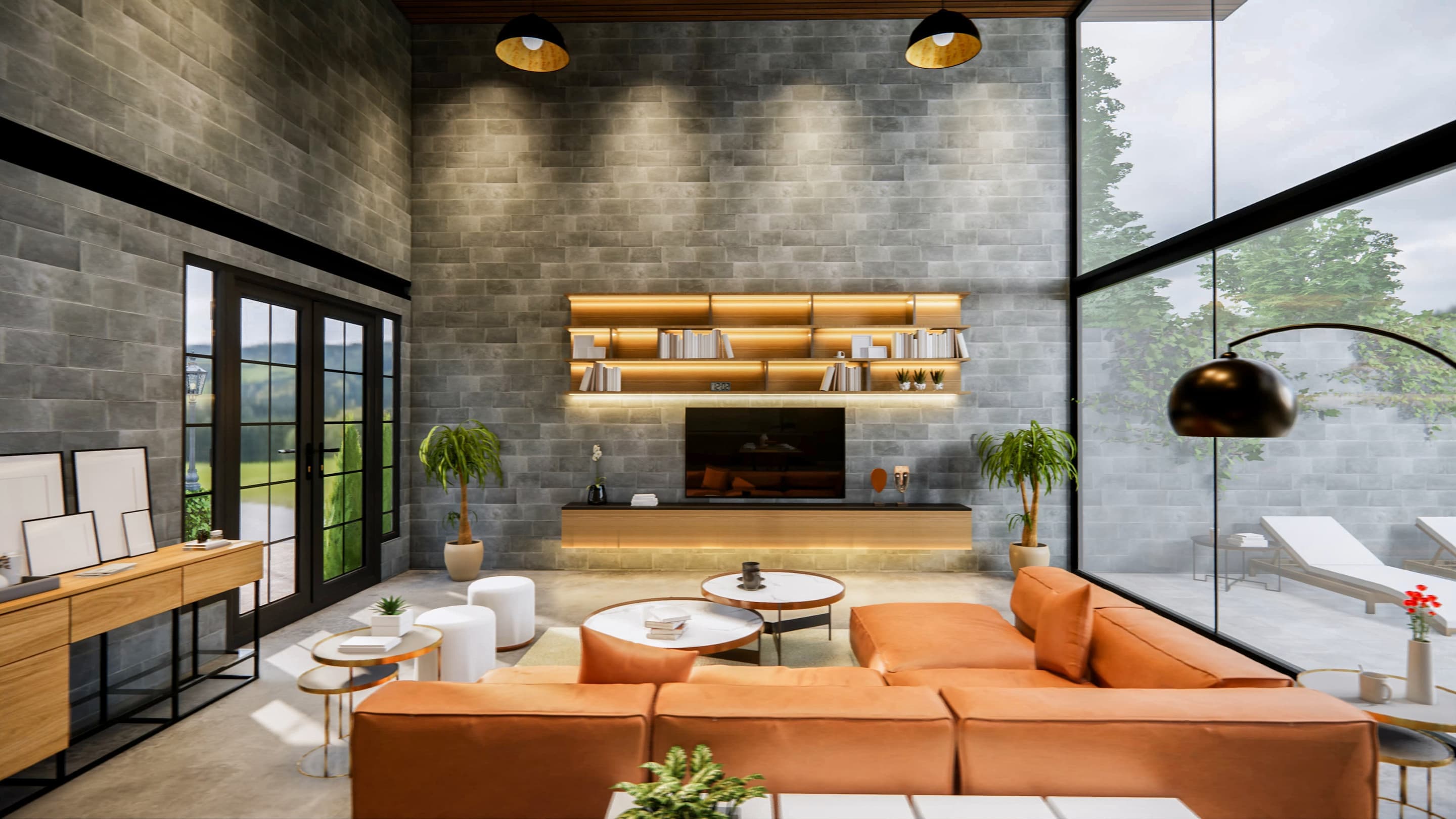
Interior renderings that bring your space to life
Create realistic interior visualizations with accurate lighting, materials, and context, all true to your original layout.
See the final result
Add motion to your interior renders
Choose a camera movement or describe the motion in your own words, and Intker creates a short 3D walkthrough animation. No animation skills and no extra software required.
Beyond the final render
A Different Way to Work with Interior Renders
Intker brings rendering, design exploration, and collaboration into one streamlined workflow.
Cloud rendering
Every interior render lives in one shared workspace your whole team can reach, with nothing to install and no files to pass around.
AI rendering
Explore multiple styles and layouts from a single upload, instead of restyling a room by hand.
Fast turnaround
Most renders are ready in about 30 seconds, with progress shown while you wait.
Depth, detail, and atmosphere
AI fills in lighting, texture, and mood that a flat photo cannot show on its own.
One organized hub
Every version of every design, searchable and stored in one place.
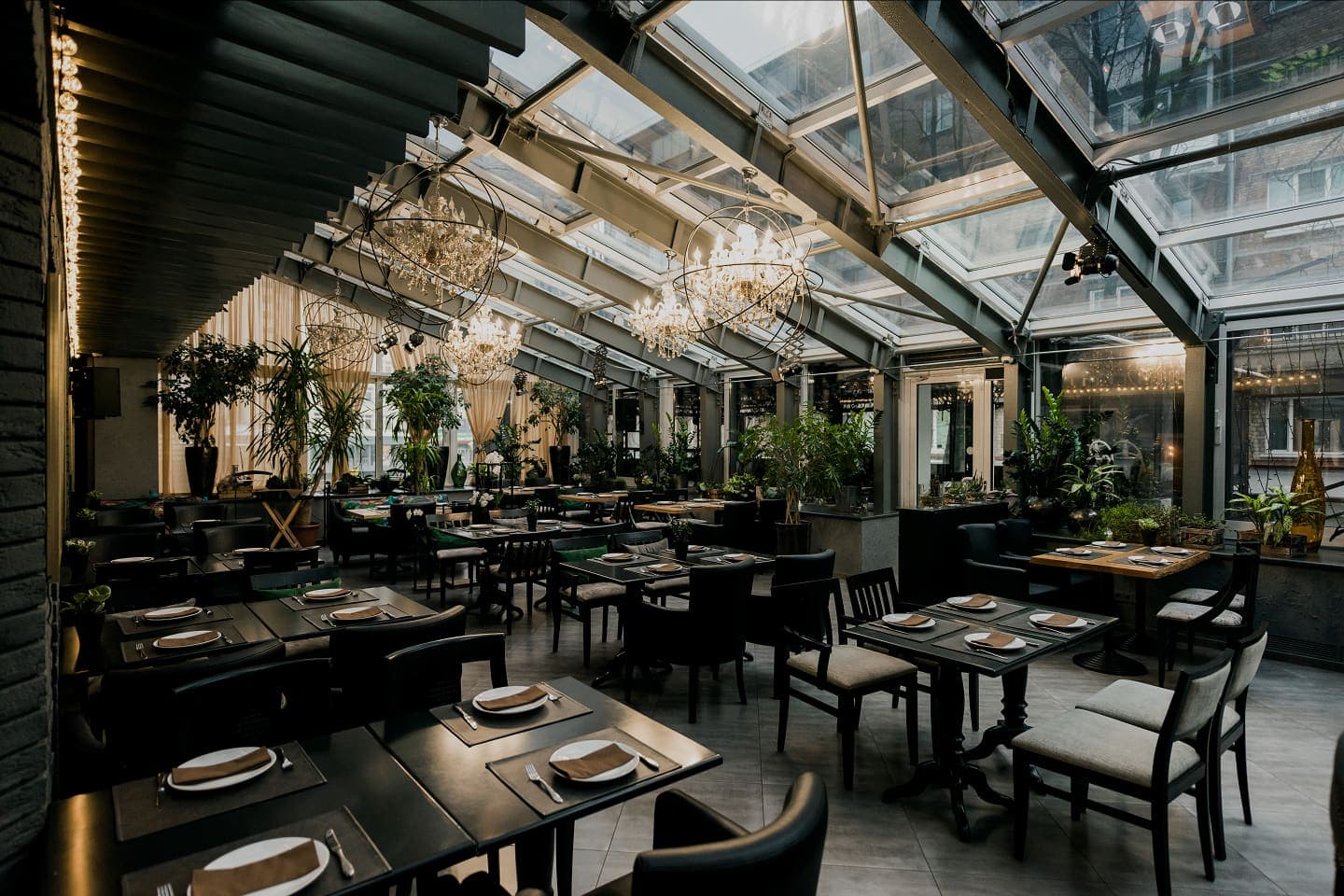
Explore More Interior Possibilities
Generate realistic interior renders, test different render styles and finishes, and find the right direction for your space.